











ALLCapture Discount - Up to 50% off
An installed screen capture solution that allows you to make and edit your own screencasts, demos, and tutorials.
Get discountCategory
Presentation Software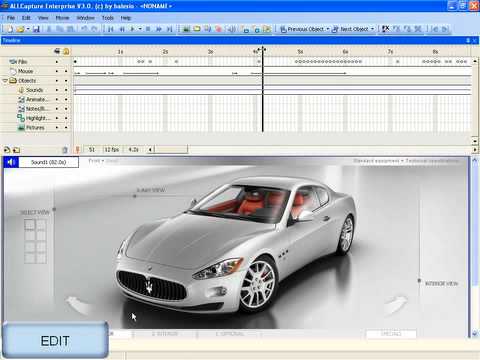
What is ALLCapture?
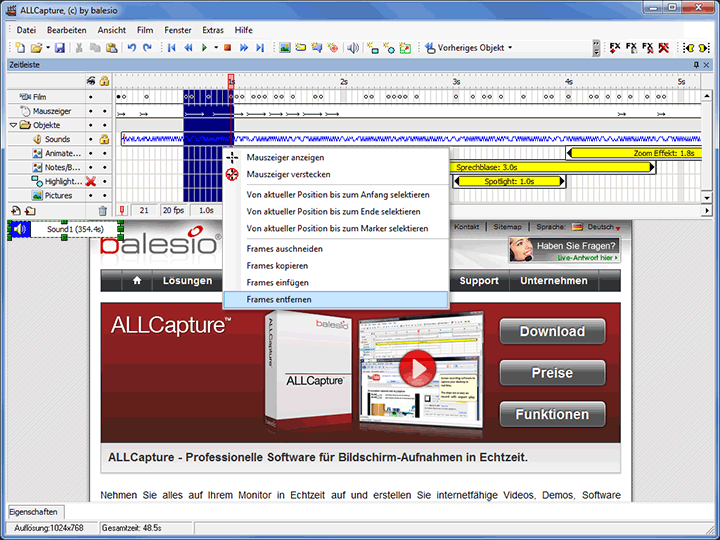
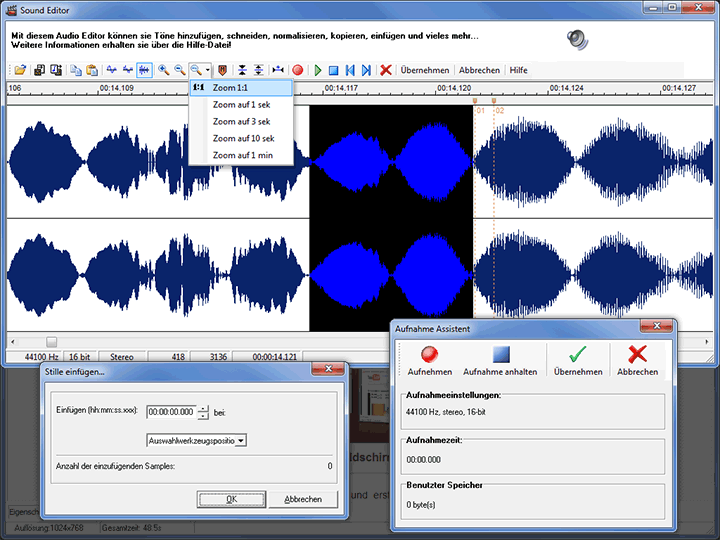
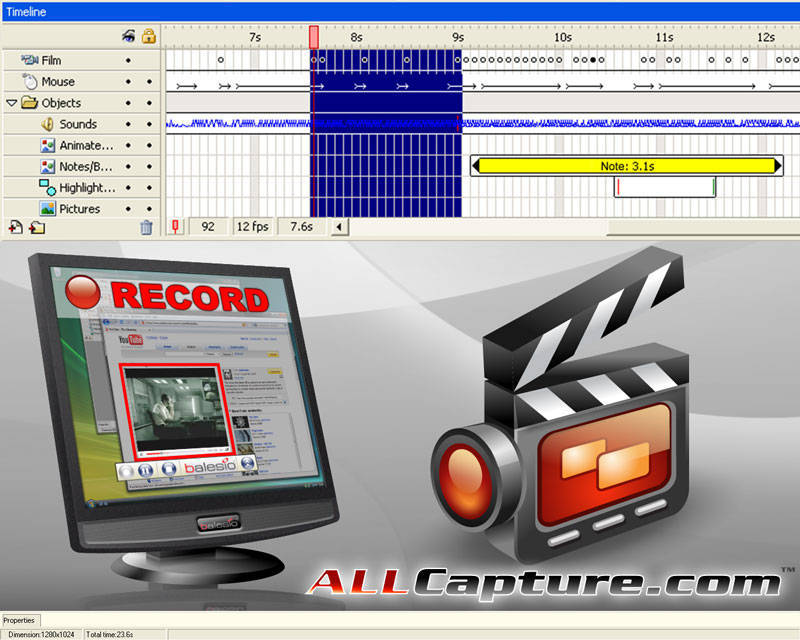
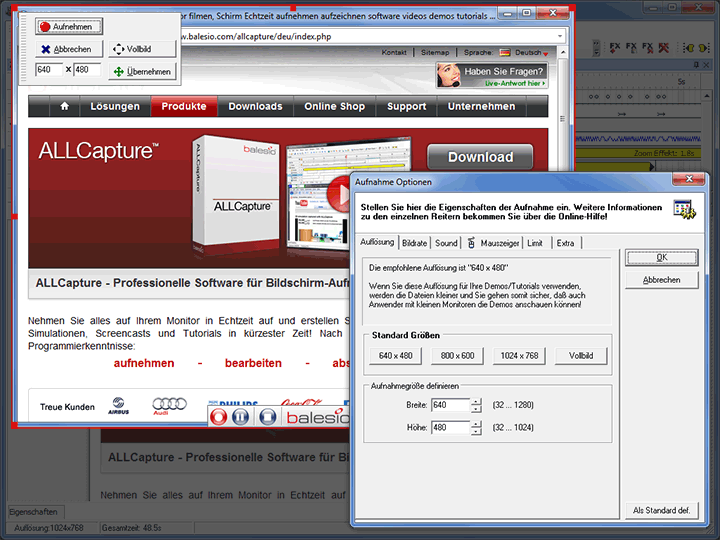
ALLCapture is a real-time screen recording software that enables users to capture on-screen activities, including webinars and CAD-3D simulations, to create screencasts, tutorials, and presentations. Key features include the ability to insert captions, notes, and special effects like elastic band and spotlight effects. Users can record audio during capture or add it afterward. The software supports multiple export formats, such as Flash, EXE, ASF, and video files suitable for DVD, VCD, and SVCD. Additionally, a PowerPoint add-in allows for automatic conversion of presentations to Flash or video formats.
- Real-time screen recording of fluent movements
- Annotations with balloons, notes, highlighting, sound
- Special effects like elastic band, spotlight
- Multiple export formats: Flash, EXE, video
- PowerPoint add-in converts presentations to video
- Easy eLearning tutorial creation with editing
Eligibility
Number of Seats/Users: ALLCapture offers discounts based on the number of users or seats. A higher volume typically leads to a better discount structure, especially for enterprise-level usage.
Commitment to a Long-Term Contract: Discounts are often provided to companies that commit to using the service for a longer period (e.g., 1-year or 3-year contracts). A longer commitment shows ALLCapture that the company is serious and willing to invest in the platform long-term.
No Active Discounts: Companies that are not already receiving other active discounts may have a better chance of qualifying for additional discounts from ALLCapture. ALLCapture reserves discounts for new customers or those not currently under promotional pricing.
Volume or Usage Commitment: ALLCapture offers discounts if you agree to a minimum amount of usage or transaction volume. This could be based on data storage, transactions, or other metrics tied to how much you will use the platform.
Enterprise-Level Negotiation: Companies that qualify as “enterprise” due to their size or complexity (e.g., having large teams, multiple departments, or geographical presence) may be eligible for additional discounts from ALLCapture. Such companies are often in a position to negotiate for better pricing.
Early Renewal or Prepayment: ALLCapture often offers discounts if you renew early or prepay for the entire contract period. This is a common approach to securing a lower price.

ALLCapture - Up to 50% off
Reviews
Here at Spendbase our internal data shows that ALLCapture performs very well for teams that need fast, clear screen recordings for training and support.
Overall sentiment
Our Spendbase clients using ALLCapture are generally very satisfied, especially small to mid-sized teams that produce:
- Product demos and walkthroughs
- “How‑to” support clips for customers
- Internal eLearning and onboarding content
- Recorded presentations and webinars
Key strengths our clients highlight
- Ease of use
- Simple to start real-time recording of any on-screen activity
-
Low learning curve for non‑technical staff
-
Strong training-focused features
- Balloons, notes, and highlighting to add context
- Sound support for voice-over explanations
-
Effects like spotlight and “elastic band” to draw attention to key areas
-
Flexible export options
- Flash, EXE, ASF/Windows Media, and video formats for DVD/VCD/SVCD
- PowerPoint add‑in that turns slide decks into video or Flash files
-
This flexibility helps teams share content through different channels without extra tools
-
Time savings & support impact
- Many Spendbase clients use it to answer recurring “how do I…?” questions with short videos instead of long emails
- Consultants and trainers especially value the ability to quickly spin up reusable tutorials
Main pain points and risks
Our internal data shows a few recurring limitations:
- Lite version constraints
- Capture time limits in the lite version can be a blocker for longer trainings
- Zoom and detail control
- Some clients would like more advanced zooming to better show small UI details
Spendbase cost-optimization insights
From a discount and optimization angle, we usually recommend:
- Avoid overpaying for separate tools
- If you already use ALLCapture for tutorials, you may not need extra recording or PPT-to-video tools
- Plan around the lite version limit
- If your team regularly creates longer trainings, upgrading a smaller number of power users to the full version can be more cost‑effective than many limited licenses
- Standardize formats
- Decide on 1–2 export formats company‑wide (e.g., MP4/ASF + EXE) to reduce rework and storage overhead
In short, our internal data shows that ALLCapture is a strong fit for teams focused on efficient knowledge sharing via screen-based tutorials, with the main caveats around advanced zooming and lite-version limits.
See how much you can save on your stack
Pick your team’s tools!
Click to select one or more tools.


What’s your company size?
Just click to select.
What’s your business email?
We'll send you calculations right away
The email is flying to your inbox!
Beyond discounts, you may qualify for up to $100K in AWS credits.

FAQ
1. Are there any current discount codes available for ALLCapture?
Yes, we occasionally offer discount codes. Please check our official website or subscribe to our newsletter for the latest promotions.
2. How can I apply an ALLCapture discount code?
Enter the discount code during checkout in the designated field to apply the discount to your purchase.
3. Do ALLCapture discounts apply to all products?
Discount applicability varies. Some codes apply to specific products or services; please refer to the promotion details for specifics.
4. Can I combine multiple discount codes on a single ALLCapture purchase?
Typically, only one discount code can be applied per purchase. Please review the terms of each promotion for details.
5. Are there any student discounts available for ALLCapture?
We offer special discounts for students. Please provide valid student identification to qualify for these offers.
6. How often does ALLCapture offer promotional discounts?
Promotional discounts are offered periodically. Stay updated by subscribing to our newsletter or following our social media channels.
7. Do ALLCapture discounts have expiration dates?
Yes, all promotional discounts have expiration dates. Please check the specific terms and conditions for each offer.
8. Is there a free trial available for ALLCapture?
Yes, we offer a 15-day free trial for new users to experience the full features of ALLCapture.
Related discounts

Seidat
Presentation Software
Up to 50% off

Hypersay
Presentation Software
Up to 50% off

NuVue
Presentation Software
Up to 20% off

Animaker
Presentation Software
Up to 15% off

Academic Presenter
Presentation Software
Up to 40% off

Pitch Deck
Presentation Software
Up to 35% off
Software cost optimization
ALLCapture savings in five steps
Let’s estimate your potential savings and see how you can scale your cloud infrastructure.
One call. No cost. No commitments


meet vendor relationship EXPERTS
Our customers save millions with us



Save on ALLCapture
It’s time to shrink your bill
Let our SaaS cost optimization experts check what deals you can get and how much you can save on your corporate subscriptions
See how you can:
- Learn about pricing benchmarks and discounts
- Present potential savings by vendor to your team
- Meet your SaaS and cloud cost optimization goals
Get ALLCapture discount
We’ll email you back within 1 business day