











Microsoft Defender for Office 365 Discount - Up to 45% off
Microsoft Defender for Office 365 protects all of Office 365 against advanced threats.
Get discountCategory
Email Security Software

What is Microsoft Defender for Office 365?
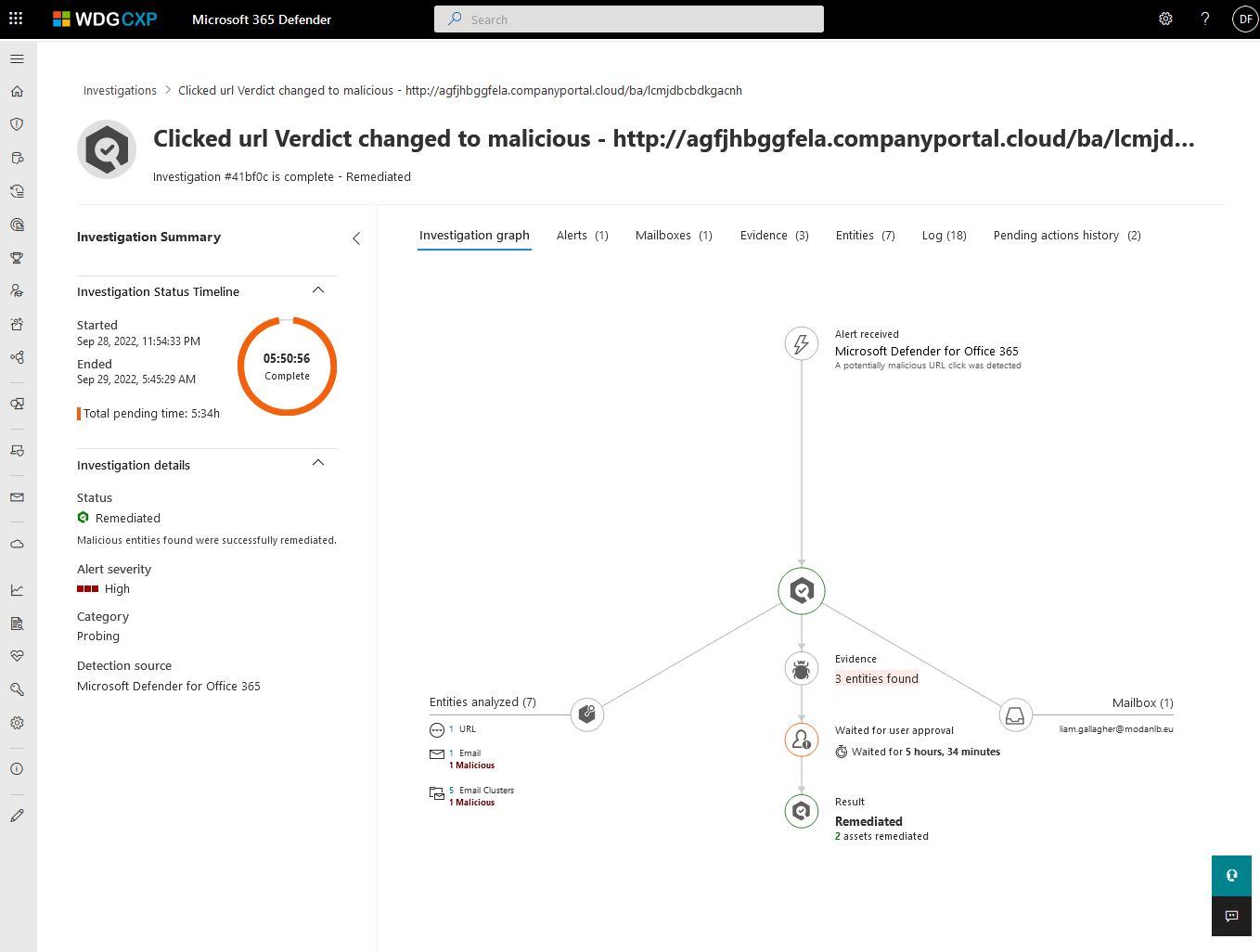
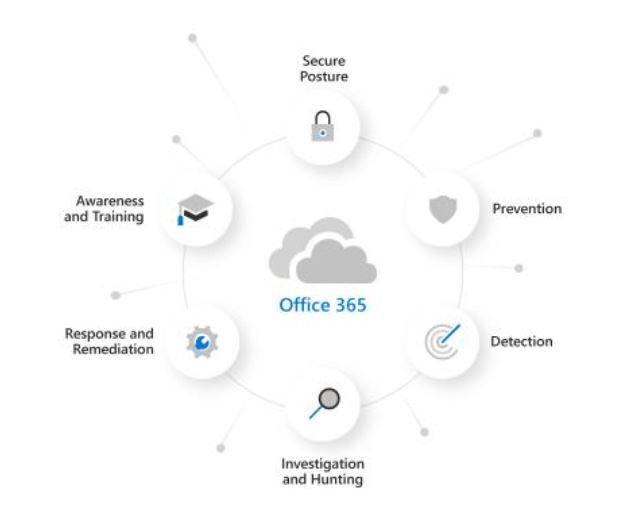
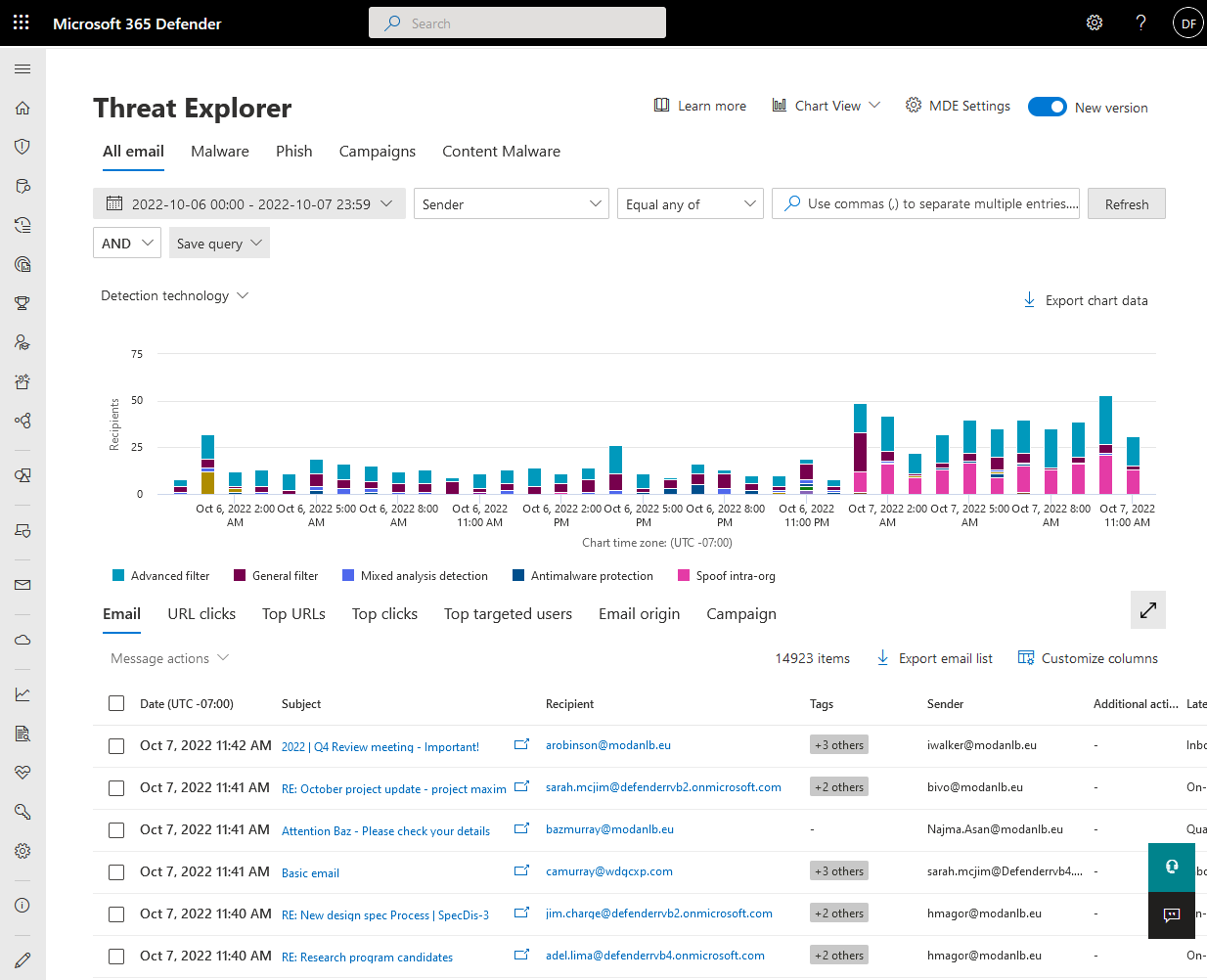
Microsoft Defender for Office 365 is a security solution designed to protect organizations from advanced threats targeting email and collaboration tools. It offers comprehensive protection against phishing, malware, and business email compromise across platforms like Exchange Online, Microsoft Teams, SharePoint, and OneDrive. Key features include Safe Attachments and Safe Links, which scan and block malicious content in emails and files; anti-phishing policies that detect and mitigate phishing attempts; real-time reporting for monitoring threats; and attack simulation training to educate users on recognizing and avoiding cyber threats. Additionally, it provides AI-powered sentiment analysis to enhance detection capabilities and automated investigation and response to swiftly address security incidents.
- Native, built-in protection across Office 365
- Advanced anti-phishing, anti-malware, spam protection features
- AI-driven automatic threat detection and remediation
- Real-time protection for email, files, collaboration
- Centralized, granular management, reporting, and policies
- Included with many Office 365 subscriptions
Eligibility
Number of Seats/Users: Microsoft Defender for Office 365 offers discounts based on the number of users or seats. A higher volume typically leads to a better discount structure, especially for enterprise-level usage.
Commitment to a Long-Term Contract: Discounts are often provided to companies that commit to using the service for a longer period (e.g., 1-year or 3-year contracts). A longer commitment shows Microsoft Defender for Office 365 that the company is serious and willing to invest in the platform long-term.
No Active Discounts: Companies that are not already receiving other active discounts may have a better chance of qualifying for additional discounts from Microsoft Defender for Office 365. Microsoft Defender for Office 365 reserves discounts for new customers or those not currently under promotional pricing.
Volume or Usage Commitment: Microsoft Defender for Office 365 offers discounts if you agree to a minimum amount of usage or transaction volume. This could be based on data storage, transactions, or other metrics tied to how much you will use the platform.
Enterprise-Level Negotiation: Companies that qualify as “enterprise” due to their size or complexity (e.g., having large teams, multiple departments, or geographical presence) may be eligible for additional discounts from Microsoft Defender for Office 365. Such companies are often in a position to negotiate for better pricing.
Early Renewal or Prepayment: Microsoft Defender for Office 365 often offers discounts if you renew early or prepay for the entire contract period. This is a common approach to securing a lower price.

Microsoft Defender for Office 365 - Up to 45% off
Reviews
Here at Spendbase our internal data shows that Microsoft Defender for Office 365 is seen by most Spendbase clients as a strong, cost‑effective security layer, especially for organizations already standardized on Microsoft 365.
Overall sentiment and fit
– Most Spendbase clients rate protection and value very highly.
– It’s described as a “workhorse” and “indispensable” for both SMB and enterprise environments.
– Best fit: companies already paying for Microsoft 365 that want integrated email and collaboration security without stacking lots of extra tools.
Key strengths our clients highlight
– Cost & licensing:
– Often “free” or already included with existing Microsoft plans, reducing the need for separate AV / email security tools.
– Considered affordable for the feature set and scalable from small to large companies.
– Security coverage:
– Strong anti‑phishing, anti‑spam, malware and basic ransomware protection.
– Protects email, OneDrive, Teams, and broader Office 365 activity.
– Good auto‑quarantine and safe‑download features.
– Integration & usability:
– Deeply integrated with Windows and O365; centralized management is a big plus.
– Runs mostly in the background with minimal user interaction.
– Granular configuration for those who need fine‑tuned policies.
Common pain points and “hidden costs”
Our internal data also shows several recurring issues:
– Learning curve:
– Admin portals and advanced rules are perceived as complex.
– Documentation is considered dense and not always aligned to real‑world scenarios.
– Support:
– Slow or hard‑to-reach human support is mentioned frequently.
– Over‑blocking and control:
– Occasional false positives (mailing lists, game/program files, useful attachments).
– Some clients feel it’s not sufficient on its own for very high‑end or targeted attacks.
– Limited or confusing control over update behavior.
– User friction:
– Multi‑device logins can be time‑consuming.
– In a few cases, scans impact endpoint performance.
Spendbase discount & procurement takeaways
– Many clients can safely consolidate point solutions into Defender for O365 and save on redundant email security or AV licenses.
– It’s wise to budget a bit for onboarding and admin training to offset the complexity.
– For high‑risk environments, clients often pair Defender with a specialized tool; we usually flag this early so budgets are realistic.
– License optimization around existing Microsoft 365 tiers is where we see some of the biggest savings opportunities.
See how much you can save on your stack
Pick your team’s tools!
Click to select one or more tools.


What’s your company size?
Just click to select.
What’s your business email?
We'll send you calculations right away
The email is flying to your inbox!
Beyond discounts, you may qualify for up to $100K in AWS credits.

FAQ
1. Are there discounts available for Microsoft Defender for Office 365?
Yes, we offer discounts for Microsoft Defender for Office 365, including special pricing for non-profits and educational institutions.
2. How can non-profit organizations access discounted pricing?
Non-profits can access discounted pricing by verifying their status and purchasing through our platform, ensuring significant savings.
3. Is there a minimum purchase requirement to qualify for discounts?
Yes, a minimum purchase of 5 licenses is required to qualify for certain discounts, such as the 3% savings with the 3SAVINGS promo code.
4. Do you offer discounts for educational institutions?
Yes, educational institutions can benefit from discounted pricing on Microsoft Defender for Office 365, tailored to their specific needs.
5. Are there any promotional codes available for additional savings?
Yes, promotional codes like DEFENDER25 offer 25% off Microsoft Defender for Business, valid until February 28, 2025.
6. Can I switch to annual billing to save more?
Yes, switching to annual billing can provide up to 20% savings on your Microsoft licensing costs.
7. Are there discounts for bulk purchases?
Yes, bulk purchases of 10 or more licenses can receive additional discounts, reducing the per-license cost.
8. How do I verify my organization's eligibility for discounts?
To verify eligibility, provide documentation of your organization's status during the purchasing process to access applicable discounts.
Related discounts

McAfee Security for Email Servers
Email Security Software
Up to 20% off

StrongestLayer
Email Security Software
Up to 25% off

Data Krypter
Email Security Software
Up to 35% off

EasyDMARC
Email Security Software
Up to 50% off

Surgemail
Email Security Software
Up to 45% off

EveryCloud Antispam
Email Security Software
Up to 30% off
Software cost optimization
Microsoft Defender for Office 365 savings in five steps
Let’s estimate your potential savings and see how you can scale your cloud infrastructure.
One call. No cost. No commitments


meet vendor relationship EXPERTS
Our customers save millions with us



Save on Microsoft Defender for Office 365
It’s time to shrink your bill
Let our SaaS cost optimization experts check what deals you can get and how much you can save on your corporate subscriptions
See how you can:
- Learn about pricing benchmarks and discounts
- Present potential savings by vendor to your team
- Meet your SaaS and cloud cost optimization goals
Get Microsoft Defender for Office 365 discount
We’ll email you back within 1 business day