











WPS Office Discount - Up to 40% off
A free office suite with writer, spreadsheets, and presentation applications.
Get discountCategory
Productivity Software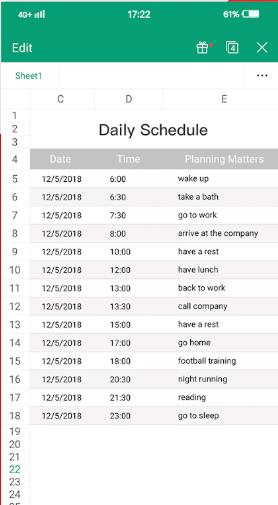

What is WPS Office?
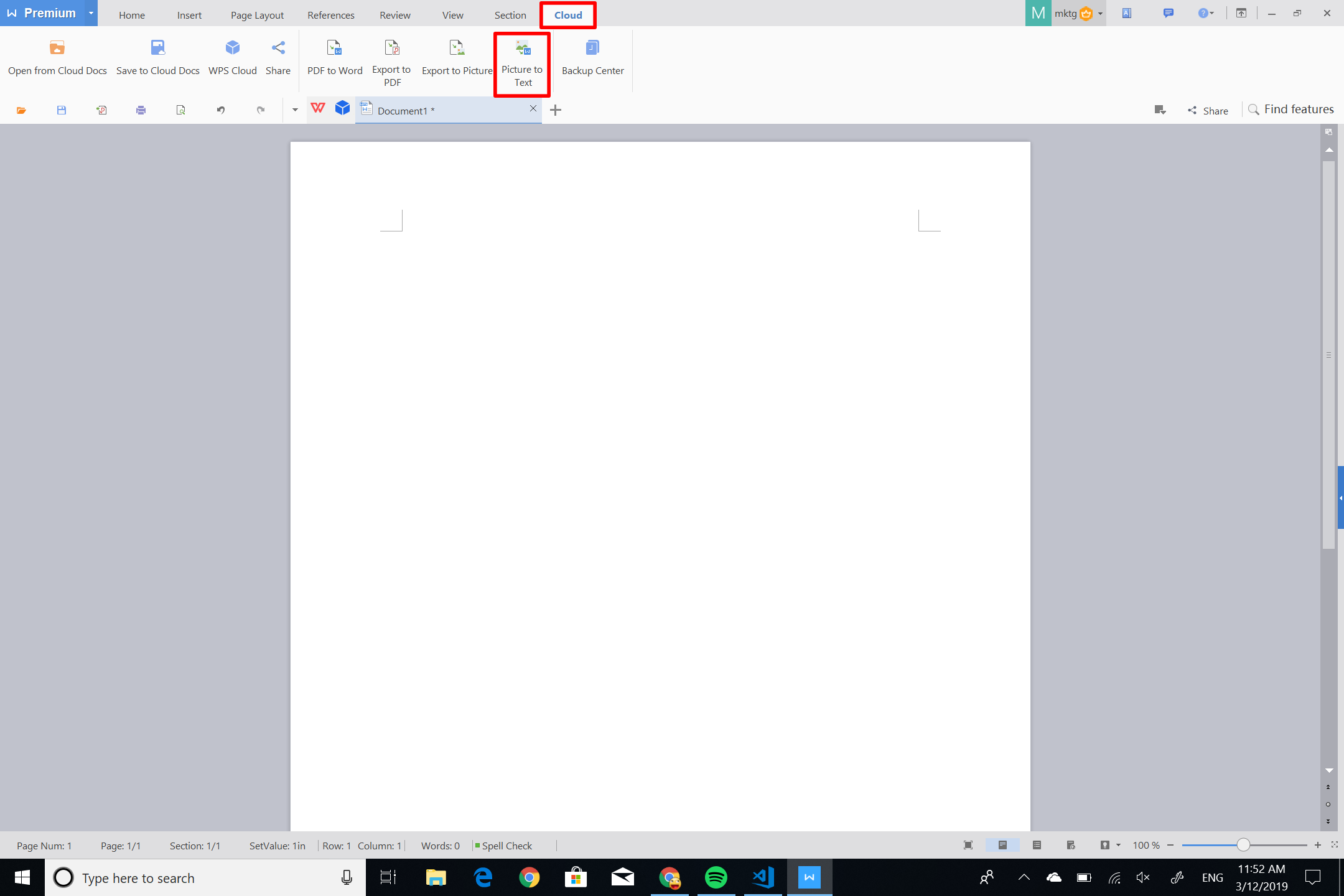
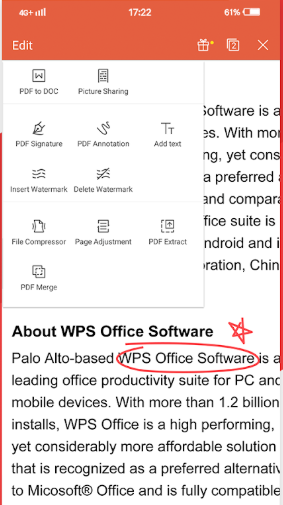
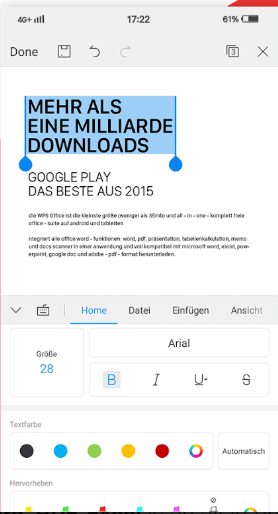
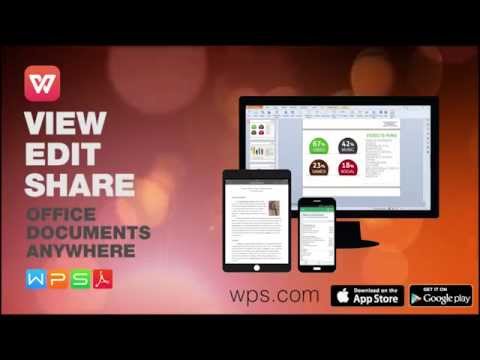
WPS Office is a comprehensive office suite developed by Kingsoft, offering Writer, Presentation, and Spreadsheets applications. It ensures full compatibility with Microsoft Office formats, including DOCX, XLSX, and PPTX, and supports PDF editing. Key features include a document processor for drafting and sharing, a spreadsheet tool for data analysis with visualization options, and a presentation builder for creating engaging slideshows. The suite also offers AI-powered content processing, a multilingual interface supporting 13 languages on PC and 46 on mobile, and cross-platform synchronization across Windows, macOS, Linux, Android, and iOS devices. Additionally, WPS Office provides 1GB of free cloud storage and access to a vast library of professional templates.
- Highly compatible with Microsoft Office formats
- Writer, Spreadsheets, Presentation, integrated PDF tools
- Lightweight, fast performance on low-spec devices
- Cross-platform: Windows, macOS, Android, iOS
- Cloud storage with automatic document backup
- Familiar, user-friendly interface with tabbed multitasking
Eligibility
Number of Seats/Users: WPS Office offers discounts based on the number of users or seats. A higher volume typically leads to a better discount structure, especially for enterprise-level usage.
Commitment to a Long-Term Contract: Discounts are often provided to companies that commit to using the service for a longer period (e.g., 1-year or 3-year contracts). A longer commitment shows WPS Office that the company is serious and willing to invest in the platform long-term.
No Active Discounts: Companies that are not already receiving other active discounts may have a better chance of qualifying for additional discounts from WPS Office. WPS Office reserves discounts for new customers or those not currently under promotional pricing.
Volume or Usage Commitment: WPS Office offers discounts if you agree to a minimum amount of usage or transaction volume. This could be based on data storage, transactions, or other metrics tied to how much you will use the platform.
Enterprise-Level Negotiation: Companies that qualify as “enterprise” due to their size or complexity (e.g., having large teams, multiple departments, or geographical presence) may be eligible for additional discounts from WPS Office. Such companies are often in a position to negotiate for better pricing.
Early Renewal or Prepayment: WPS Office often offers discounts if you renew early or prepay for the entire contract period. This is a common approach to securing a lower price.

WPS Office - Up to 40% off
Reviews
Here at Spendbase, our internal data shows that WPS Office is seen as a strong, budget‑friendly alternative to Microsoft Office, especially for everyday work and study.
Key positives our Spendbase clients highlight:
- Cost and value
- Free tier covers most basic needs (writing, spreadsheets, presentations).
-
Paid plans are often described as cheaper than Microsoft Office for similar core functionality.
-
Ease of use
- Interface feels familiar to anyone used to traditional office suites.
- Simple to navigate on both desktop and mobile.
-
Fast performance, even on lower‑spec devices.
-
Compatibility and versatility
- Opens and edits Word, Excel, and PowerPoint files with good formatting retention.
- Built‑in PDF tools (viewing, basic editing, conversion) are a big plus.
-
Works across Windows, Android, iOS, and macOS, with cloud backup and mobile access.
-
Productivity helpers
- Tabbed interface for multiple documents.
- Auto‑backup and cloud storage prevent data loss.
- Some clients like translation, file transfer between PC and mobile, and basic AI/spell‑check capabilities.
However, our internal data also surfaces recurring pain points:
- Free vs paid friction
- Ads in the free version are called out as intrusive and sometimes performance‑impacting.
- Many PDF and advanced features are locked behind the paywall.
-
Some basic functions feel “artificially limited” in free mode.
-
Feature gaps vs enterprise‑grade suites
- Lacks some advanced formatting and complex spreadsheet tools found in Microsoft Office or Google Workspace.
- Collaboration tools like real‑time co‑authoring are limited or missing.
-
On mobile, some functions lag behind the desktop experience.
-
Cloud and reliability concerns
- Cloud storage is often seen as limited (around 1 GB in many cases).
-
A few Spendbase clients mention crashes or aggressive document validation for business use.
-
Support and usability quirks
- At least one client reports a lack of effective technical support.
- Template management and document discovery can be unintuitive at first.
From a discount and spend‑optimization angle, our data suggests:
– Light users and students get strong value on the free plan despite ads.
– Power users who work with PDFs or complex documents usually justify an upgrade, but benefit most when we negotiate volume discounts or bundle WPS with other productivity tools.
See how much you can save on your stack
Pick your team’s tools!
Click to select one or more tools.


What’s your company size?
Just click to select.
What’s your business email?
We'll send you calculations right away
The email is flying to your inbox!
Beyond discounts, you may qualify for up to $100K in AWS credits.

FAQ
1. Are there any discounts available for WPS Office?
Yes, we offer various discounts for WPS Office. Please check our official website for current promotions.
2. Do students get a discount on WPS Office?
Yes, students are eligible for special discounts. Verify your student status to access these offers.
3. Is there a free version of WPS Office?
Yes, WPS Office offers a free version with essential features. Premium features are available in the paid version.
4. How can I apply a discount code to my WPS Office purchase?
Enter your discount code during checkout to apply the discount to your purchase.
5. Are there any seasonal promotions for WPS Office?
Yes, we offer seasonal promotions. Stay updated by subscribing to our newsletter or visiting our website.
6. Can I get a discount for bulk purchases of WPS Office licenses?
Yes, we offer discounts for bulk purchases. Contact our sales team for more information.
7. Do non-profit organizations qualify for WPS Office discounts?
Yes, non-profit organizations may qualify for discounts. Please contact us with your organization's details.
8. Is there a trial period for WPS Office before purchasing?
Yes, we offer a free trial period for WPS Office. Download it from our official website to explore premium features.
Related discounts

Con Cubo
Productivity Software
Up to 45% off

Project
Productivity Software
Up to 45% off

Timestripe
Productivity Software
Up to 25% off
Software cost optimization
WPS Office savings in five steps
Let’s estimate your potential savings and see how you can scale your cloud infrastructure.
One call. No cost. No commitments


meet vendor relationship EXPERTS
Our customers save millions with us



Save on WPS Office
It’s time to shrink your bill
Let our SaaS cost optimization experts check what deals you can get and how much you can save on your corporate subscriptions
See how you can:
- Learn about pricing benchmarks and discounts
- Present potential savings by vendor to your team
- Meet your SaaS and cloud cost optimization goals
Get WPS Office discount
We’ll email you back within 1 business day