











Adobe Photoshop Discount - Up to 45% off
Image editing tool that helps businesses edit and enhance photos, create digital drawings & store files in a centralized repository.
Get discountCategory
Photo Editing Software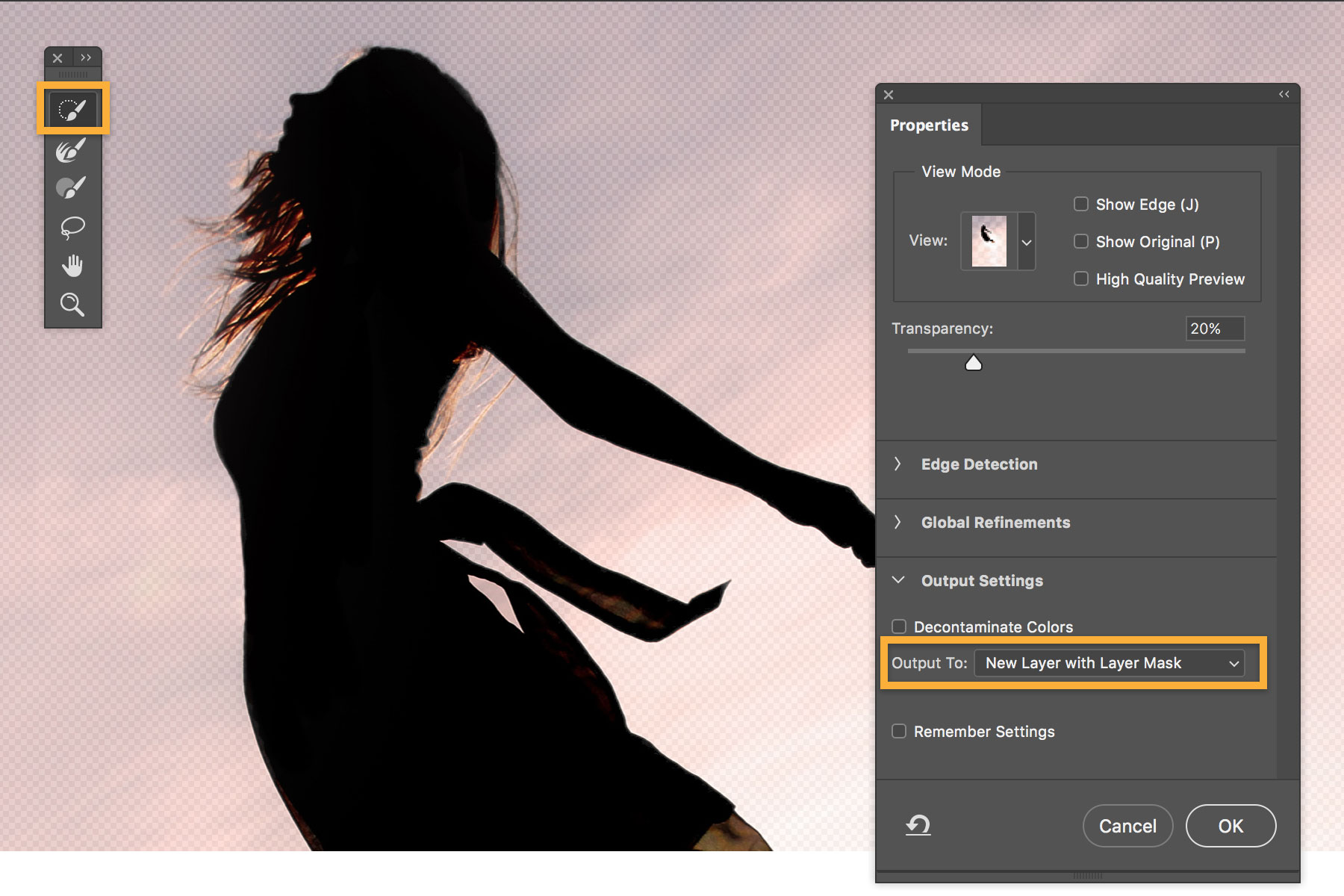

What is Adobe Photoshop?
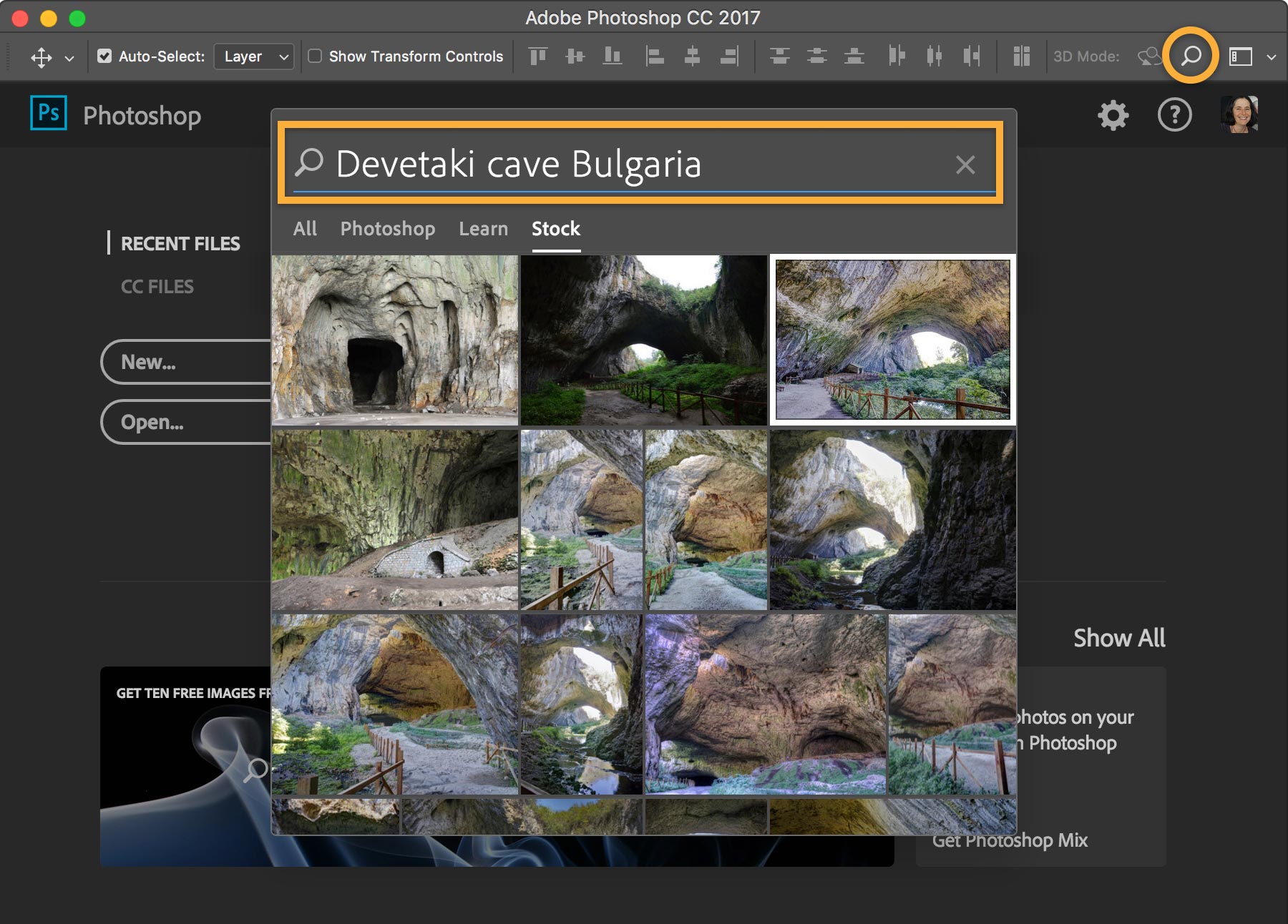
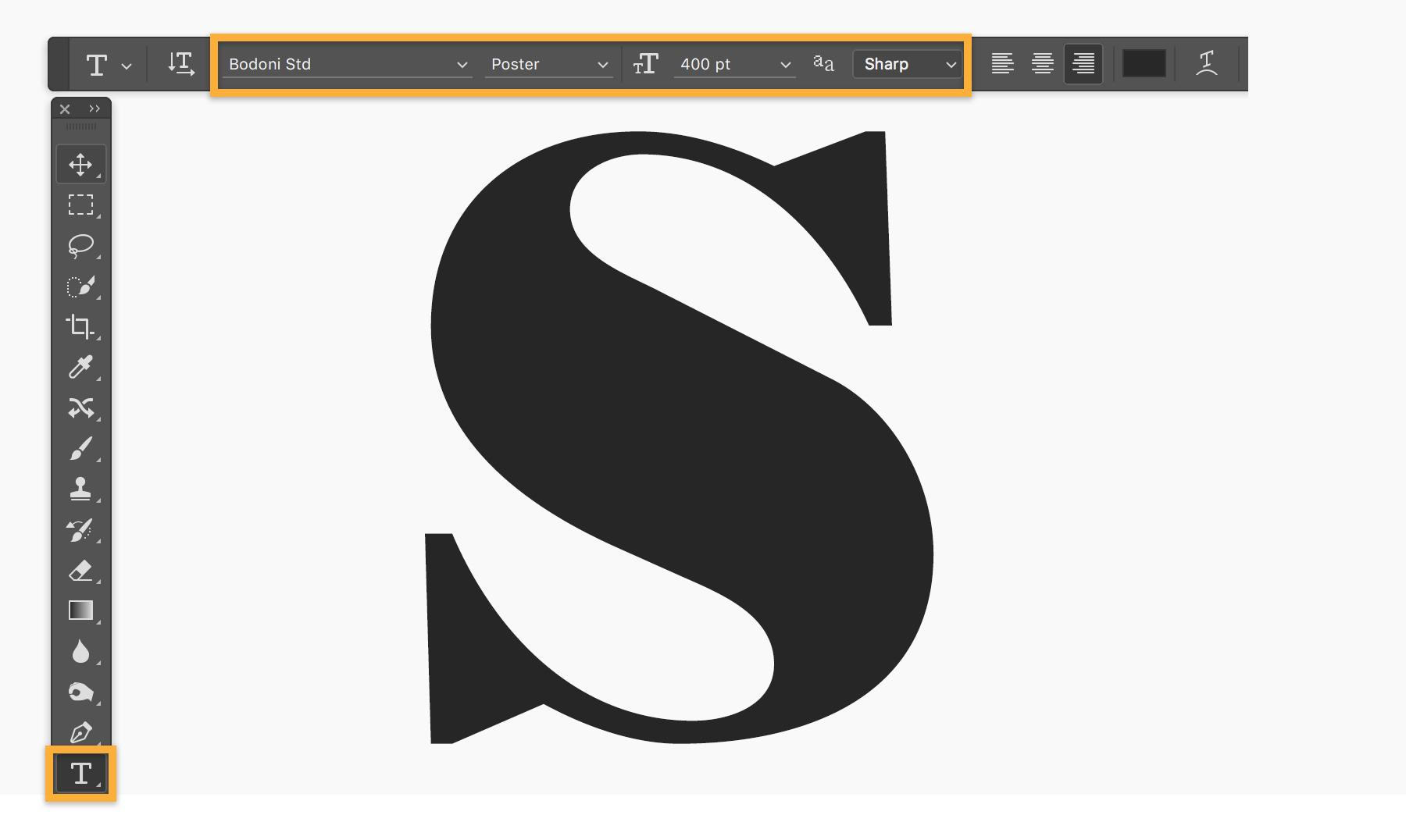
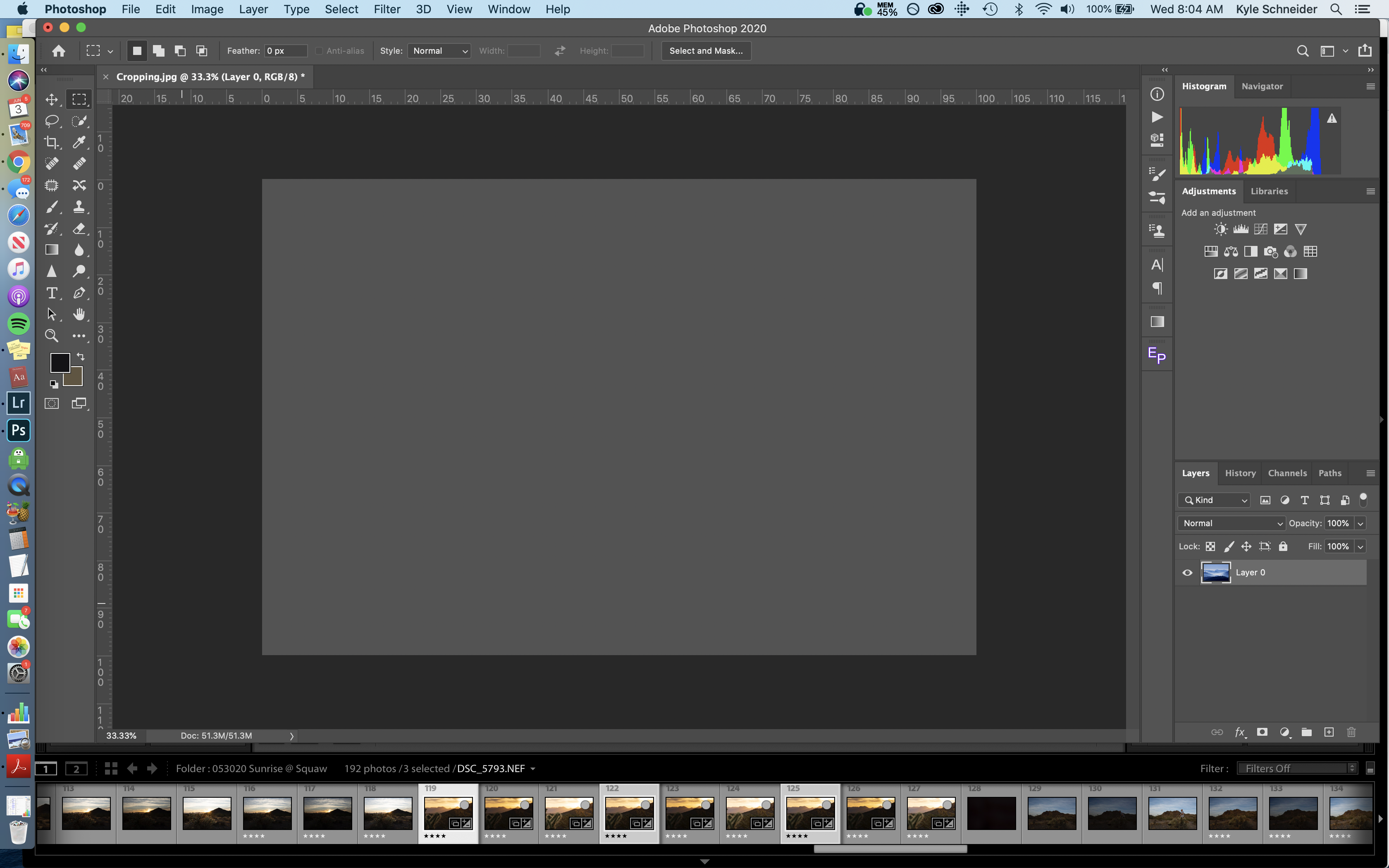
Adobe Photoshop is a cloud-based image editing solution that enables users to create and enhance graphic designs, illustrations, animations, and digital paintings. Its main features include a comprehensive image editing toolkit, real-time editing capabilities, drag-and-drop functionality, and support for custom fonts. These tools allow for precise adjustments and creative control, making Photoshop essential for both professionals and beginners in the creative industry.
- Advanced photo retouching and manipulation tools
- Versatile design capabilities: logos, marketing materials
- Generative AI for content creation, enhancement
- Layer-based editing with detailed control
- Adobe Camera Raw for professional adjustments
- Seamless integration with broader Adobe ecosystem
Eligibility
Number of Seats/Users: Adobe Photoshop offers discounts based on the number of users or seats. A higher volume typically leads to a better discount structure, especially for enterprise-level usage.
Commitment to a Long-Term Contract: Discounts are often provided to companies that commit to using the service for a longer period (e.g., 1-year or 3-year contracts). A longer commitment shows Adobe Photoshop that the company is serious and willing to invest in the platform long-term.
No Active Discounts: Companies that are not already receiving other active discounts may have a better chance of qualifying for additional discounts from Adobe Photoshop. Adobe Photoshop reserves discounts for new customers or those not currently under promotional pricing.
Volume or Usage Commitment: Adobe Photoshop offers discounts if you agree to a minimum amount of usage or transaction volume. This could be based on data storage, transactions, or other metrics tied to how much you will use the platform.
Enterprise-Level Negotiation: Companies that qualify as “enterprise” due to their size or complexity (e.g., having large teams, multiple departments, or geographical presence) may be eligible for additional discounts from Adobe Photoshop. Such companies are often in a position to negotiate for better pricing.
Early Renewal or Prepayment: Adobe Photoshop often offers discounts if you renew early or prepay for the entire contract period. This is a common approach to securing a lower price.

Adobe Photoshop - Up to 45% off
Reviews
Here at Spendbase our internal data shows that Adobe Photoshop is seen as a “must‑have but not always cheap” tool across many of our clients.
Overall sentiment is very positive: almost all Spendbase clients rate it 4–5 stars, but they also highlight some clear cost and usability trade‑offs.
What Spendbase clients love most
– Power & versatility
– Industry standard for photo editing, digital art, and graphic design
– Can handle logos, social media creatives, marketing materials, large‑format prints, and even some video work
– Deep control with layers, masks, Camera Raw, retouching tools, and precise adjustments
- AI and innovation
- Generative AI, generative expand, and modern retouching are called “game changers”
-
Frequent updates keep it aligned with new tech and workflows
-
Workflow & ecosystem
- Strong integration with the rest of the Adobe suite
- Customizable workspaces for different tasks (photography, web, textile, print, etc.)
- History panel and non‑destructive workflows help productivity
Key friction points our data highlights
– Steep learning curve
– Many Spendbase clients say it takes months to feel confident
– Power features often stay unused; people feel they use “about 20%” of the product
– Pricing & licensing model
– Subscription is seen as expensive for casual or part‑time use
– Not practical for “average” users who don’t work with it daily
– Concerns around re‑activating after hardware failures and needing support
– Usability & performance
– Interface feels dated to some
– Can be slow with large RAW files or after updates
– Some tools and zoom/AI credit systems are not very intuitive
How we translate this into savings guidance
Our internal benchmark shows three main optimization levers for Photoshop spend:
– Right‑sizing plan tiers to actual usage (especially where AI and advanced tools are barely used)
– Reducing “nice‑to‑have” seats for non‑daily users and shifting them to lighter tools where possible
– Consolidating Adobe contracts and renewal dates to negotiate better unit pricing and support terms
In short, Spendbase clients see Photoshop as best‑in‑class and hard to replace, but they often overpay relative to real usage. That’s exactly where we step in to trim licenses, match features to roles, and push down the effective cost per active creative user.
See how much you can save on your stack
Pick your team’s tools!
Click to select one or more tools.


What’s your company size?
Just click to select.
What’s your business email?
We'll send you calculations right away
The email is flying to your inbox!
Beyond discounts, you may qualify for up to $100K in AWS credits.

FAQ
1. Are there any current discounts available for Adobe Photoshop?
Yes, we offer up to 50% off on Creative Cloud Pro, including Photoshop, for new subscribers.
2. Do students and teachers receive special pricing for Adobe Photoshop?
Absolutely, eligible students and teachers can save over 71% on Creative Cloud Pro, which includes Photoshop.
3. Is there a free trial available for Adobe Photoshop?
Yes, we provide a 7-day free trial for Adobe Photoshop and other Creative Cloud apps.
4. Can I purchase Adobe Photoshop as a standalone application?
Yes, Photoshop is available as a single app plan, starting at $15.99 per month.
5. Are there any discounts for businesses or teams?
Yes, Creative Cloud Pro for teams is available at $99.99 per license per month, offering industry-leading apps and services.
6. Do you offer discounts during Black Friday or Cyber Monday?
Yes, we offer significant discounts during Black Friday and Cyber Monday; stay tuned for upcoming deals.
7. How can I verify my student or teacher status to receive the discount?
You can verify your status through our Education Store by providing proof of enrollment or employment.
8. Are there any discounts for upgrading from non-genuine Adobe apps?
Yes, we offer exclusive discounts for users transitioning from non-genuine to genuine Adobe apps.
Related discounts

LunaPic
Photo Editing Software
Up to 25% off

AI Image Enlarger
Photo Editing Software
Up to 35% off

jAlbum
Photo Editing Software
Up to 25% off

Mega Creator
Photo Editing Software
Up to 20% off

MediBang
Photo Editing Software
Up to 25% off

Aftershoot
Photo Editing Software
Up to 30% off
Software cost optimization
Adobe Photoshop savings in five steps
Let’s estimate your potential savings and see how you can scale your cloud infrastructure.
One call. No cost. No commitments


meet vendor relationship EXPERTS
Our customers save millions with us



Save on Adobe Photoshop
It’s time to shrink your bill
Let our SaaS cost optimization experts check what deals you can get and how much you can save on your corporate subscriptions
See how you can:
- Learn about pricing benchmarks and discounts
- Present potential savings by vendor to your team
- Meet your SaaS and cloud cost optimization goals
Get Adobe Photoshop discount
We’ll email you back within 1 business day