











NITRO Help Desk Discount - Up to 35% off
Simple, efficient automated help desk, customer support and trouble ticket system based on Microsoft Office 365, Teams, and SharePoint.
Get discountCategory
Help Desk Software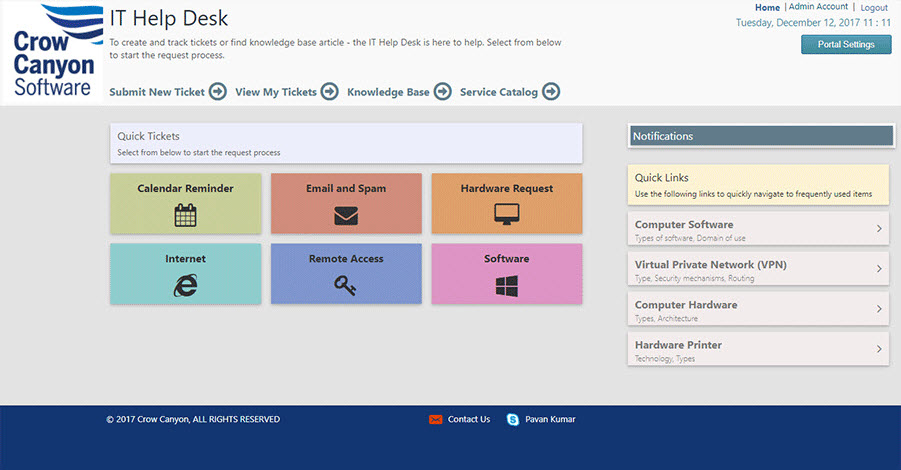
What is NITRO Help Desk?
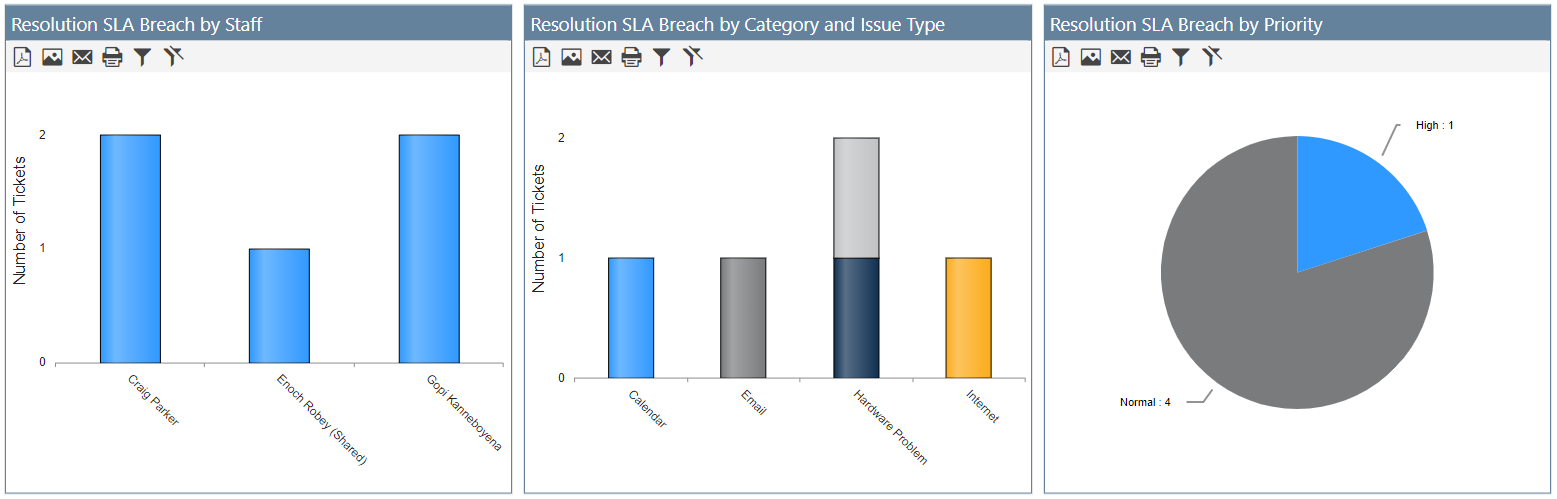
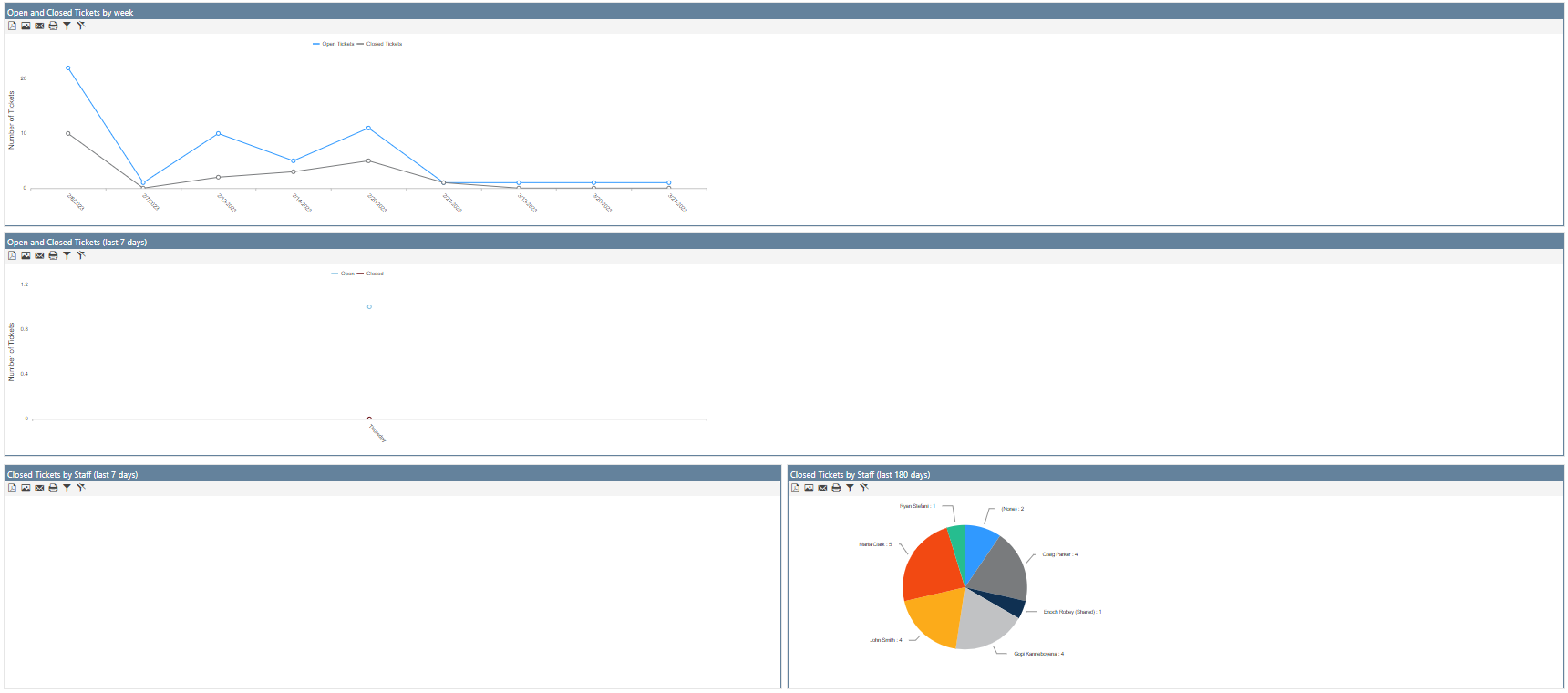
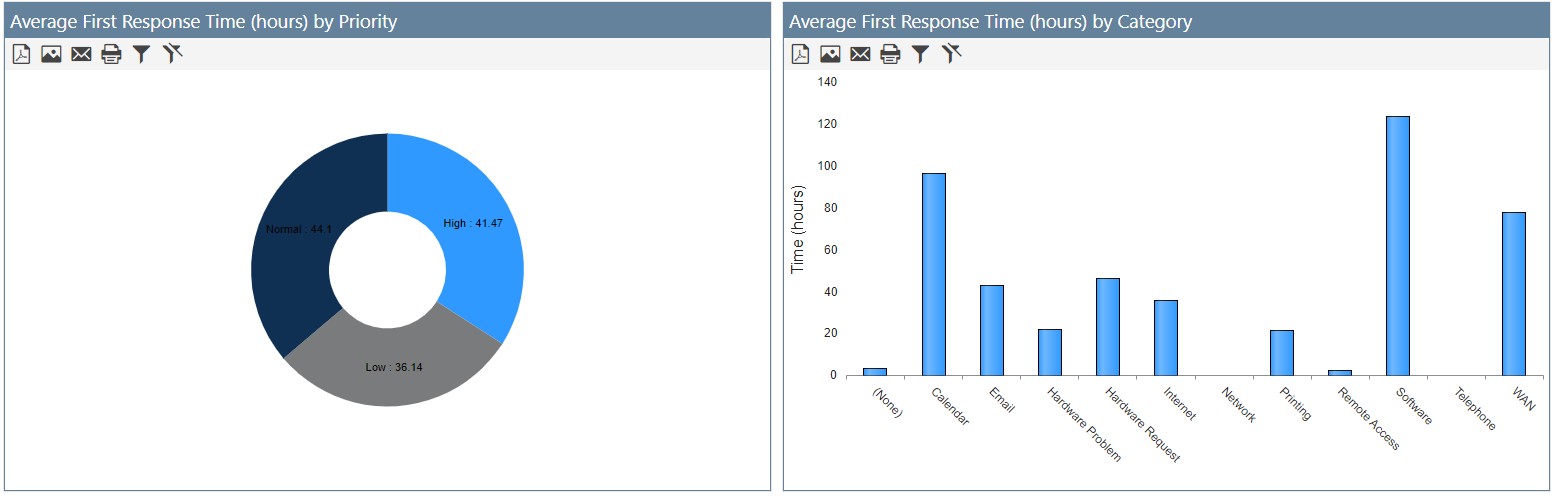
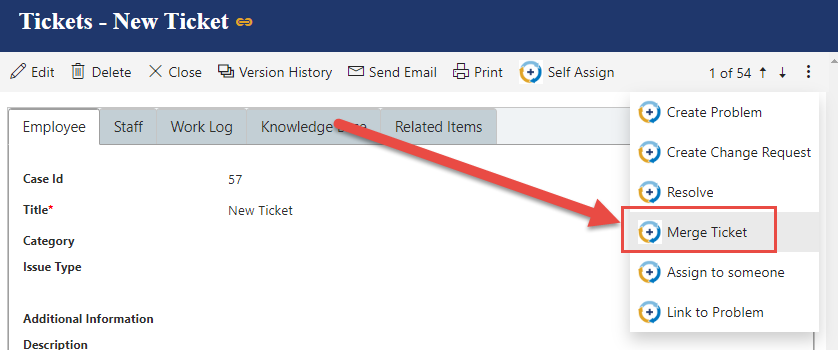
NITRO Help Desk is an IT support solution designed for Office 365, Teams, and SharePoint, offering efficient queue management, ticket resolution, and customizable workflows. Key features include multi-channel communication, secure data storage, surveys and feedback, workflow management, automated responses, and AI-powered ticket routing for faster service. It integrates seamlessly with Microsoft 365, allowing single sign-on and Teams integration, and supports unlimited staff and end-users. The platform also offers customizable branding, knowledge base management, and IT asset management, enhancing overall support efficiency.
- Built for Office 365, Teams, SharePoint
- Fully configurable, no‑code workflows and forms
- Efficient ticket and queue management tools
- Seamless Teams integration for ticket creation
- Unlimited agents and end‑users supported
- Single sign-on within Microsoft environment
Eligibility
Number of Seats/Users: NITRO Help Desk offers discounts based on the number of users or seats. A higher volume typically leads to a better discount structure, especially for enterprise-level usage.
Commitment to a Long-Term Contract: Discounts are often provided to companies that commit to using the service for a longer period (e.g., 1-year or 3-year contracts). A longer commitment shows NITRO Help Desk that the company is serious and willing to invest in the platform long-term.
No Active Discounts: Companies that are not already receiving other active discounts may have a better chance of qualifying for additional discounts from NITRO Help Desk. NITRO Help Desk reserves discounts for new customers or those not currently under promotional pricing.
Volume or Usage Commitment: NITRO Help Desk offers discounts if you agree to a minimum amount of usage or transaction volume. This could be based on data storage, transactions, or other metrics tied to how much you will use the platform.
Enterprise-Level Negotiation: Companies that qualify as “enterprise” due to their size or complexity (e.g., having large teams, multiple departments, or geographical presence) may be eligible for additional discounts from NITRO Help Desk. Such companies are often in a position to negotiate for better pricing.
Early Renewal or Prepayment: NITRO Help Desk often offers discounts if you renew early or prepay for the entire contract period. This is a common approach to securing a lower price.

NITRO Help Desk - Up to 35% off
Reviews
Here at Spendbase our internal data shows that NITRO Help Desk is performing very strongly for organizations already committed to Microsoft 365 and Teams, especially those wanting a quick win without custom development.
From what Spendbase clients share most often, the main strengths cluster around:
-
Adoption and usability
– “User friendly” comes up a lot.
– Very fast rollout: one client onboarded ~600 employees with just a couple of training sessions and hit full adoption in under a month.
– Non-technical teams can manage and update it without coding. -
Fit with Microsoft stack
– Running entirely in the Microsoft environment (Office 365, SharePoint, Teams) is a big plus for our clients.
– Teams integration is especially valued: IT staff can convert chats into tickets and work directly from Teams, which reduces friction and speeds up response. -
Configuration and flexibility
– 100% configurable to internal processes without code.
– Customizable workflows and forms mean clients rarely need separate niche tools.
– Unlimited staff and end-users help keep license costs predictable as the business scales. -
Value for money
– Clients often highlight strong ROI versus traditional help desk tools, mainly due to:- Lower training effort
- No Dev/consulting spend for customization
- Leverage of existing Microsoft licenses
Key limitations our clients point out:
-
Public-facing front end
There’s consistent demand for a native public portal to submit tickets without requiring internal access. Today, this is a gap for teams that support external users or customers. -
Dependence on Microsoft ecosystem
Because it runs on SharePoint and Office 365, it’s not a fit for companies outside the Microsoft stack. For hybrid or Google-centric environments, this becomes a blocker.
As a Spendbase discount specialist, my takeaway is: NITRO Help Desk tends to be a cost-effective choice for Microsoft-first companies that want rapid deployment, deep Teams use, and low ongoing admin effort—while organizations needing a public portal or non-Microsoft support should factor those gaps into their tooling and budgeting strategy.
See how much you can save on your stack
Pick your team’s tools!
Click to select one or more tools.


What’s your company size?
Just click to select.
What’s your business email?
We'll send you calculations right away
The email is flying to your inbox!
Beyond discounts, you may qualify for up to $100K in AWS credits.

FAQ
1. What is the NITRO Help Desk Discount?
The NITRO Help Desk Discount offers exclusive savings on our products for eligible customers.
2. Who is eligible for the NITRO Help Desk Discount?
Eligibility varies; typically, it's available to students, educators, and certain professionals.
3. How can I apply for the NITRO Help Desk Discount?
To apply, provide proof of eligibility through our designated application process.
4. Can the NITRO Help Desk Discount be combined with other promotions?
Discounts cannot be combined with other offers or promotions.
5. Is the NITRO Help Desk Discount available for all products?
The discount applies to most products; some exclusions may apply.
6. How often can I use the NITRO Help Desk Discount?
The discount can be used once per eligible purchase; terms may vary.
7. Does the NITRO Help Desk Discount expire?
Discounts have expiration dates; check the specific terms for details.
8. What should I do if my NITRO Help Desk Discount code isn't working?
Ensure the code is entered correctly and hasn't expired; contact support if issues persist.
Related discounts

Sunrise ITSM
Help Desk Software
Up to 25% off

HiperMe!
Help Desk Software
Up to 35% off

eFACiLiTY Helpdesk and Knowledgebase
Help Desk Software
Up to 50% off

T-HelpDesk
Help Desk Software
Up to 30% off

Supremo Remote Desktop
Help Desk Software
Up to 25% off

AIhelp
Help Desk Software
Up to 45% off
Software cost optimization
NITRO Help Desk savings in five steps
Let’s estimate your potential savings and see how you can scale your cloud infrastructure.
One call. No cost. No commitments


meet vendor relationship EXPERTS
Our customers save millions with us



Save on NITRO Help Desk
It’s time to shrink your bill
Let our SaaS cost optimization experts check what deals you can get and how much you can save on your corporate subscriptions
See how you can:
- Learn about pricing benchmarks and discounts
- Present potential savings by vendor to your team
- Meet your SaaS and cloud cost optimization goals
Get NITRO Help Desk discount
We’ll email you back within 1 business day