











Square Point of Sale Discount - Up to 50% off
Square POS is the customizable point-of-sale system built for businesses of all shapes and sizes.
Get discountCategory
Billing and Invoicing Software

What is Square Point of Sale?
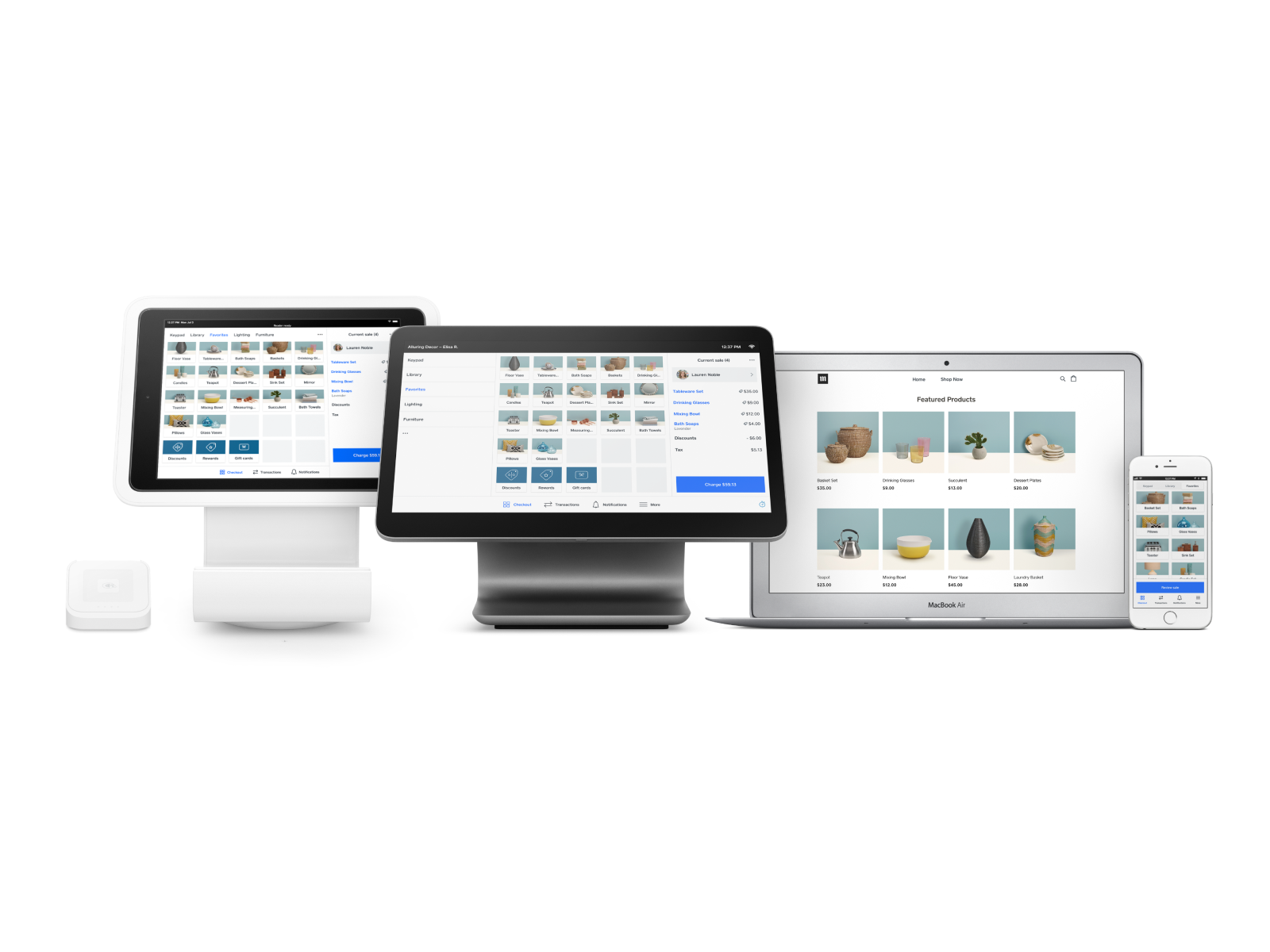
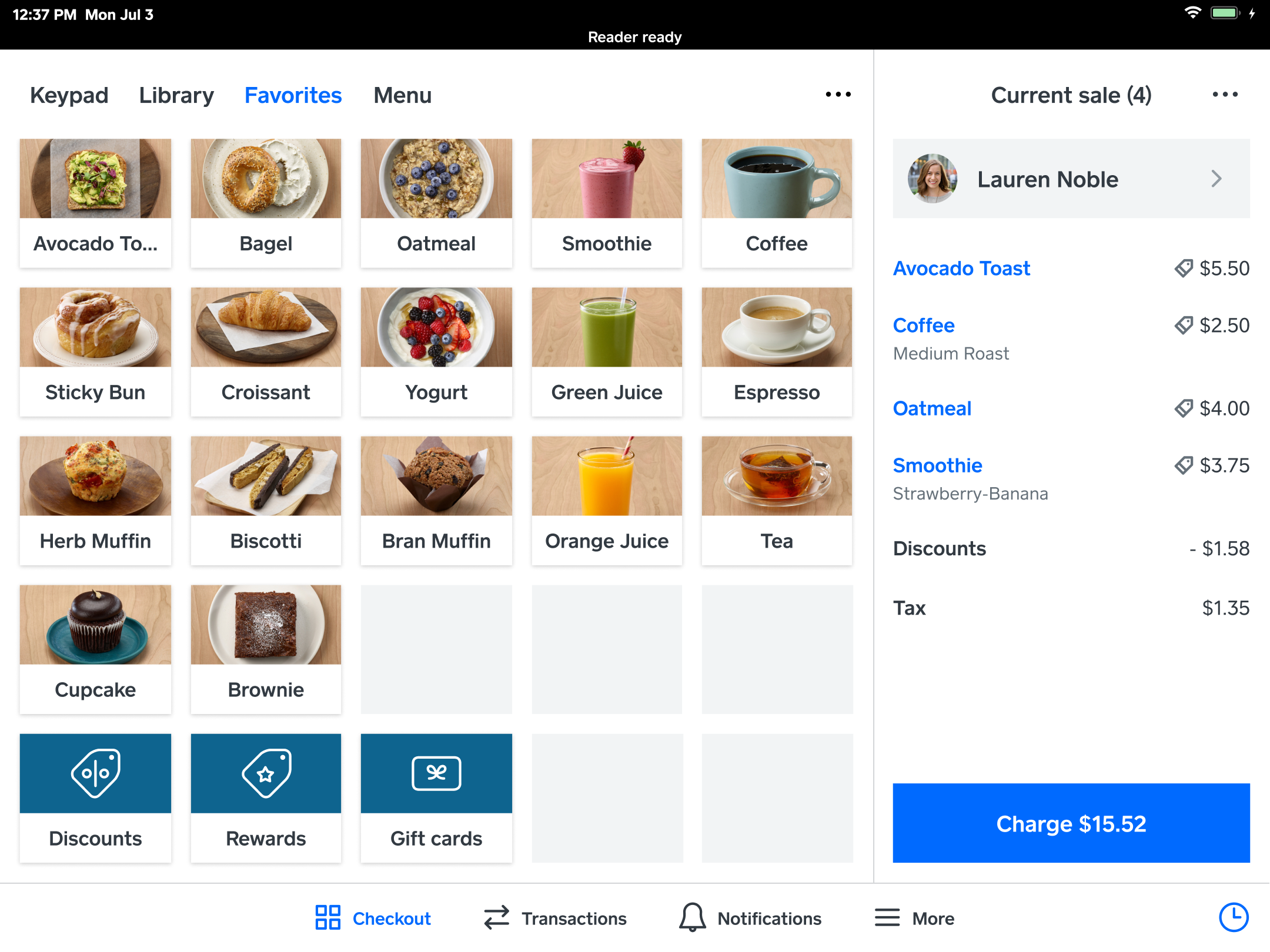
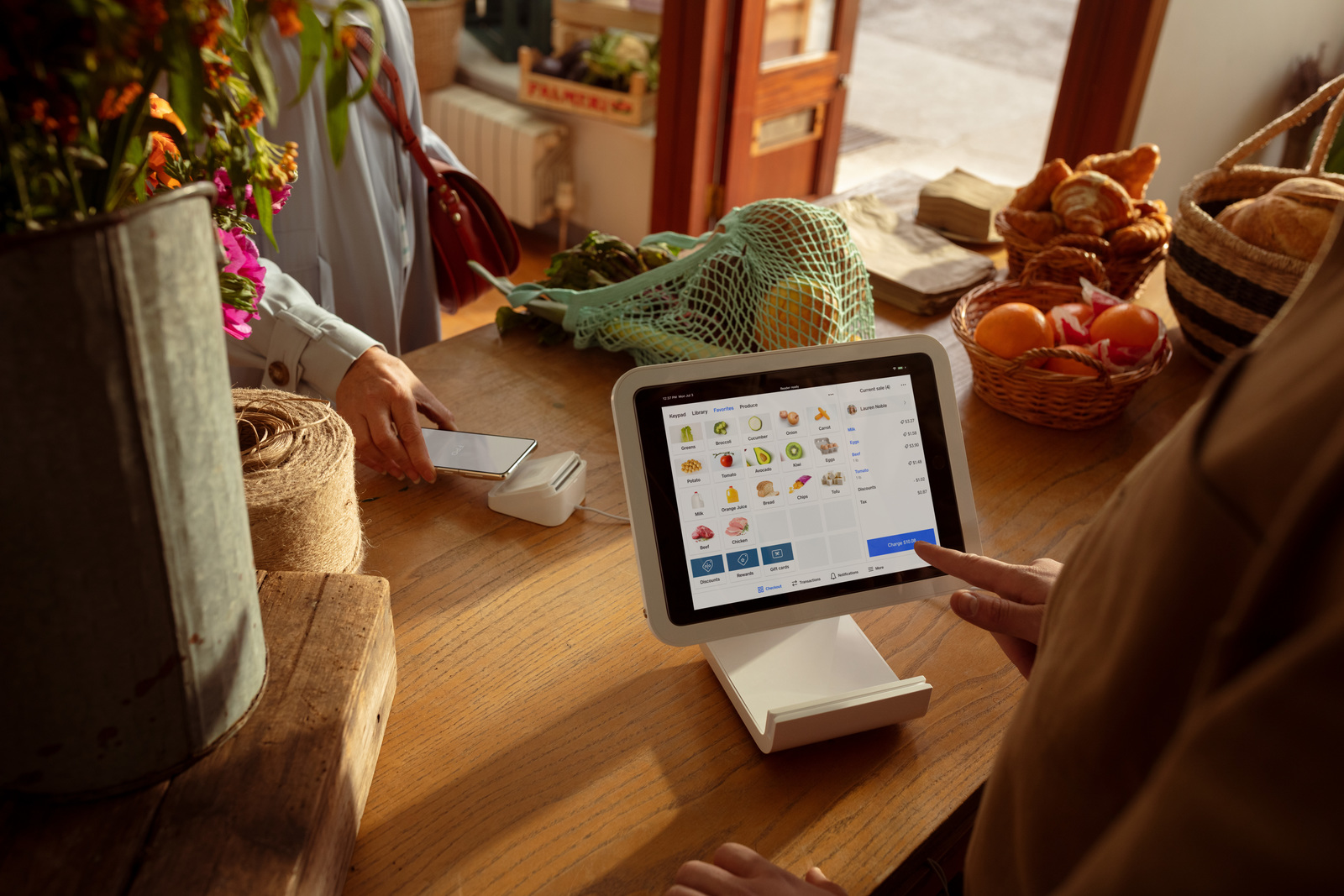
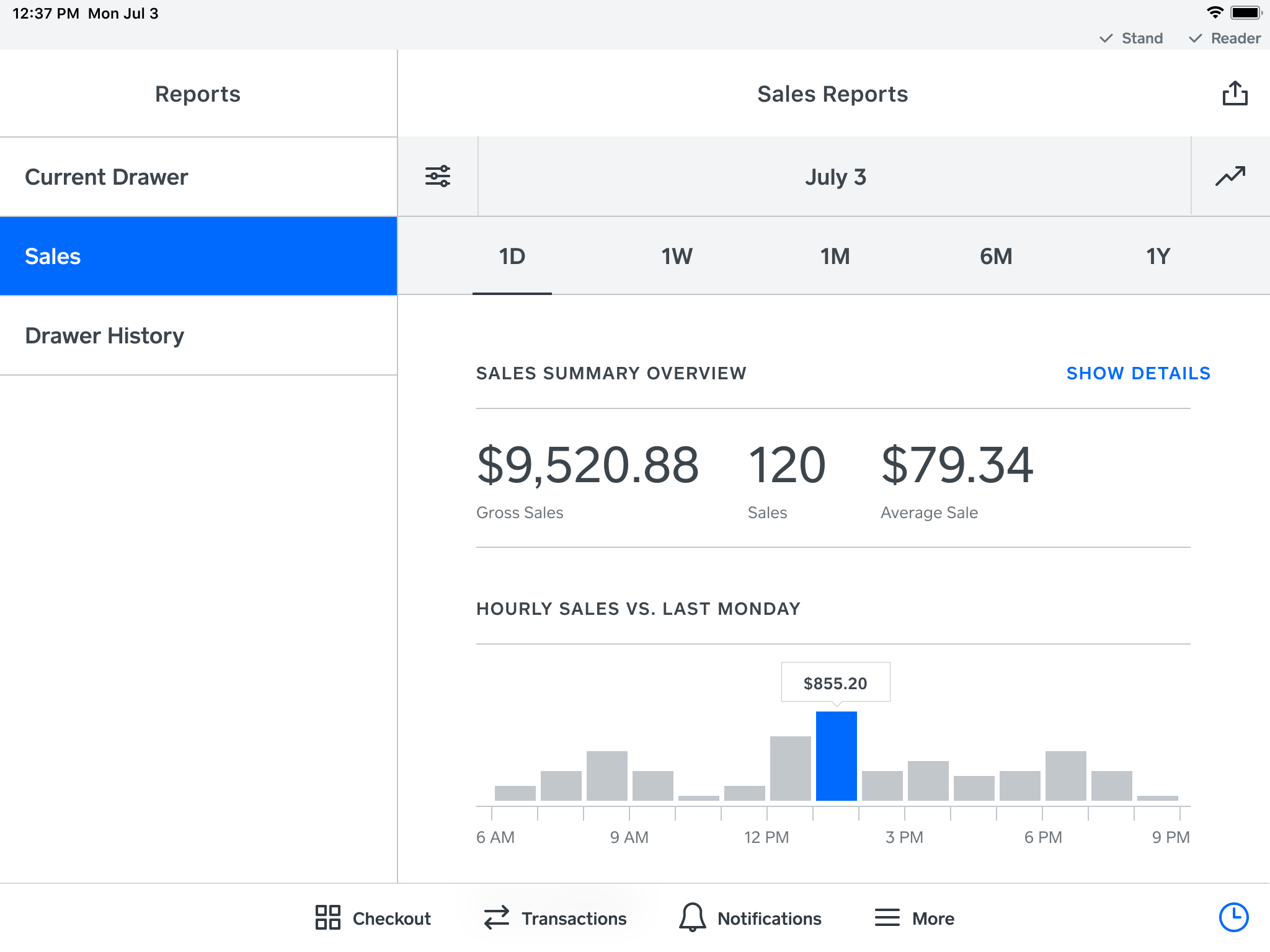
Square Point of Sale (POS) is an all-in-one payment processing and business management solution designed for various industries, including retail, restaurants, and service businesses. It enables businesses to accept payments in person, online, or over the phone, supporting major credit and debit cards, cash, digital wallets, QR codes, and gift cards. Key features include inventory management, real-time sales reporting, customer relationship management (CRM), and customizable receipts. The system also offers tools for creating automatic discounts, managing customer feedback, and integrating with other business applications. Square POS is user-friendly, scalable, and provides transparent pricing with no long-term commitments.
- Easy setup with intuitive, user-friendly interface
- Accepts payments in-person, online, and mobile
- Built-in inventory tracking and sales reporting
- Versatile hardware: registers, stands, mobile readers
- Customer profiles, preferences, and feedback tracking
- Invoicing, scheduling, and business management tools
Eligibility
Number of Seats/Users: Square Point of Sale offers discounts based on the number of users or seats. A higher volume typically leads to a better discount structure, especially for enterprise-level usage.
Commitment to a Long-Term Contract: Discounts are often provided to companies that commit to using the service for a longer period (e.g., 1-year or 3-year contracts). A longer commitment shows Square Point of Sale that the company is serious and willing to invest in the platform long-term.
No Active Discounts: Companies that are not already receiving other active discounts may have a better chance of qualifying for additional discounts from Square Point of Sale. Square Point of Sale reserves discounts for new customers or those not currently under promotional pricing.
Volume or Usage Commitment: Square Point of Sale offers discounts if you agree to a minimum amount of usage or transaction volume. This could be based on data storage, transactions, or other metrics tied to how much you will use the platform.
Enterprise-Level Negotiation: Companies that qualify as “enterprise” due to their size or complexity (e.g., having large teams, multiple departments, or geographical presence) may be eligible for additional discounts from Square Point of Sale. Such companies are often in a position to negotiate for better pricing.
Early Renewal or Prepayment: Square Point of Sale often offers discounts if you renew early or prepay for the entire contract period. This is a common approach to securing a lower price.

Square Point of Sale - Up to 50% off
Reviews
Here at Spendbase our internal data shows that Square Point of Sale is generally seen as a strong, flexible option, especially for small and growing businesses – but with very clear cost and reliability concerns that impact budgeting.
Key positives our Spendbase clients highlight:
- Ease of use and setup
- Simple onboarding, “as easy as using a smartphone”
- Intuitive UI/UX for both staff and customers
-
Quick to customize menus, items, and modifiers (especially for retail and food service)
-
Feature breadth in one ecosystem
- In‑person, online, mobile, and field payments
- Inventory tracking and basic reporting included
- Invoices, estimates, scheduling, customer history, and loyalty options
-
Integrations with payroll and accounting tools like QuickBooks
-
Operational impact
- Faster checkouts, smoother daily operations
- Easy transaction lookup and history
- Next‑day deposits and optional instant transfers
- Strong brand trust that clients’ customers recognize
At the same time, our internal data shows some consistent pain points that matter from a cost-optimization angle:
- Fees and total cost
- Many Spendbase clients mention that processing fees feel “high” or “astronomical” over time.
- Extra charges for instant transfers and add‑on features can turn into meaningful monthly spend.
-
For some, the accumulated fees equal tangible costs like fuel or other operating expenses.
-
Reliability and support
- Reports of outages (especially in peak hours) causing direct revenue loss.
- Offline mode and hardware hiccups (glitches, slow updates, repeated replacements) are a concern.
-
Mixed experience with reaching knowledgeable support quickly.
-
Functional limitations
- Some want deeper inventory, especially for food/restaurant use.
- Internet dependency is a blocker at markets and in the field.
- Occasional UI glitches and app lag.
From a Spendbase perspective, Square POS delivers strong value when:
- You leverage multiple included tools (POS + inventory + invoices + basic CRM).
- You standardize hardware and reduce one‑off purchases.
- You monitor effective transaction cost and negotiate or adjust plan mix where possible.
But we also see clear savings opportunities by:
- Auditing payment volumes and fee structures regularly.
- Comparing instant vs standard payout usage.
- Planning contingencies for outages to avoid peak‑hour revenue loss.
In short, Square POS “just works” for many Spendbase clients, but careful fee management and hardware/reliability planning are key to keeping your total cost under control.
See how much you can save on your stack
Pick your team’s tools!
Click to select one or more tools.


What’s your company size?
Just click to select.
What’s your business email?
We'll send you calculations right away
The email is flying to your inbox!
Beyond discounts, you may qualify for up to $100K in AWS credits.

FAQ
1. How do I create a discount in Square Point of Sale?
Navigate to Items > Discounts in your Square Dashboard, click 'Create a Discount,' and enter the required details.
2. Can I apply discounts to specific items or categories?
Yes, you can set discounts for specific items or categories by selecting them during the discount setup process.
3. Is it possible to schedule discounts for certain times or dates?
Absolutely, you can set time-based or date-specific discounts by enabling 'Set Schedule' or 'Set Date Range' during setup.
4. How do I apply a discount to an entire sale?
During checkout, tap 'Review Sale,' then 'Add Discount,' and select the desired discount to apply to the entire sale.
5. Can I apply multiple discounts to a single transaction?
Yes, multiple discounts can be applied; they will compound in ascending order, starting with the lower percentage.
6. Why isn't my discount appearing on the Point of Sale app?
Ensure the discount is set up correctly and the app is updated; some discounts may require specific conditions to apply.
7. How do I set up a 'Buy One, Get One' discount?
Create a quantity-based automatic discount, select 'Buy One, Get One,' and specify the items and discount details.
8. Can I limit a discount to a specific customer group?
Yes, assign the discount to a customer group in your Customer Directory; it will apply automatically during their transactions.
Related discounts

FieldGroove
Billing and Invoicing Software
Up to 45% off

Electronic Invoicing
Billing and Invoicing Software
Up to 20% off

Xubio
Billing and Invoicing Software
Up to 15% off

BillingServ
Billing and Invoicing Software
Up to 50% off

GetYourBill
Billing and Invoicing Software
Up to 15% off

Invoice Fly
Billing and Invoicing Software
Up to 40% off
Software cost optimization
Square Point of Sale savings in five steps
Let’s estimate your potential savings and see how you can scale your cloud infrastructure.
One call. No cost. No commitments


meet vendor relationship EXPERTS
Our customers save millions with us



Save on Square Point of Sale
It’s time to shrink your bill
Let our SaaS cost optimization experts check what deals you can get and how much you can save on your corporate subscriptions
See how you can:
- Learn about pricing benchmarks and discounts
- Present potential savings by vendor to your team
- Meet your SaaS and cloud cost optimization goals
Get Square Point of Sale discount
We’ll email you back within 1 business day