











AutoReview Discount - Up to 45% off
An intelligent clean-up tool created for and by the accountants
Get discountCategory
Bookkeeper Software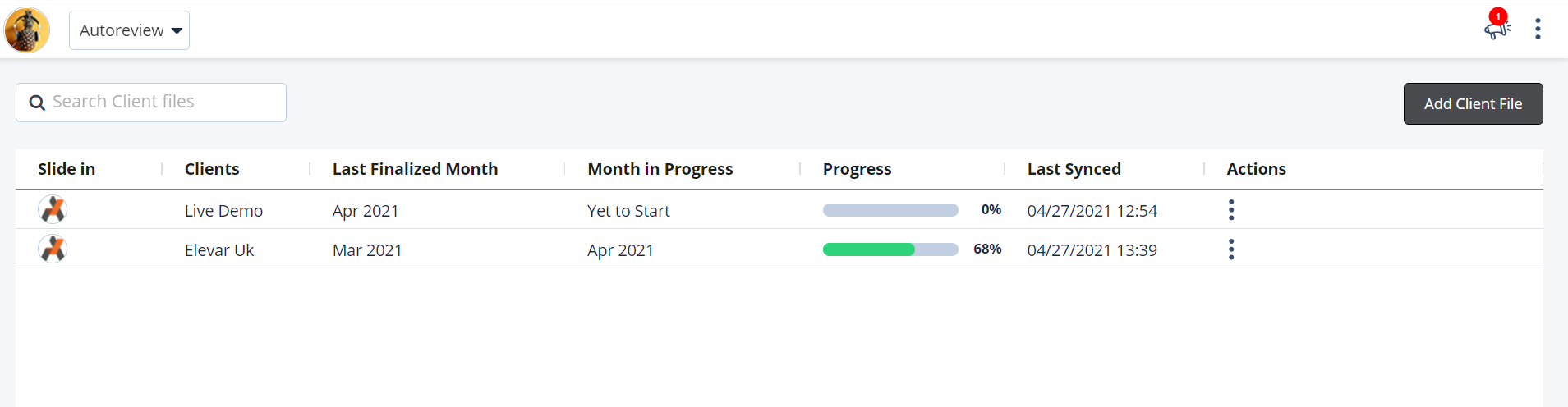
What is AutoReview?
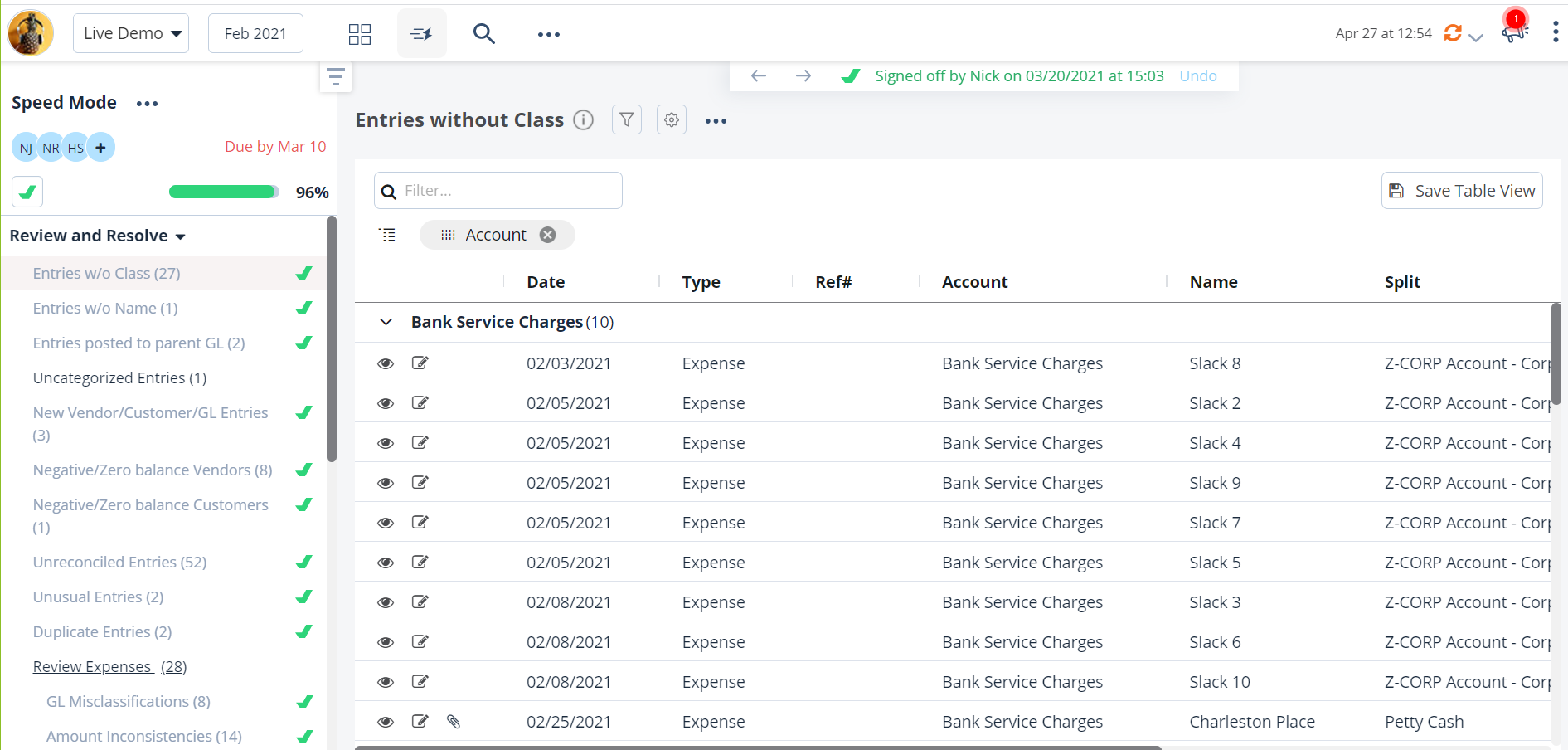
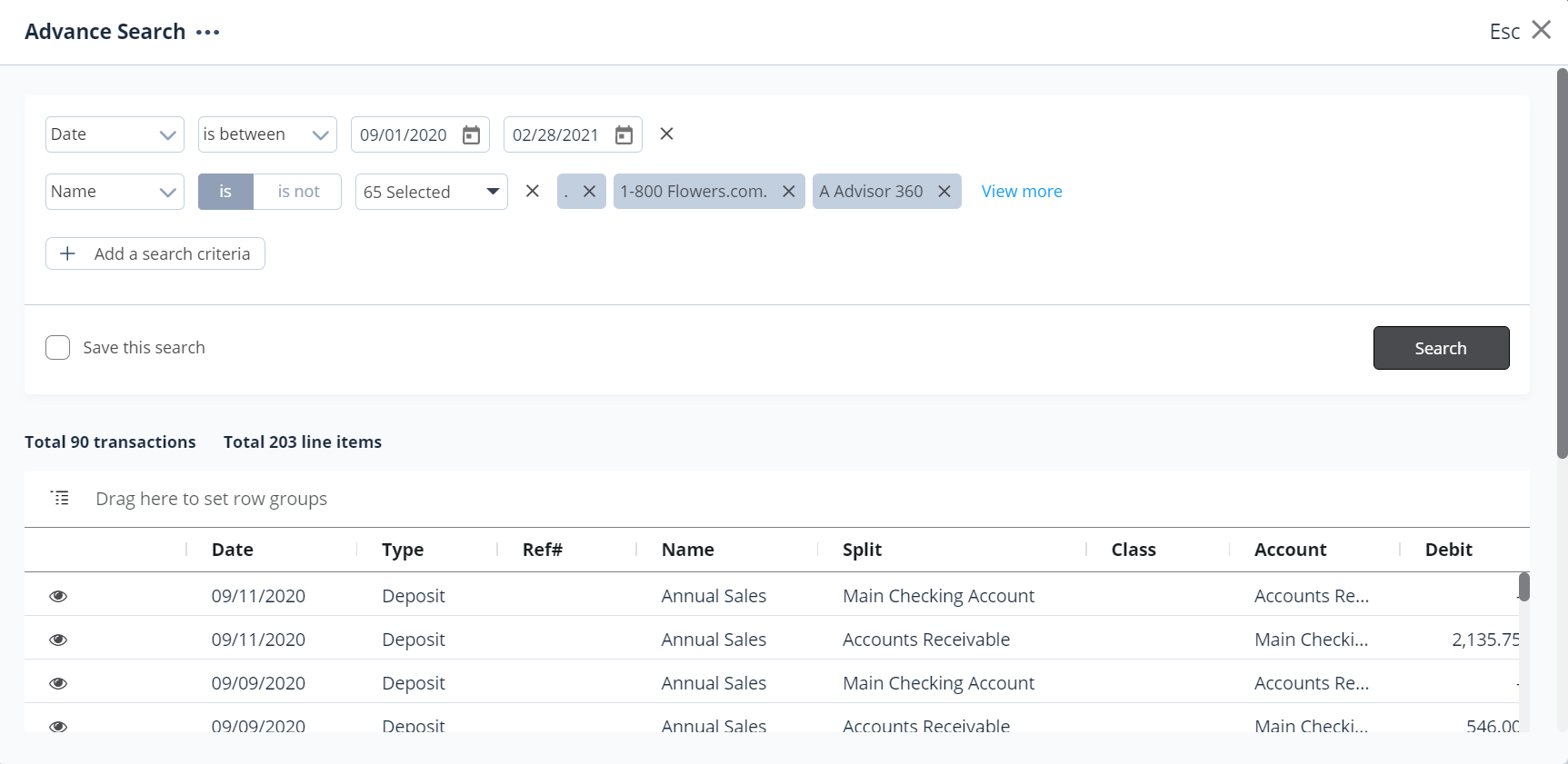
AutoReview is an intelligent tool designed by accountants to streamline the financial review process for QuickBooks Online. It seamlessly integrates with QuickBooks, providing a structured platform for recording and reviewing client files. Key features include automatic updates reflecting changes in QuickBooks Online and rapid data retrieval, enhancing the efficiency of month-end closures. This robust application revitalizes the traditionally tedious review process, offering a smart and reliable solution tailored to meet the needs of accounting professionals.
- Seamless, automatic integration with QuickBooks Online
- Intelligent error checks across numerous criteria
- Real-time syncing and self-updating transaction changes
- Direct editing and links to source transactions
- Fast data retrieval for month-end close
- Affordable, accountant-designed review automation tool
Eligibility
Number of Seats/Users: AutoReview offers discounts based on the number of users or seats. A higher volume typically leads to a better discount structure, especially for enterprise-level usage.
Commitment to a Long-Term Contract: Discounts are often provided to companies that commit to using the service for a longer period (e.g., 1-year or 3-year contracts). A longer commitment shows AutoReview that the company is serious and willing to invest in the platform long-term.
No Active Discounts: Companies that are not already receiving other active discounts may have a better chance of qualifying for additional discounts from AutoReview. AutoReview reserves discounts for new customers or those not currently under promotional pricing.
Volume or Usage Commitment: AutoReview offers discounts if you agree to a minimum amount of usage or transaction volume. This could be based on data storage, transactions, or other metrics tied to how much you will use the platform.
Enterprise-Level Negotiation: Companies that qualify as “enterprise” due to their size or complexity (e.g., having large teams, multiple departments, or geographical presence) may be eligible for additional discounts from AutoReview. Such companies are often in a position to negotiate for better pricing.
Early Renewal or Prepayment: AutoReview often offers discounts if you renew early or prepay for the entire contract period. This is a common approach to securing a lower price.

AutoReview - Up to 45% off
Reviews
Here at Spendbase our internal data shows that AutoReview is performing very strongly for accounting teams, especially those standardized on QuickBooks Online.
From what our Spendbase clients share, the main value pillars look like this:
-
Core strengths
– Tight QuickBooks Online integration
– Automated error checks across many criteria
– Acts as a “second set of eyes” on monthly accounting
– Fast access to underlying transactions via direct links
– Ability to correct some items directly inside AutoReview
– Strong support for month-end close and tax prep “spot checks” -
Business impact
Our internal benchmarks show that clients typically report:
– Noticeable reduction in manual review hours per month
– Fewer missed errors in client files
– Faster month-end close cycles
– Better confidence before starting business tax returns -
Usability and product evolution
Spendbase clients generally like the interface but note:
– The UI changes fairly often as new features roll out
– This can require small re-learning moments
– However, sentiment is that each change tends to improve speed and structure, so the trade-off is acceptable -
Cost vs value
AutoReview is consistently seen as:
– “Very inexpensive” relative to time saved on reviews
– Easy to justify for firms with multiple QBO clients
– A good fit even for smaller firms wanting a quality control layer without hiring extra staff -
Ideal use cases we see most often
– Monthly and quarterly client bookkeeping reviews
– Pre-file checks for business tax returns
– Onboarding new QBO clients and quickly assessing file health
– Ongoing quality control for junior staff work
From a Spendbase discount and optimization standpoint, our internal data suggests AutoReview usually delivers the best ROI when:
– It’s rolled out across the full client base, not just a few “problem” files
– Firms standardize internal review workflows around its checklists
– Usage is concentrated among staff who own month-end close and tax prep
Overall, our clients describe AutoReview as a smart, affordable way to automate the tedious parts of the review process and increase confidence in QBO data, with only minor friction from periodic UI updates.
See how much you can save on your stack
Pick your team’s tools!
Click to select one or more tools.


What’s your company size?
Just click to select.
What’s your business email?
We'll send you calculations right away
The email is flying to your inbox!
Beyond discounts, you may qualify for up to $100K in AWS credits.

FAQ
1. What types of discounts does AutoReview offer?
AutoReview provides various discounts, including percentage-based, fixed amount, and buy-one-get-one-free offers.
2. How can I apply an AutoReview discount to my purchase?
Simply enter the provided discount code at checkout to apply the savings to your order.
3. Are AutoReview discounts applicable to all products?
Discount applicability varies; please check the specific terms and conditions for each promotion.
4. Can I combine multiple AutoReview discounts on a single purchase?
Typically, only one discount code can be applied per transaction unless stated otherwise.
5. How often does AutoReview update its discount offers?
We regularly update our promotions; check our website or subscribe to our newsletter for the latest deals.
6. Do AutoReview discounts have expiration dates?
Yes, each discount has a specific validity period; please refer to the offer details for expiration information.
7. Is there a limit to how many times I can use an AutoReview discount code?
Usage limits vary by promotion; some codes are single-use, while others may be used multiple times.
8. How can I stay informed about new AutoReview discounts?
Subscribe to our newsletter or follow us on social media to receive updates on the latest promotions.
Related discounts

Afterbanks
Bookkeeper Software
Up to 35% off

Factomos
Bookkeeper Software
Up to 20% off

Melio
Accounting Practice Management Software
Up to 15% off

Billcue
Bookkeeper Software
Up to 45% off

Finance D
Bookkeeper Software
Up to 35% off

Tallie
Bookkeeper Software
Up to 45% off
Software cost optimization
AutoReview savings in five steps
Let’s estimate your potential savings and see how you can scale your cloud infrastructure.
One call. No cost. No commitments


meet vendor relationship EXPERTS
Our customers save millions with us



Save on AutoReview
It’s time to shrink your bill
Let our SaaS cost optimization experts check what deals you can get and how much you can save on your corporate subscriptions
See how you can:
- Learn about pricing benchmarks and discounts
- Present potential savings by vendor to your team
- Meet your SaaS and cloud cost optimization goals
Get AutoReview discount
We’ll email you back within 1 business day