











Google Calendar Discount - Up to 40% off
Scheduling solution that helps users create shareable calendars, schedule team meetings or events, add tasks, RSVP options, and more.
Get discountCategory
Calendar Software

What is Google Calendar?
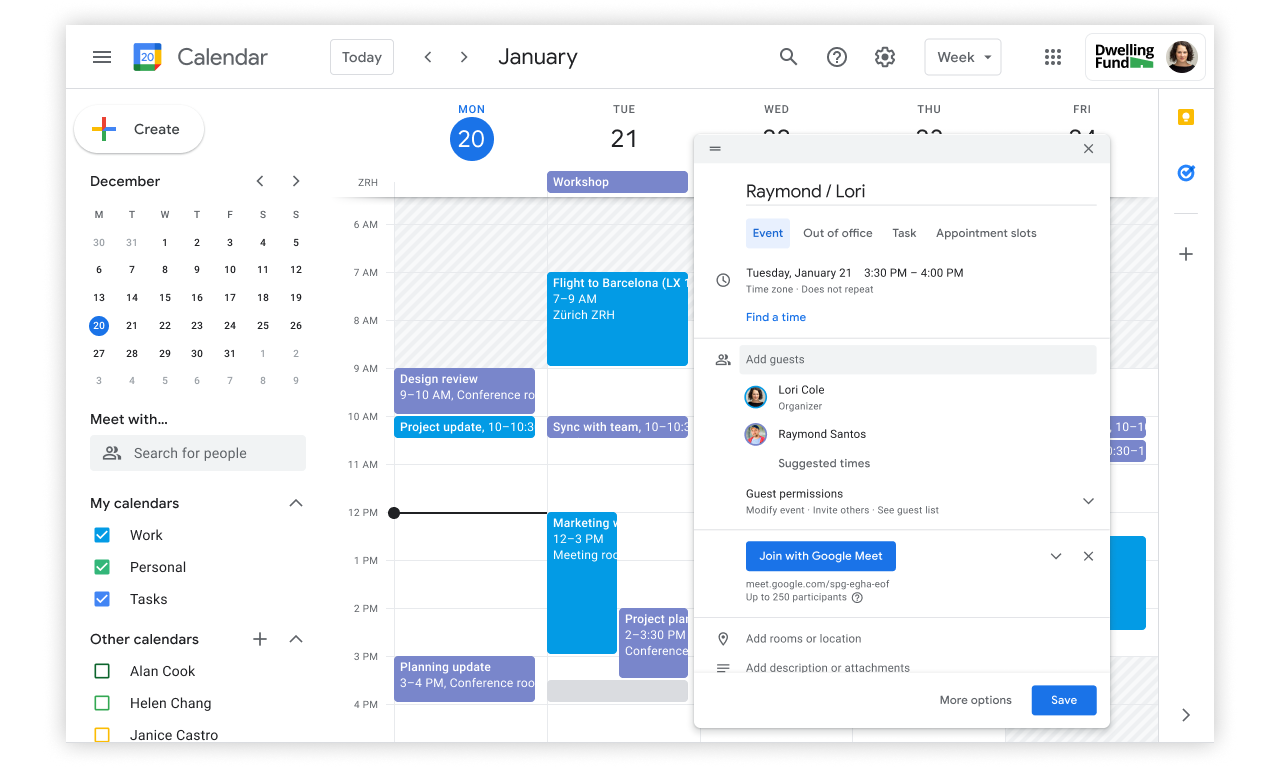
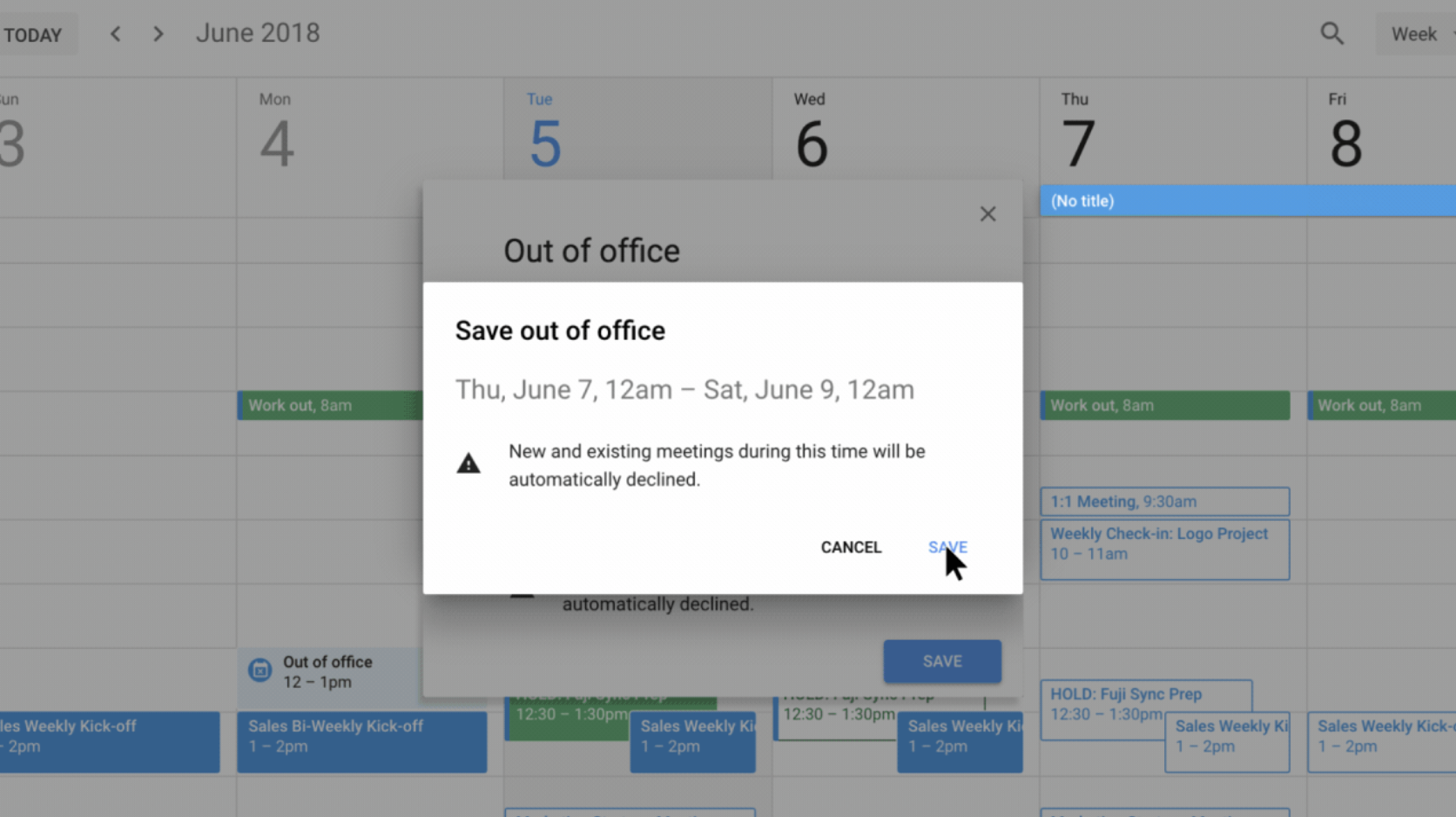
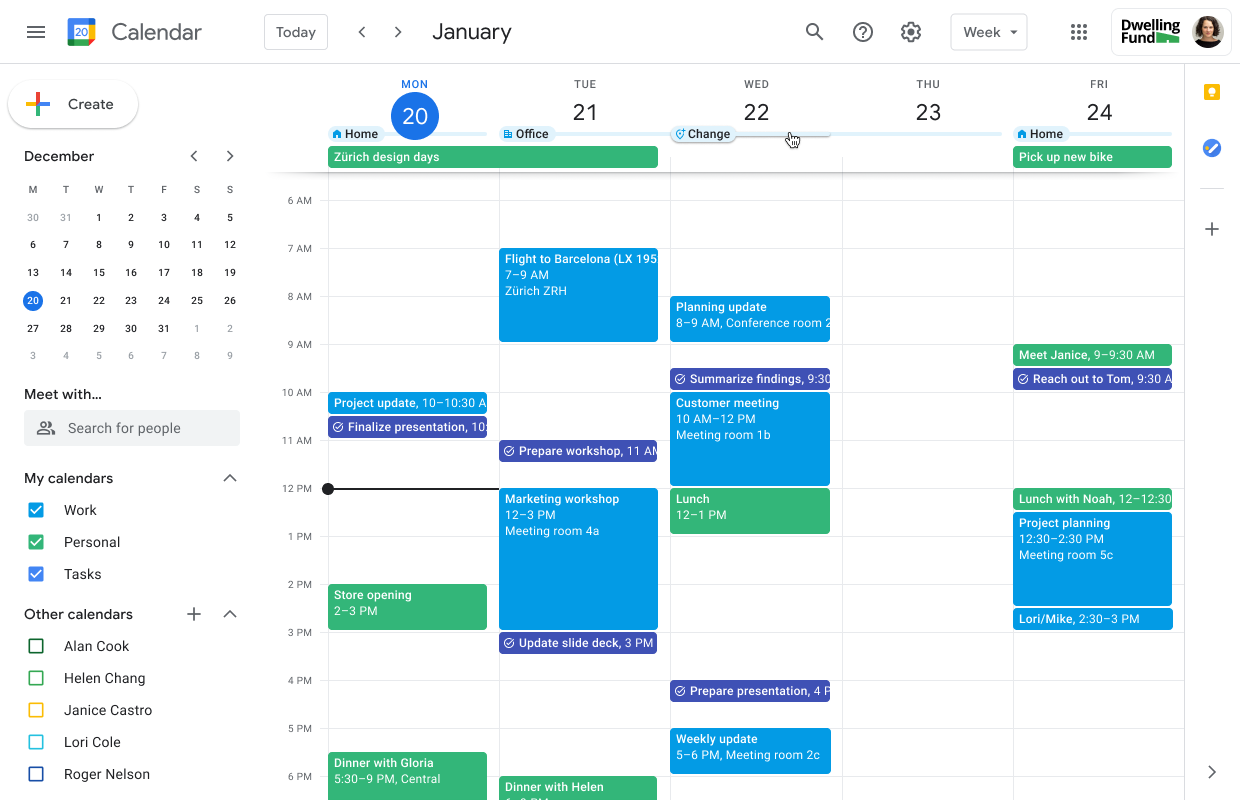
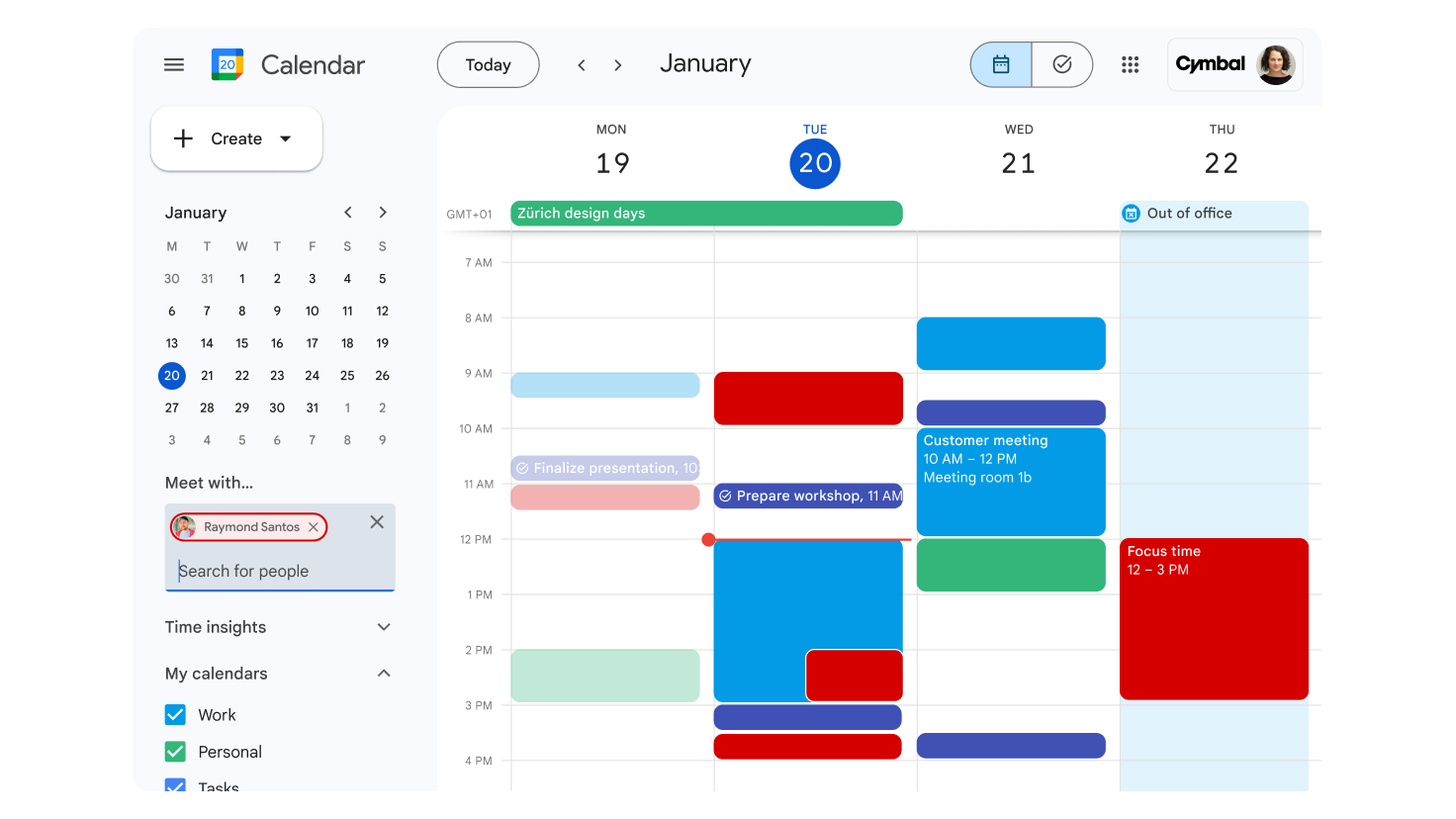
Google Calendar is a time-management and scheduling service developed by Google, enabling users to create, manage, and share events seamlessly. Key features include event creation with customizable reminders, recurring events, and color-coding for easy organization. Users can invite others to events, with invitations integrating directly into their calendars. The service offers multiple viewing options—day, week, month, or schedule—and allows adding locations to events. Integration with Gmail enables automatic addition of events from emails, such as flight details. For Google Workspace users, advanced features like smart scheduling suggest optimal meeting times based on participants’ availability. Google Calendar is accessible via web and mobile apps, ensuring synchronization across devices.
- Create, invite, and manage events easily
- Share calendars, control visibility and collaboration
- Sync seamlessly across devices and platforms
- Schedule recurring events with customizable reminders
- Integrate with Gmail, Meet, other apps
- Color-coded multiple calendars in one view
Eligibility
Number of Seats/Users: Google Calendar offers discounts based on the number of users or seats. A higher volume typically leads to a better discount structure, especially for enterprise-level usage.
Commitment to a Long-Term Contract: Discounts are often provided to companies that commit to using the service for a longer period (e.g., 1-year or 3-year contracts). A longer commitment shows Google Calendar that the company is serious and willing to invest in the platform long-term.
No Active Discounts: Companies that are not already receiving other active discounts may have a better chance of qualifying for additional discounts from Google Calendar. Google Calendar reserves discounts for new customers or those not currently under promotional pricing.
Volume or Usage Commitment: Google Calendar offers discounts if you agree to a minimum amount of usage or transaction volume. This could be based on data storage, transactions, or other metrics tied to how much you will use the platform.
Enterprise-Level Negotiation: Companies that qualify as “enterprise” due to their size or complexity (e.g., having large teams, multiple departments, or geographical presence) may be eligible for additional discounts from Google Calendar. Such companies are often in a position to negotiate for better pricing.
Early Renewal or Prepayment: Google Calendar often offers discounts if you renew early or prepay for the entire contract period. This is a common approach to securing a lower price.

Google Calendar - Up to 40% off
Reviews
Here at Spendbase our internal data shows that Google Calendar is one of those tools our clients rely on every single day, both for personal and business use.
Overall sentiment is very positive: almost everyone calls it “essential”, “couldn’t live without it”, and “most helpful tool” for staying on top of work and life.
What Spendbase clients value most
– Free but “enterprise‑grade” feel
– Easy cross‑device access (phone, desktop, tablet, web)
– Strong integration with:
– Gmail (auto‑pulling events like bookings, travel, due dates)
– Google Meet and video links
– Other productivity tools (task apps, booking tools, etc.)
– Collaboration benefits:
– Multiple calendars in one place (personal, team, rooms, family)
– Simple sharing and subscription to coworkers’ calendars
– Viewing availability and booking meeting rooms
– Productivity boosters:
– Color‑coding events and calendars
– Recurring events with custom frequencies
– Notifications and reminders that prevent missed meetings
– Attaching files, links, notes, and locations directly to events
Key pain points our clients report
– Interface & usability:
– Some find event creation “clunky” or overloaded with fields
– Mobile app can feel cramped, glitchy when moving events, or visually overwhelming without color‑coding
– Tasks and advanced features are confusing at first
– Missing “power user” features:
– No bulk sharing or bulk editing of calendars/events (painful at company scale)
– Limited search flexibility and weak handling of typos
– No project‑management‑level features or scheduling buffers
– Limited customization for task colors and event formatting
– Reliability & support:
– Occasional sync issues across devices, sometimes needing reinstall
– Rare but annoying bugs with recurring events
– Perception of limited or no dedicated support for complex setups
– Other concerns:
– A few clients are uneasy about data privacy and dependence on a single Google account
– Design feels a bit outdated to some power users
From a Spendbase discount and optimization angle, the big win is clear:
– Many clients replace paid calendar tools with Google Calendar because:
– It covers 90%+ of their scheduling needs for free
– Integrations reduce the need for extra paid schedulers and reminder apps
In short, our data shows Google Calendar delivers excellent value, especially when teams lean into sharing, integrations, and good notification habits, and accept some limitations around bulk actions and power features.
See how much you can save on your stack
Pick your team’s tools!
Click to select one or more tools.


What’s your company size?
Just click to select.
What’s your business email?
We'll send you calculations right away
The email is flying to your inbox!
Beyond discounts, you may qualify for up to $100K in AWS credits.

FAQ
1. Are there any discounts available for Google Calendar?
Yes, various promotions offer discounts on Google Calendar, especially when bundled with Google Workspace plans.
2. How can I obtain a promo code for Google Calendar?
Promo codes are available through official partners and promotional events; check with authorized resellers or Google's referral program.
3. Do Google Calendar discounts apply to existing users?
Most discounts are for new customers; existing users should check for loyalty offers or upgrades.
4. Can I combine multiple discounts on Google Calendar?
Typically, only one promo code can be used per purchase; combining multiple discounts is usually not permitted.
5. Are there seasonal sales for Google Calendar?
Yes, Google often offers discounts during events like Black Friday and Cyber Monday.
6. Do students get discounts on Google Calendar?
Students may receive discounts on Google products; verify eligibility through official student discount programs.
7. How long do Google Calendar discounts last?
Discount durations vary; some apply for the first year, while others are limited-time offers.
8. Where can I find the latest Google Calendar discount codes?
Check Google's official offers page and authorized partners for current discount codes.
Related discounts

Bookafy
Calendar Software
Up to 40% off

Bookingmood
Calendar Software
Up to 40% off

GCalToolkit
Calendar Software
Up to 30% off

Full Slate
Calendar Software
Up to 50% off

Pro Schedule
Calendar Software
Up to 40% off

MarketBox
Calendar Software
Up to 50% off
Software cost optimization
Google Calendar savings in five steps
Let’s estimate your potential savings and see how you can scale your cloud infrastructure.
One call. No cost. No commitments


meet vendor relationship EXPERTS
Our customers save millions with us



Save on Google Calendar
It’s time to shrink your bill
Let our SaaS cost optimization experts check what deals you can get and how much you can save on your corporate subscriptions
See how you can:
- Learn about pricing benchmarks and discounts
- Present potential savings by vendor to your team
- Meet your SaaS and cloud cost optimization goals
Get Google Calendar discount
We’ll email you back within 1 business day