Macabacus Pricing Score & Analysis
Accounting Software
Pricing score
Macabacus is a productivity and brand compliance add-in for Microsoft Excel, PowerPoint, and Word, designed for finance and consulting professionals.
Main features:
- Financial modeling tools
- Formula auditing
- Keyboard shortcuts
- Charting and visualization
- Presentation automation
- Brand compliance enforcement
- Content management with shared libraries
- AI writing assistant

Macabacus up to 20% off
Unlock special pricing on Macabacus with Spendbase
Product Overview
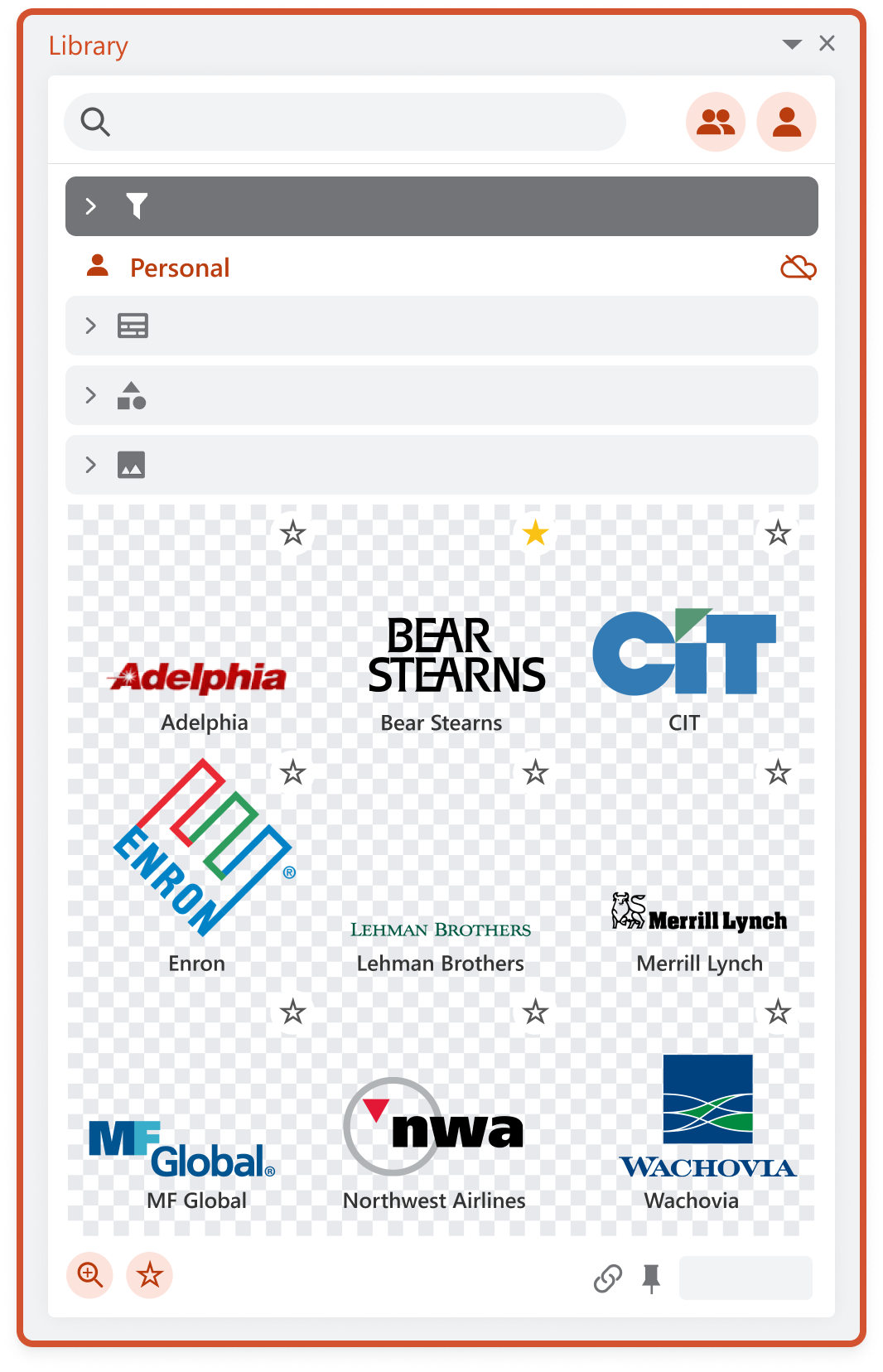
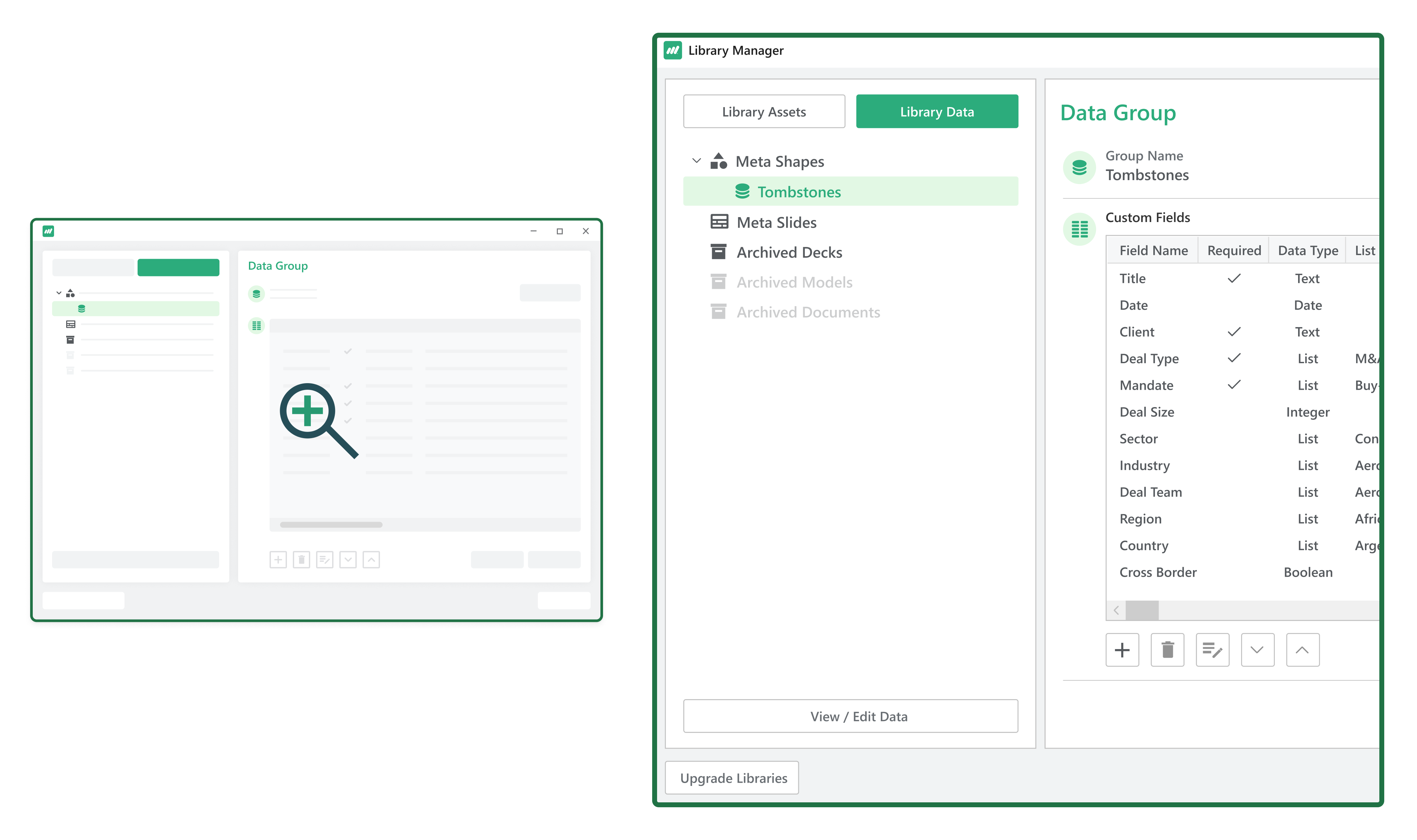
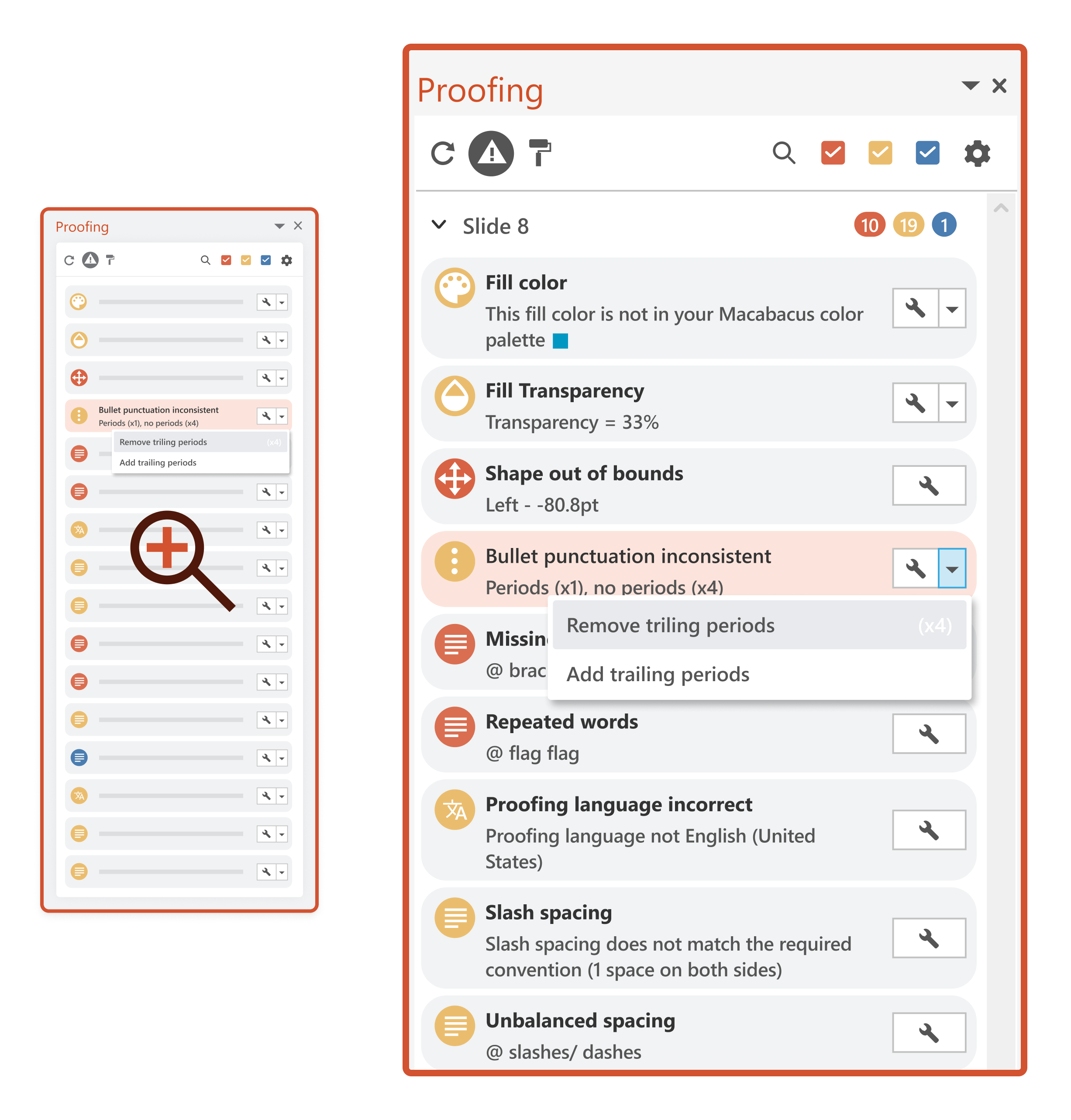
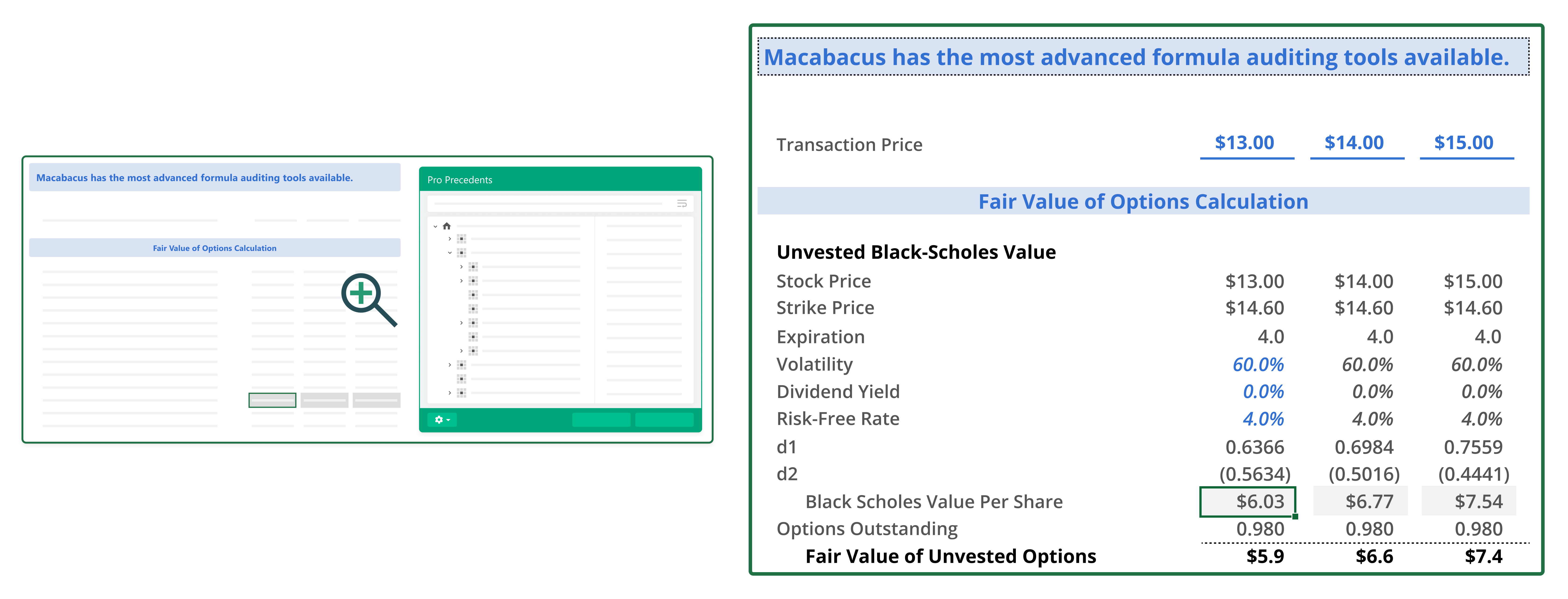
Macabacus is a productivity and brand compliance software suite that integrates with Microsoft 365 to enhance financial modeling, presentation creation, and digital asset management. It offers features like linking Excel to PowerPoint for data synchronization, model checking to identify formula errors, and automated proofing in PowerPoint. Teams in finance, investment banking, corporate development, and consulting would benefit from Macabacus, as it streamlines workflows and ensures consistency in financial reports and presentations.
Macabacus up to 20% off
Unlock special pricing on Macabacus with Spendbase
INSIGHTS
Plan highlights
 Solo Plan
Designed for individual users, this plan offers essential productivity tools for Excel, PowerPoint, and Word, including basic support and unlimited software updates.
 Professional Plan
Tailored for professionals and small teams, this plan includes advanced productivity features, brand compliance tools, collaboration capabilities, and priority support.
 Enterprise Plan
Ideal for large organizations, this plan offers comprehensive productivity solutions, advanced security features, and dedicated account management.
 Competitor Average Plan
Based on our internal data, competitors offer plans averaging $25 per user per month, providing a range of productivity tools and collaboration features.

INSIGHTS
How much does Macabacus typically cost?
These are the publicly listed prices — our deals are even better
 |
Solo
For individual users seeking essential productivity tools |
Professional
For teams requiring advanced features and collaboration tools |
Enterprise
Custom solutions tailored for large organizations |
|---|---|---|---|
|
Monthly cost
Per User |
$16
|
$30
|
Custom pricing
|
|
Monthly cost
Total (50 users) |
$800
|
$1,500
|
Custom pricing
|
|
Annual cost
Per User |
$192
|
$360
|
Custom pricing
|
|
Annual cost
Total (50 users) |
$9,600
|
$18,000
|
Custom pricing
|

Spendbase price
|
$7,680
20% off |
$14,400
20% off |
Custom pricing
|
Calculated based on data for a company of 50 people - for individual calculations
contact us.ANALYZE SAAS SPEND
How do we save you on Slack?

Hoop on a call with us
See cost saving options

Get detailed calculations

Share it with your team

SaaS SAVINGS AND WINS
Our customers save up to 39% on software - you can too

We saved over $500k and got SaaS visibility
Global IT Manager

Spendbase has been a game-changer for us. Their platform helps tech companies like ours to slash SaaS and cloud bills by up to 35%
Chief of Stuff, BRIDGE IN

I had no idea you can get huge discounts for most SaaS subscriptions
CEO and Co-founder, Sellestial

They worked exactly like we do—efficiently and professionally. They completely offloaded the hard work from our shoulders
Operations Director, WithU

With Spendbase.co, we locked in 10–15% savings on several of our main SaaS tools. If SaaS spend is a major cost for you, they’re a strong partner.
VP of Operations at Seven Peaks
We saved over $500k and got SaaS visibility
Global IT Manager
Spendbase has been a game-changer for us. Their platform helps tech companies like ours to slash SaaS and cloud bills by up to 35%
Chief of Stuff, BRIDGE IN
I had no idea you can get huge discounts for most SaaS subscriptions
CEO and Co-founder, Sellestial
They worked exactly like we do—efficiently and professionally. They completely offloaded the hard work from our shoulders
Operations Director, WithU
With Spendbase.co, we locked in 10–15% savings on several of our main SaaS tools. If SaaS spend is a major cost for you, they’re a strong partner.
VP of Operations at Seven Peaks





Features & Benefits with Discount Lens
See what you get — for less
Detailed feature comparison table with tier benefits Text here for the second row
Excel to PowerPoint Linking
Synchronizes data and charts between Excel and PowerPoint, ensuring presentations reflect the most current information without manual updates.

Discount impact
Enhances accuracy and saves time by automating data updates across documents, reducing the risk of errors in presentations.
Model Check for Error Detection
Analyzes Excel models to identify formula risks and errors, providing insights to improve model integrity and reliability.
Discount impact
Increases confidence in financial models by proactively detecting issues, leading to more accurate analyses and decisions.
Deck Check for Presentation Proofing
Automates the review process in PowerPoint, checking for inconsistencies and errors to ensure presentations meet quality standards.
Discount impact
Saves time in the proofing process and enhances the professionalism of presentations, reducing the likelihood of oversight.
Shared Libraries for Collaboration
Provides a centralized repository for templates and branded materials, facilitating consistent and efficient collaboration among team members.
Discount impact
Promotes brand consistency and streamlines workflow by enabling easy access to up-to-date resources for all users.
AI Writing Assistant
Offers AI-powered suggestions to improve writing quality and consistency within documents, aiding in the creation of clear and effective content.
Discount impact
Enhances communication by ensuring documents are well-written and aligned with organizational standards, improving overall document quality.