











Turbo Inventory Discount - Up to 35% off
Turbo Inventory is a self-service inventory management software for managing production, stock, customers, purchases, finances & teams.
Get discountCategory
Barcoding Software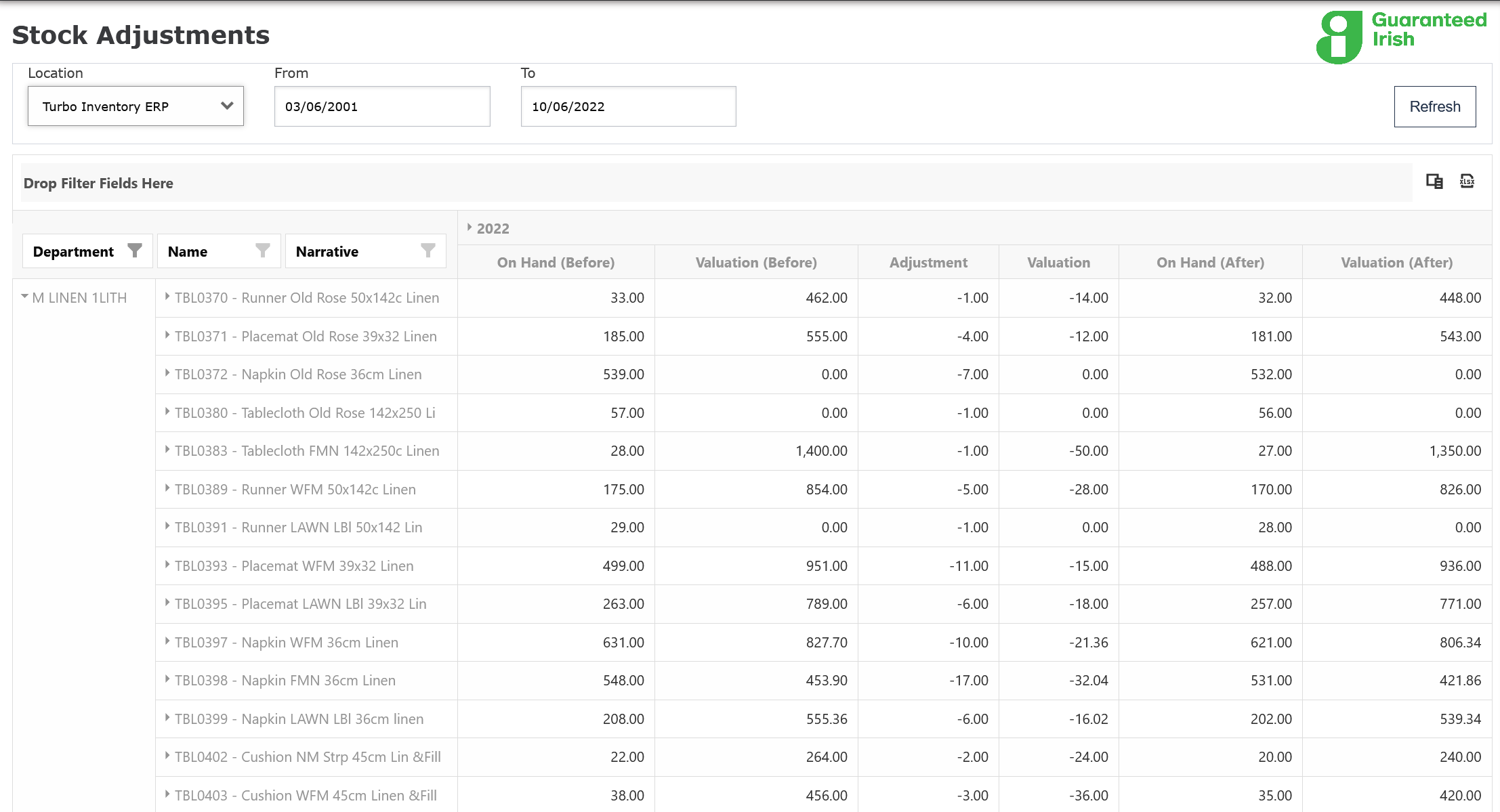
What is Turbo Inventory?
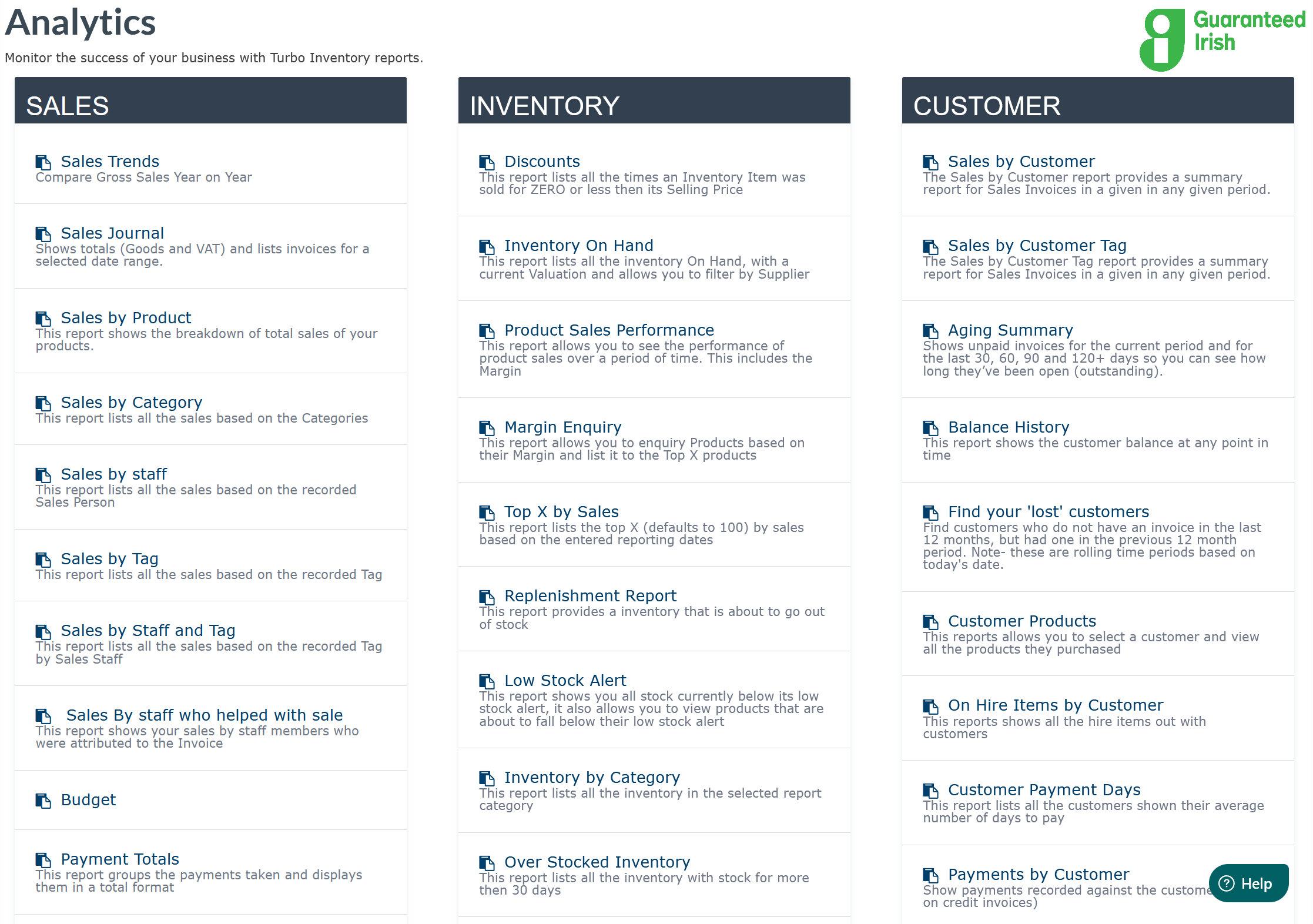
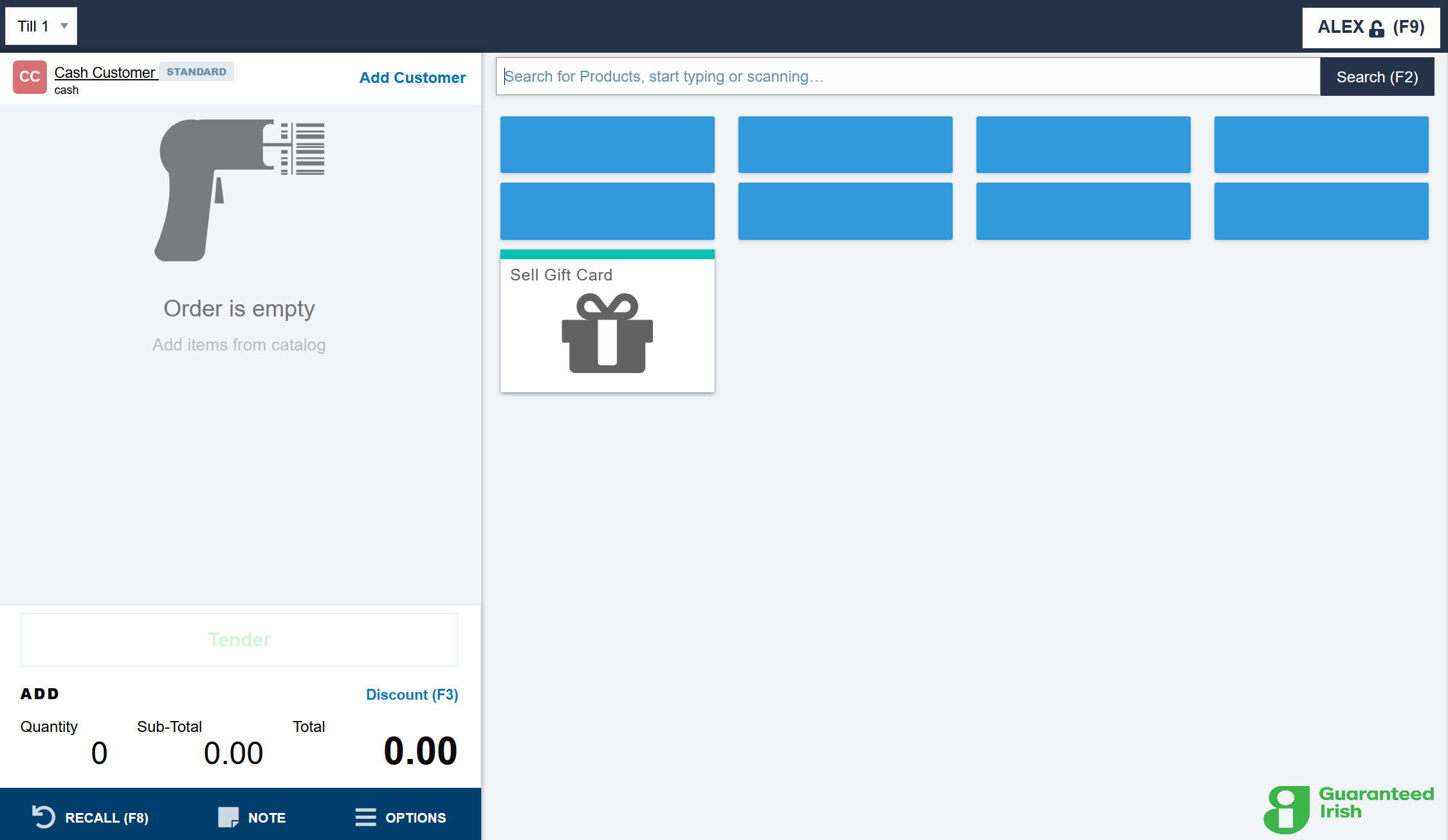
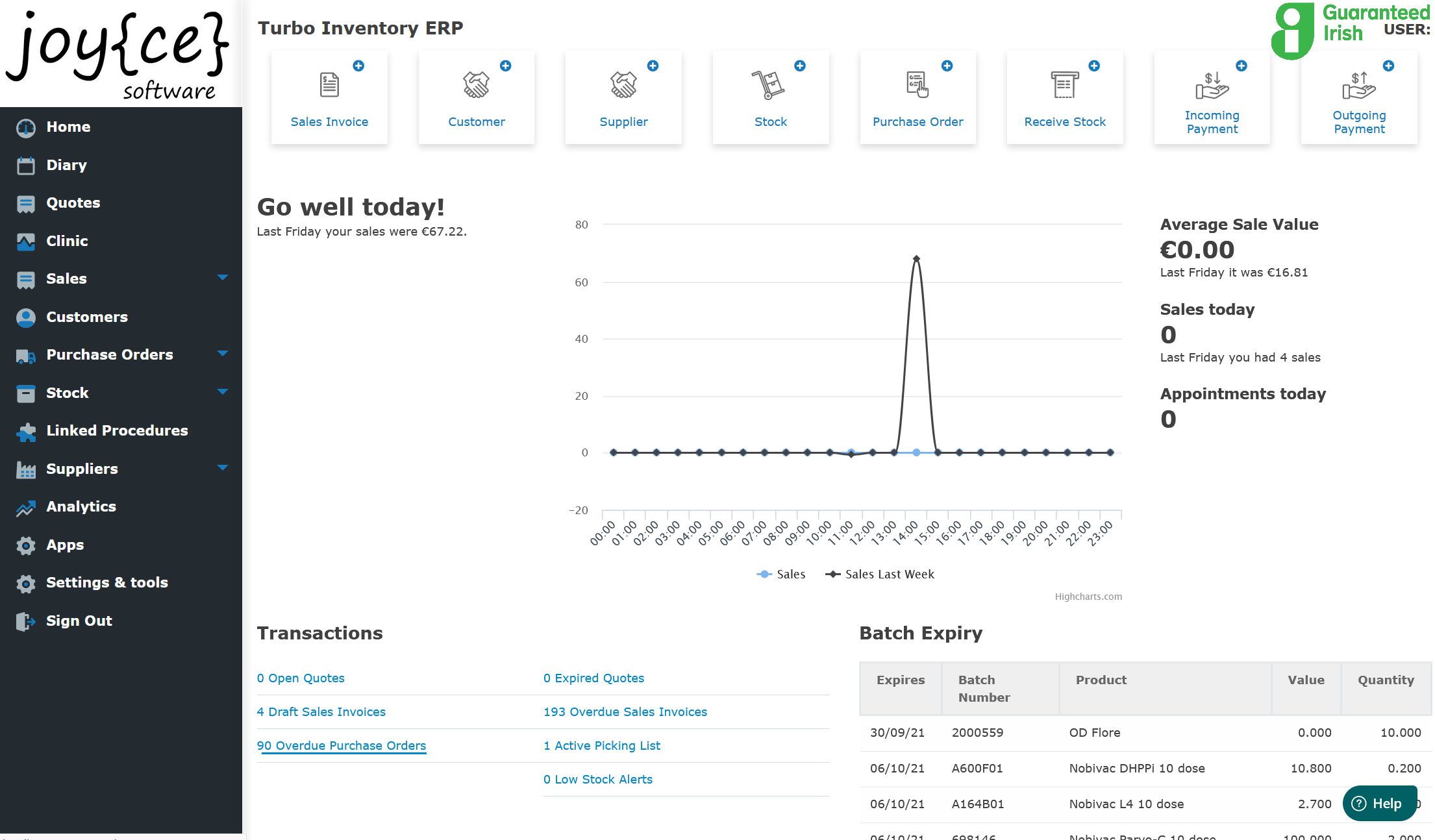
Turbo Inventory is a self-service inventory management software designed for businesses with 1 to 500 employees. It offers tools for managing production, stock, customers, purchases, finances, and teams. Key features include creating purchase orders, backorders, stock takes, and adjustments. Users can track pack sizes, batches, and expiry dates, and send email quotes with integrated credit card payment links. The software is intuitive and easy to use, enhancing order management and inventory control efficiency. It supports various deployment options, including cloud-based and on-premise solutions, and is compatible with multiple platforms such as Windows, Mac, Linux, Android, and iOS.
- Centralized inventory, stock movement, and tracking
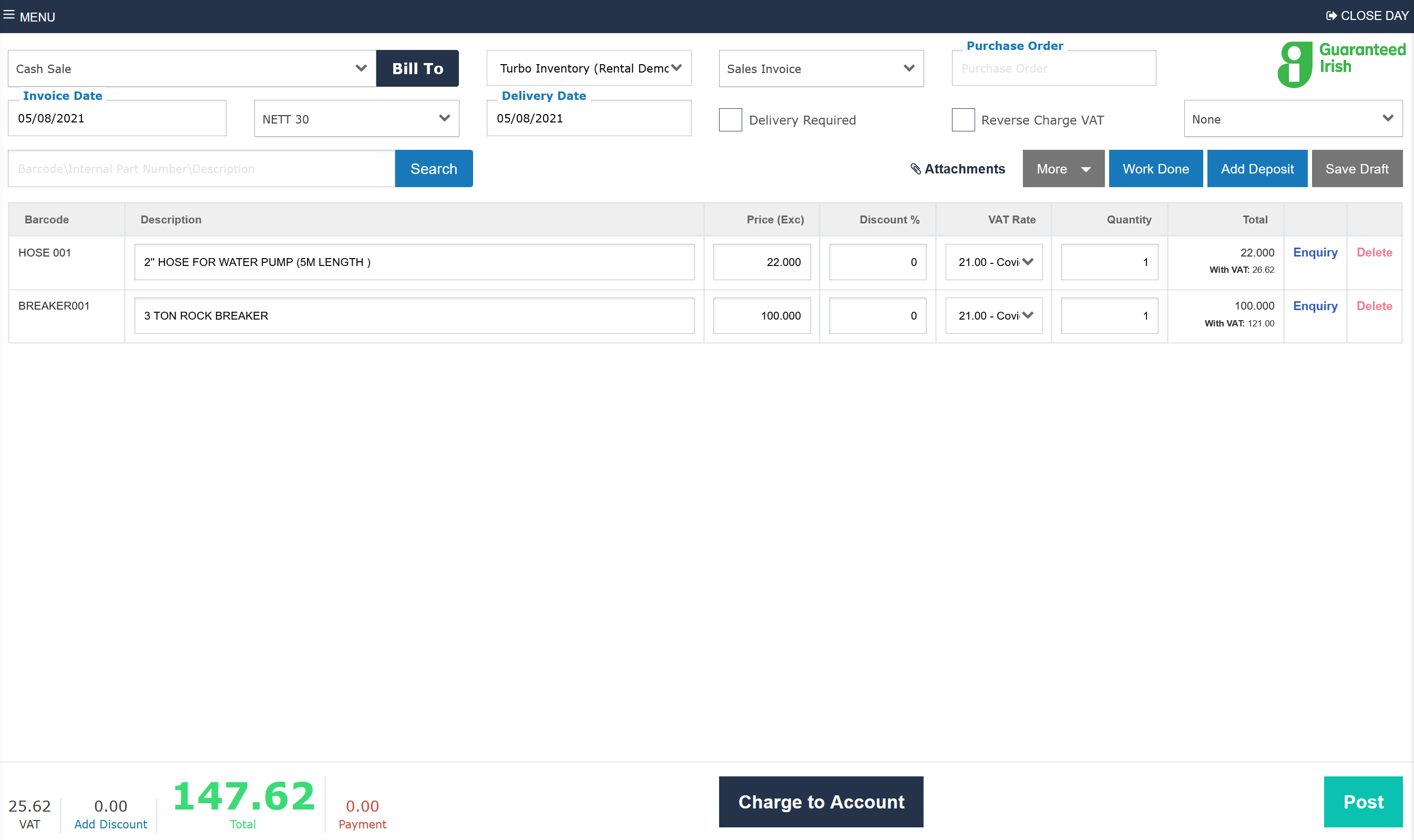
- Integrated invoicing, prescriptions, and order management
- Highly customizable to specific business workflows
- Cloud-based access with reliable data storage
- Strong customer support and responsive development
- Integrations with accounting and online stores
Eligibility
Number of Seats/Users: Turbo Inventory offers discounts based on the number of users or seats. A higher volume typically leads to a better discount structure, especially for enterprise-level usage.
Commitment to a Long-Term Contract: Discounts are often provided to companies that commit to using the service for a longer period (e.g., 1-year or 3-year contracts). A longer commitment shows Turbo Inventory that the company is serious and willing to invest in the platform long-term.
No Active Discounts: Companies that are not already receiving other active discounts may have a better chance of qualifying for additional discounts from Turbo Inventory. Turbo Inventory reserves discounts for new customers or those not currently under promotional pricing.
Volume or Usage Commitment: Turbo Inventory offers discounts if you agree to a minimum amount of usage or transaction volume. This could be based on data storage, transactions, or other metrics tied to how much you will use the platform.
Enterprise-Level Negotiation: Companies that qualify as “enterprise” due to their size or complexity (e.g., having large teams, multiple departments, or geographical presence) may be eligible for additional discounts from Turbo Inventory. Such companies are often in a position to negotiate for better pricing.
Early Renewal or Prepayment: Turbo Inventory often offers discounts if you renew early or prepay for the entire contract period. This is a common approach to securing a lower price.

Turbo Inventory - Up to 35% off
Reviews
Here at Spendbase our internal data shows that Turbo Inventory delivers strong value, especially for small and mid-sized businesses that care about stock accuracy, compliance, and hands-on support.
Overall sentiment is very positive, with most Spendbase clients rating it at the top of the scale and highlighting both ease of use and responsiveness of the team.
Key strengths our clients highlight:
- Customer support & onboarding
- Described as “exceptional”, “superb”, and “very helpful”
- Team is willing to add or adjust features on request
-
Setup and transition from older systems seen as smooth
-
Ease of use
- Simple, intuitive interface across laptop, phone, and tablet
- Easy to learn for non-technical staff
-
EPOS and back-office workflows are straightforward
-
Customization & fit
- Can be tailored closely to specific industries (retail, veterinary, workshop/plant sales)
- Flexible enough to feel “almost bespoke” to individual businesses
-
Supports both very small teams and larger operations
-
Inventory & operations
- Strong stock management: batch and expiry tracking, stock movements, stock takes, adjustments
- Purchase orders, backorders, and order management significantly faster
-
Good support for combined workflows: prescriptions + stock + invoicing for veterinary use cases
-
Business impact
- Noticeable reduction in time spent on stock, invoicing, and prescription management
- Better compliance support (e.g., animal remedies regulations)
- Improved retail experience at tills and in the back office
Common gaps and requested improvements:
- Limited ability to:
- Open multiple screens at once (for checking product details mid-sale/purchase)
- Integrate with marketing platforms and reminder systems (though some of this is “in development”)
-
Close screens with a standard “X” in the corner (small UX friction)
-
Cloud-based nature requires some adjustment for teams used to traditional desktop software.
From a Spendbase discount perspective, Turbo Inventory tends to offer:
- High ROI for teams that:
- Have complex stock or compliance needs
- Need strong support and customization rather than a rigid out-of-the-box tool
- Lower “hidden cost” in training and change management, thanks to its simplicity and responsive support team.
In short, our clients see Turbo Inventory as a practical, supportive platform that grows with their needs, with most concerns focused on relatively minor UX and integration gaps.
See how much you can save on your stack
Pick your team’s tools!
Click to select one or more tools.


What’s your company size?
Just click to select.
What’s your business email?
We'll send you calculations right away
The email is flying to your inbox!
Beyond discounts, you may qualify for up to $100K in AWS credits.

FAQ
1. What types of discounts does Turbo Inventory offer?
We provide annual plan discounts, saving you €600 compared to monthly payments.
2. How can I set up product-specific discounts in Turbo Inventory?
You can assign discounts to products via the Price Books section in the product settings.
3. Is there a free trial available for Turbo Inventory?
Yes, we offer a 60-day free trial to explore all features.
4. Does Turbo Inventory offer discounts for non-profits or educational institutions?
Currently, we do not provide specific discounts for non-profits or educational institutions.
5. Can I customize discount rates for different customer groups?
Yes, you can set specific discount percentages for various customer groups using Price Books.
6. Are there any hidden fees associated with Turbo Inventory discounts?
No, our pricing is transparent with no hidden fees; discounts are applied as stated.
7. How do I apply a discount to a sales invoice in Turbo Inventory?
During invoice creation, you can apply discounts directly to line items or the total amount.
8. Is it possible to offer time-limited promotions using Turbo Inventory?
Yes, you can set up time-bound discounts and promotions through the Price Books feature.
Related discounts

Descartes Zangerine
Barcoding Software
Up to 45% off

GroovePacker
Barcoding Software
Up to 50% off

UC! Web
Barcoding Software
Up to 35% off

WithoutWire
Barcoding Software
Up to 35% off

ImplantBase
Barcoding Software
Up to 40% off

SkuSuite
Barcoding Software
Up to 15% off
Software cost optimization
Turbo Inventory savings in five steps
Let’s estimate your potential savings and see how you can scale your cloud infrastructure.
One call. No cost. No commitments


meet vendor relationship EXPERTS
Our customers save millions with us



Save on Turbo Inventory
It’s time to shrink your bill
Let our SaaS cost optimization experts check what deals you can get and how much you can save on your corporate subscriptions
See how you can:
- Learn about pricing benchmarks and discounts
- Present potential savings by vendor to your team
- Meet your SaaS and cloud cost optimization goals
Get Turbo Inventory discount
We’ll email you back within 1 business day