











Adobe Animate Discount - Up to 30% off
Multi-media authoring and computer animation tool that offers advanced rigging, sharing, publishing, asset designing, and more.
Get discountCategory
Graphic Design Software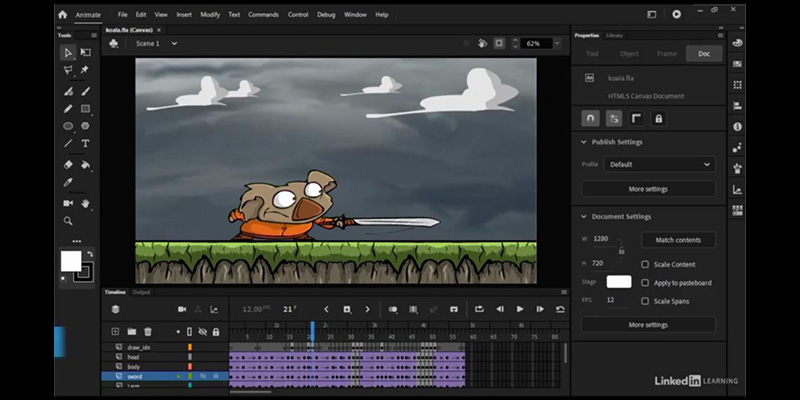
What is Adobe Animate?
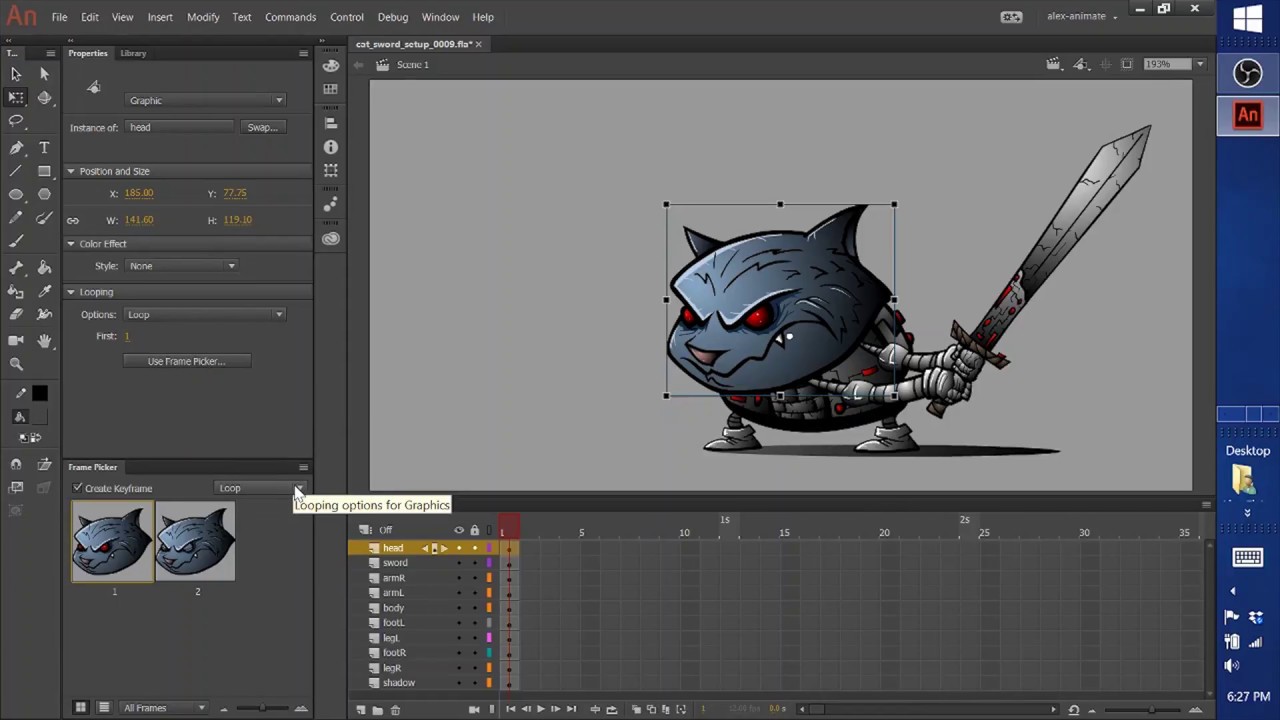
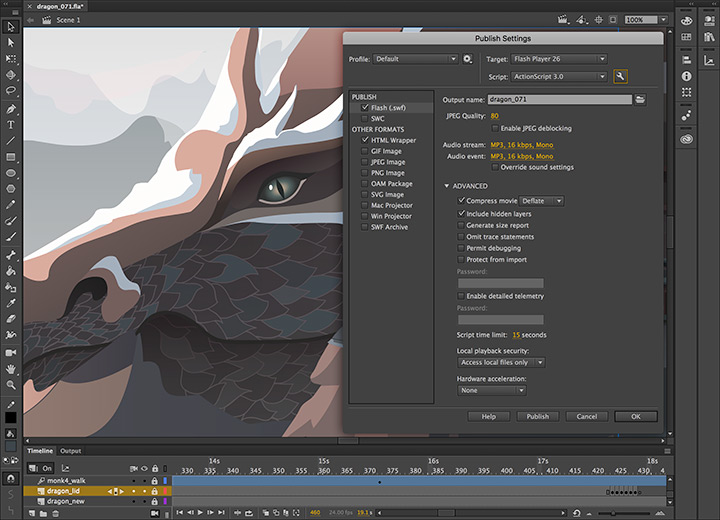
Adobe Animate is a multimedia authoring and computer animation program developed by Adobe. It enables users to design vector graphics and animations for television series, online videos, websites, web applications, and video games. The software supports both vector and raster graphics, rich text, audio and video embedding, and scripting with ActionScript 3.0. Key features include vector-based drawing tools, a timeline and motion editor for complex animations, bone rigging for 2D character animations, and support for HTML5 Canvas and WebGL for interactive content. Additionally, Adobe Animate allows exporting animations to multiple platforms, including HTML5, WebGL, Flash/Adobe AIR, and custom platforms like SVG.
- Professional 2D vector drawing and animation
- Advanced rigging for complex character animation
- Interactive animations via ActionScript and JavaScript
- Multi-format publishing for web, games, AR/VR
- Integrates seamlessly with other Adobe apps
- Intuitive timeline with frame-by-frame animation control
Eligibility
Number of Seats/Users: Adobe Animate offers discounts based on the number of users or seats. A higher volume typically leads to a better discount structure, especially for enterprise-level usage.
Commitment to a Long-Term Contract: Discounts are often provided to companies that commit to using the service for a longer period (e.g., 1-year or 3-year contracts). A longer commitment shows Adobe Animate that the company is serious and willing to invest in the platform long-term.
No Active Discounts: Companies that are not already receiving other active discounts may have a better chance of qualifying for additional discounts from Adobe Animate. Adobe Animate reserves discounts for new customers or those not currently under promotional pricing.
Volume or Usage Commitment: Adobe Animate offers discounts if you agree to a minimum amount of usage or transaction volume. This could be based on data storage, transactions, or other metrics tied to how much you will use the platform.
Enterprise-Level Negotiation: Companies that qualify as “enterprise” due to their size or complexity (e.g., having large teams, multiple departments, or geographical presence) may be eligible for additional discounts from Adobe Animate. Such companies are often in a position to negotiate for better pricing.
Early Renewal or Prepayment: Adobe Animate often offers discounts if you renew early or prepay for the entire contract period. This is a common approach to securing a lower price.

Adobe Animate - Up to 30% off
Reviews
Here at Spendbase our internal data shows that Adobe Animate is generally very well‑liked by creative teams, especially for 2D work, but there are some consistent cost and usability flags we keep an eye on.
From what our Spendbase clients tell us, the overall sentiment lands around a strong 4–4.5/5.
What Spendbase clients like most
– 2D animation power:
– Very strong for frame‑by‑frame and tween‑based 2D animation
– Great for explainer videos, educational content, banners, and simple games
– Familiar Adobe ecosystem:
– UI feels natural if you already use Photoshop, Illustrator, Premiere, or After Effects
– Smooth asset hand‑off between other Adobe apps
– Learning and accessibility:
– Many clients say you can get decent results quickly, even as a beginner
– Built‑in tutorials and an active creative community help new users ramp up
– Vector and export quality:
– Clean vector output, good for web and social platforms
– Rich toolset for drawing, rigging, and basic interactivity
Key friction points Spendbase sees
– Pricing and licensing:
– For solo creatives, students, and teams in lower‑income regions, the subscription is often called “expensive but worth it”
– Some clients keep Animate only because it’s bundled in Creative Cloud; almost none buy it as a standalone if budgets are tight
– Tech limitations:
– Limited and basic 3D features; missing things like robust 3D cameras
– Can be resource‑hungry and laggy on less powerful machines
– Motion graphics and templates feel dated to some teams
– Learning curve & workflow:
– Total newcomers to Adobe sometimes find the interface cluttered
– Advanced interactivity still needs ActionScript/JavaScript/HTML5 knowledge
– Banner‑focused teams sometimes switch to more modern, specialized tools
How we usually advise teams at Spendbase
– If your work is heavily 2D (ads, explainers, light gaming), Animate is usually worth keeping, especially when bundled with Creative Cloud.
– If you mainly need 3D or complex motion graphics, we often recommend shifting spend toward other tools (e.g., After Effects, dedicated 3D suites) and downgrading Animate seats.
– For cost‑sensitive teams, we typically:
– Consolidate licenses to power users only
– Check if some use cases can move to lighter or free tools
– Negotiate Creative Cloud bundles rather than standalone Animate, which almost always improves price‑per‑seat.
See how much you can save on your stack
Pick your team’s tools!
Click to select one or more tools.


What’s your company size?
Just click to select.
What’s your business email?
We'll send you calculations right away
The email is flying to your inbox!
Beyond discounts, you may qualify for up to $100K in AWS credits.

FAQ
1. Are there any discounts available for Adobe Animate?
Yes, we offer exclusive discounts on Adobe Animate, including up to 43% off after a 7-day free trial.
2. Do students and teachers receive discounts on Adobe Animate?
Absolutely! Students and teachers can access Adobe Animate at a discounted rate through our education discount program.
3. Is Adobe Animate available for a one-time purchase?
Adobe Animate is offered exclusively through subscription plans; a one-time purchase option is not available.
4. Can I get a free trial of Adobe Animate?
Yes, we provide a 7-day free trial of Adobe Animate, allowing you to explore its features commitment-free.
5. Are there any discounts for purchasing multiple Adobe Animate licenses?
Yes, purchasing multiple licenses qualifies you for our VIP Select program, offering additional discounts.
6. Does Adobe offer discounts on Adobe Animate during sales events?
Yes, during special sales events, we offer significant discounts on Adobe Animate subscriptions.
7. Is there a discount for paying annually for Adobe Animate?
Yes, opting for an annual prepaid plan offers savings compared to monthly payments.
8. Are there any discounts for non-profit organizations on Adobe Animate?
Yes, non-profit organizations can access discounted rates for Adobe Animate through our special programs.
Related discounts

Omi
Graphic Design Software
Up to 50% off

Xspiral
Graphic Design Software
Up to 15% off

Cartoon Animator
Graphic Design Software
Up to 30% off

Mojomox
Graphic Design Software
Up to 35% off

Motion Array
Graphic Design Software
Up to 25% off

Drawtify Designer
Graphic Design Software
Up to 50% off
Software cost optimization
Adobe Animate savings in five steps
Let’s estimate your potential savings and see how you can scale your cloud infrastructure.
One call. No cost. No commitments


meet vendor relationship EXPERTS
Our customers save millions with us



Save on Adobe Animate
It’s time to shrink your bill
Let our SaaS cost optimization experts check what deals you can get and how much you can save on your corporate subscriptions
See how you can:
- Learn about pricing benchmarks and discounts
- Present potential savings by vendor to your team
- Meet your SaaS and cloud cost optimization goals
Get Adobe Animate discount
We’ll email you back within 1 business day