











buildup Discount - Up to 20% off
Buildup is the easiest-to-use punch list, task management and inspections software for construction and development.
Get discountCategory
Inspection Software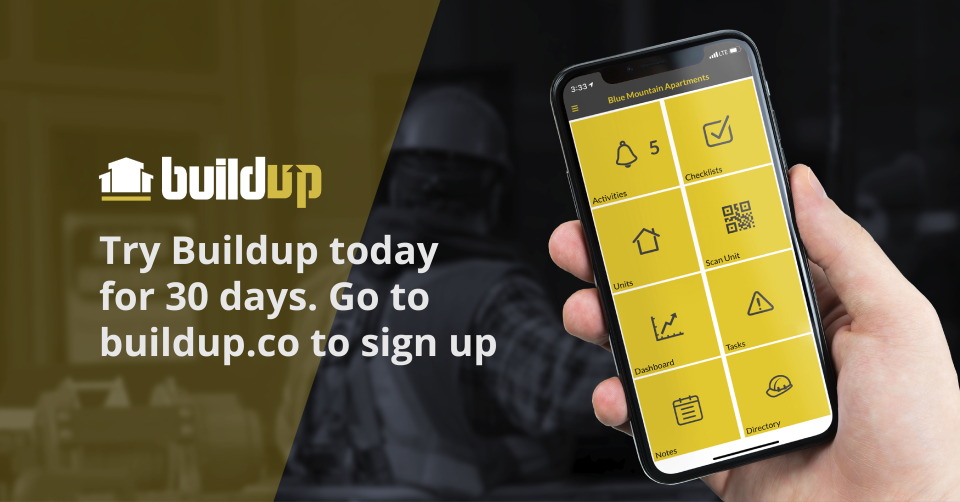
What is buildup?
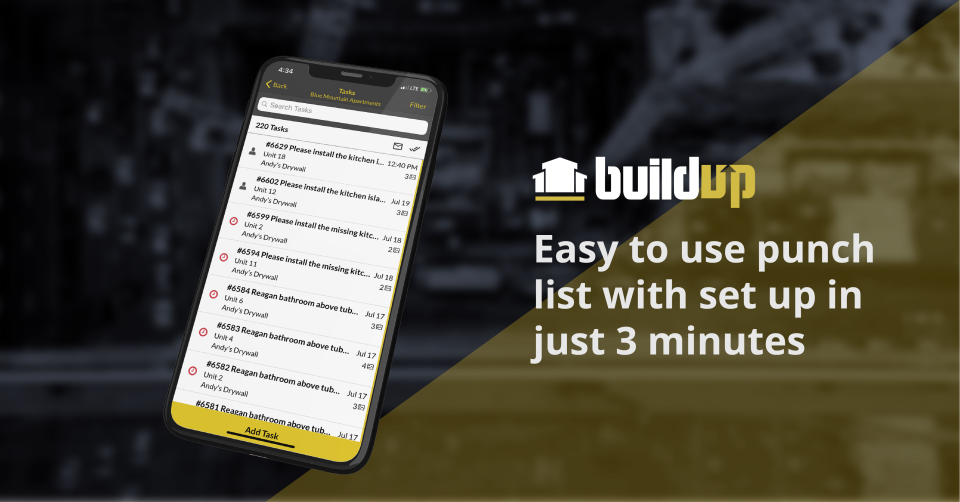
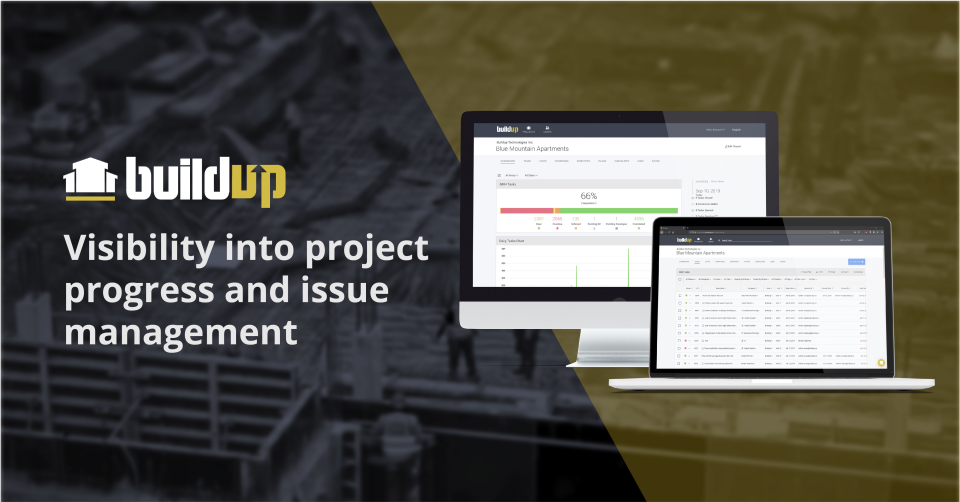
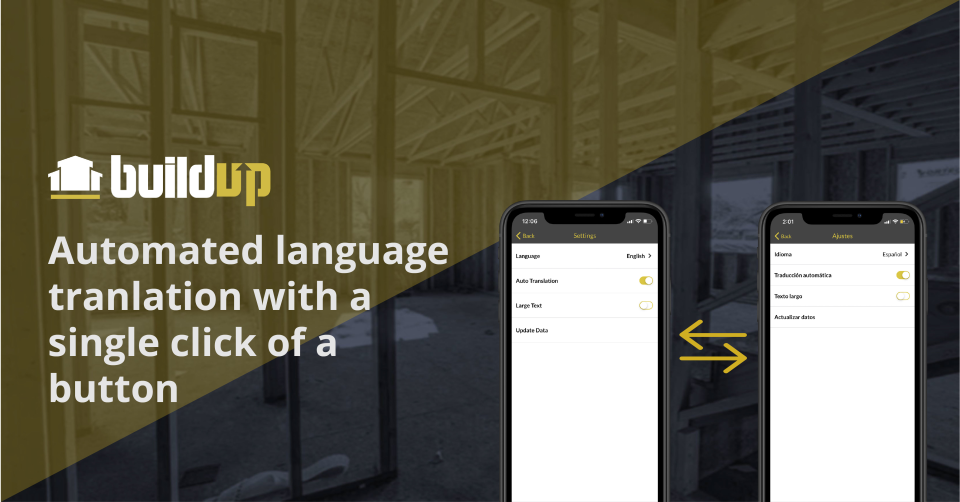
Buildup is a user-friendly construction management app designed for owners, developers, general contractors, and subcontractors to enhance project quality, reduce costs, and shorten timelines. Its key features include task management with customizable checklists, efficient punch lists for issue tracking, real-time reporting for progress monitoring, sequencing to manage multi-step tasks across subcontractors, in-app messaging for seamless communication, and integration with platforms like Procore for streamlined workflows. Buildup’s mobile accessibility ensures that teams can collaborate effectively, both on-site and remotely.
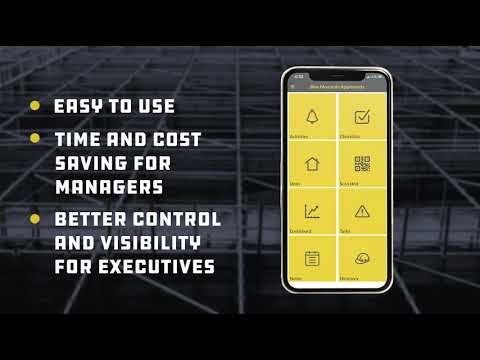
- Extremely easy, minimal-training user interface
- Attach annotated photos to each issue
- Mobile field app with plan pinning
- Assign tasks to trades with notifications
- Powerful filtering, punchlist tracking, reporting
- Shared cloud history, timestamps, accountability
Eligibility
Number of Seats/Users: buildup offers discounts based on the number of users or seats. A higher volume typically leads to a better discount structure, especially for enterprise-level usage.
Commitment to a Long-Term Contract: Discounts are often provided to companies that commit to using the service for a longer period (e.g., 1-year or 3-year contracts). A longer commitment shows buildup that the company is serious and willing to invest in the platform long-term.
No Active Discounts: Companies that are not already receiving other active discounts may have a better chance of qualifying for additional discounts from buildup. buildup reserves discounts for new customers or those not currently under promotional pricing.
Volume or Usage Commitment: buildup offers discounts if you agree to a minimum amount of usage or transaction volume. This could be based on data storage, transactions, or other metrics tied to how much you will use the platform.
Enterprise-Level Negotiation: Companies that qualify as “enterprise” due to their size or complexity (e.g., having large teams, multiple departments, or geographical presence) may be eligible for additional discounts from buildup. Such companies are often in a position to negotiate for better pricing.
Early Renewal or Prepayment: buildup often offers discounts if you renew early or prepay for the entire contract period. This is a common approach to securing a lower price.

buildup - Up to 20% off
Reviews
Here at Spendbase our internal data shows that Buildup is generally seen as a high‑value, easy‑to‑adopt field tool, especially for punch lists and quality control on construction projects.
Overall sentiment
– Average rating trends around the “very positive” mark (mostly 4–5 stars).
– Neutral/mixed feedback is rarely about core functionality; it’s mostly about performance and reporting.
What Spendbase clients like most
Our clients consistently highlight a few strong points:
- Ease of use & onboarding
- Minimal training; field teams and subs “just start using it.”
- Works similarly across phone, tablet, and web.
- Punch list & QC focus
- Fast task creation on site with photos, pins on plans, and clear locations.
- Good for tracking hundreds/thousands of items on large projects.
- Live, shared punch lists prevent duplication and miscommunication.
- Collaboration & accountability
- Automatic email updates to subcontractors.
- Time‑stamping and history make it easier to prove completion.
- Clear assignment and due dates (e.g., default “7 days out”) set expectations.
- Time and cost impact
- Replaces handwritten lists and phone calls.
- Speeds up closeout and reduces project delays.
- Centralized communication reduces rework and missed items.
Key pain points our internal data flags
- Performance & connectivity
- App can be sluggish, freeze, or have issues when offline or on weak signal.
- Heavy data use can drain battery quickly.
- Reporting & exports
- Reports are not very customizable.
- Photos in printed reports are often too small.
- Limited ability to tweak columns or export to Excel/Word for client‑ready reports.
- Mobile limitations
- Can’t manage all project structures (buildings/units/areas) from phone.
- Some actions (sequences, editing photos, more advanced admin) require desktop.
- Setup & workflow quirks
- Initial labeling/setup can be time‑consuming.
- Some default selections “stick” between tasks when users would prefer a reset.
- Occasional glitches around closing tasks or loading plans.
How Spendbase positions Buildup value‑wise
When we negotiate Buildup for our clients, we emphasize:
- Strong ROI for teams that do heavy punch/QC work.
- Savings from reduced rework, fewer site visits, and faster closeout.
- The importance of clarifying roadmap items (offline mode, report upgrades, performance fixes) in contracts, given how often they are mentioned in our internal data.
See how much you can save on your stack
Pick your team’s tools!
Click to select one or more tools.


What’s your company size?
Just click to select.
What’s your business email?
We'll send you calculations right away
The email is flying to your inbox!
Beyond discounts, you may qualify for up to $100K in AWS credits.

FAQ
1. How do I apply a discount code during checkout?
Enter your promotion code in the designated field at checkout to redeem your discount.
2. Can I combine multiple discount codes on a single purchase?
Typically, only one discount code can be applied per order unless otherwise specified.
3. Do discounts apply to all products?
Discounts may exclude certain items; please check the terms and conditions for details.
4. How often do you offer new discounts?
We regularly update our promotions; subscribe to our newsletter for the latest offers.
5. Are discounts available for both online and in-store purchases?
Yes, our discounts apply to both online and in-store purchases unless stated otherwise.
6. Do I need an account to use a discount code?
No, you can apply discount codes during guest checkout without an account.
7. What should I do if my discount code isn't working?
Ensure the code is entered correctly and hasn't expired; contact support if issues persist.
8. Can I use a discount code on sale items?
Discount codes may not apply to sale items; refer to the promotion's terms for specifics.
Related discounts

Ripci.app
Inspection Software
Up to 30% off

Inspector FX
Inspection Software
Up to 25% off

E-Data Now! Inspection Software
Inspection Software
Up to 35% off

i|NORIS-DMI
Inspection Software
Up to 20% off

Report Writer
Inspection Software
Up to 30% off

Versentia
Inspection Software
Up to 15% off
Software cost optimization
buildup savings in five steps
Let’s estimate your potential savings and see how you can scale your cloud infrastructure.
One call. No cost. No commitments


meet vendor relationship EXPERTS
Our customers save millions with us



Save on buildup
It’s time to shrink your bill
Let our SaaS cost optimization experts check what deals you can get and how much you can save on your corporate subscriptions
See how you can:
- Learn about pricing benchmarks and discounts
- Present potential savings by vendor to your team
- Meet your SaaS and cloud cost optimization goals
Get buildup discount
We’ll email you back within 1 business day