











Clientbook Discount - Up to 35% off
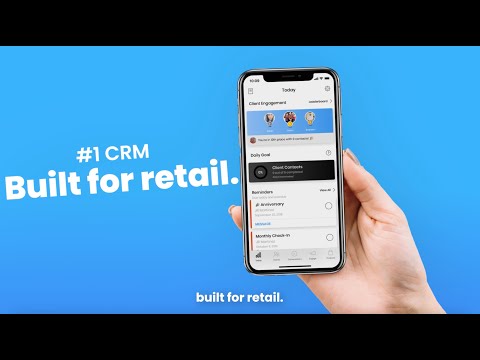
App for retail sales reps to manage customer relationships, reach out via unified messaging, and drive repeat sales.
Get discountCategory
CRM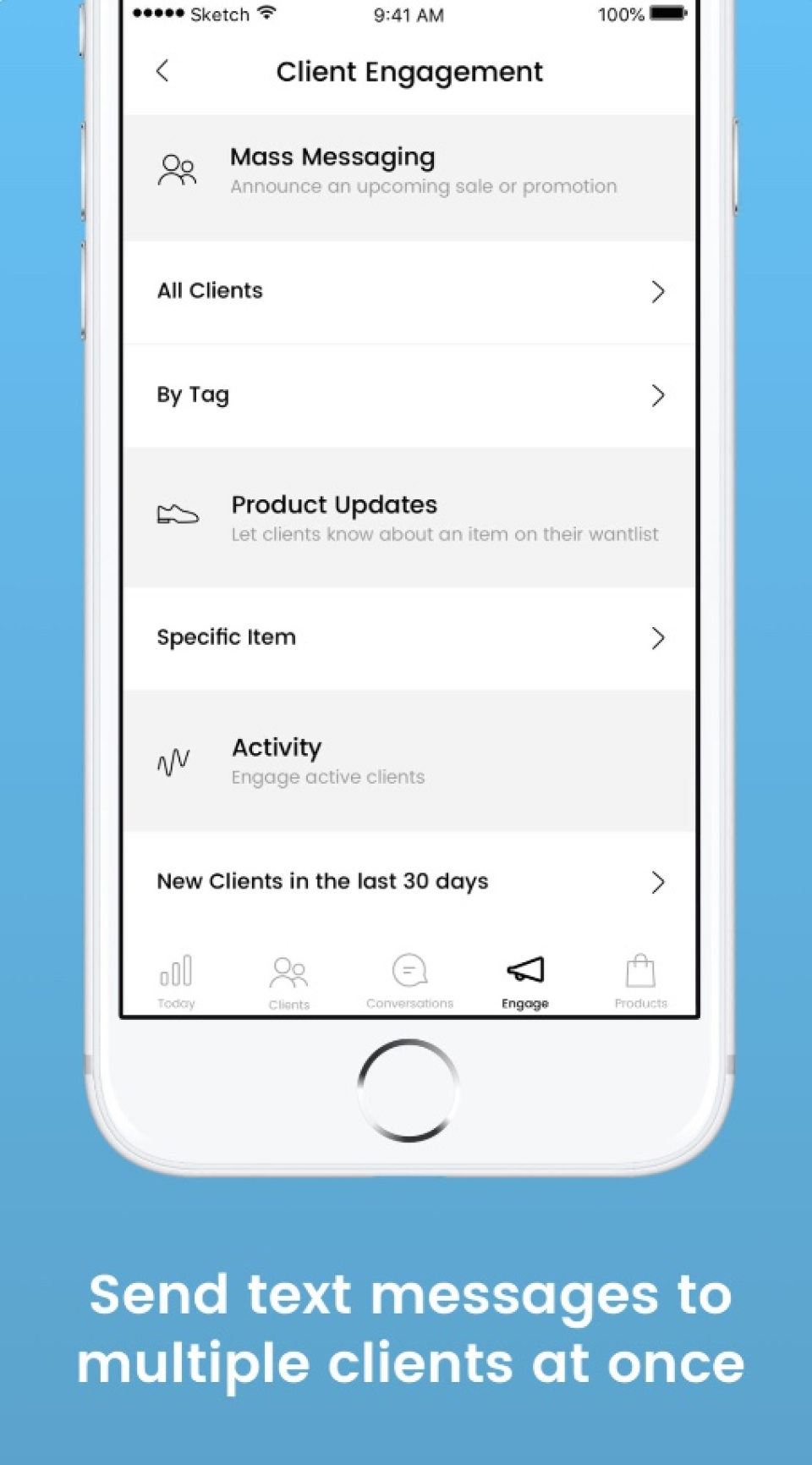
What is Clientbook?
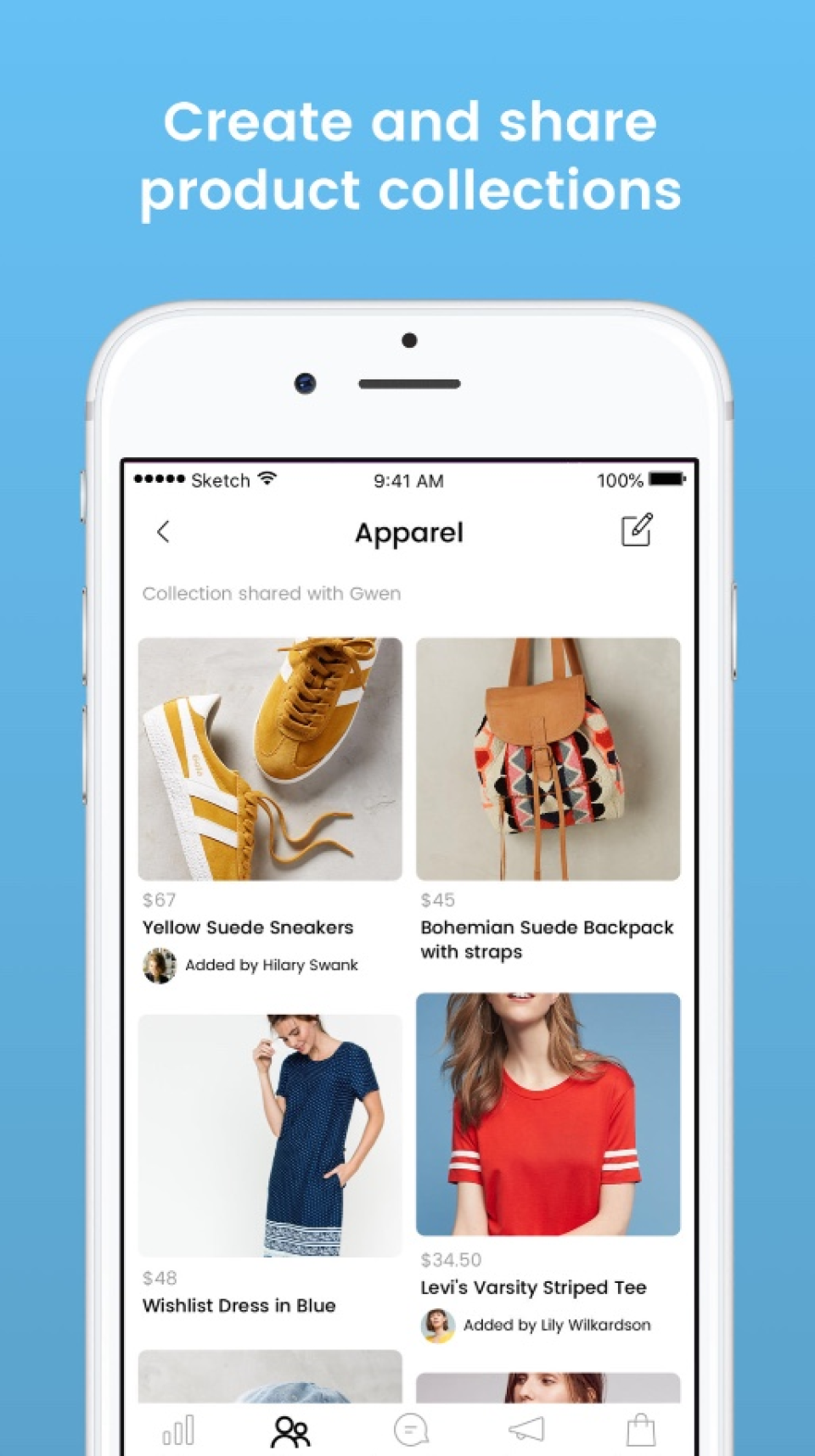
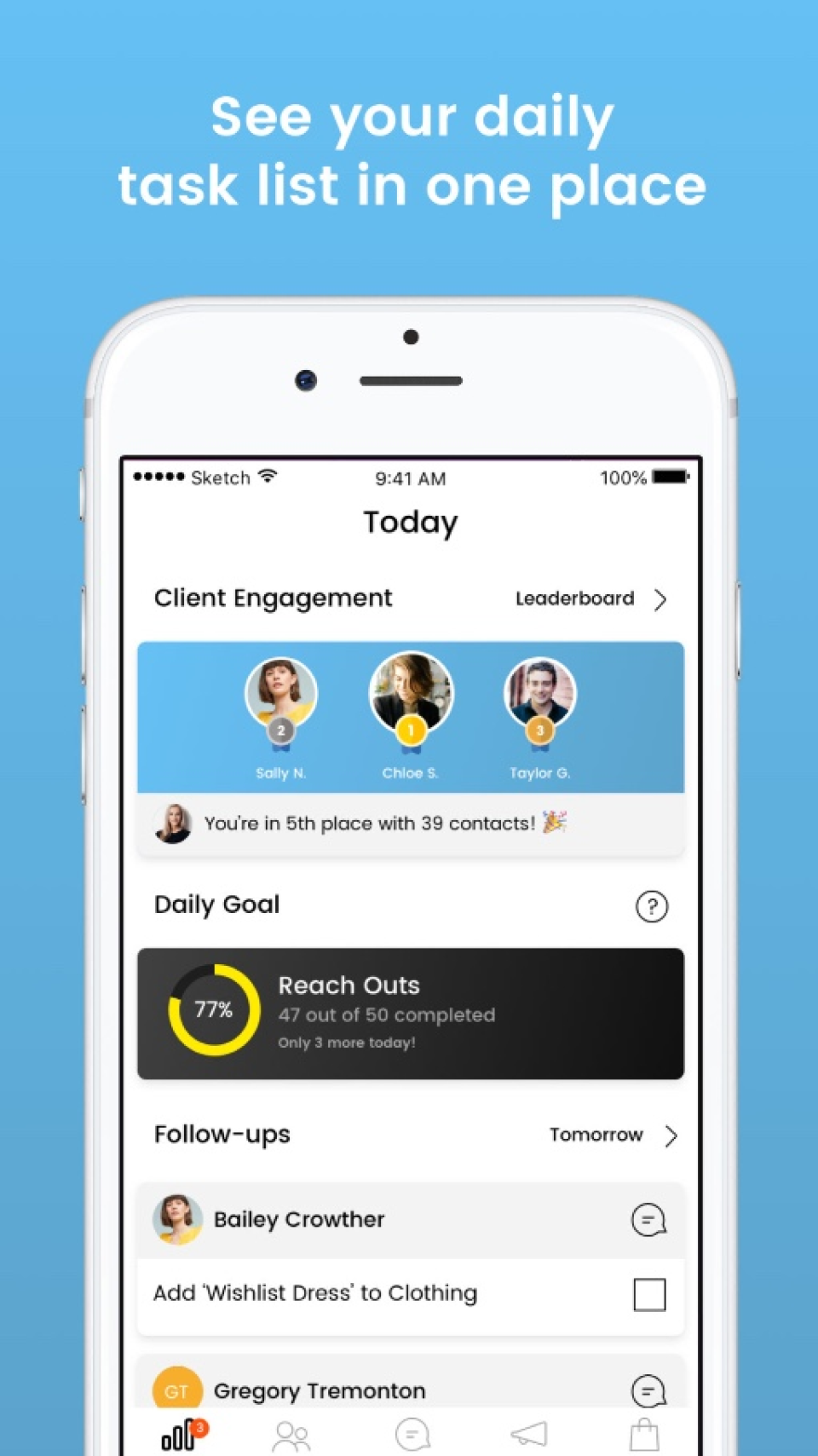
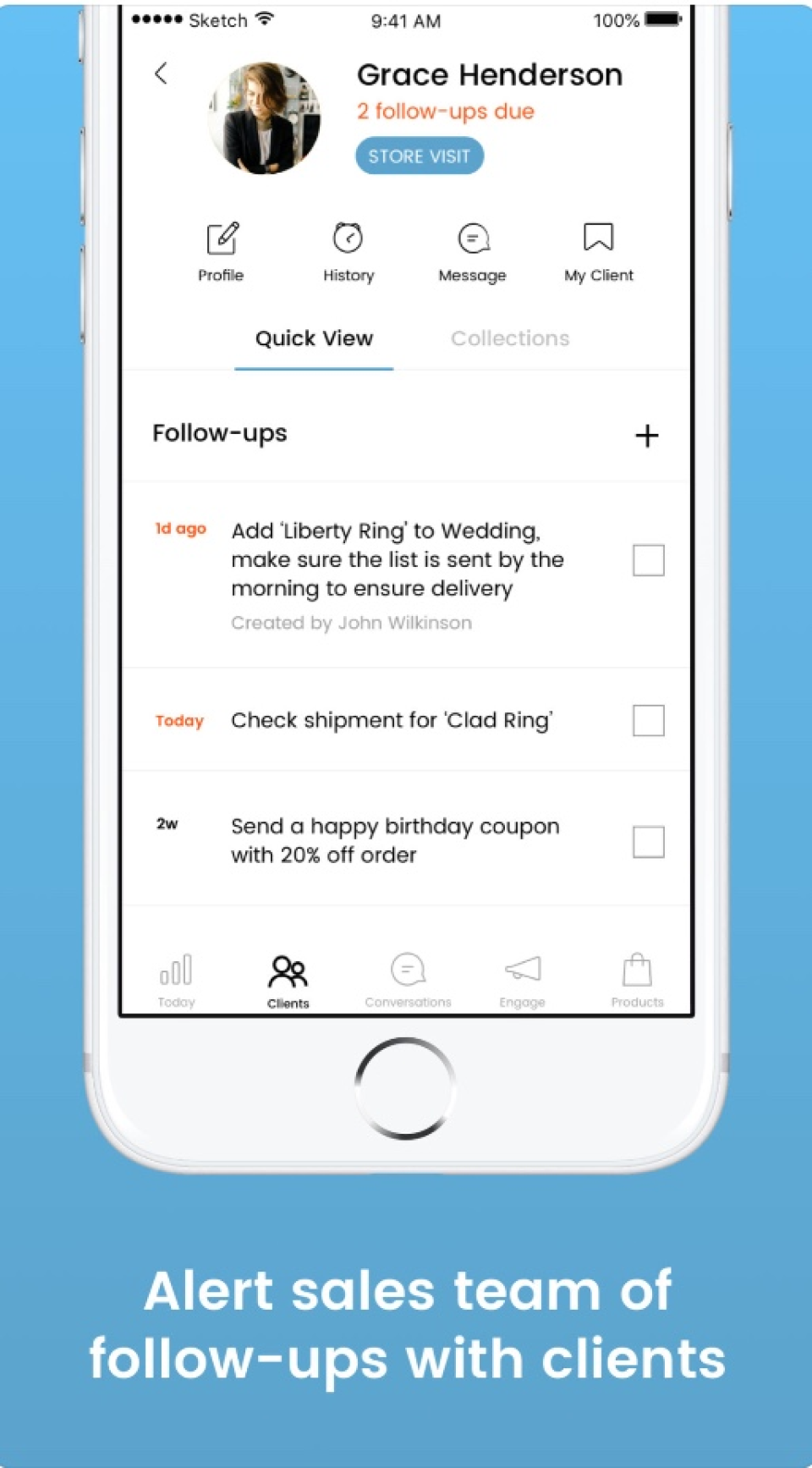
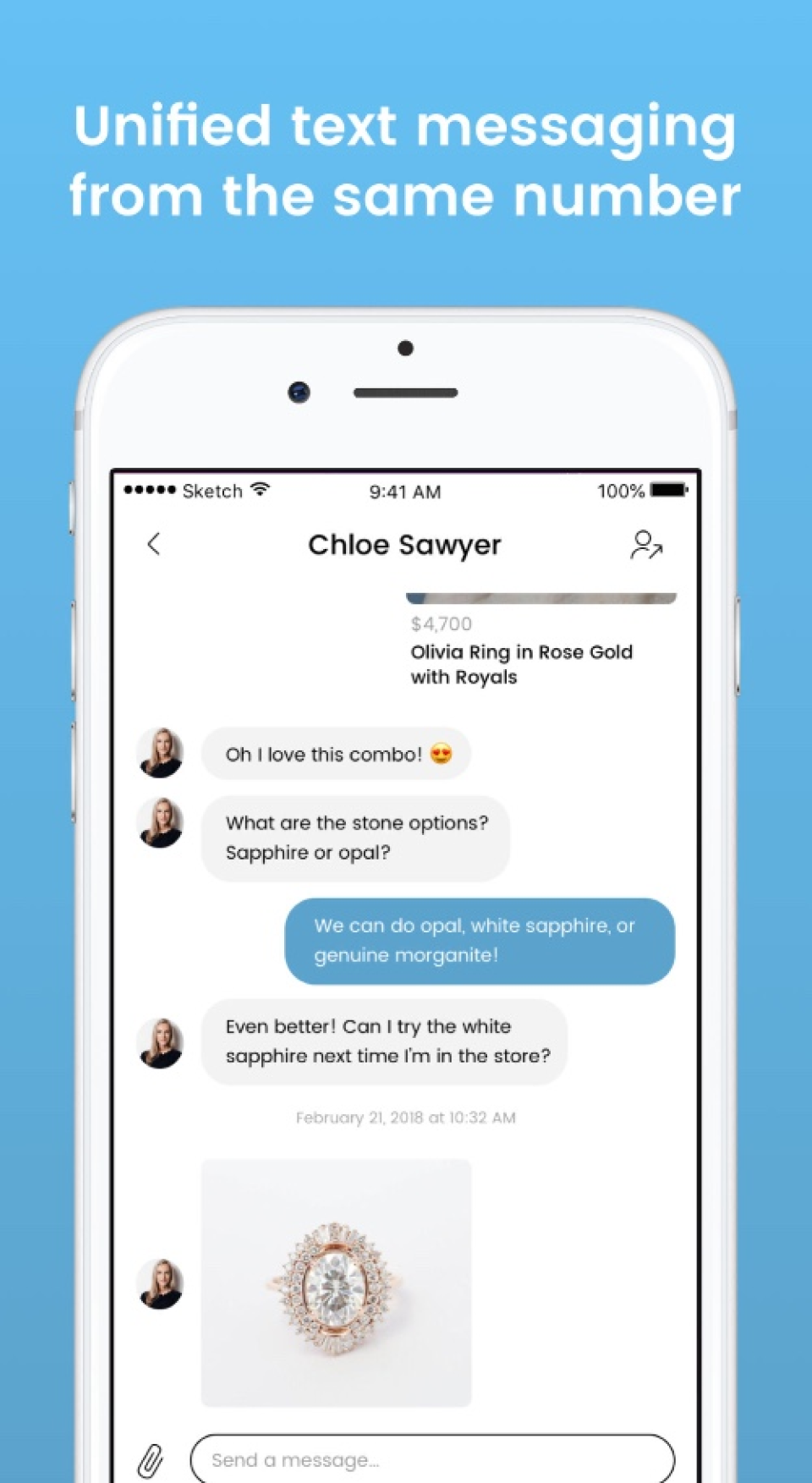
Clientbook is a desktop and mobile application designed to streamline client management for retailers. It offers features such as messaging, client management, automated reminders, and review requests. A standout feature is its AI-powered Smart Assistant, which provides daily suggestions to sales associates, identifying clients most ready to purchase. By integrating in-store data with AI, Clientbook enhances the sales process, helping retailers build stronger customer relationships and boost sales.
- AI Smart Assistant prioritizes ready-to-buy clients
- Centralized client profiles with detailed history
- Automated reminders for timely client follow-ups
- Integrated messaging for streamlined customer communication
- POS and website integration for syncing
- Automated review requests to boost reputation
Eligibility
Number of Seats/Users: Clientbook offers discounts based on the number of users or seats. A higher volume typically leads to a better discount structure, especially for enterprise-level usage.
Commitment to a Long-Term Contract: Discounts are often provided to companies that commit to using the service for a longer period (e.g., 1-year or 3-year contracts). A longer commitment shows Clientbook that the company is serious and willing to invest in the platform long-term.
No Active Discounts: Companies that are not already receiving other active discounts may have a better chance of qualifying for additional discounts from Clientbook. Clientbook reserves discounts for new customers or those not currently under promotional pricing.
Volume or Usage Commitment: Clientbook offers discounts if you agree to a minimum amount of usage or transaction volume. This could be based on data storage, transactions, or other metrics tied to how much you will use the platform.
Enterprise-Level Negotiation: Companies that qualify as “enterprise” due to their size or complexity (e.g., having large teams, multiple departments, or geographical presence) may be eligible for additional discounts from Clientbook. Such companies are often in a position to negotiate for better pricing.
Early Renewal or Prepayment: Clientbook often offers discounts if you renew early or prepay for the entire contract period. This is a common approach to securing a lower price.

Clientbook - Up to 35% off
Reviews
Here at Spendbase our internal data shows that Clientbook delivers solid value to retail teams, with a few clear areas where our clients push for better terms and stronger support.
Overall sentiment
Spendbase clients typically rate Clientbook in the “good to very good” range. The platform is seen as helpful and promising, but still evolving. Satisfaction is driven by ease of use and sales enablement; frustration mostly comes from support speed and feature gaps.
Key strengths our clients highlight
– Simple client tracking
– Easy to store and look up client info and details
– Works well as a day‑to‑day CRM for retail associates
– Automations & reminders
– Automations are appreciated, especially for follow‑ups
– Reminders for special dates (birthdays, anniversaries, key milestones) help drive repeat sales
– Messaging & engagement
– Integrated messaging with clients is a big win for sales teams
– Helps generate leads and stay connected without juggling multiple tools
– Integrations
– Integration with POS and websites is seen as valuable once set up
– Service when it works
– Some Spendbase clients call out “top notch” customer service when they do get help
Main friction points
– Support speed and reliability
– Issues are often not resolved the same day
– Perception that new features are added before key bugs are fixed
– Feature gaps
– Limited tools to categorize clients more granularly
– Inability (or delayed ability) to see and manage Google/Facebook reviews inside Clientbook
– Integration burden
– POS integration can be time‑consuming during onboarding, even if worthwhile later
How Spendbase clients typically use this for negotiation and discounts
– They point to onboarding effort (especially POS integration) as justification for
– implementation discounts
– extended free trial or a longer ramp‑up period
– They leverage support concerns to negotiate
– service‑level commitments (response times)
– discounts or credits tied to unresolved issues
– They use missing features (advanced categorization, full review management) to ask for
– temporary price reductions
– free access to upcoming premium features once released
In short, Clientbook is viewed as a strong, retail‑focused CRM with powerful automations, where smart buyers use integration complexity and support gaps to secure better pricing and terms.
See how much you can save on your stack
Pick your team’s tools!
Click to select one or more tools.


What’s your company size?
Just click to select.
What’s your business email?
We'll send you calculations right away
The email is flying to your inbox!
Beyond discounts, you may qualify for up to $100K in AWS credits.

FAQ
1. What is Clientbook?
Clientbook is a CRM for luxury retailers, enhancing customer engagement and sales management.
2. How can I get a discount on Clientbook?
Early access users can receive up to 20% off; contact our sales team for current promotions.
3. Does Clientbook offer a free trial?
We offer a 60-day proof of concept; cancel within this period for a full refund.
4. What are the fees associated with Clientbook Payments?
A 2.49% + $0.30 fee per transaction and a $0.50 ACH fee per payout apply.
5. How do I issue a refund through Clientbook?
Navigate to the Payment Activity Details screen, select the payment, and click 'Refund Payment'.
6. Can I customize Clientbook settings for my store?
Yes, admins can adjust general settings like daily goals and messaging limits via the dashboard.
7. What product information is visible to customers?
Customers see product images and descriptions; pricing and other details are hidden.
8. How do I filter my client list in Clientbook?
Use the filtering tools to sort clients by criteria like birthdays, messaging activity, and more.
Related discounts

CRM.TRAVEL
CRM
Up to 30% off

Zapflow
CRM
Up to 25% off

DirectLync
CRM
Up to 20% off

LeadsBase
CRM
Up to 30% off

Bevatel
CRM
Up to 35% off

Hybrid.Chat
CRM
Up to 45% off
Software cost optimization
Clientbook savings in five steps
Let’s estimate your potential savings and see how you can scale your cloud infrastructure.
One call. No cost. No commitments


meet vendor relationship EXPERTS
Our customers save millions with us



Save on Clientbook
It’s time to shrink your bill
Let our SaaS cost optimization experts check what deals you can get and how much you can save on your corporate subscriptions
See how you can:
- Learn about pricing benchmarks and discounts
- Present potential savings by vendor to your team
- Meet your SaaS and cloud cost optimization goals
Get Clientbook discount
We’ll email you back within 1 business day