











CloudMounter Discount - Up to 40% off
System utility that allows mounting different cloud storages and web servers to your Mac as local disks.
Get discountCategory
Cloud Management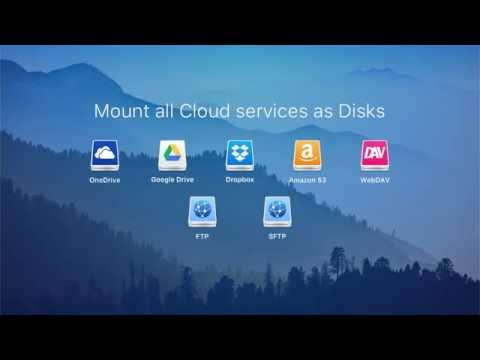
What is CloudMounter?
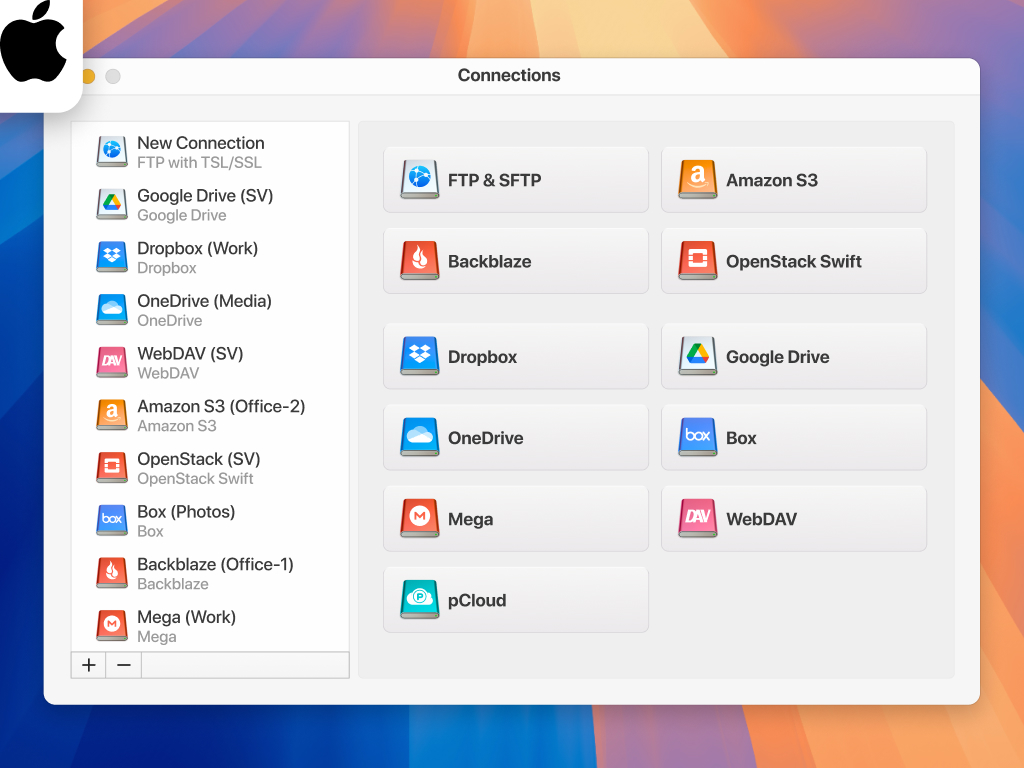
CloudMounter is a versatile application that integrates multiple cloud storage services—such as Google Drive, Dropbox, OneDrive, and Amazon S3—directly into your computer’s file system, allowing you to manage online files as if they were local. Key features include support for multiple accounts per service, on-demand file access without local syncing, and robust encryption to secure your data. Additionally, CloudMounter enables seamless file transfers between different cloud platforms and offers offline access, ensuring uninterrupted workflow even without an internet connection.
- Mount multiple cloud storages as drives
- Supports OneDrive, Google Drive, Dropbox, S3
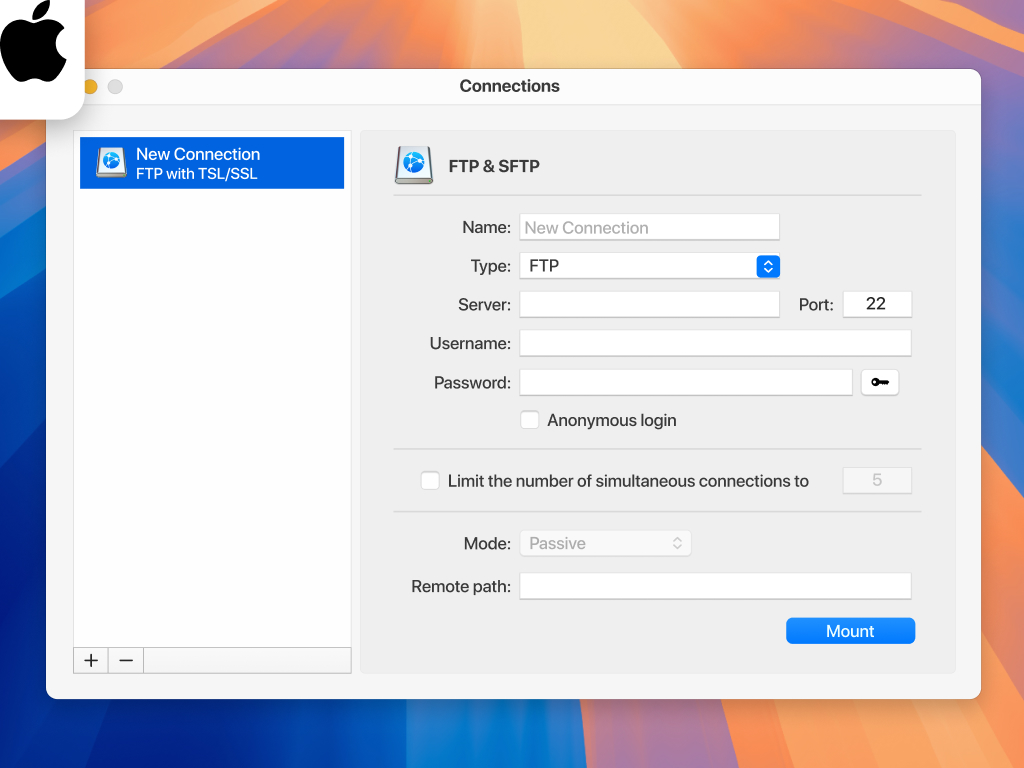
- Connects via FTP, SFTP, WebDAV protocols
- On-demand sync saving local disk space
- Strong encryption and secure cloud access
- Single lightweight client replacing multiple apps
Eligibility
Number of Seats/Users: CloudMounter offers discounts based on the number of users or seats. A higher volume typically leads to a better discount structure, especially for enterprise-level usage.
Commitment to a Long-Term Contract: Discounts are often provided to companies that commit to using the service for a longer period (e.g., 1-year or 3-year contracts). A longer commitment shows CloudMounter that the company is serious and willing to invest in the platform long-term.
No Active Discounts: Companies that are not already receiving other active discounts may have a better chance of qualifying for additional discounts from CloudMounter. CloudMounter reserves discounts for new customers or those not currently under promotional pricing.
Volume or Usage Commitment: CloudMounter offers discounts if you agree to a minimum amount of usage or transaction volume. This could be based on data storage, transactions, or other metrics tied to how much you will use the platform.
Enterprise-Level Negotiation: Companies that qualify as “enterprise” due to their size or complexity (e.g., having large teams, multiple departments, or geographical presence) may be eligible for additional discounts from CloudMounter. Such companies are often in a position to negotiate for better pricing.
Early Renewal or Prepayment: CloudMounter often offers discounts if you renew early or prepay for the entire contract period. This is a common approach to securing a lower price.

CloudMounter - Up to 40% off
Reviews
Here at Spendbase our internal data shows that CloudMounter has a very strong product–market fit for Mac-first, cloud-heavy teams, with a few clear friction points around price, stability, and missing integrations.
Key strengths our Spendbase clients highlight:
- Unified access to storage
- Mounts OneDrive, Google Drive, Dropbox, S3, FTP/SFTP/WebDAV as local drives in Finder.
- Replaces multiple native sync apps and reduces RAM / disk usage.
-
Especially appreciated as a workaround for problematic OneDrive clients on macOS.
-
Productivity & storage savings
- Files are streamed on demand instead of fully synced, so low-capacity SSDs benefit a lot.
- Centralized access to multiple accounts (personal + work Google Drives, multiple clouds).
-
Clear upload/download queues and error visibility.
-
Security
-
Built‑in encryption is considered a real value add for sensitive work data.
-
Ease of use
- Setup can require a bit of technical know‑how, but day‑to‑day operations are viewed as “simple” and “newbie‑friendly”.
Main pain points our clients report:
- Stability & connectivity
- Occasional connection drops and rare app closures.
-
Specific problems mounting some OneDrive for Business locations.
-
Pricing & licensing
- Pushback on the move to subscription.
- Perception that pricing is “a bit steep” after a short trial.
- Free tier limited to a single drive/account is seen as restrictive.
-
Multi-account access locked behind paid plans is a common complaint.
-
Feature gaps
- Desire for:
- More cloud integrations (e.g., newer providers, Mega, Amazon Drive).
- Mobile app.
- Direct cloud‑to‑cloud copy without local download.
- Full desktop interface instead of only a menubar icon.
- Offline/streamed installer options.
- 24/7 support.
From a Spendbase discount and optimization angle, our internal insight is:
- Teams that rely on Mac + multiple clouds usually see enough productivity and storage savings to justify a paid plan, but:
- They are highly sensitive to subscription price vs. alternatives.
- Longer trials, volume discounts, or bundled seats would likely improve adoption.
In short, CloudMounter is seen as “lifesaver” infrastructure for many of our clients, with value concentrated in multi-cloud workflows on Mac, but with clear expectations for better pricing flexibility, broader integrations, and stronger reliability.
See how much you can save on your stack
Pick your team’s tools!
Click to select one or more tools.


What’s your company size?
Just click to select.
What’s your business email?
We'll send you calculations right away
The email is flying to your inbox!
Beyond discounts, you may qualify for up to $100K in AWS credits.

FAQ
1. Are there any current discount codes for CloudMounter?
Yes, we offer a 15% discount with code 'DSCSTW'.
2. Do students receive special discounts on CloudMounter?
Currently, we do not offer student-specific discounts.
3. Is there a free trial available for CloudMounter?
Yes, we provide a 7-day free trial for new users.
4. Can I upgrade to a lifetime license at a discounted rate?
Yes, lifetime licenses are available with a 20% discount.
5. Are there seasonal promotions for CloudMounter?
Yes, we offer seasonal promotions; check our website for current deals.
6. Do previous version owners get a discount on upgrades?
Yes, owners of previous versions can upgrade at 50% off.
7. Are there any discounts for educational institutions?
Yes, we offer a 50% discount for universities until the end of November.
8. How can I apply a discount code during purchase?
Enter the discount code in the 'Promo Code' box at checkout.
Related discounts


Software cost optimization
CloudMounter savings in five steps
Let’s estimate your potential savings and see how you can scale your cloud infrastructure.
One call. No cost. No commitments


meet vendor relationship EXPERTS
Our customers save millions with us



Save on CloudMounter
It’s time to shrink your bill
Let our SaaS cost optimization experts check what deals you can get and how much you can save on your corporate subscriptions
See how you can:
- Learn about pricing benchmarks and discounts
- Present potential savings by vendor to your team
- Meet your SaaS and cloud cost optimization goals
Get CloudMounter discount
We’ll email you back within 1 business day