











Clover Discount - Up to 30% off
An all-in-one point-of-sale & payments system, Clover integrates the functions of a cash register, card payment terminal, & POS system.
Get discountCategory
Auto Body Software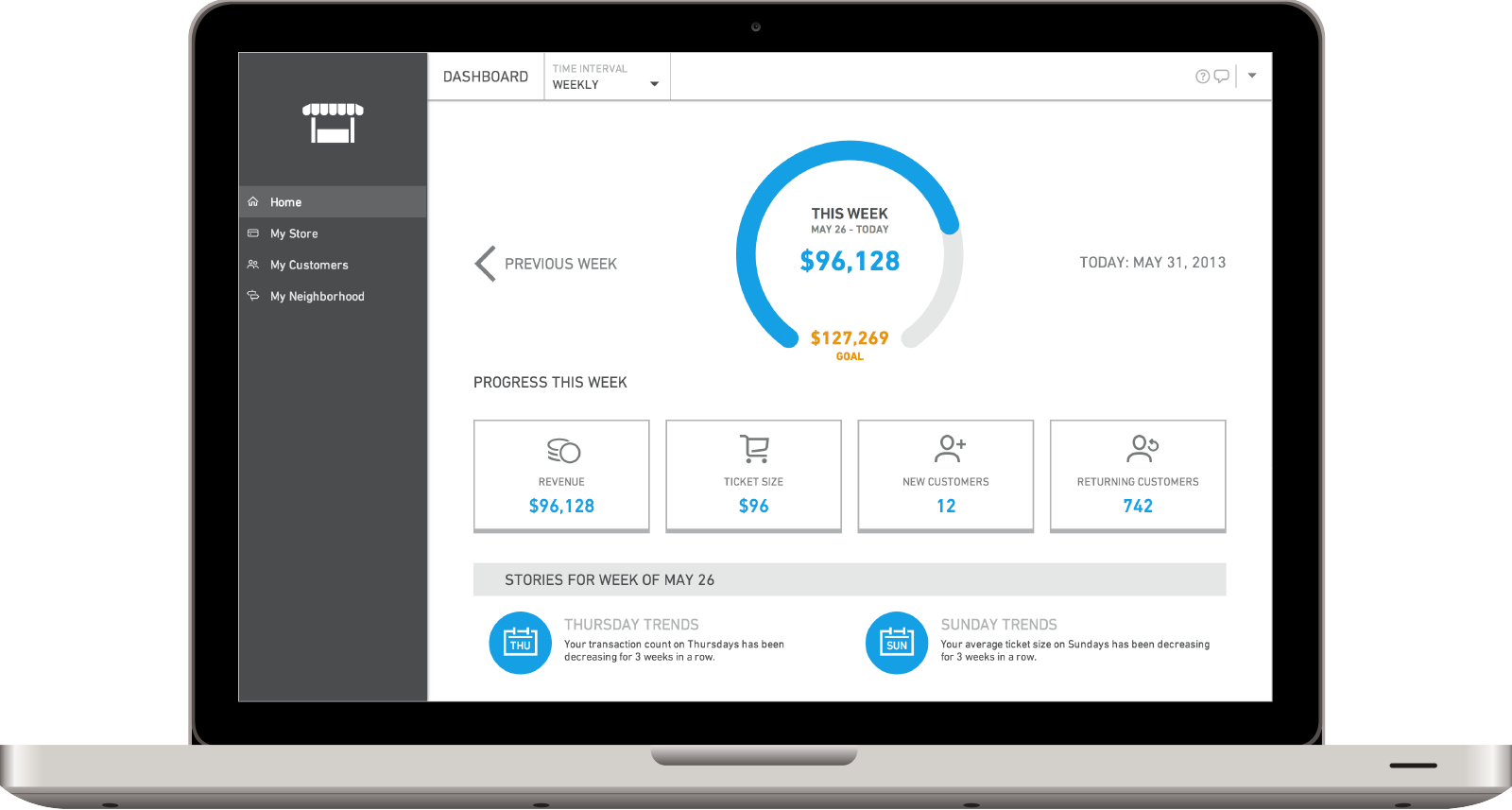



What is Clover?
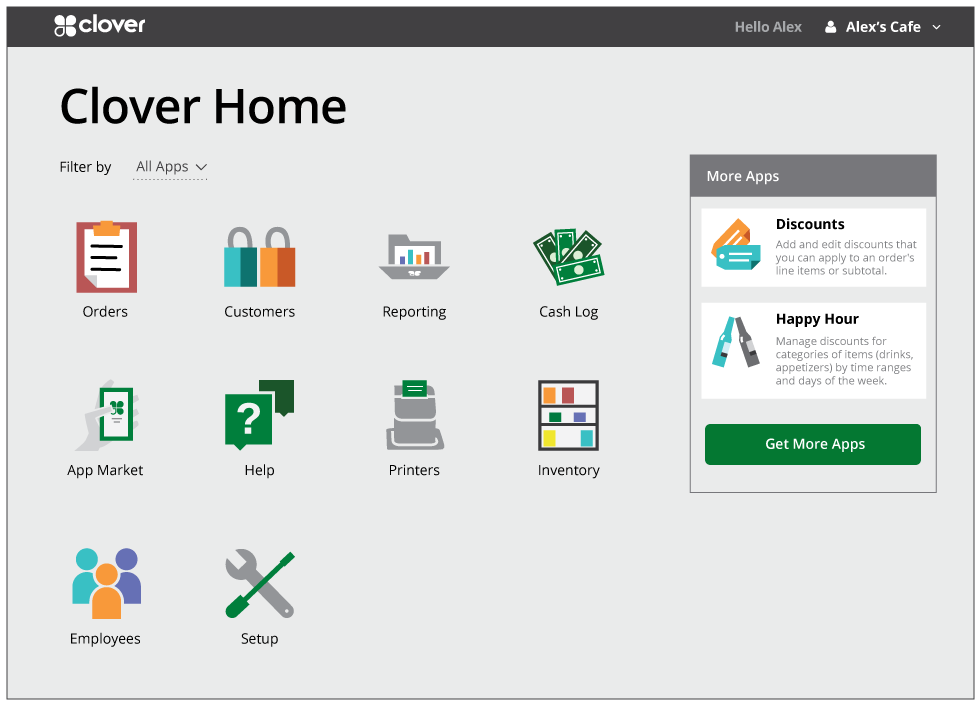
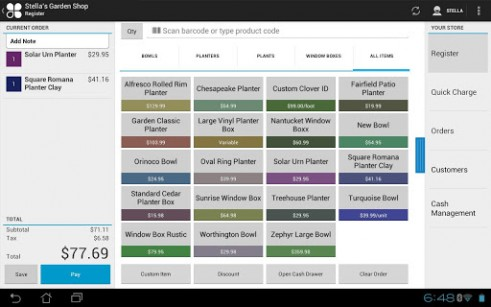
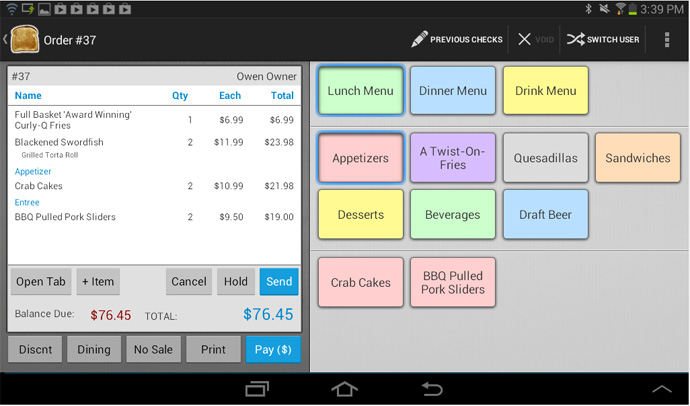
Clover is a point-of-sale and payment processing platform designed mainly for small businesses in retail, food and beverage, and restaurant sectors. It combines hardware and software to handle in‑person and mobile payments, letting merchants accept credit cards, digital wallets, and contactless payments. Key features include fast payment processing, electronic and online payments, sales reporting, and basic reporting and analytics for tracking trends and taxes. Clover supports mobile and countertop devices with an intuitive touchscreen interface, plus tools such as omni-channel menu management, remote order firing to the kitchen, rapid deposits, and Clover Capital for access to working capital. It aims to simplify daily transactions and provide clear visibility into sales performance while keeping setup and everyday use straightforward.
- Simple, intuitive interface for quick training
- Supports mobile, in‑person, and remote payments
- Multiple sleek hardware options and terminals
- Cloud-based dashboard with reporting tools
- Limited integrations, inventory, and loyalty capabilities
- High fees and frequently poor support
Eligibility
Number of Seats/Users: {post.post_title} offers discounts based on the number of users or seats. A higher volume typically leads to a better discount structure, especially for enterprise-level usage.
Commitment to a Long-Term Contract: Discounts are often provided to companies that commit to using the service for a longer period (e.g., 1-year or 3-year contracts). A longer commitment shows {post.post_title} that the company is serious and willing to invest in the platform long-term.
No Active Discounts: Companies that are not already receiving other active discounts may have a better chance of qualifying for additional discounts from {post.post_title}. {post.post_title} reserves discounts for new customers or those not currently under promotional pricing.
Volume or Usage Commitment: {post.post_title} offers discounts if you agree to a minimum amount of usage or transaction volume. This could be based on data storage, transactions, or other metrics tied to how much you will use the platform.
Enterprise-Level Negotiation: Companies that qualify as “enterprise” due to their size or complexity (e.g., having large teams, multiple departments, or geographical presence) may be eligible for additional discounts from {post.post_title}. Such companies are often in a position to negotiate for better pricing.
Early Renewal or Prepayment: {post.post_title} often offers discounts if you renew early or prepay for the entire contract period. This is a common approach to securing a lower price.

Clover - Up to 30% off
Reviews
Here at Spendbase our internal data shows that Clover is a strong, but sometimes costly and frustrating, option for small businesses.
Overall sentiment is very mixed: many Spendbase clients love the ease of use and mobile flexibility, while a significant share reports serious issues with fees, support, and contract terms.
Key positives our clients highlight:
– Very easy to learn and train staff (including non‑technical and older employees)
– Fast payment processing and smooth day‑to‑day checkout
– Great for:
– Mobile and offsite payments (Clover Flex and cellular connectivity get special praise)
– Small retail shops and cafes
– Simple setups with 1–2 devices
– Clean, modern hardware and dashboards
– Useful features:
– Remote/virtual terminals for phone payments
– Cloud-based access and basic reporting
– Flexible device options (handhelds, terminals, etc.)
Main pain points our data surfaces:
– Costs and fees:
– Complaints about high processing charges and monthly fees
– Unexpected or poorly explained fees (including overcharges)
– Expensive hardware, especially when scaling to multiple terminals
– Customer support and billing:
– Long wait times, frequent call transfers, dropped calls
– Difficulty getting refunds or returning devices
– Some clients report being sent to collections or charged after they stopped using the product
– Functionality gaps:
– Weak or basic inventory tools for more complex retail
– Limited or no direct integrations with some POS/loyalty systems
– Gift card and loyalty program limitations and poor data visibility
– Issues tracking who paid (payer identification) in some setups
– Reliability and UX issues:
– Occasional glitches, card-reading failures, or system crashes
– Connectivity issues on certain terminals
– Some workflows feel clunky (manual amount entry, login codes, dashboard navigation)
From a Spendbase discount perspective, Clover tends to work best for:
– Small teams with simple needs that value ease of use over deep customization
– Mobile or event-based businesses needing reliable handheld payment devices
We usually recommend:
– Negotiating processing rates and confirming all monthly fees up front
– Clarifying contract terms (returns, hardware ownership, switching merchants)
– Testing integrations (inventory, loyalty, gift cards, healthcare features) before full rollout
Used in the right context and at the right price, Clover can be a solid choice, but it is not a “set and forget” solution from a cost-control standpoint.
See how much you can save on your stack
Pick your team’s tools!
Click to select one or more tools.


What’s your company size?
Just click to select.
What’s your business email?
We'll send you calculations right away
The email is flying to your inbox!
Beyond discounts, you may qualify for up to $100K in AWS credits.

FAQ
1. How do I apply a Clover discount at checkout?
Simply choose your items, enter your Clover discount code in the promo field at checkout, and your savings are applied before payment.
2. Can I use more than one Clover discount on the same order?
Most offers are limited to one discount per order. Occasionally, stackable promotions are allowed, and we clearly state that in the offer details.
3. Why is my Clover discount code not working?
Check the code spelling, expiration date, minimum spend, and eligible products. If everything looks correct, contact our support and we will investigate.
4. Do Clover discounts apply to every product?
Some discounts are sitewide, while others exclude certain items or bundles. Each promotion clearly lists which products are eligible before you pay.
5. Can I get a Clover discount as a new customer?
Yes, we regularly offer welcome discounts for new customers. Watch our signup emails and social channels for the latest introductory offers.
6. Are there special Clover discounts for loyal or returning customers?
We frequently run loyalty and repeat purchase offers. Make sure your account details are up to date so we can send you personalized savings.
7. Where can I find the latest Clover discounts and promo codes?
The best deals appear in our email newsletter, in-app messages, and official social posts, where we share limited-time promo codes and flash offers.
8. Can I still earn rewards points when using a Clover discount?
Yes, in most cases you earn rewards on the discounted subtotal, unless a promotion is clearly marked as ineligible for points.
Related discounts

Crash-writeR Estimating
Auto Body Software
Up to 15% off

VINdecode API
Auto Body Software
Up to 25% off

AUTOMATE Garage Management Software
Auto Body Software
Up to 50% off

Qapter
Auto Body Software
Up to 15% off

Epicor for Automotive
Auto Body Software
Up to 15% off

Collector Car Companion
Auto Body Software
Up to 20% off
Software cost optimization
Clover savings in five steps
Let’s estimate your potential savings and see how you can scale your cloud infrastructure.
One call. No cost. No commitments


meet vendor relationship EXPERTS
Our customers save millions with us



Save on Clover
It’s time to shrink your bill
Let our SaaS cost optimization experts check what deals you can get and how much you can save on your corporate subscriptions
See how you can:
- Learn about pricing benchmarks and discounts
- Present potential savings by vendor to your team
- Meet your SaaS and cloud cost optimization goals
Get Clover discount
We’ll email you back within 1 business day