











Event Dispatch Discount - Up to 30% off
Streamline event staffing with automated reminders, full SMS & email notifications, document sharing and subscribed calendar feeds.
Get discountCategory
Event Booking Software
What is Event Dispatch?
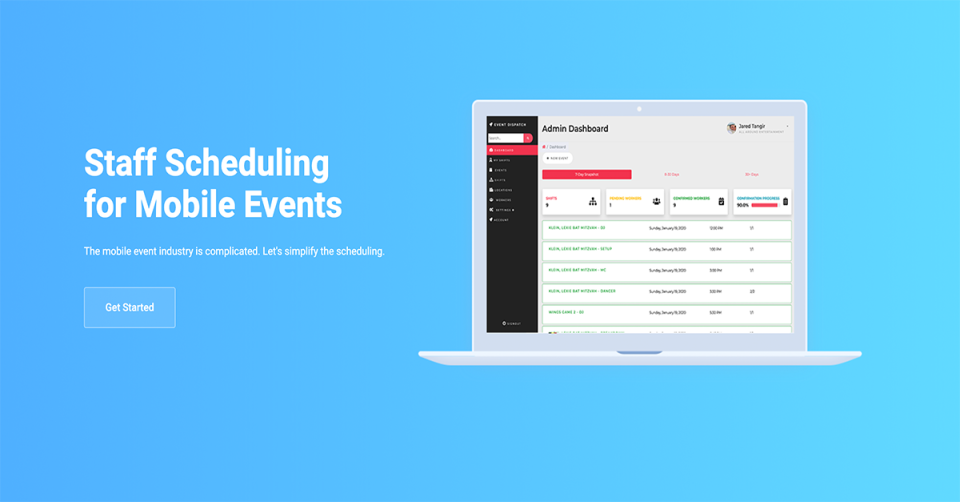
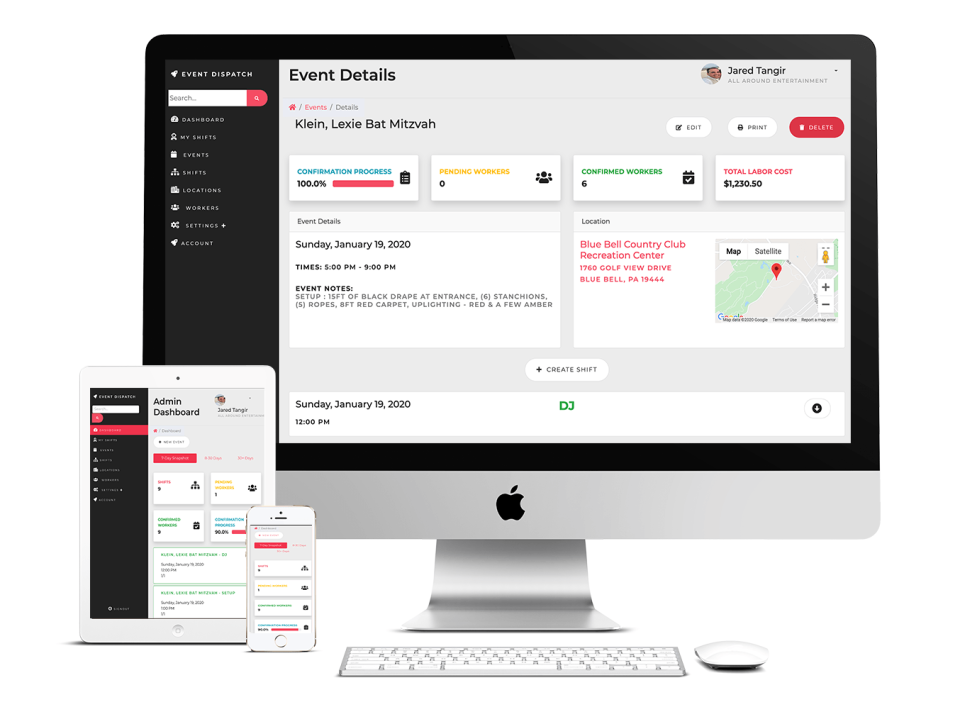
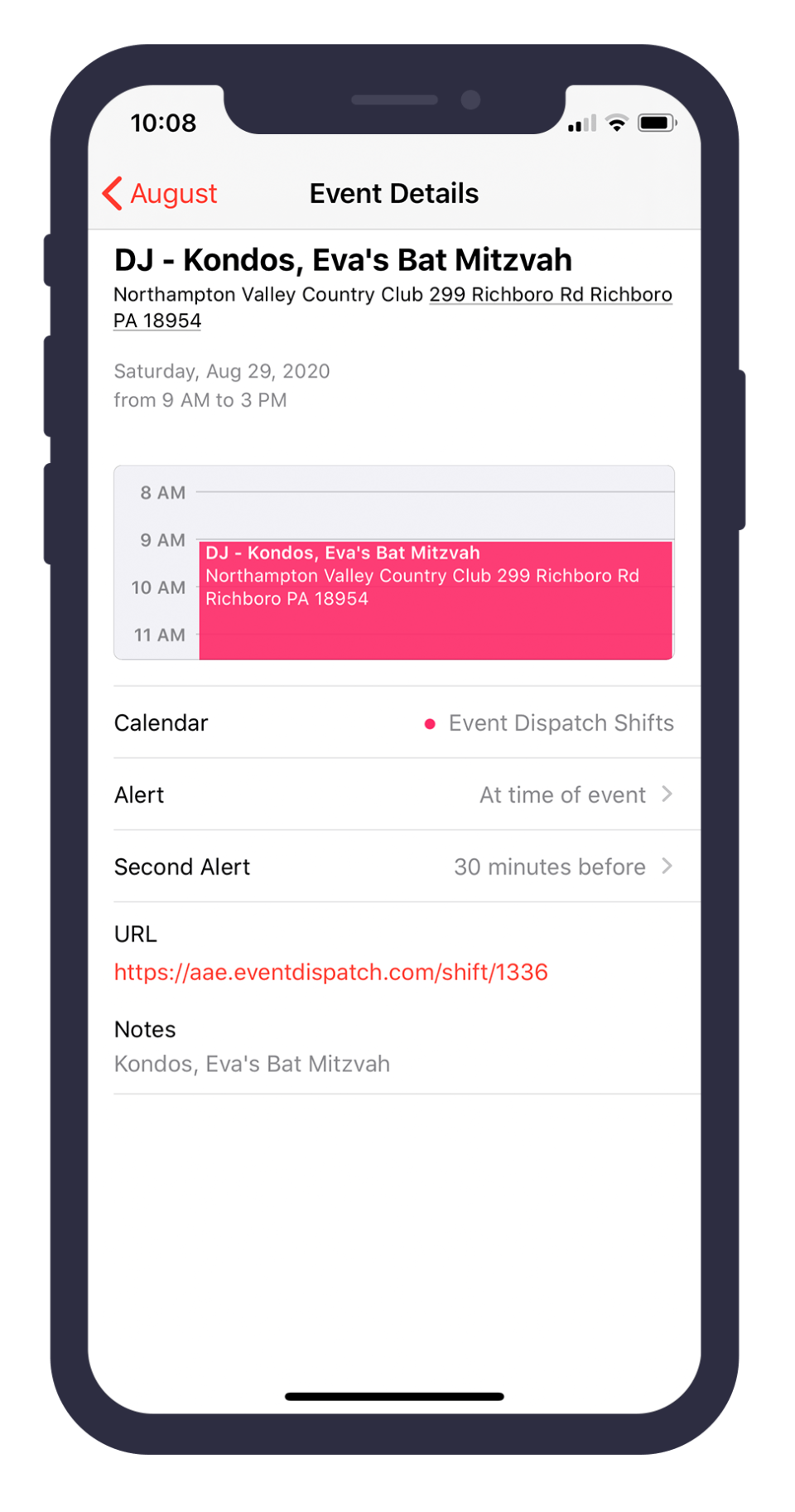
Event Dispatch is a software solution designed to streamline event staffing for private and mobile event companies. It offers automated reminders, including weekly and daily shift emails and two-hour SMS alerts, to reduce missed shifts and late arrivals. The platform supports full SMS and email notifications, document sharing, and subscribed calendar feeds. Integrated time-off request forms allow for efficient availability monitoring, while a built-in Message Board facilitates direct team communication. These features collectively enhance scheduling efficiency and team coordination.
- Automated shift reminders via SMS/email
- Subscribed calendar feeds for staff schedules
- Integrated time-off requests and availability tracking
- In-platform message board for team coordination
- Flexible scheduling for complex multi-location shifts
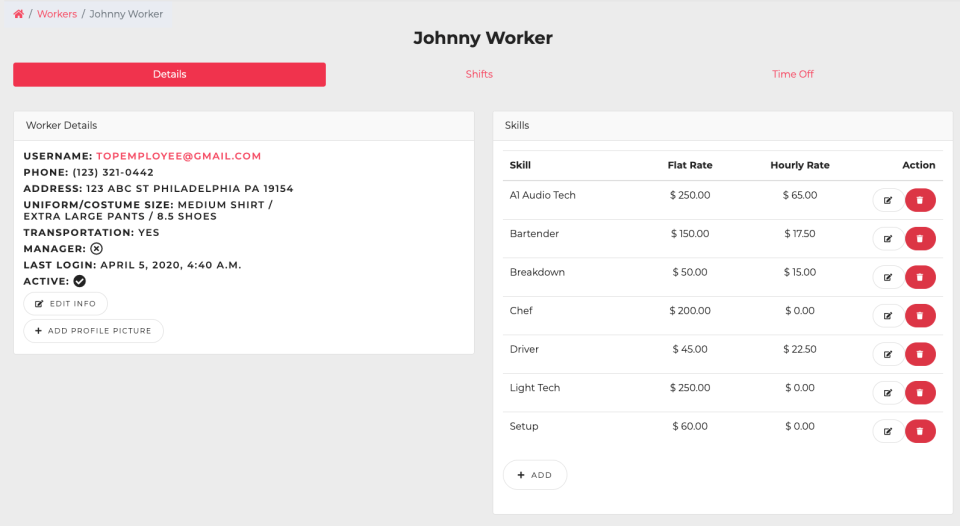
- Automatic flat-rate or hourly pay calculations
Eligibility
Number of Seats/Users: Event Dispatch offers discounts based on the number of users or seats. A higher volume typically leads to a better discount structure, especially for enterprise-level usage.
Commitment to a Long-Term Contract: Discounts are often provided to companies that commit to using the service for a longer period (e.g., 1-year or 3-year contracts). A longer commitment shows Event Dispatch that the company is serious and willing to invest in the platform long-term.
No Active Discounts: Companies that are not already receiving other active discounts may have a better chance of qualifying for additional discounts from Event Dispatch. Event Dispatch reserves discounts for new customers or those not currently under promotional pricing.
Volume or Usage Commitment: Event Dispatch offers discounts if you agree to a minimum amount of usage or transaction volume. This could be based on data storage, transactions, or other metrics tied to how much you will use the platform.
Enterprise-Level Negotiation: Companies that qualify as “enterprise” due to their size or complexity (e.g., having large teams, multiple departments, or geographical presence) may be eligible for additional discounts from Event Dispatch. Such companies are often in a position to negotiate for better pricing.
Early Renewal or Prepayment: Event Dispatch often offers discounts if you renew early or prepay for the entire contract period. This is a common approach to securing a lower price.

Event Dispatch - Up to 30% off
Reviews
Here at Spendbase our internal data shows that Event Dispatch is performing extremely well for event-focused teams, especially around reliability, time savings, and communication.
From what our Spendbase clients share, a few clear themes stand out:
1) Strong impact on operations
– Dramatically smoother scheduling and coordination
– Less chaos around who is working where and when
– Fewer missed shifts and late arrivals thanks to automated reminders
Clients most often highlight:
– Easy notifications via SMS and email
– Staff can quickly accept shifts, confirm availability, and mark time off
– Centralized communication via the Message Board
2) Time and cost efficiency
Our internal feedback indicates that Event Dispatch helps cut down manual admin work significantly. Clients mention:
– Faster scheduling for multiple locations and complex shifts
– Automatic calculation of flat rate vs hourly pay, which reduces payroll disputes
– Better visibility into staff availability via integrated time-off requests
All of this translates into lower hidden costs (fewer errors, fewer no-shows, less back-and-forth messaging).
3) Product fit for event-based businesses
Spendbase clients in mobile events and on-site operations say the platform fits their workflows particularly well. They value:
– The ability to schedule the same employee with different arrival times (warehouse vs event site)
– Clear, automated communication to staff before each event
– Subscribed calendar feeds that keep everyone aligned
4) Support and customization
Our internal data shows very high satisfaction with support quality:
– Questions answered quickly
– Feature requests often implemented
– System tweaks to match unique business needs
Many clients describe the product as “always developing” and “perfect fit” after working with the support team.
5) Common friction points
Interestingly, negative feedback is extremely limited. The only recurring wish we see:
– A native iOS and Android app to complement the existing experience
From a Spendbase discount and optimization standpoint, Event Dispatch tends to deliver strong value when:
– You run multiple events or locations per week
– You rely heavily on part-time or flexible staff
– You currently manage shifts via spreadsheets, group chats, or manual emails
In those cases, our clients usually see quick gains in both productivity and cost control once Event Dispatch is rolled out.
See how much you can save on your stack
Pick your team’s tools!
Click to select one or more tools.


What’s your company size?
Just click to select.
What’s your business email?
We'll send you calculations right away
The email is flying to your inbox!
Beyond discounts, you may qualify for up to $100K in AWS credits.

FAQ
1. How can I create a discount code for my event?
Navigate to the financial settings, select 'Discounts', and create a new code specifying the discount type and amount.
2. Can I apply discounts to specific ticket categories?
Yes, configure discounts to apply only to selected ticket categories by linking them to specific registration questions.
3. Why isn't my discount code working?
Ensure the discount's start date is active, it's applied to the correct item, and it's not marked as exclusive if combining discounts.
4. Are there discounts for purchasing multiple events?
Yes, we offer discounted rates when you purchase event credit packs for multiple events.
5. Can I offer early bird discounts?
Yes, set up early bird discounts by creating a price descriptor with a lower rate and specifying a start date.
6. How do I limit the number of times a discount code can be used?
Specify a usage limit when creating the discount code to control how many times it can be applied.
7. Can I apply a discount after registration?
Yes, you can add a discretionary discount or surcharge to an order after registration through the order management section.
8. How do I create a promo code for my event?
In the promotions section, create a new promo code, set the discount type, usage limit, and applicable items.
Related discounts

Sailia
Event Booking Software
Up to 20% off

Eventtia
Event Booking Software
Up to 15% off

Tito
Event Booking Software
Up to 50% off

Planubo
Event Booking Software
Up to 40% off

Yolawo
Event Booking Software
Up to 45% off

NetworkTables
Event Booking Software
Up to 20% off
Software cost optimization
Event Dispatch savings in five steps
Let’s estimate your potential savings and see how you can scale your cloud infrastructure.
One call. No cost. No commitments


meet vendor relationship EXPERTS
Our customers save millions with us



Save on Event Dispatch
It’s time to shrink your bill
Let our SaaS cost optimization experts check what deals you can get and how much you can save on your corporate subscriptions
See how you can:
- Learn about pricing benchmarks and discounts
- Present potential savings by vendor to your team
- Meet your SaaS and cloud cost optimization goals
Get Event Dispatch discount
We’ll email you back within 1 business day