











EZ File Drop Discount - Up to 45% off
EZ File Drop gives you a customizable and branded upload form that sends files directly to your favorite cloud storage account.
Get discountCategory
File Sharing Software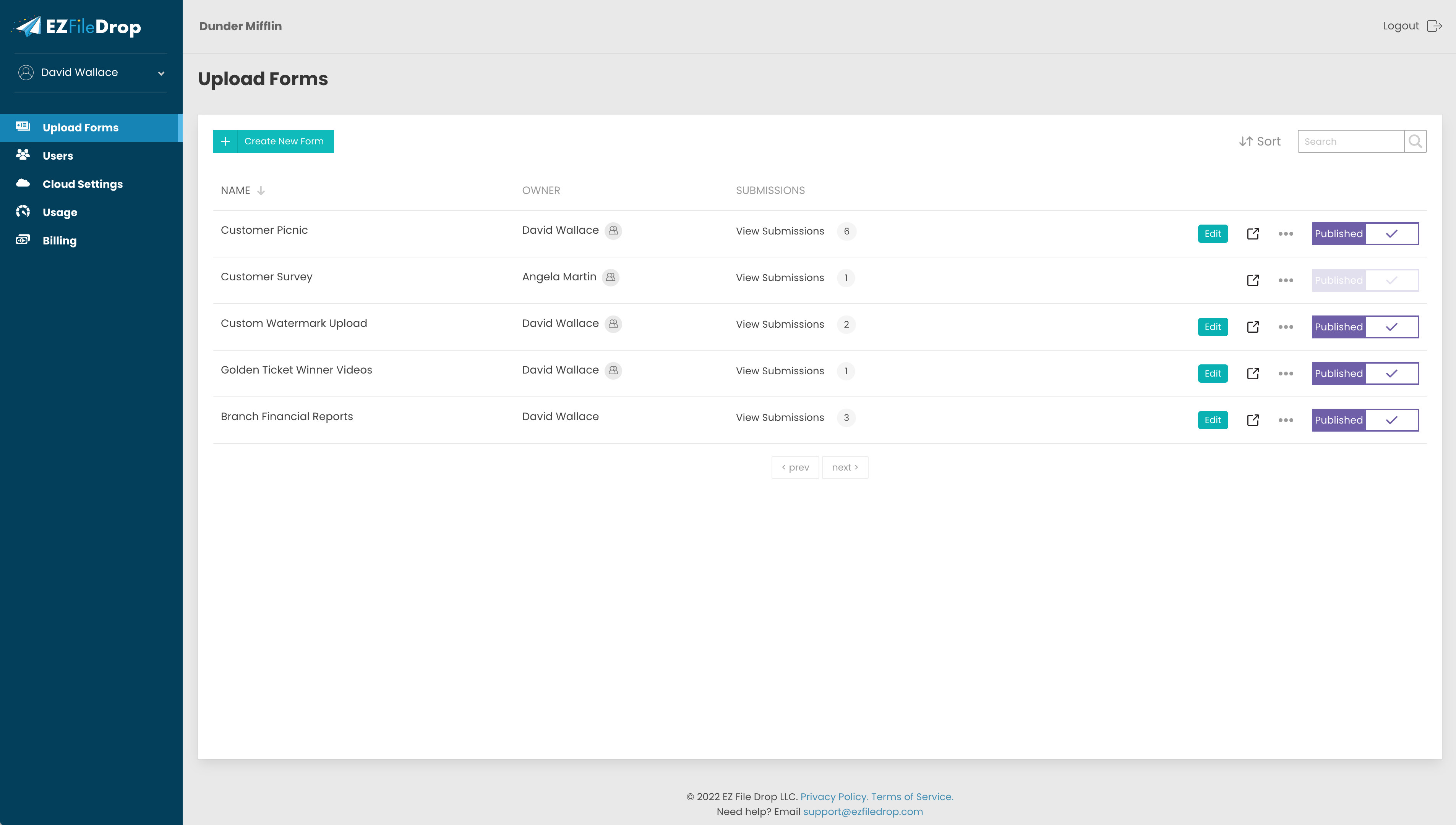
What is EZ File Drop?
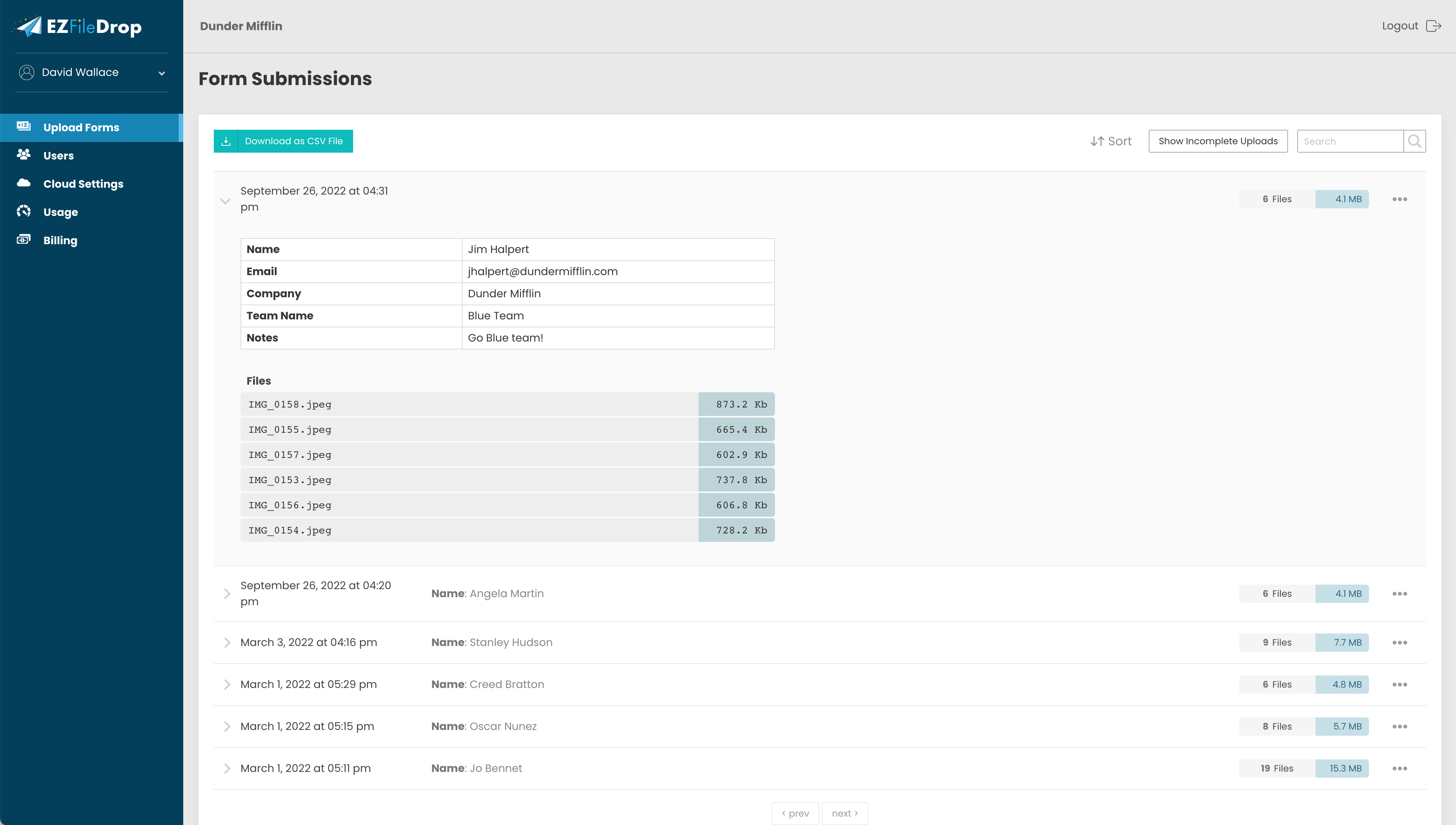
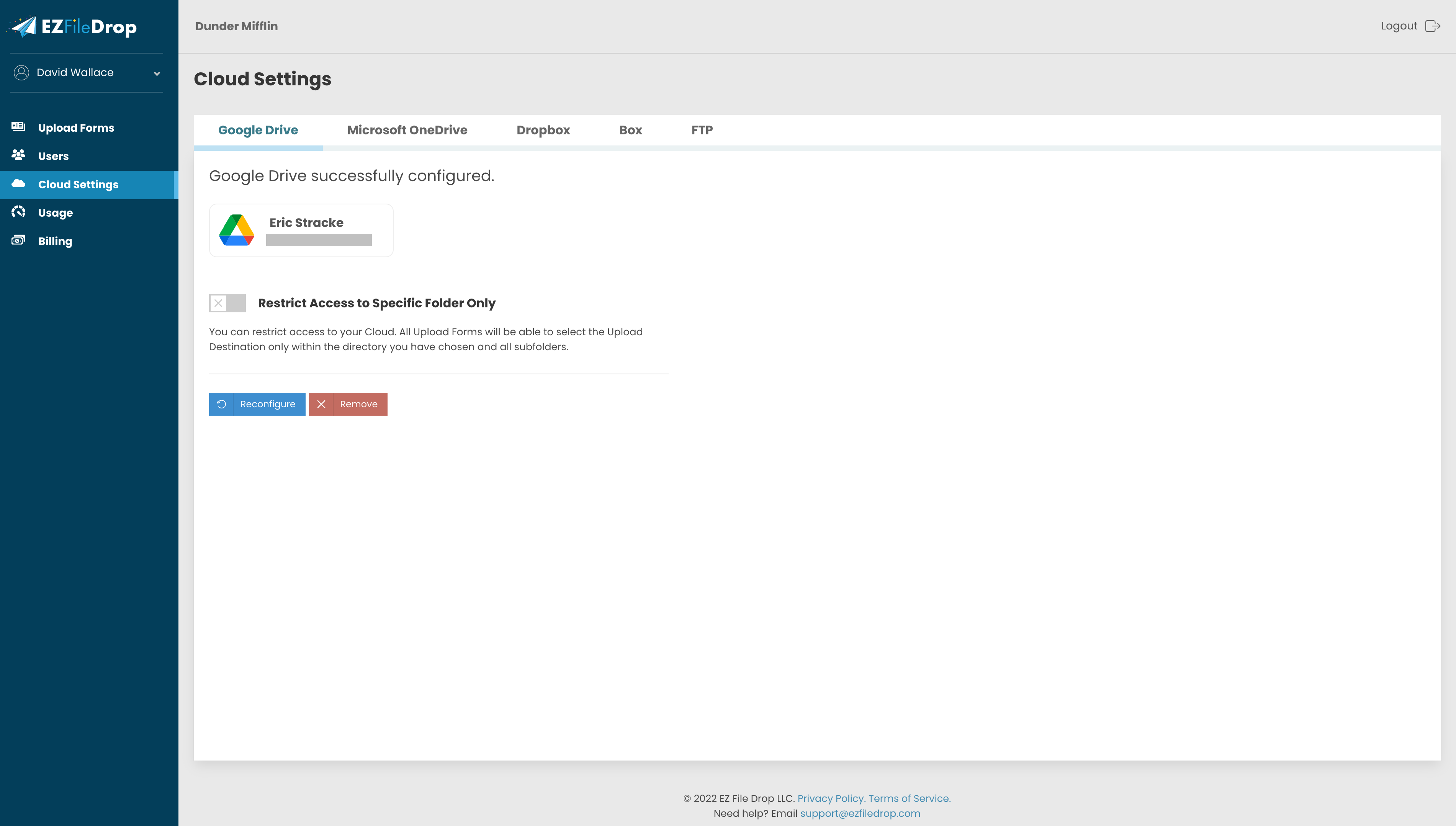
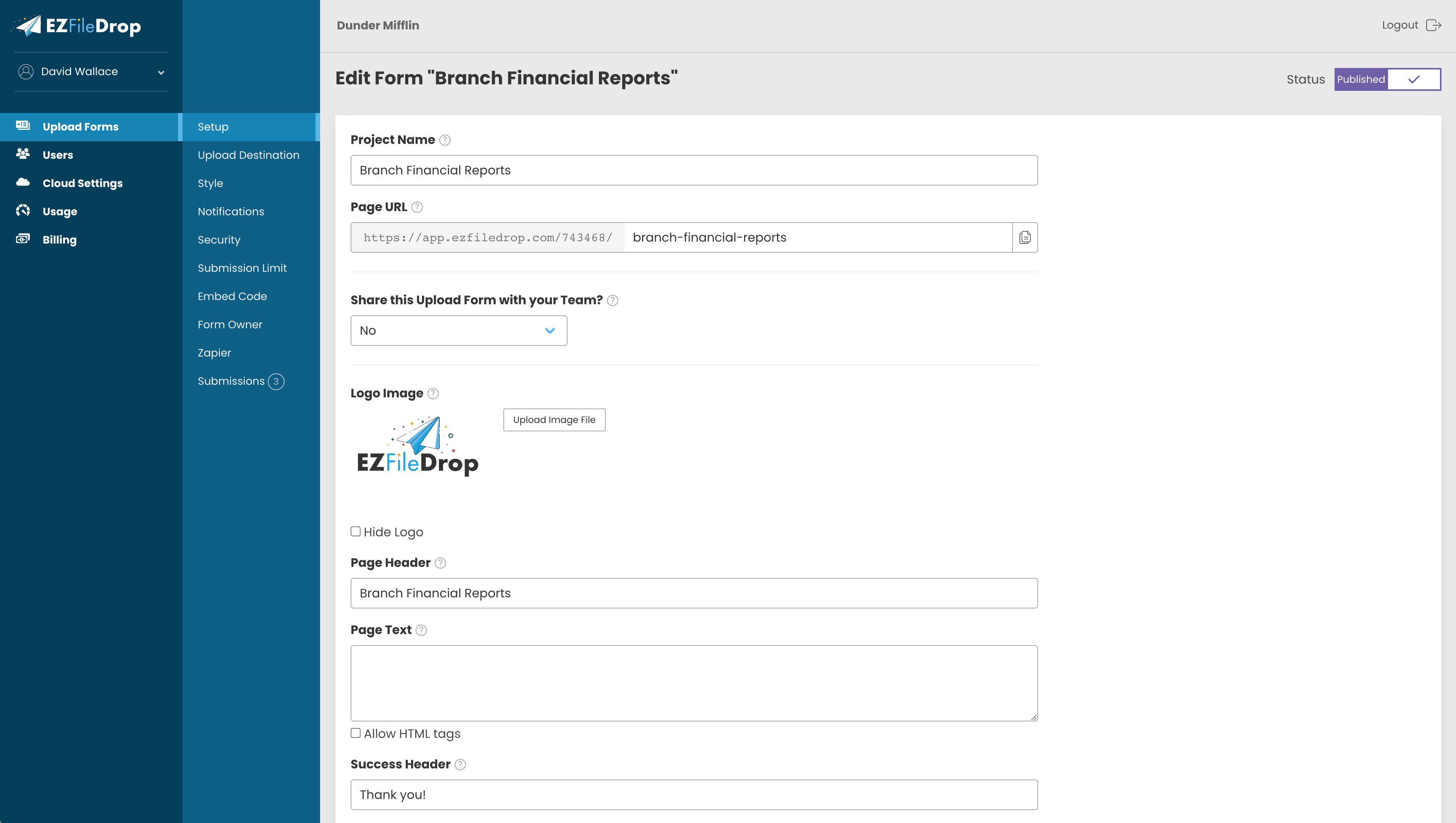
EZ File Drop is a tool that enables users to receive and automatically organize files through a customizable, branded upload form. Senders can upload files without creating an account or downloading an app, with files directly saved to Google Drive, Dropbox, OneDrive, or Box. The system organizes files based on the information collected from the uploader and provides email notifications to keep all parties informed. Key features include alerts or notifications, collaboration tools, drag-and-drop functionality, encryption, and mobile access. The service offers a free trial and a basic plan starting at $9 per month.
- Branded, customizable file upload forms
- No account or app required senders
- Direct uploads to major cloud storage
- Automatic organization using collected uploader information
- Email notifications for status and updates
- Simple, user-friendly interface for beginners
Eligibility
Number of Seats/Users: EZ File Drop offers discounts based on the number of users or seats. A higher volume typically leads to a better discount structure, especially for enterprise-level usage.
Commitment to a Long-Term Contract: Discounts are often provided to companies that commit to using the service for a longer period (e.g., 1-year or 3-year contracts). A longer commitment shows EZ File Drop that the company is serious and willing to invest in the platform long-term.
No Active Discounts: Companies that are not already receiving other active discounts may have a better chance of qualifying for additional discounts from EZ File Drop. EZ File Drop reserves discounts for new customers or those not currently under promotional pricing.
Volume or Usage Commitment: EZ File Drop offers discounts if you agree to a minimum amount of usage or transaction volume. This could be based on data storage, transactions, or other metrics tied to how much you will use the platform.
Enterprise-Level Negotiation: Companies that qualify as “enterprise” due to their size or complexity (e.g., having large teams, multiple departments, or geographical presence) may be eligible for additional discounts from EZ File Drop. Such companies are often in a position to negotiate for better pricing.
Early Renewal or Prepayment: EZ File Drop often offers discounts if you renew early or prepay for the entire contract period. This is a common approach to securing a lower price.

EZ File Drop - Up to 45% off
Reviews
Here at Spendbase our internal data shows that EZ File Drop is performing very well for most Spendbase clients, especially those who need a simple, compliant way to collect files from external partners or customers.
From the feedback we see, the strongest positive themes are:
- Ease of use
- Very quick to learn, even for non-technical users and beginners
- Simple, clean process for people who are uploading files
-
No need for uploaders to create accounts or install apps
-
Workflow & compliance benefits
- Direct delivery to existing storage (Google Drive, Dropbox, OneDrive, Box)
- Helps teams stay within existing security/compliance setups by keeping everything in their main cloud drives
-
Reduces permission headaches since uploaders don’t need access to internal folders
-
Automation & organization
- Customizable forms allow teams to capture just the right amount of info per upload
- Automatic organization of incoming files based on collected data
- Email notifications help both sides stay updated without manual follow-up
Our clients highlight these typical use cases:
– Collecting documents from customers, students, or contractors
– Intake of creative assets (images, videos, design files)
– Simple, branded upload portals for external partners
On the downside, our internal data also surfaces a few recurring points:
- Feature depth
- Some Spendbase clients mention that the feature set is relatively light compared to heavier document-management tools
-
However, many also say they actually appreciate the simplicity for this specific job
-
Large file handling
- A subset of clients report that very large files can be trickier or slower to handle
- This mostly impacts organizations dealing with high‑resolution media or very large datasets
From a Spendbase savings perspective, the pattern we see is:
– Teams often replace more complex (and pricier) file-sharing tools when they really only need external uploads into existing cloud storage
– Adoption tends to be fastest in small and mid-size teams that care about branding, ease for external users, and staying inside their current Google Drive / Dropbox / OneDrive / Box environment
Overall, client satisfaction is high, especially where the goal is: “Make it dead simple for outsiders to send us files, safely, into the tools we already use.”
See how much you can save on your stack
Pick your team’s tools!
Click to select one or more tools.


What’s your company size?
Just click to select.
What’s your business email?
We'll send you calculations right away
The email is flying to your inbox!
Beyond discounts, you may qualify for up to $100K in AWS credits.

FAQ
1. What discounts are available for EZ File Drop plans?
Annual billing offers savings: Premium at $83/month ($990/year), Business at $24/month ($290/year), and Starter at $8/month ($90/year).
2. Is there a free trial for EZ File Drop?
Yes, new accounts start with a 7-day free trial of the Business Plan, including 1 GB of upload bandwidth, no credit card required.
3. Can I switch between EZ File Drop plans easily?
Yes, you can switch plans anytime, retaining all forms and data. Downgrading may result in loss of certain features.
4. What happens if I exceed my plan's upload limit?
Exceeding limits incurs a $20 fee per additional 100GB. Consider upgrading to a higher plan for better value.
5. Are there any hidden fees with EZ File Drop?
No hidden fees. All charges are based on your selected plan and any additional usage beyond plan limits.
6. Does EZ File Drop offer refunds if I cancel my subscription?
No refunds are provided upon cancellation. Service continues until the end of the current billing cycle.
7. How does EZ File Drop handle file storage and retention?
Files are temporarily stored on our servers for less than one week before being transferred to your cloud storage.
8. Can I customize the upload forms to match my brand?
Yes, EZ File Drop allows customization of upload forms to align with your brand's appearance and style.
Related discounts

Quatrix
File Sharing Software
Up to 40% off

Hexiosec Transfer
File Sharing Software
Up to 45% off

TransferNow
File Sharing Software
Up to 30% off

TDCloud
File Sharing Software
Up to 45% off

iLovePDF
Digital Signature Tool
Up to 20% off

Biz Storage File Share
File Sharing Software
Up to 20% off
Software cost optimization
EZ File Drop savings in five steps
Let’s estimate your potential savings and see how you can scale your cloud infrastructure.
One call. No cost. No commitments


meet vendor relationship EXPERTS
Our customers save millions with us



Save on EZ File Drop
It’s time to shrink your bill
Let our SaaS cost optimization experts check what deals you can get and how much you can save on your corporate subscriptions
See how you can:
- Learn about pricing benchmarks and discounts
- Present potential savings by vendor to your team
- Meet your SaaS and cloud cost optimization goals
Get EZ File Drop discount
We’ll email you back within 1 business day