











Mergo Discount - Up to 15% off
Send 2000+ personalized emails / day with Gmail. Track opens, responses, clicks... Send follow-up emails to increase your open-rate.
Get discountCategory
Campaign Management Software
What is Mergo?
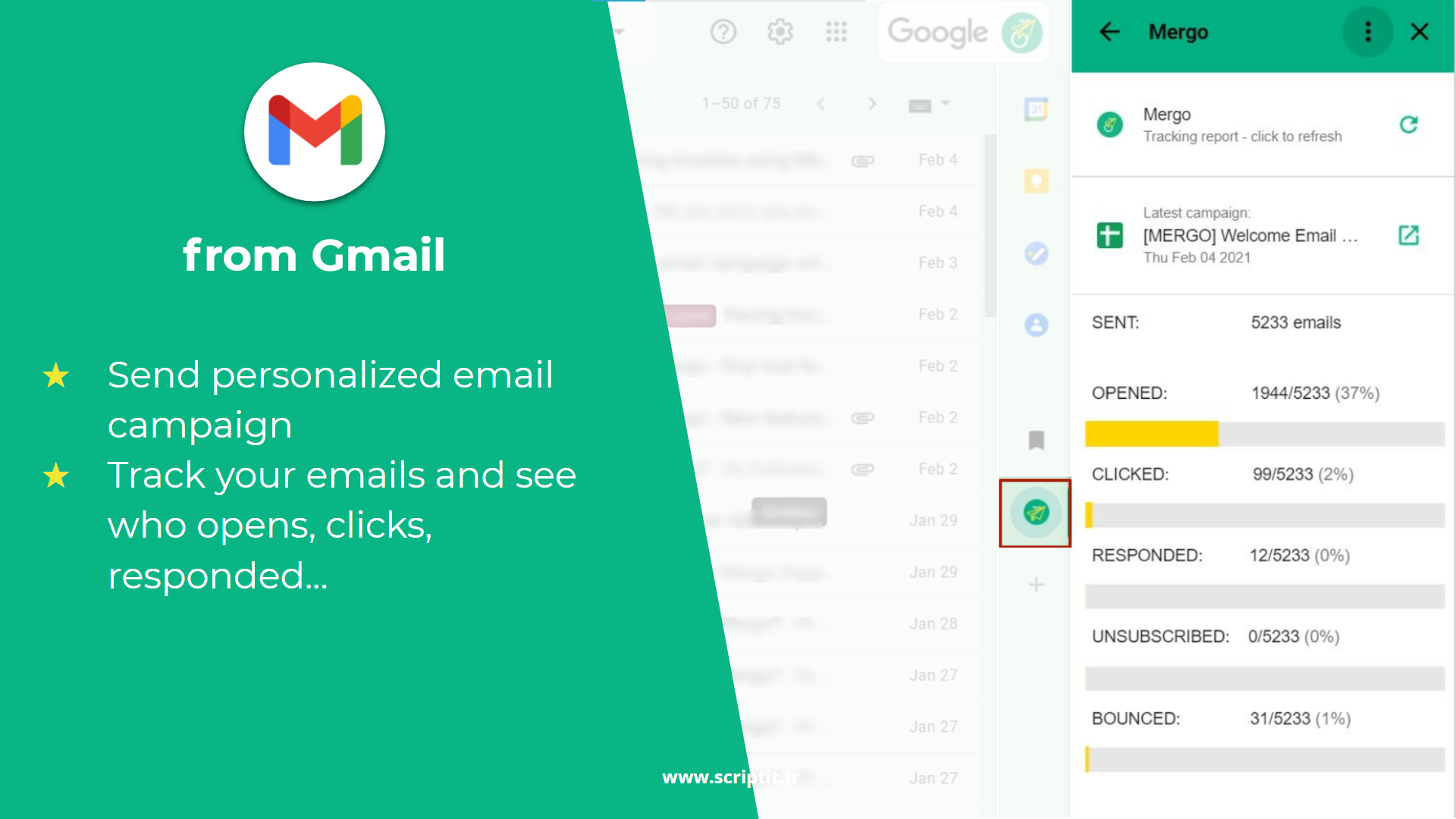
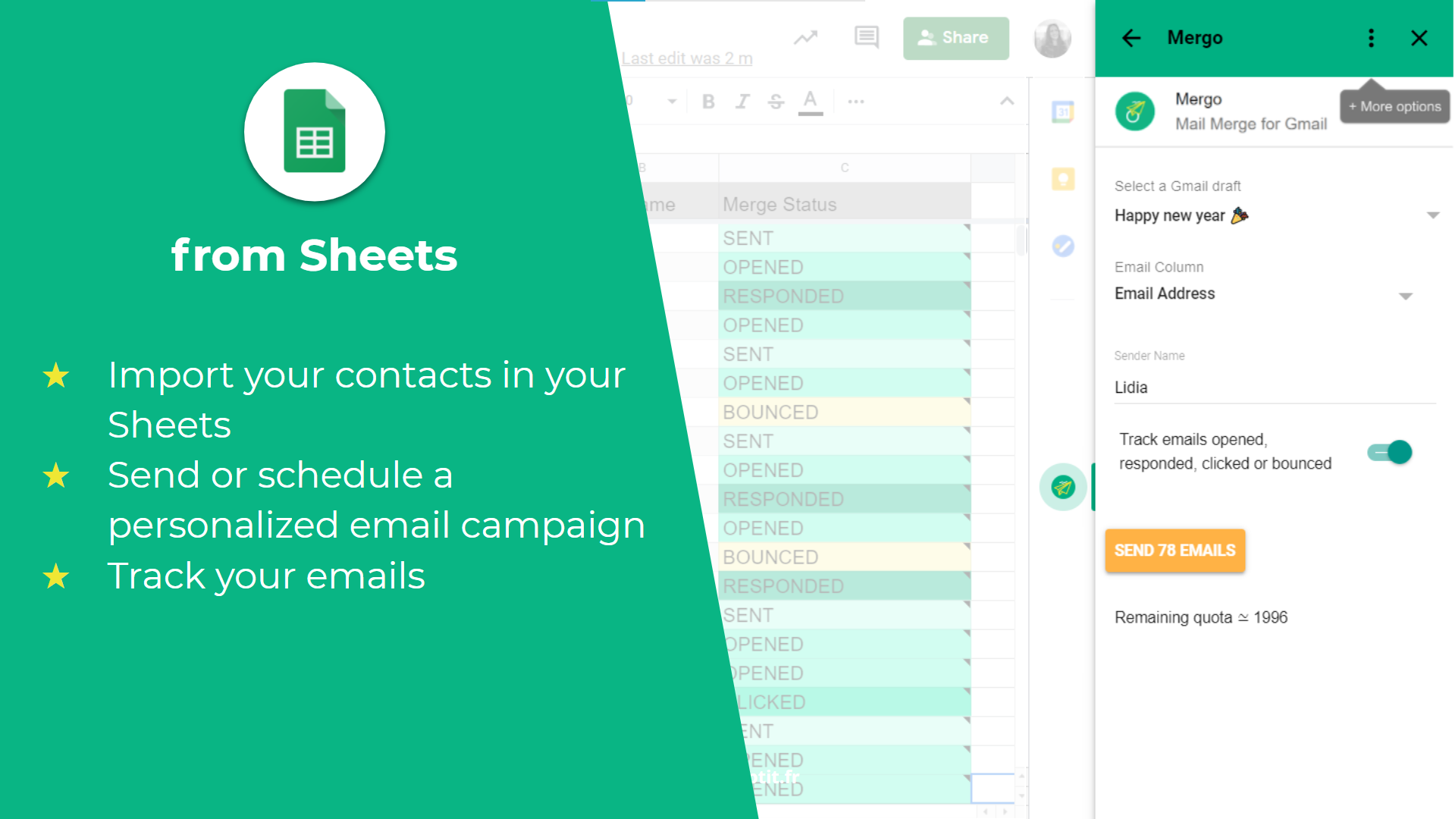
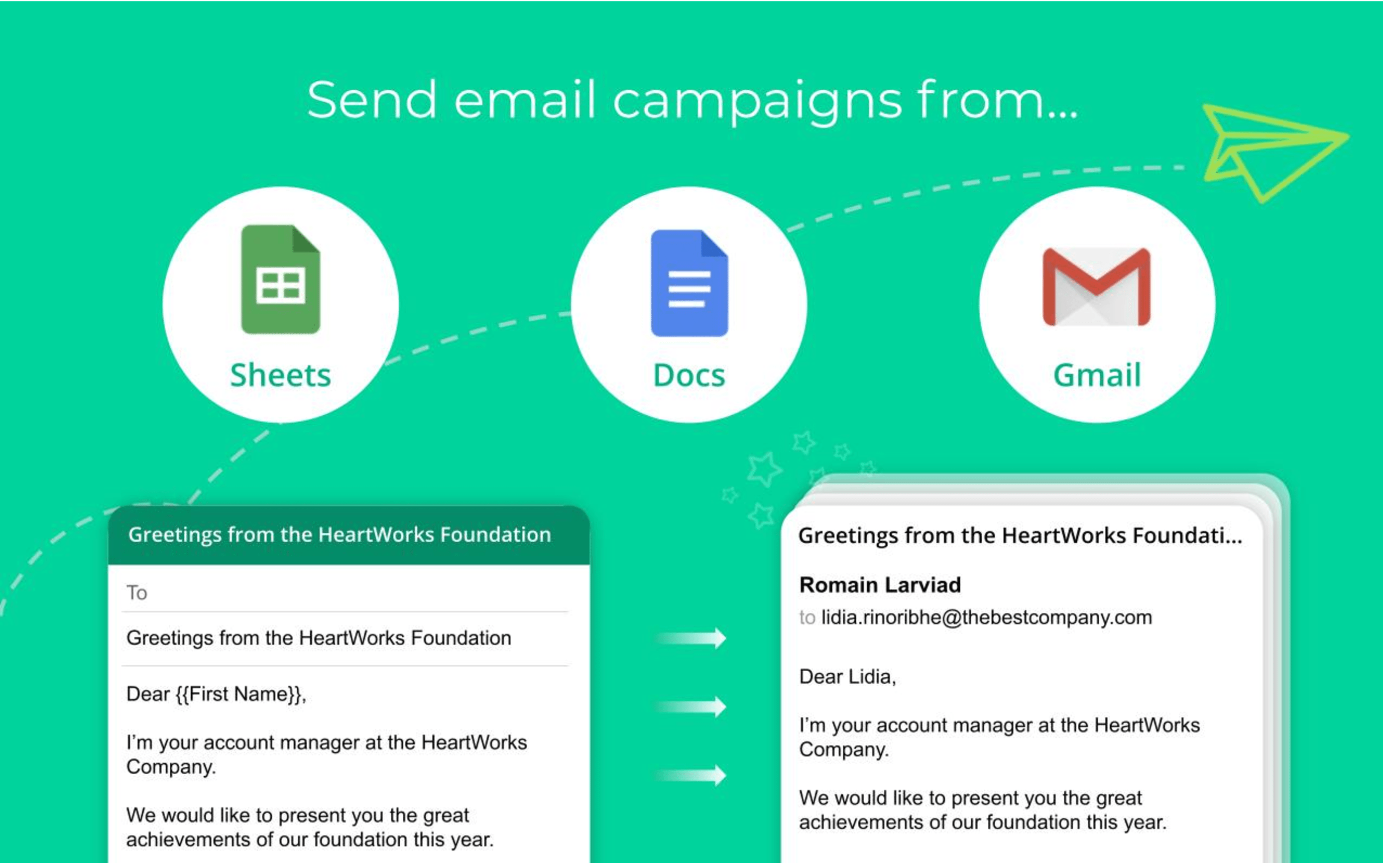
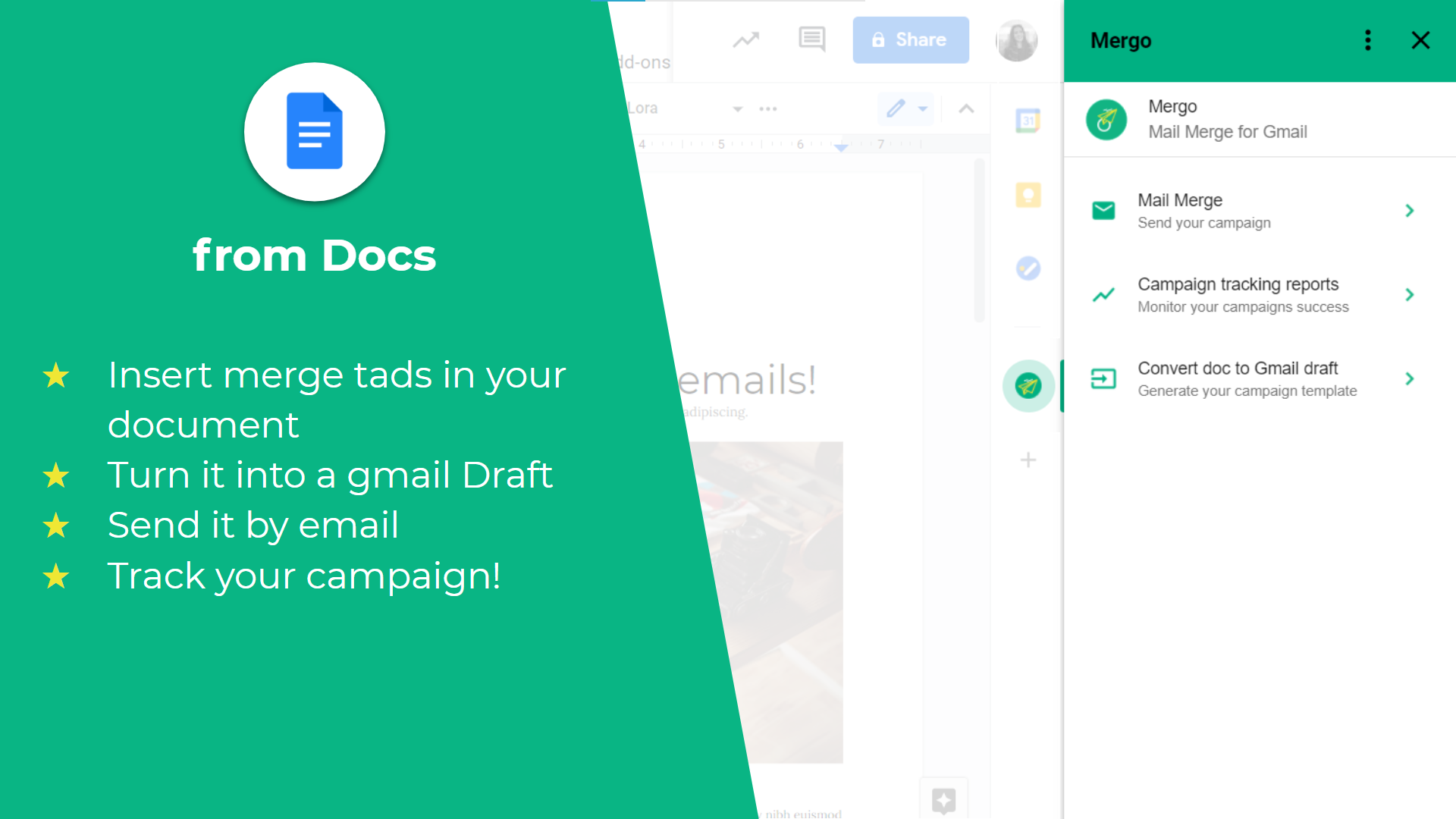
Mergo is a mail merge add-on for Google Sheets and Gmail, enabling users to create, send, and track personalized email campaigns directly from their Google Workspace. Key features include:
-
Personalized Emails: Customize messages using merge fields like {{First Name}} to enhance engagement.
-
Automated Follow-Ups: Increase response rates with automatic follow-up emails based on recipient activity.
-
Email Scheduling: Plan campaigns by setting specific send dates and times.
-
Real-Time Tracking: Monitor opens, clicks, replies, and bounces directly within Google Sheets.
-
Google Workspace Integration: Seamlessly integrates with Gmail and Google Sheets for efficient workflow management.
Mergo simplifies email marketing by combining powerful features with user-friendly design, requiring no coding skills.
- Bulk personalized email sending from Sheets
- Gmail-based campaigns with high deliverability
- Real-time tracking: opens, clicks, bounces, unsubscribes
- Simple templating using Google Docs drafts
- Scheduled delivery, aliases, attachments, inline images
- Easy setup, intuitive interface, strong support
Eligibility
Number of Seats/Users: Mergo offers discounts based on the number of users or seats. A higher volume typically leads to a better discount structure, especially for enterprise-level usage.
Commitment to a Long-Term Contract: Discounts are often provided to companies that commit to using the service for a longer period (e.g., 1-year or 3-year contracts). A longer commitment shows Mergo that the company is serious and willing to invest in the platform long-term.
No Active Discounts: Companies that are not already receiving other active discounts may have a better chance of qualifying for additional discounts from Mergo. Mergo reserves discounts for new customers or those not currently under promotional pricing.
Volume or Usage Commitment: Mergo offers discounts if you agree to a minimum amount of usage or transaction volume. This could be based on data storage, transactions, or other metrics tied to how much you will use the platform.
Enterprise-Level Negotiation: Companies that qualify as “enterprise” due to their size or complexity (e.g., having large teams, multiple departments, or geographical presence) may be eligible for additional discounts from Mergo. Such companies are often in a position to negotiate for better pricing.
Early Renewal or Prepayment: Mergo often offers discounts if you renew early or prepay for the entire contract period. This is a common approach to securing a lower price.

Mergo - Up to 15% off
Reviews
Here at Spendbase our internal data shows that Mergo is generally a strong fit for small to mid-sized teams that live in Google Workspace and need budget-friendly email campaigns.
Overall sentiment
– Strongly positive satisfaction, with most Spendbase clients calling it “simple,” “straightforward,” and “excellent value for money.”
– A few pain points appear around interface clarity, subscription quirks, and the learning curve for advanced features.
What Spendbase clients like most
– Ease of use and setup
– Works directly in Google Sheets, Gmail, and Docs
– Templating and personalization are described as fast and intuitive
– Tracking and visibility
– Clear stats on opens, clicks, bounces, unsubscribes, replies
– Helpful for follow-ups and pipeline decisions
– Value for money
– Frequently mentioned as affordable and “perfect” for small subscriber bases or one-off campaigns
– Support quality
– Many highlight quick, helpful responses and “outstanding” customer service
Key friction points
– UI and workflow
– Sidebar feels cramped or clunky for some
– Harder to navigate back in a workflow without losing data
– Interface can be confusing when managing drafts or CC fields
– Learning curve
– Basics are easy, but advanced options (follow-ups, segmentation, re-using sheets) take time
– Several clients wanted better in-app guidance or clearer help content
– Sending limits and reliability
– Confusion and frustration about daily email limits (actually imposed by Google)
– One client mentioned subscription reliability issues around time-critical campaigns
– Automation gaps
– Only one automated follow-up per campaign is possible today
– Clients ask for multi-step sequences and more flexible scheduling/calendar control
Patterns we see from a Spendbase savings lens
– Best fit: teams that
– Send a few hundred to a couple thousand emails per day
– Prefer staying inside Google Sheets/Gmail rather than a heavyweight marketing platform
– Value clear tracking without paying enterprise prices
– Risk areas to watch:
– Time-critical or mission-critical campaigns where any subscription glitch is unacceptable
– High-volume senders that will quickly hit Google’s quotas
– Users who need complex multi-step drip sequences out of the box
In short, our internal data shows that Mergo delivers strong cost efficiency and usability for Google-centric teams, with the main trade-offs being limits set by Google and a UI that could be smoother for power workflows.
See how much you can save on your stack
Pick your team’s tools!
Click to select one or more tools.


What’s your company size?
Just click to select.
What’s your business email?
We'll send you calculations right away
The email is flying to your inbox!
Beyond discounts, you may qualify for up to $100K in AWS credits.

FAQ
1. What is Mergo's free daily email quota?
Mergo offers up to 30 free emails per campaign; additional quota can be purchased as needed.
2. How can I subscribe to Mergo?
Subscribe via our website using PayPal or Stripe; no account creation required for one-time payments.
3. How do I manage my Mergo subscription?
Open Mergo, click 'More actions' > 'Manage subscription' to view and manage your subscription details.
4. Is Mergo suitable for large email campaigns?
Mergo is ideal for campaigns up to 1,500 emails daily, with tracking features for opens, bounces, and unsubscribes.
5. Does Mergo offer automated follow-ups?
Currently, follow-ups require manual sending; we're working on automating this feature for future updates.
6. What payment methods does Mergo accept?
We accept payments via PayPal and Stripe, allowing use of credit/debit cards or respective accounts.
7. How can I check my Mergo subscription status?
Within Mergo, go to 'More actions' > 'Manage subscription' to view your subscription status and details.
8. What should I do if I encounter issues with Mergo?
Please contact our support team via email; we strive to respond promptly to all inquiries.
Related discounts

PerAds
Campaign Management Software
Up to 15% off

cured
Campaign Management Software
Up to 30% off

Campaign
Campaign Management Software
Up to 15% off

Easymailing
Campaign Management Software
Up to 35% off

Impact Engine
Campaign Management Software
Up to 50% off

SAP Marketing Cloud
Campaign Management Software
Up to 25% off
Software cost optimization
Mergo savings in five steps
Let’s estimate your potential savings and see how you can scale your cloud infrastructure.
One call. No cost. No commitments


meet vendor relationship EXPERTS
Our customers save millions with us



Save on Mergo
It’s time to shrink your bill
Let our SaaS cost optimization experts check what deals you can get and how much you can save on your corporate subscriptions
See how you can:
- Learn about pricing benchmarks and discounts
- Present potential savings by vendor to your team
- Meet your SaaS and cloud cost optimization goals
Get Mergo discount
We’ll email you back within 1 business day