











Office Timeline Discount - Up to 20% off
Office Timeline helps professionals communicate plans that get stakeholder buy-in. Create PowerPoint timelines in minutes!
Get discountCategory
Task Management Software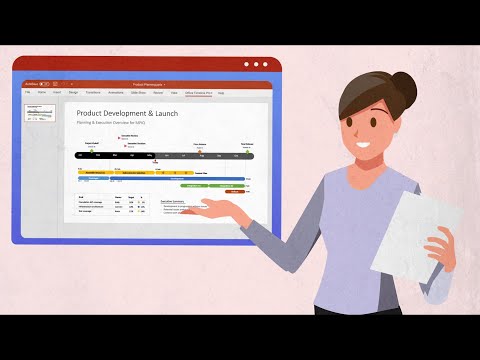

What is Office Timeline?
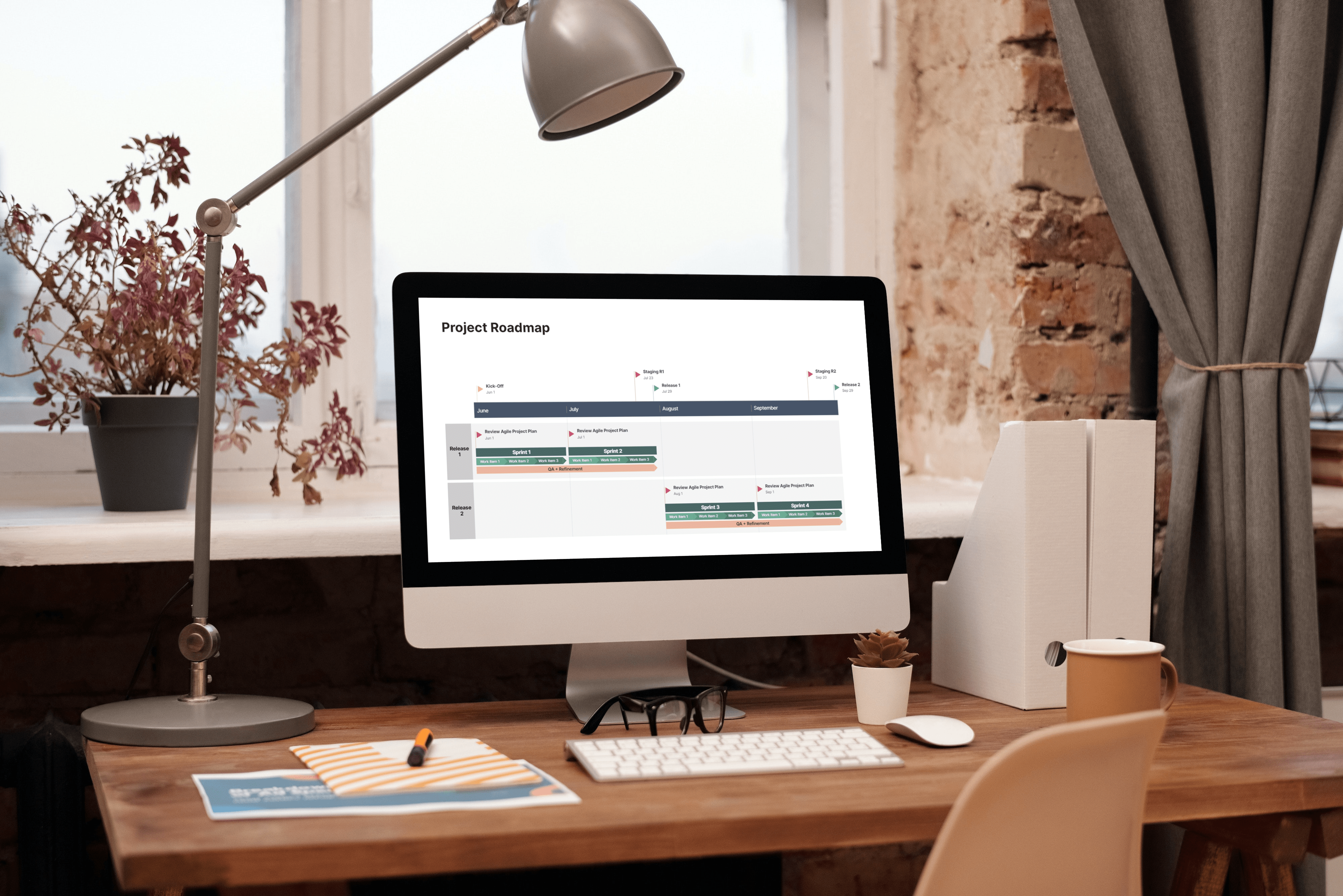
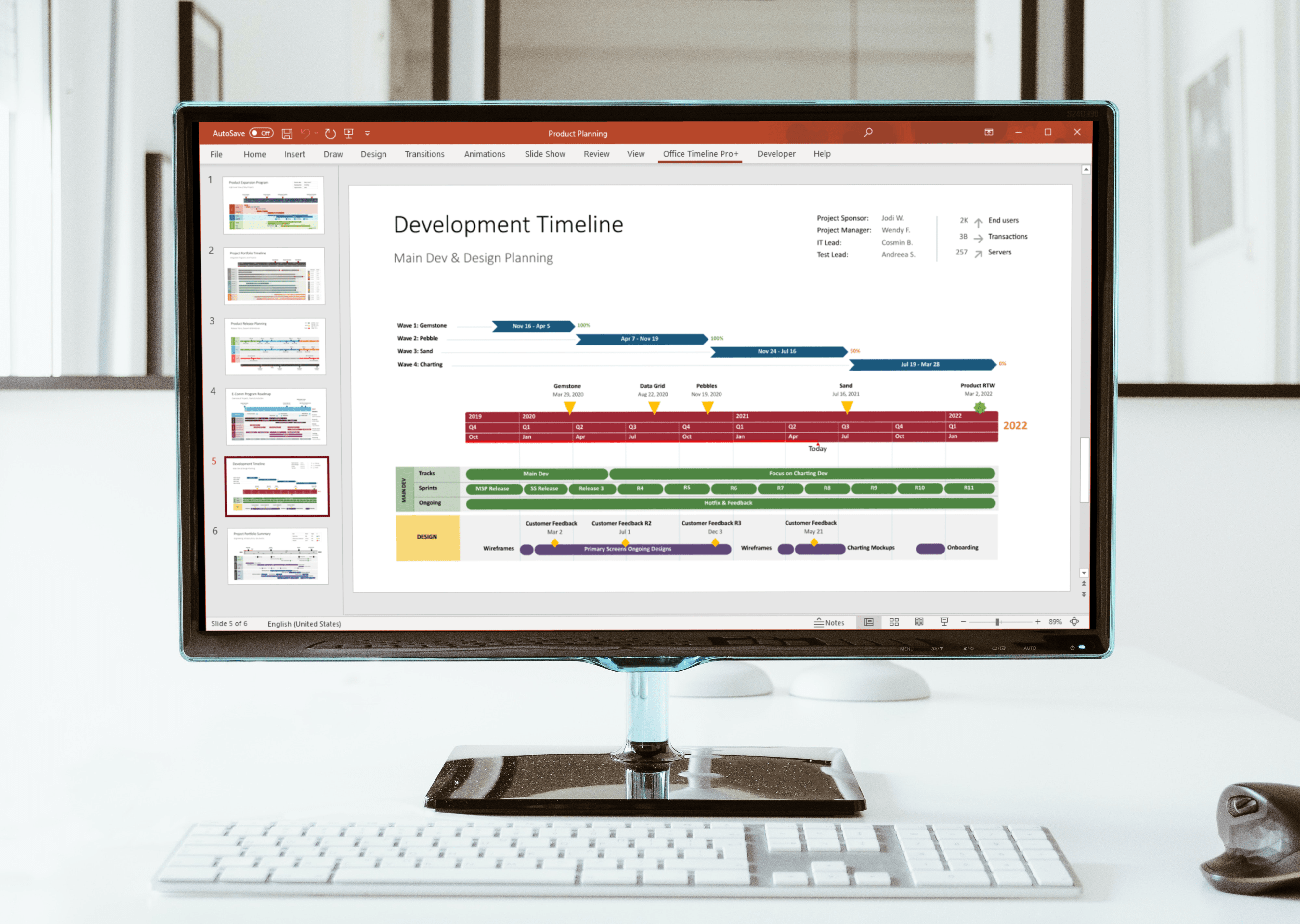
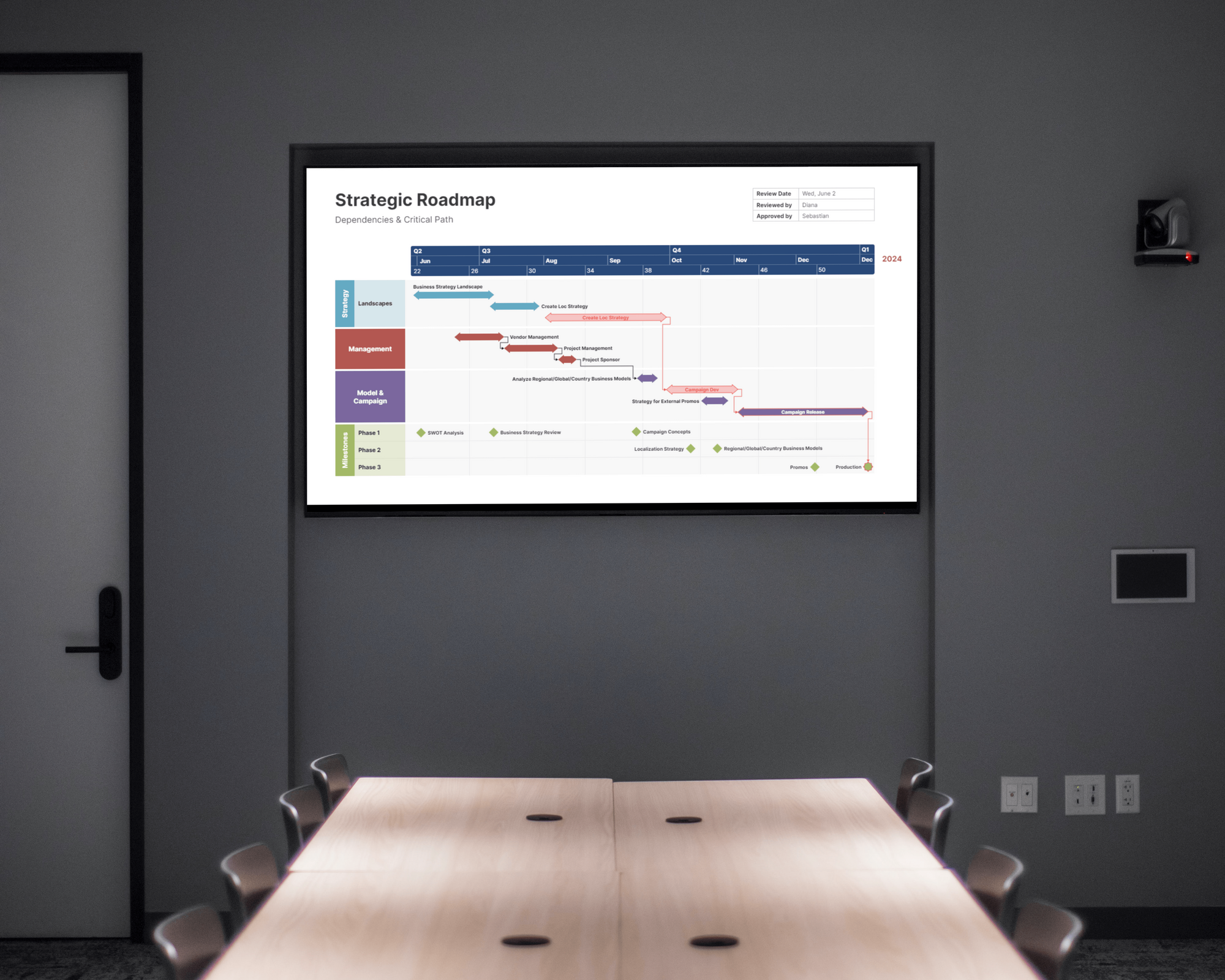
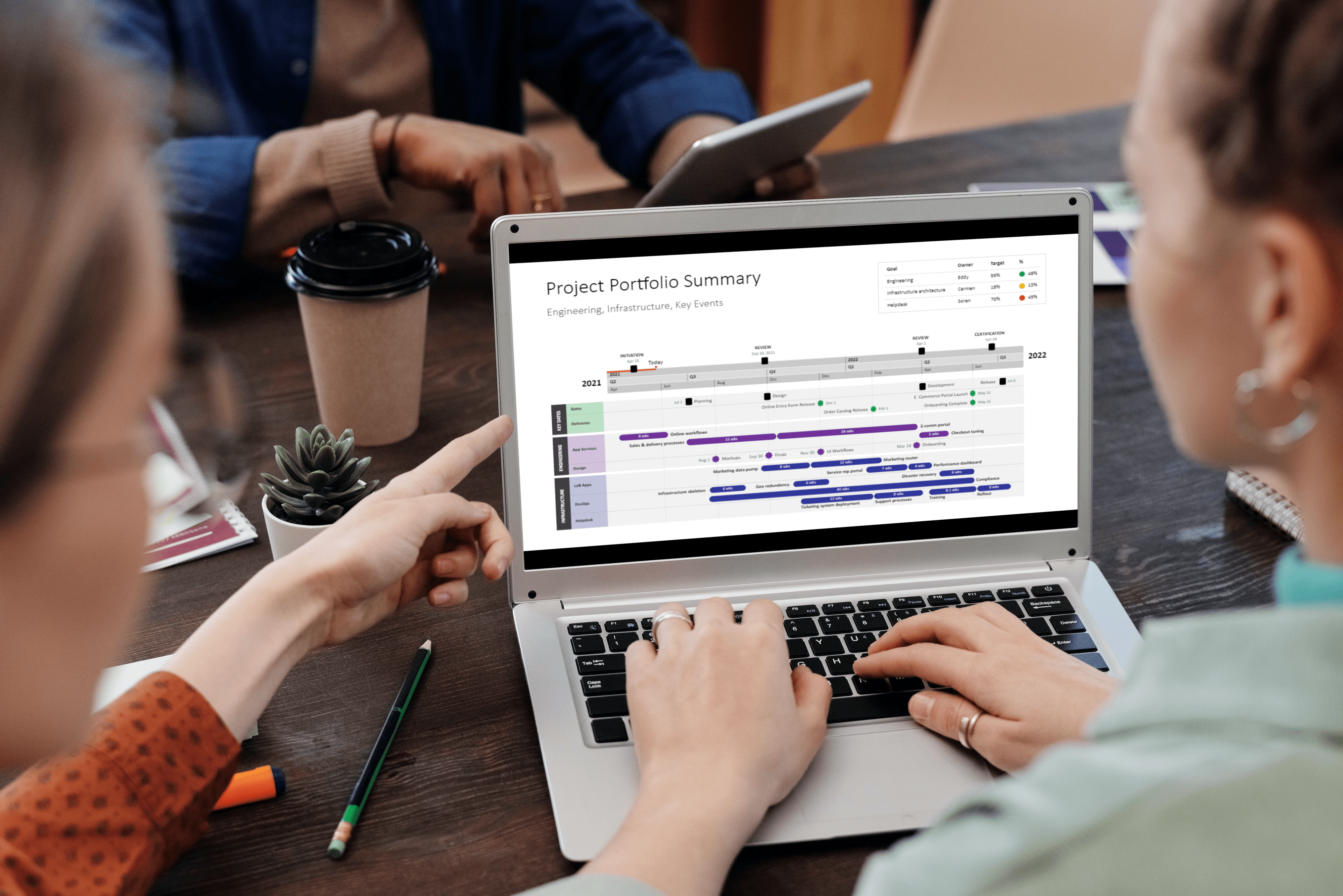
Office Timeline is a PowerPoint add-in designed to create professional project timelines and Gantt charts directly within presentations. It offers an intuitive interface for adding and managing tasks and milestones, with drag-and-drop functionality for easy adjustments. Users can customize visuals by modifying shapes, colors, dates, and texts, and display details like task duration or percent complete. The tool supports importing data from Excel, Microsoft Project, and Jira, ensuring timelines stay updated with project changes. Advanced features include creating Swimlanes and Sub-swimlanes to represent different phases or teams, and adding dependencies to illustrate task relationships. Office Timeline integrates seamlessly with PowerPoint, enhancing project presentations with clear, elegant graphics.
- Native PowerPoint add-in for project timelines
- Creates Gantt charts and visual roadmaps
- Imports and syncs data from Excel/Project
- Highly customizable styles, colors, shapes, layouts
- Time-saving templates for fast professional slides
- Simple interface for quick timeline updates
Eligibility
Number of Seats/Users: Office Timeline offers discounts based on the number of users or seats. A higher volume typically leads to a better discount structure, especially for enterprise-level usage.
Commitment to a Long-Term Contract: Discounts are often provided to companies that commit to using the service for a longer period (e.g., 1-year or 3-year contracts). A longer commitment shows Office Timeline that the company is serious and willing to invest in the platform long-term.
No Active Discounts: Companies that are not already receiving other active discounts may have a better chance of qualifying for additional discounts from Office Timeline. Office Timeline reserves discounts for new customers or those not currently under promotional pricing.
Volume or Usage Commitment: Office Timeline offers discounts if you agree to a minimum amount of usage or transaction volume. This could be based on data storage, transactions, or other metrics tied to how much you will use the platform.
Enterprise-Level Negotiation: Companies that qualify as “enterprise” due to their size or complexity (e.g., having large teams, multiple departments, or geographical presence) may be eligible for additional discounts from Office Timeline. Such companies are often in a position to negotiate for better pricing.
Early Renewal or Prepayment: Office Timeline often offers discounts if you renew early or prepay for the entire contract period. This is a common approach to securing a lower price.

Office Timeline - Up to 20% off
Reviews
Here at Spendbase our internal data shows that Office Timeline is seen as a high‑impact, “small tool, big value” purchase for teams that live in PowerPoint and need to present project plans clearly.
Key positive themes from Spendbase clients:
- Strong fit & use cases
- Executive and donor presentations
- Project roadmaps and Gantt charts
- Research and teaching project planning
-
IT roadmaps and weekly schedules
-
Product strengths
- Deep PowerPoint integration: timelines are native PPT objects, easy to share and edit.
- Fast output: many clients mention going from raw dates to polished slides in minutes.
- Visual quality: charts are described as “professional”, “beautiful”, “engaging”.
- Useful integrations: Excel and MS Project syncing is a clear value driver for recurring status updates.
-
Templates and customization: colors, symbols, swimlanes, milestones, and styles help non‑designers look expert.
-
Business impact
- Time savings on slide updates for recurring reviews.
- Better stakeholder communication, especially with non‑technical audiences.
- Perceived professionalism that helps with funding, donor relations, and internal buy‑in.
Observed pain points and cost considerations:
- Licensing & editions
- Free version: good for testing and small projects, but task limits and reduced functionality push many teams to paid tiers quickly.
-
Price sensitivity: for occasional users (e.g., academics, light PMs), even the basic paid plan can feel expensive.
-
Usability & product gaps
- Learning curve for more advanced features and imports.
- Complexity/clutter when managing larger projects on a single slide.
- Some frustrations around:
- Importing without breaking formatting
- Limited font-size range and time‑scale granularity
- Windows‑only / no native Mac add‑in
- Occasional glitches or update frictions
Procurement and rollout insights:
- Best adoption pattern we see:
- Start with a small number of “power users” in PMO or strategy.
- Standardize on a few templates for the org.
-
Only extend licenses to staff who regularly present timelines, not everyone.
-
Discount / optimization levers often available:
- Consolidating individual seats into a shared team plan
- Right‑sizing licenses based on real usage (occasional users stay on free, core team on Plus/Pro)
- Timing renewals with vendor promos and major version changes
Overall, Spendbase clients rate Office Timeline as a “must‑have” when project visuals are business‑critical, but they get the best ROI when licenses are tightly scoped to the people who actually build and update timelines.
See how much you can save on your stack
Pick your team’s tools!
Click to select one or more tools.


What’s your company size?
Just click to select.
What’s your business email?
We'll send you calculations right away
The email is flying to your inbox!
Beyond discounts, you may qualify for up to $100K in AWS credits.

FAQ
1. Are there any current discount codes for Office Timeline?
Yes, we offer various discount codes, including 10% off sitewide and up to 55% off on select plans.
2. Does Office Timeline offer a free version?
Yes, we provide a free version with limited features to help you create basic timelines.
3. Is there a student discount available for Office Timeline?
Yes, students can enjoy discounts up to 55% off on our products.
4. Can I get a refund if I'm not satisfied with Office Timeline?
Absolutely, we offer a 30-day money-back guarantee for all our products.
5. Are there any discounts for non-profit organizations?
Yes, we provide special discounts for non-profit organizations to support their missions.
6. How often do you release new discount codes?
We regularly update our promotions; it's best to check our website or subscribe to our newsletter for the latest offers.
7. Do you offer volume discounts for businesses?
Yes, we offer volume discounts for businesses purchasing multiple licenses. Please contact our sales team for more details.
8. Is there a trial period for Office Timeline Pro versions?
Yes, we offer a free trial period for our Pro versions, allowing you to explore premium features before purchasing.
Related discounts

Astravue
Task Management Software
Up to 45% off

SuiteDash
Task Management Software
Up to 45% off

TaskRush
Task Management Software
Up to 30% off

CELUM
Task Management Software
Up to 45% off

Morningmate
Task Management Software
Up to 20% off

Chat&Messenger
Task Management Software
Up to 45% off
Software cost optimization
Office Timeline savings in five steps
Let’s estimate your potential savings and see how you can scale your cloud infrastructure.
One call. No cost. No commitments


meet vendor relationship EXPERTS
Our customers save millions with us



Save on Office Timeline
It’s time to shrink your bill
Let our SaaS cost optimization experts check what deals you can get and how much you can save on your corporate subscriptions
See how you can:
- Learn about pricing benchmarks and discounts
- Present potential savings by vendor to your team
- Meet your SaaS and cloud cost optimization goals
Get Office Timeline discount
We’ll email you back within 1 business day