











SAS Studio Discount - Up to 20% off
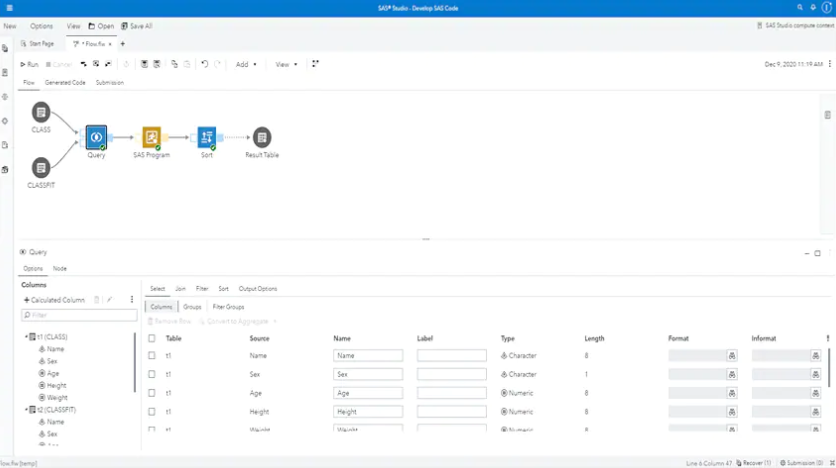
SAS Studio is an interactive development environment tool that uses a web-flow designer to orchestrate data and workflows.
Get discountCategory
Bug Tracking Software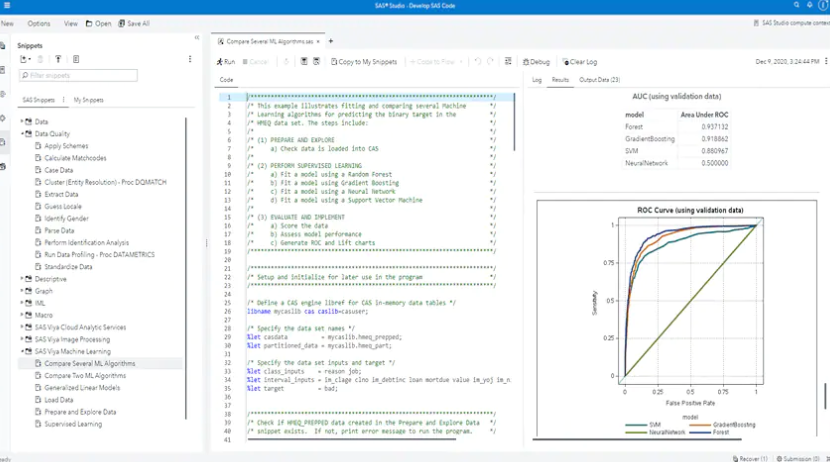
What is SAS Studio?
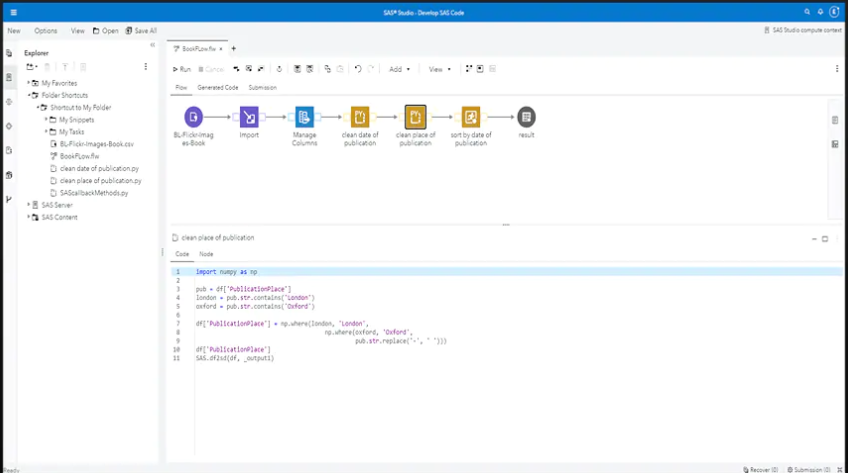
SAS Studio is a browser-based integrated development environment (IDE) for SAS programming, enabling users to write, execute, and debug SAS code without local installations. It offers a user-friendly interface with features like auto-complete, syntax highlighting, and code snippets, enhancing coding efficiency. Users can create, schedule, and execute SAS jobs, and easily debug code in an interactive environment. SAS Studio supports multiple web browsers and provides access to data files, libraries, and existing programs. It includes predefined tasks for common actions and allows users to create custom tasks, facilitating standardized code sharing. The platform also integrates with version control systems, promoting collaboration among team members.
Looking for a great deal on SAS Studio?
Good news! SAS Studio is currently offering discounts of up to 20% off regular subscription rates. This is your chance to leverage premium photo editing tools to enhance team coordination and productivity at a significantly reduced cost.
- Create and manage SAS jobs easily
- Schedule jobs for automated execution
- Interactive environment for code debugging
- Quick identification of logic errors
- Integrated version control for jobs
- Efficient management of data workflow
Eligibility
Number of Seats/Users: SAS Studio offers discounts based on the number of users or seats. A higher volume typically leads to a better discount structure, especially for enterprise-level usage.
Commitment to a Long-Term Contract: Discounts are often provided to companies that commit to using the service for a longer period (e.g., 1-year or 3-year contracts). A longer commitment shows SAS Studio that the company is serious and willing to invest in the platform long-term.
No Active Discounts: Companies that are not already receiving other active discounts may have a better chance of qualifying for additional discounts from SAS Studio. SAS Studio reserves discounts for new customers or those not currently under promotional pricing.
Volume or Usage Commitment: SAS Studio offers discounts if you agree to a minimum amount of usage or transaction volume. This could be based on data storage, transactions, or other metrics tied to how much you will use the platform.
Enterprise-Level Negotiation: Companies that qualify as “enterprise” due to their size or complexity (e.g., having large teams, multiple departments, or geographical presence) may be eligible for additional discounts from SAS Studio. Such companies are often in a position to negotiate for better pricing.
Early Renewal or Prepayment: SAS Studio often offers discounts if you renew early or prepay for the entire contract period. This is a common approach to securing a lower price.

SAS Studio - Up to 20% off
Reviews
Here at Spendbase, our internal data shows that SAS Studio is a versatile tool often used for creating, scheduling, and executing SAS jobs in an interactive environment. Our clients appreciate the range of features, especially the ability to debug code quickly and schedule jobs easily with integrated version control.
Based on feedback from our clients, several key points stand out:
What our clients like about SAS Studio:
– Interactive code debugging. Many clients mention how helpful the SAS Studio environment is for finding logic or data issues quickly.
– Seamless job scheduling. The built-in scheduling tools are used frequently to automate routine tasks, saving valuable time.
– Integrated version control. Teams find it easier to manage code changes and collaborate on projects, reducing errors and improving workflow.
– User-friendly interface. Spendbase clients often say the layout is straightforward and easy to navigate, even for users who are new to SAS.
Areas for improvement:
– Customization options. Some clients mention that they would appreciate more choices for customizing their workspace or automating specific workflows.
– Documentation. While most clients get started easily, a few would benefit from more detailed documentation or guided tutorials, especially on advanced features.
– Performance with large datasets. Although SAS Studio handles most workloads efficiently, organizations working with very large data sometimes wish for enhanced performance or better resource management features.
Main use cases:
– Running scheduled analytics reports and data extractions
– Debugging production SAS code before releases
– Collaborating on shared analytics projects using version control
– Automating repetitive data processes for different teams
General sentiment
Most Spendbase clients feel SAS Studio is a solid and reliable tool for day-to-day data analytics, code debugging, and job automation. They find it helps simplify routine work and improve collaboration within their teams.
If you’re looking to optimize your analytics environment and keep spend in check, SAS Studio is a popular choice for our clients looking for reliable automation, easy debugging, and strong version control features. At Spendbase, we’re happy to help you access deeper discounts—reach out if you’re considering SAS Studio for your team!
See how much you can save on your stack
Pick your team’s tools!
Click to select one or more tools.


What’s your company size?
Just click to select.
What’s your business email?
We'll send you calculations right away
The email is flying to your inbox!
Beyond discounts, you may qualify for up to $100K in AWS credits.

FAQ
1. Are there any current discounts available for SAS Studio?
Yes, we offer seasonal promotions and special offers on SAS Studio. Please check our website for the latest deals.
2. Do students receive any discounts on SAS Studio?
Absolutely! We provide exclusive discounts for students. Verify your student status to access these special rates.
3. Is there a free trial available for SAS Studio?
Yes, we offer a 14-day free trial for new users to explore SAS Studio's features before committing.
4. Can I get a discount for purchasing multiple licenses?
Certainly! We offer volume discounts for bulk license purchases. Contact our sales team for personalized pricing.
5. Are there any discounts for non-profit organizations?
Yes, we support non-profits with special pricing. Please provide your organization's details to qualify.
6. Do you offer discounts during Black Friday or Cyber Monday?
Yes, we participate in Black Friday and Cyber Monday sales. Stay tuned to our website for upcoming promotions.
7. How can I stay informed about upcoming discounts?
Subscribe to our newsletter or follow us on social media to receive updates on the latest offers and promotions.
Related discounts

Crunchmetrics
Artificial Intelligence Software
Up to 20% off

Augmatrix
Artificial Intelligence Software
Up to 20% off

Oracle Analytics Cloud
Business Intelligence Software
Up to 20% off

Raygun
Bug Tracking Software
Up to 45% off

Incorta
Big Data Software
Up to 20% off

AWS Glue
Data Discovery Software
Up to 20% off
Software cost optimization
SAS Studio savings in five steps
Let’s estimate your potential savings and see how you can scale your cloud infrastructure.
One call. No cost. No commitments


meet vendor relationship EXPERTS
Our customers save millions with us



Save on SAS Studio
It’s time to shrink your bill
Let our SaaS cost optimization experts check what deals you can get and how much you can save on your corporate subscriptions
See how you can:
- Learn about pricing benchmarks and discounts
- Present potential savings by vendor to your team
- Meet your SaaS and cloud cost optimization goals
Get SAS Studio discount
We’ll email you back within 1 business day