











SharePass Discount - Up to 20% off
SharePass is an online solution for confidential data sharing. No agents, cross-platform supported.
Get discountCategory
Cybersecurity Software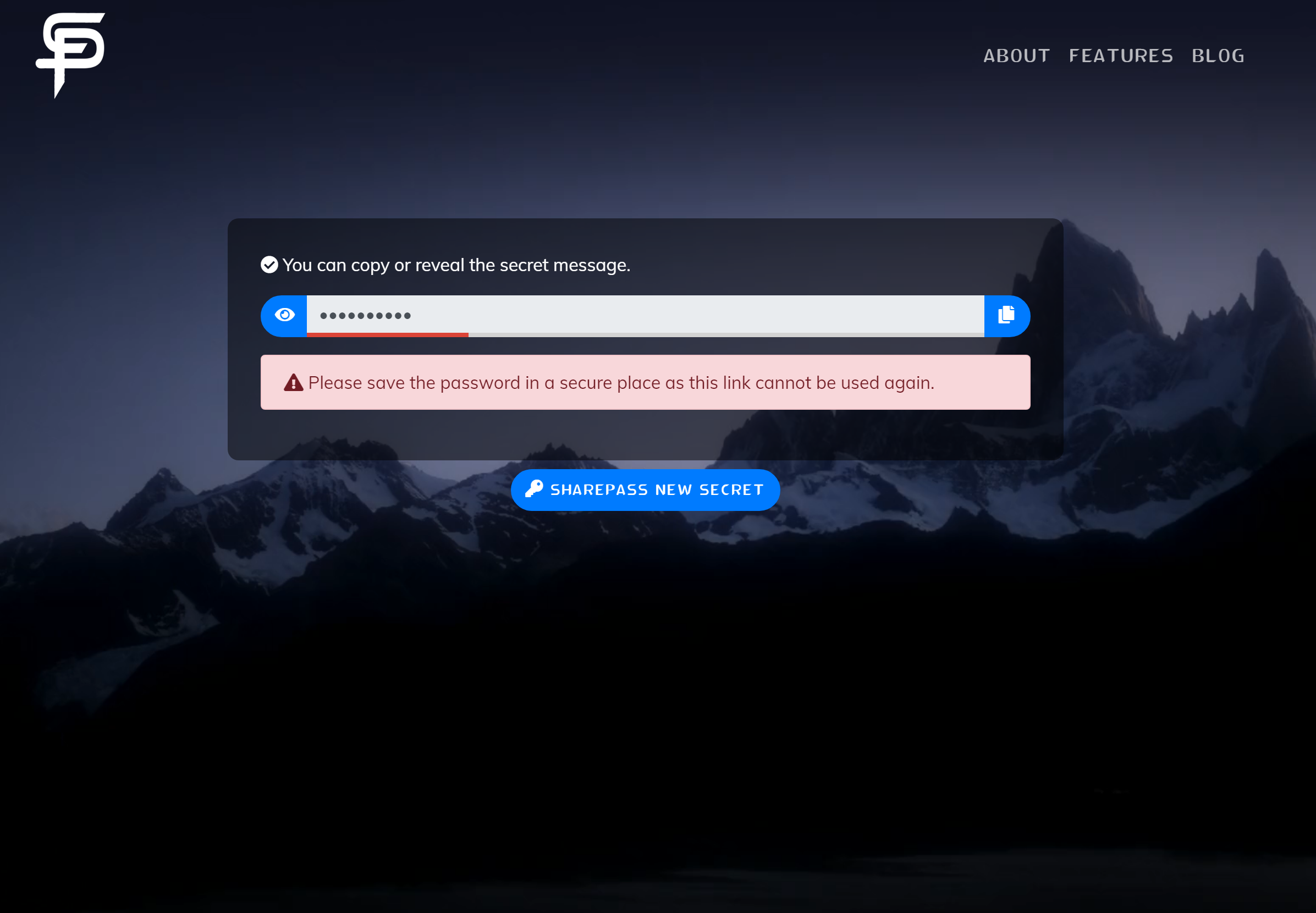

What is SharePass?
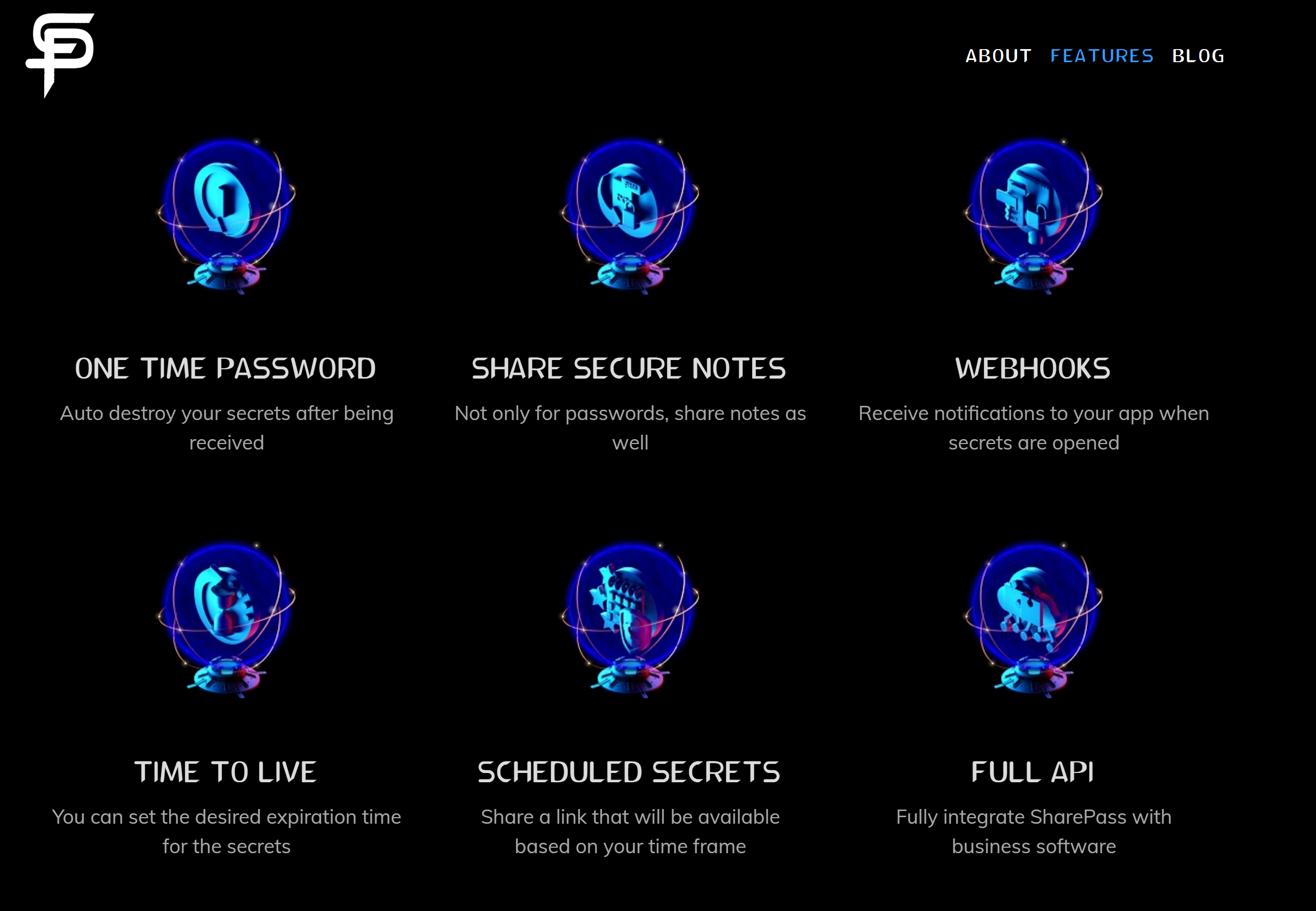
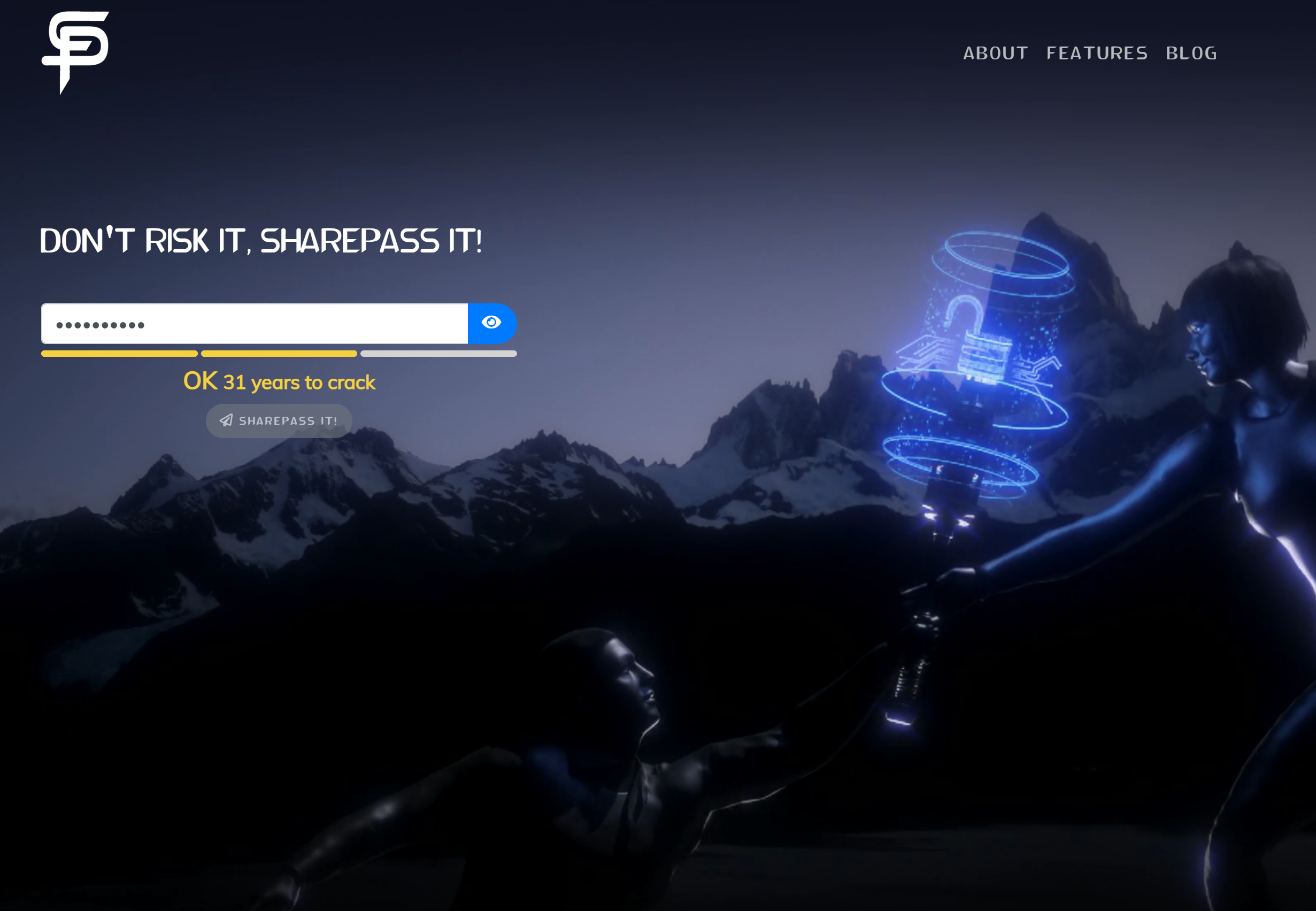
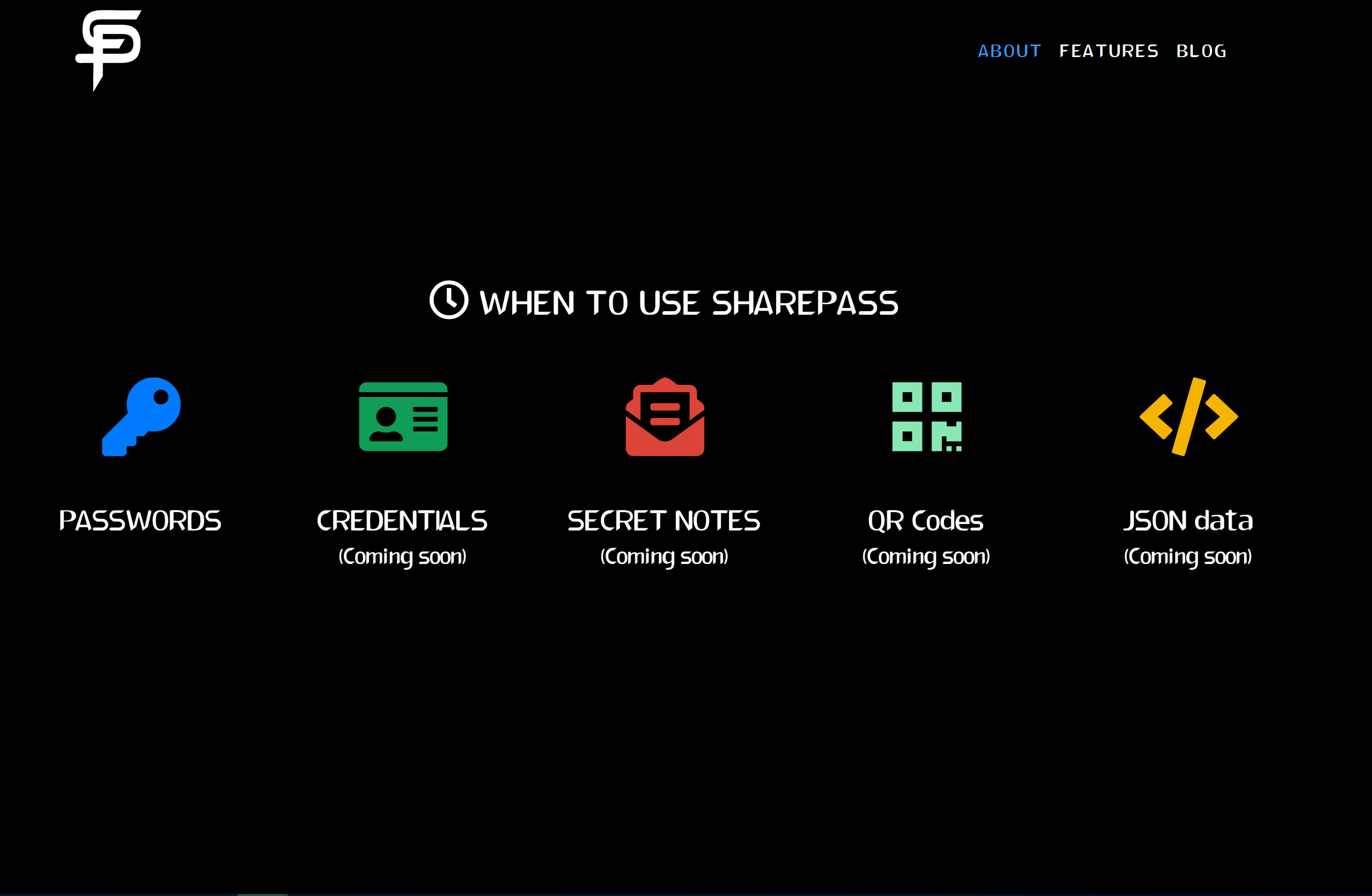
SharePass is a SaaS platform designed for securely sharing secrets and confidential information via web applications, browser extensions, or mobile apps. It utilizes encrypted links with customizable security settings, including expiry restrictions, availability windows, and IP limitations, ensuring data safety without leaving a digital footprint. Key features include end-to-end encryption, granular access controls, seamless integration with existing systems, and support for Single Sign-On (SSO) with Office365 and Google Workspace. SharePass also offers Multi-Factor Authentication (MFA) and YubiKey integration for enhanced security. Notably, SharePass operates on a zero-knowledge architecture, meaning neither the platform nor its employees can access the shared secrets, maintaining strict data privacy.
- Encrypted links for sharing confidential information
- Zero-knowledge access; only participants see secrets
- Multi-platform: web app, extension, mobile, clients
- No digital footprint; secrets automatically expire
- Extremely easy, intuitive, fast to use
- Reliable support and active product roadmap
Eligibility
Number of Seats/Users: SharePass offers discounts based on the number of users or seats. A higher volume typically leads to a better discount structure, especially for enterprise-level usage.
Commitment to a Long-Term Contract: Discounts are often provided to companies that commit to using the service for a longer period (e.g., 1-year or 3-year contracts). A longer commitment shows SharePass that the company is serious and willing to invest in the platform long-term.
No Active Discounts: Companies that are not already receiving other active discounts may have a better chance of qualifying for additional discounts from SharePass. SharePass reserves discounts for new customers or those not currently under promotional pricing.
Volume or Usage Commitment: SharePass offers discounts if you agree to a minimum amount of usage or transaction volume. This could be based on data storage, transactions, or other metrics tied to how much you will use the platform.
Enterprise-Level Negotiation: Companies that qualify as “enterprise” due to their size or complexity (e.g., having large teams, multiple departments, or geographical presence) may be eligible for additional discounts from SharePass. Such companies are often in a position to negotiate for better pricing.
Early Renewal or Prepayment: SharePass often offers discounts if you renew early or prepay for the entire contract period. This is a common approach to securing a lower price.

SharePass - Up to 20% off
Reviews
Here at Spendbase, our internal data shows that SharePass is consistently rated extremely high by Spendbase clients, especially for secure password and secret sharing in day‑to‑day operations.
From what we see, the strongest positive themes are:
-
Ease of use & quick adoption
Many Spendbase clients highlight that SharePass is “very easy”, “intuitive”, and “frictionless” for both teams and external clients. The browser extension in particular is seen as a real time‑saver. -
Security & peace of mind
A major driver for adoption is replacing emails, texts, and calls with encrypted links that leave no digital footprint. Clients in cybersecurity, financial institutions, and consulting say they feel more comfortable sharing credentials, especially in remote or hybrid work setups. -
Business impact
Our data suggests SharePass often becomes a “most used” tool for some companies, because: - It standardizes how passwords are shared with customers and partners
- It reduces perceived data‑leak risk
-
It removes the awkwardness of asking for credentials over insecure channels
-
Value & pricing
Personal users especially appreciate that there is a free option. For companies, the perceived ROI is mainly tied to risk reduction and time saved.
On the improvement side, Spendbase clients don’t flag major issues, but they do mention:
- A desire for more advanced features, some of which are already on SharePass’s roadmap, like:
- Two‑way secure envelopes where the receiver can send secrets back
-
Additional app and workflow enhancements
-
A sense that some organizations have “only scratched the surface” and could unlock more value with better onboarding and internal education.
From a Spendbase cost‑optimization perspective, SharePass typically fits well for:
- Teams that frequently exchange passwords with external parties (agencies, IT providers, pentesters, FIs)
- Companies trying to quickly uplift security without complex implementations
- Organizations wanting to reduce the hidden cost of insecure channels and manual workarounds
In short, our internal Spendbase insights show SharePass delivers high satisfaction, low friction, and strong perceived security value, with upside remaining in feature expansion and deeper adoption.
See how much you can save on your stack
Pick your team’s tools!
Click to select one or more tools.


What’s your company size?
Just click to select.
What’s your business email?
We'll send you calculations right away
The email is flying to your inbox!
Beyond discounts, you may qualify for up to $100K in AWS credits.

FAQ
1. How do I create a discount code?
Navigate to the 'Discounts' section in your dashboard, select 'New Discount,' and fill in the required details.
2. Can I apply discounts to specific products?
Yes, you can assign discounts to specific products by selecting them during the discount setup process.
3. Is it possible to schedule discounts in advance?
Yes, you can set booking and visit windows to schedule discounts for future dates.
4. How does discounting affect my payout?
Commissions are applied to the original price before discounts, taxes, and fees.
5. Can I run multiple discounts at once?
You can run discounts on multiple products simultaneously, but each product can have only one active offer.
6. Will discounts affect my existing bookings?
No, adding a discount or offer will only apply to future bookings.
7. How do I manage existing discount codes?
Access the 'Discounts' section in your dashboard to view, edit, or deactivate existing discount codes.
8. Can I limit the number of times a discount code is used?
Yes, you can set usage limits per customer and per order during the discount setup.
Related discounts

SpamTitan Plus
Cybersecurity Software
Up to 35% off

Cyber Privacy Suite
Cybersecurity Software
Up to 35% off

Cybereason
Cybersecurity Software
Up to 30% off

MirrorWeb
Cybersecurity Software
Up to 25% off

Cynomi
Cybersecurity Software
Up to 40% off

HTTPCS Cyber Vigilance
Cybersecurity Software
Up to 40% off
Software cost optimization
SharePass savings in five steps
Let’s estimate your potential savings and see how you can scale your cloud infrastructure.
One call. No cost. No commitments


meet vendor relationship EXPERTS
Our customers save millions with us



Save on SharePass
It’s time to shrink your bill
Let our SaaS cost optimization experts check what deals you can get and how much you can save on your corporate subscriptions
See how you can:
- Learn about pricing benchmarks and discounts
- Present potential savings by vendor to your team
- Meet your SaaS and cloud cost optimization goals
Get SharePass discount
We’ll email you back within 1 business day