











SketchUp Discount - Up to 20% off
3D tool that helps teams use 3D modeler, 2D documentation, cloud storage & AR/VR visualization to streamline architectural designs.
Get discountCategory
3D Architecture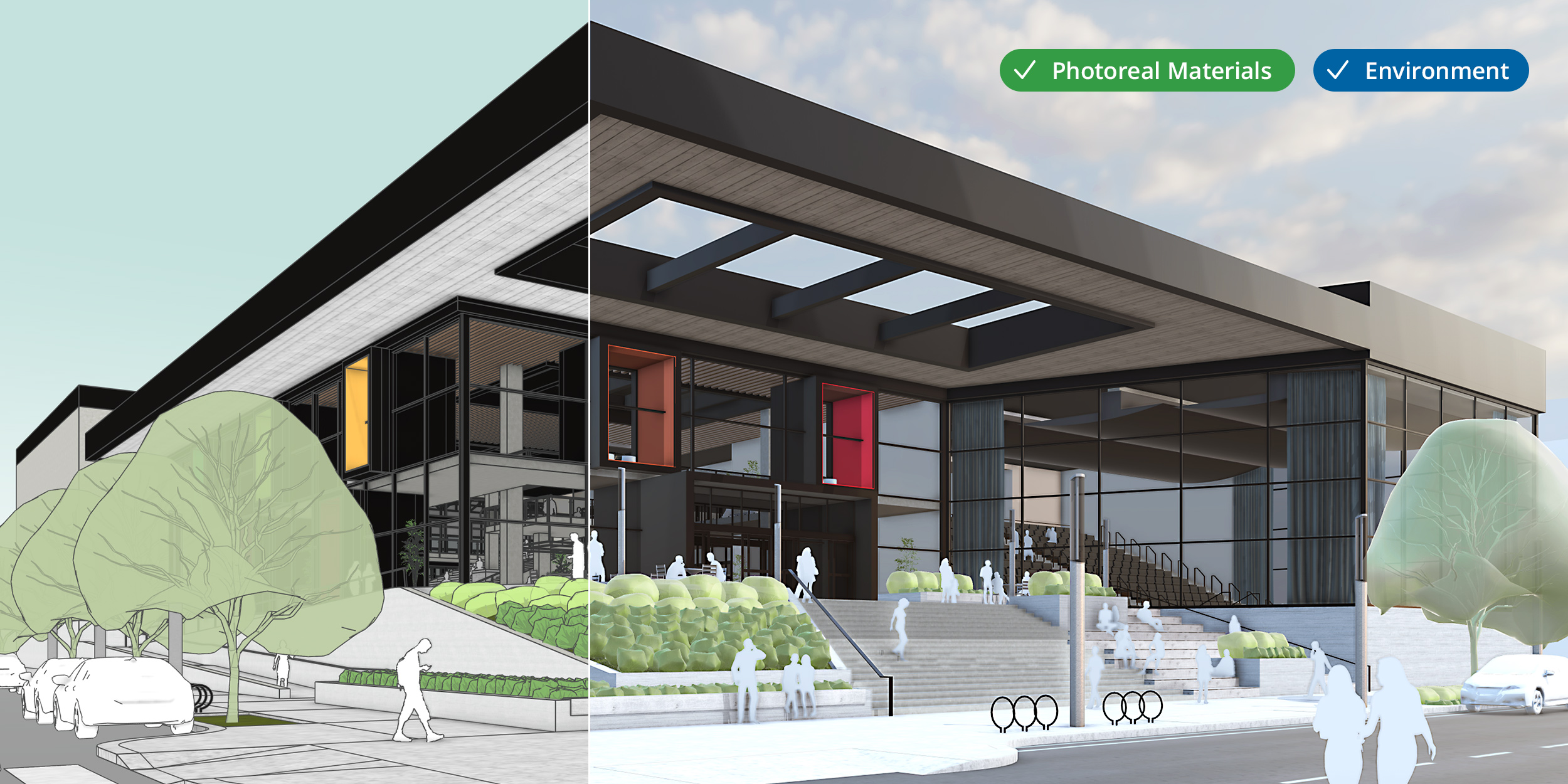
What is SketchUp?
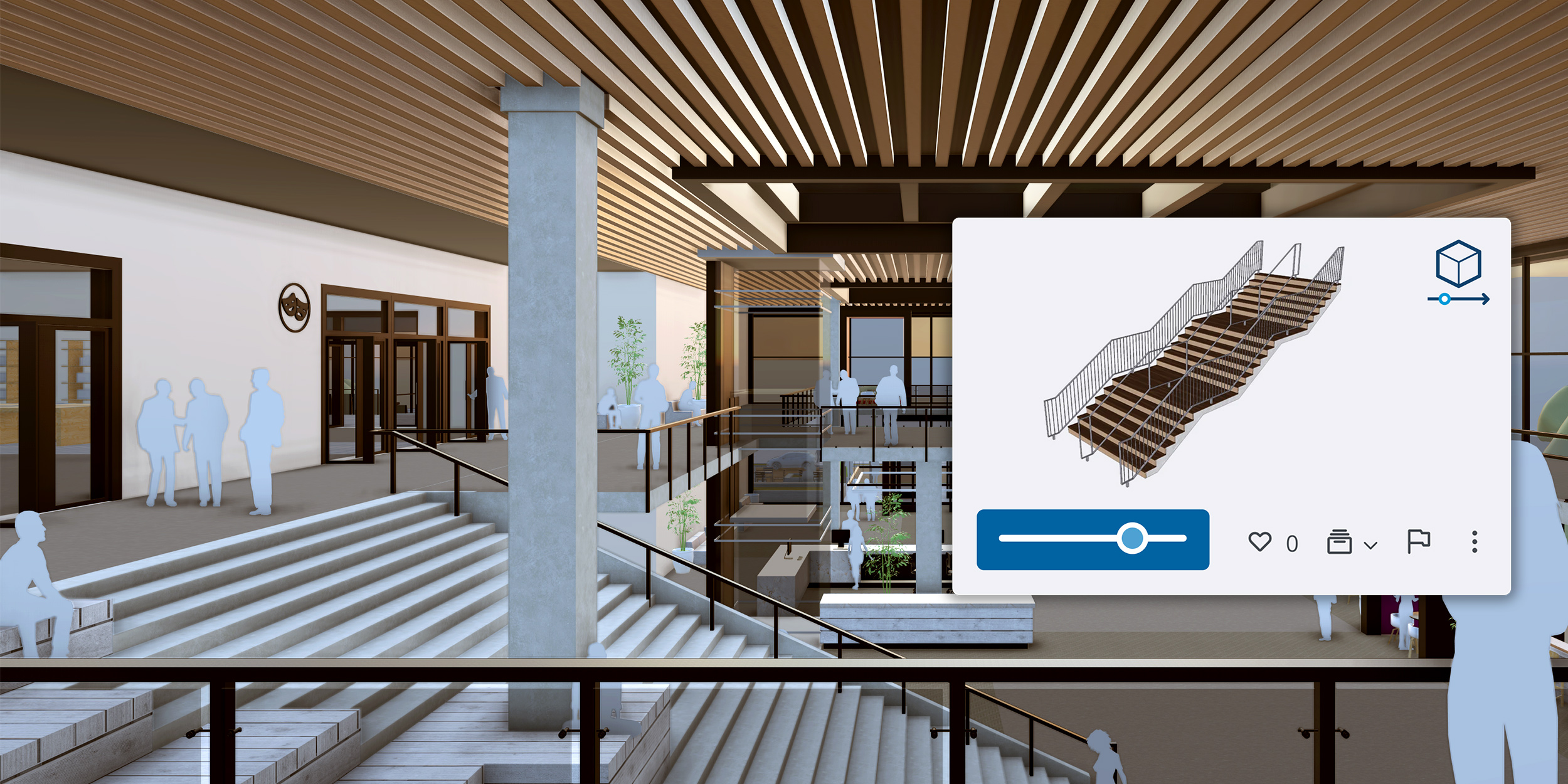
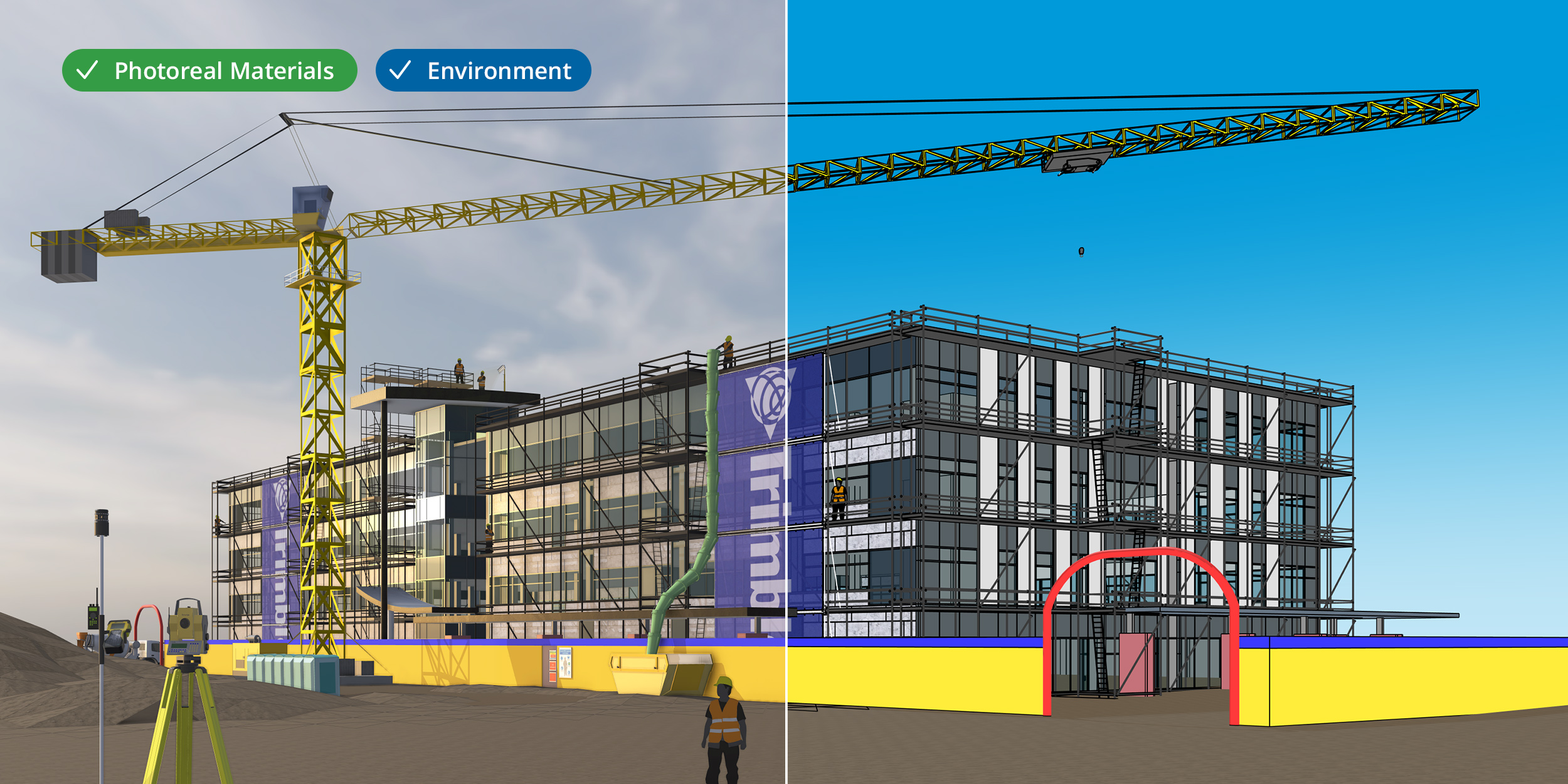
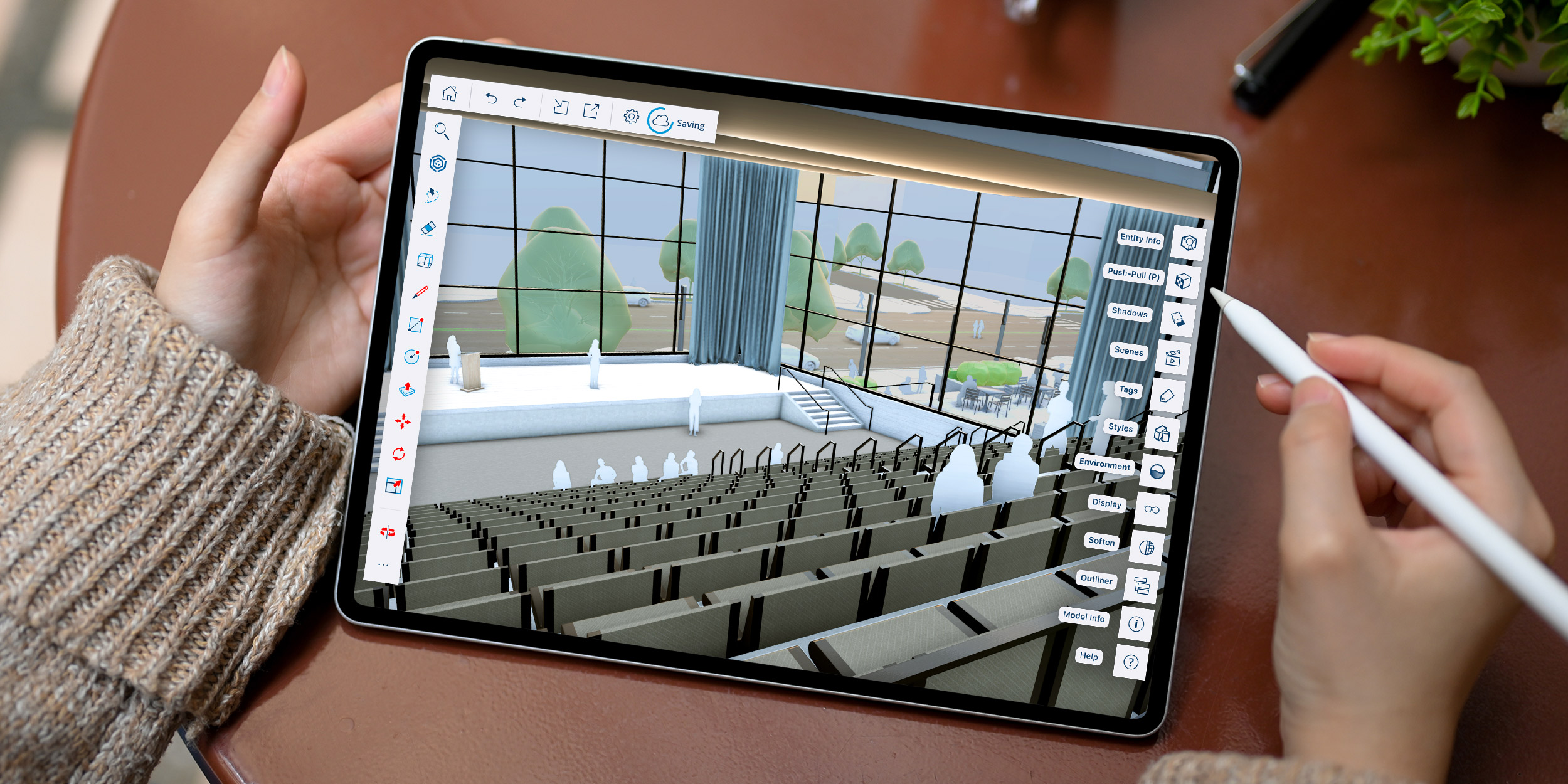
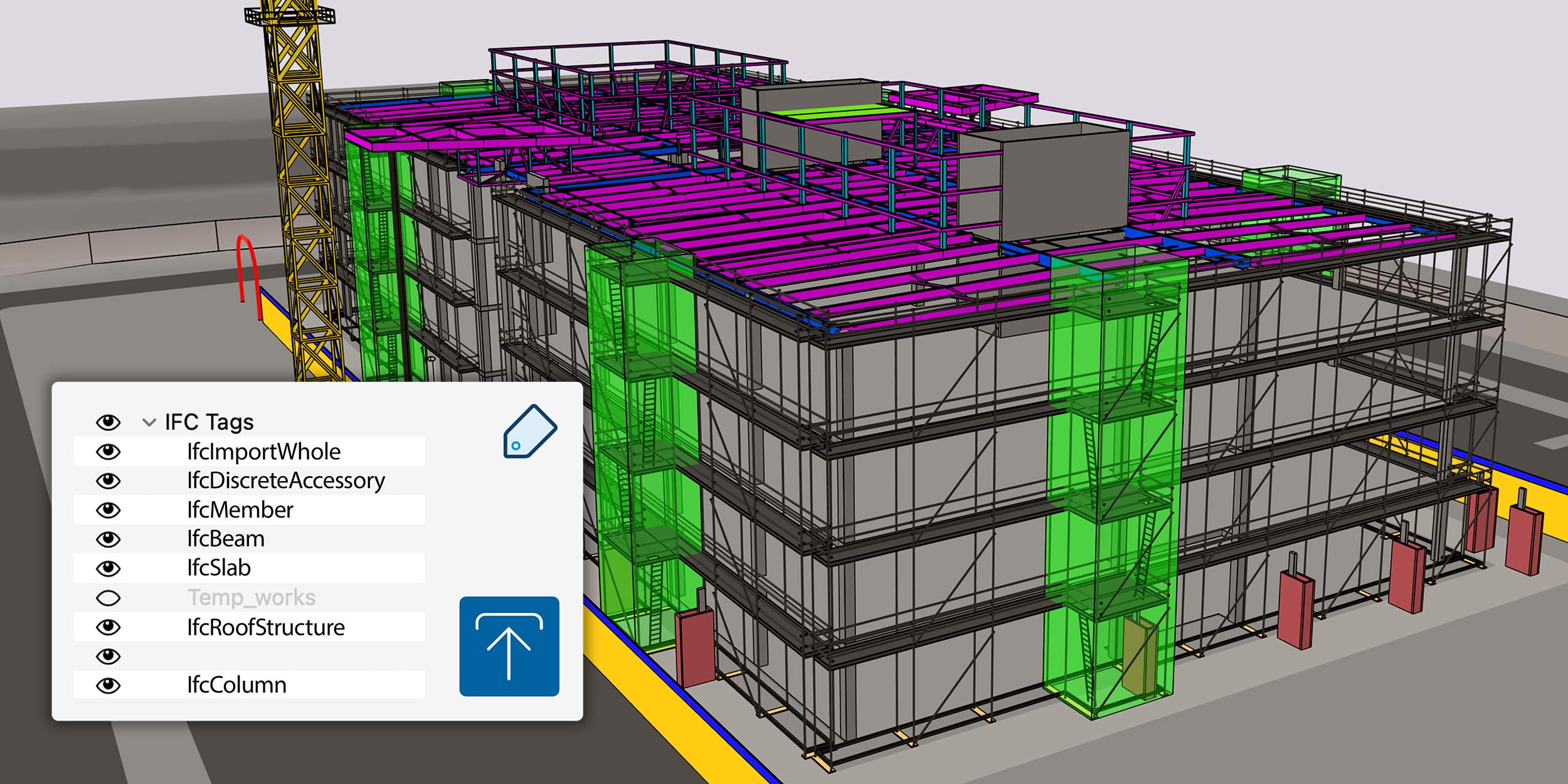
SketchUp is a user-friendly 3D modeling software widely used in architecture, interior design, and engineering. It offers an intuitive interface that simplifies the creation of detailed 3D models. Key features include a vast 3D Warehouse with pre-made models, versatile data import/export capabilities supporting various file formats, and extensive third-party integrations enhancing functionality. SketchUp also provides tools for landscape design, drafting, and rendering, making it a comprehensive solution for professionals and beginners alike.
- Intuitive beginner-friendly 3D modeling interface
- 3D Warehouse library with ready-made models
- Plugins and extensions for advanced capabilities
- Collaboration tools, cloud storage, version control
- Lightweight performance on modest hardware setups
- Real-time visualization and quick client presentations
Eligibility
Number of Seats/Users: SketchUp offers discounts based on the number of users or seats. A higher volume typically leads to a better discount structure, especially for enterprise-level usage.
Commitment to a Long-Term Contract: Discounts are often provided to companies that commit to using the service for a longer period (e.g., 1-year or 3-year contracts). A longer commitment shows SketchUp that the company is serious and willing to invest in the platform long-term.
No Active Discounts: Companies that are not already receiving other active discounts may have a better chance of qualifying for additional discounts from SketchUp. SketchUp reserves discounts for new customers or those not currently under promotional pricing.
Volume or Usage Commitment: SketchUp offers discounts if you agree to a minimum amount of usage or transaction volume. This could be based on data storage, transactions, or other metrics tied to how much you will use the platform.
Enterprise-Level Negotiation: Companies that qualify as “enterprise” due to their size or complexity (e.g., having large teams, multiple departments, or geographical presence) may be eligible for additional discounts from SketchUp. Such companies are often in a position to negotiate for better pricing.
Early Renewal or Prepayment: SketchUp often offers discounts if you renew early or prepay for the entire contract period. This is a common approach to securing a lower price.

SketchUp - Up to 20% off
Reviews
Here at Spendbase our internal data shows that SketchUp is widely seen as a “high-ROI, easy-to-learn” 3D tool that works well across different skill levels and industries.
From what our Spendbase clients share, the main strengths are:
- Very friendly interface, close to “as easy as MS Paint” for basic tasks
- Fast to go from idea to a clear 3D model, which:
- Speeds up client approvals for architecture, interiors, furniture, logistics, AR/VR, and even attractions
- Helps non-technical stakeholders understand designs
- Works well on modest hardware for everyday modeling
- Strong ecosystem:
- 3D Warehouse with thousands of ready-made models
- Rich plugin / extension market for rendering and advanced tools
- Flexible enough for:
- Students and educators
- Architects, engineers, contractors
- Hobby designers and small businesses
At the same time, our internal data shows some consistent friction points that matter for budgeting and license planning:
- Cost structure:
- Pro licenses are perceived as pricey for solo users and small teams
- Shift from perpetual to subscription is a pain point for some businesses
- Extra spend on plugins, render engines, and paid 3D assets adds up quickly
- Free tier is useful, but limited exports and features often push teams to upgrade sooner than expected
- Technical limitations:
- Performance drops on very large or highly detailed models (vegetation, complex geometry)
- No strong built-in photorealistic rendering; third‑party tools are almost mandatory for high-end visuals
- Curve modeling and some “out-of-the-box” architectural tools (wall tool, house wizard) are missing
- Workflow issues:
- Learning curve around precision modeling and advanced extensions
- Occasional stability/sync issues and sign‑in friction with Warehouse and cloud features
From a Spendbase discount and cost-optimization perspective, the pattern is clear:
- SketchUp Free is great for light users, but most professional teams quickly justify SketchUp Pro due to time saved and faster client sign‑off.
- The real cost driver is often not just the core license, but the combination of:
- Pro seats
- Rendering plugins
- Paid 3D assets
- Teams get the best value when they:
- Standardize on a focused set of extensions
- Right-size Pro vs. Free seats by role
- Negotiate for multi-seat or long‑term discounts where possible.
See how much you can save on your stack
Pick your team’s tools!
Click to select one or more tools.


What’s your company size?
Just click to select.
What’s your business email?
We'll send you calculations right away
The email is flying to your inbox!
Beyond discounts, you may qualify for up to $100K in AWS credits.

FAQ
1. Are there any current discounts available for SketchUp?
Yes, we offer seasonal promotions and discounts. Please check our website or contact our sales team for the latest offers.
2. Do students receive a discount on SketchUp?
Absolutely! We provide special pricing for students and educators. Verify your academic status to access these discounts.
3. Is there a free version of SketchUp available?
Yes, SketchUp offers a free version with basic features suitable for personal use and beginners.
4. Can I get a discount for purchasing multiple SketchUp licenses?
Certainly! We offer volume discounts for bulk purchases. Contact our sales team for customized pricing.
5. Are there any discounts for non-profit organizations?
Yes, we support non-profits with special pricing. Please provide your non-profit status to qualify.
6. Does SketchUp offer a trial period before purchasing?
Yes, we offer a free trial period for you to explore SketchUp's features before making a purchase.
7. Are there any upcoming promotions for SketchUp?
We regularly run promotions, especially during holidays. Stay tuned to our website or subscribe to our newsletter for updates.
Related discounts

Software cost optimization
SketchUp savings in five steps
Let’s estimate your potential savings and see how you can scale your cloud infrastructure.
One call. No cost. No commitments


meet vendor relationship EXPERTS
Our customers save millions with us



Save on SketchUp
It’s time to shrink your bill
Let our SaaS cost optimization experts check what deals you can get and how much you can save on your corporate subscriptions
See how you can:
- Learn about pricing benchmarks and discounts
- Present potential savings by vendor to your team
- Meet your SaaS and cloud cost optimization goals
Get SketchUp discount
We’ll email you back within 1 business day