











SuperSaaS Discount - Up to 20% off
Make online appointment scheduling for your business easy, flexible and affordable. Easy for beginners, advanced enough for developers.
Get discountCategory
Dance Studio Software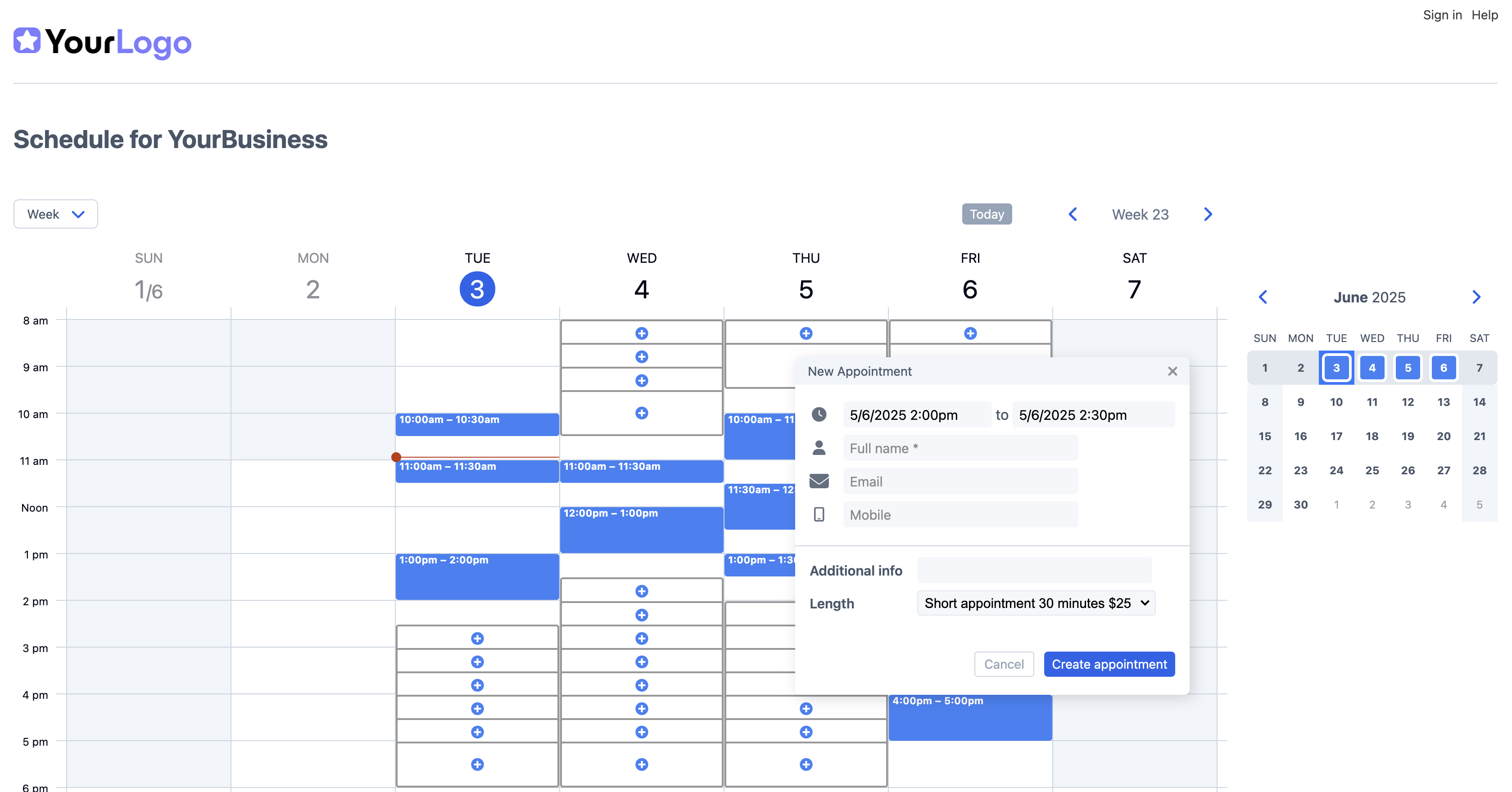
What is SuperSaaS?
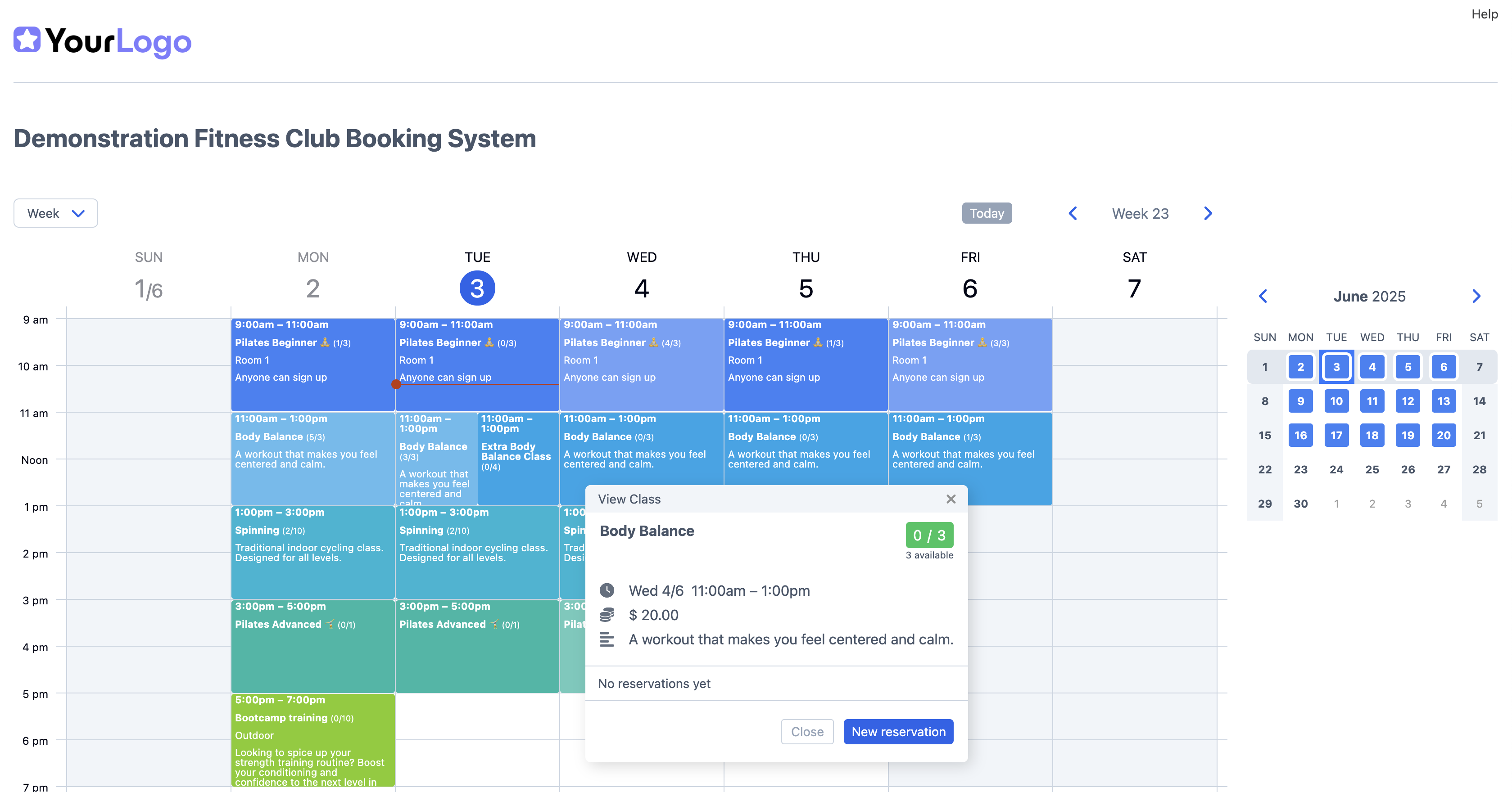
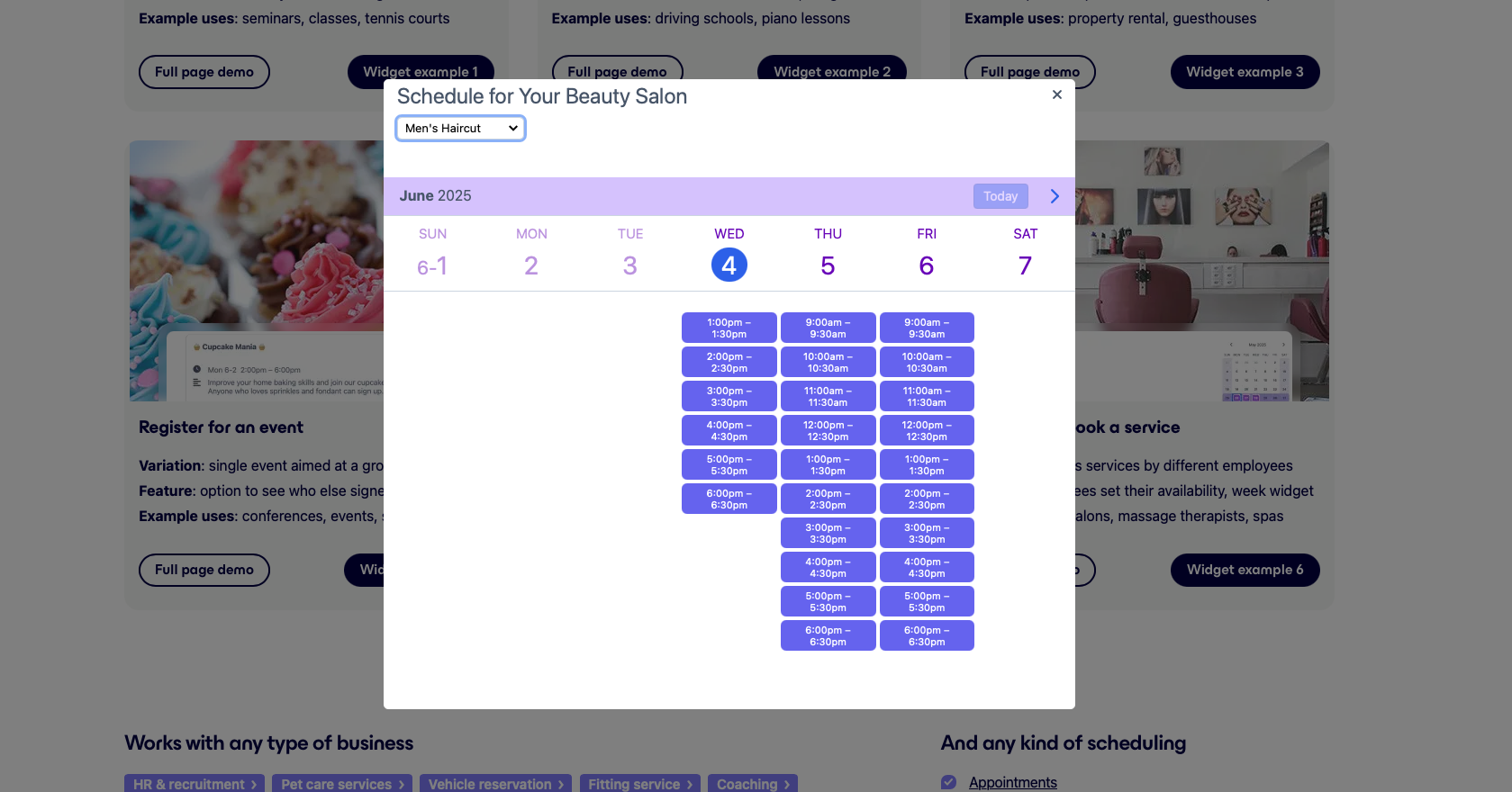
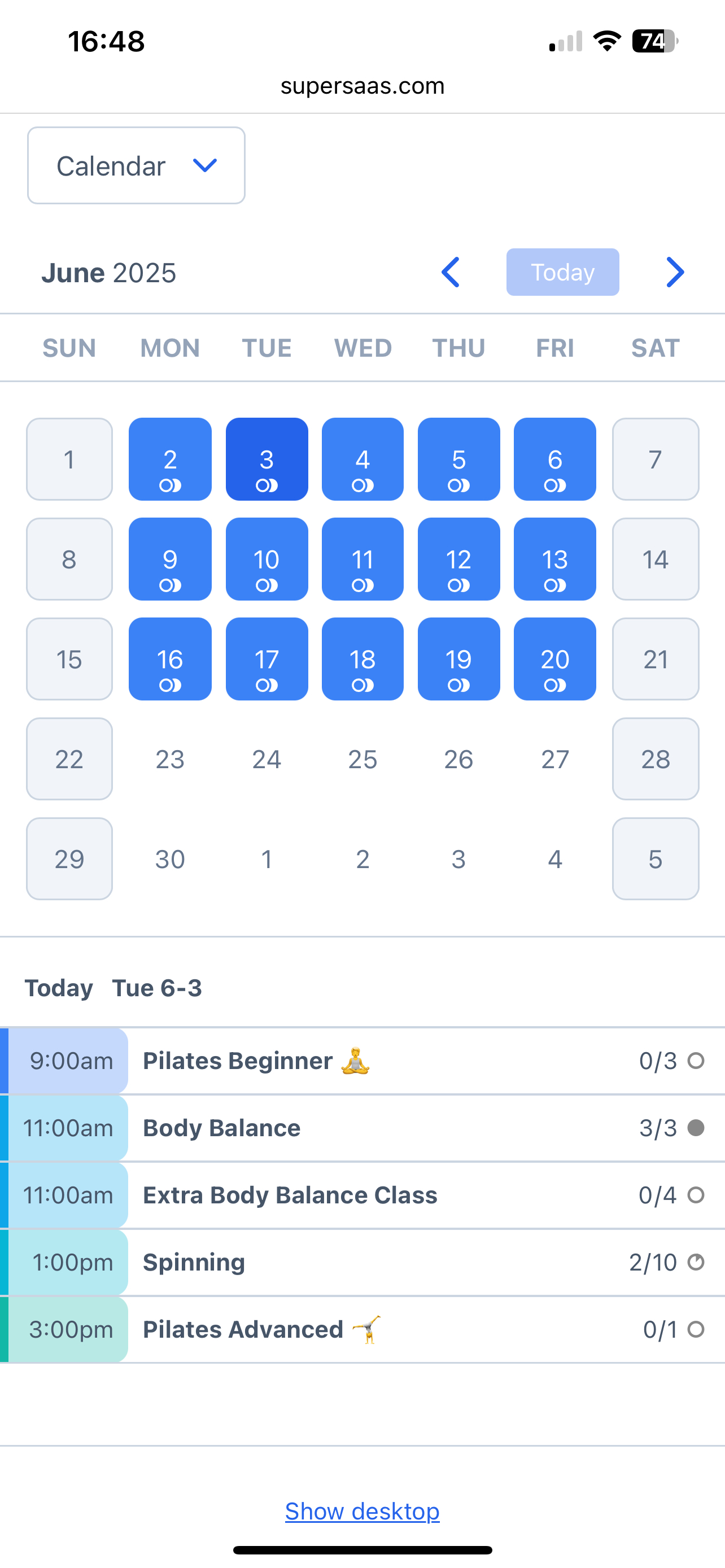
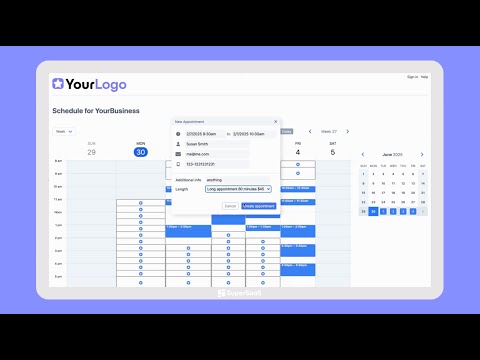
SuperSaaS is an online appointment scheduling software designed for businesses of all sizes, offering flexibility and affordability. It enables clients to self-book or reschedule appointments, reducing manual coordination. Key features include customizable layouts and forms, integration with websites via JavaScript or WordPress plugins, and automated email or SMS confirmations and reminders. SuperSaaS supports online payments through providers like PayPal and Stripe, and synchronizes with Google or Outlook Calendars to manage availability. It also offers user management with access controls, reporting and analytics tools, and ensures data security with GDPR compliance and regular backups.
Looking for a great deal on SuperSaaS?
Good news! SuperSaaS is currently offering discounts of up to 20% off regular subscription rates. This is your chance to leverage premium photo editing tools to enhance team coordination and productivity at a significantly reduced cost.
- Easy online appointment scheduling for businesses
- Highly customizable and flexible booking options
- Integrates with Google, Outlook, Zapier
- Accepts online payments via PayPal/Stripe
- Responsive and reliable customer support
- Embed calendar easily into your website
Eligibility
Number of Seats/Users: SuperSaaS offers discounts based on the number of users or seats. A higher volume typically leads to a better discount structure, especially for enterprise-level usage.
Commitment to a Long-Term Contract: Discounts are often provided to companies that commit to using the service for a longer period (e.g., 1-year or 3-year contracts). A longer commitment shows SuperSaaS that the company is serious and willing to invest in the platform long-term.
No Active Discounts: Companies that are not already receiving other active discounts may have a better chance of qualifying for additional discounts from SuperSaaS. SuperSaaS reserves discounts for new customers or those not currently under promotional pricing.
Volume or Usage Commitment: SuperSaaS offers discounts if you agree to a minimum amount of usage or transaction volume. This could be based on data storage, transactions, or other metrics tied to how much you will use the platform.
Enterprise-Level Negotiation: Companies that qualify as “enterprise” due to their size or complexity (e.g., having large teams, multiple departments, or geographical presence) may be eligible for additional discounts from SuperSaaS. Such companies are often in a position to negotiate for better pricing.
Early Renewal or Prepayment: SuperSaaS often offers discounts if you renew early or prepay for the entire contract period. This is a common approach to securing a lower price.

SuperSaaS - Up to 20% off
Reviews
Here at Spendbase, our internal data shows that SuperSaaS is a hit among small businesses and organizations looking for a cost-effective, flexible scheduling solution. Our clients mention several standout features and some areas for improvement. Let’s break down our findings:
Key Benefits Observed:
– Ease of Use: Many Spendbase clients appreciate how simple it is to set up SuperSaaS, with clear options to create custom booking calendars for different needs. Beginners and non-technical users report smooth onboarding.
– Customization: Clients highlight options to add custom forms, adjust booking parameters, set reminders, and match branding (logo and color schemes). Integration with Outlook, Google Calendar, WordPress, and Zapier is a big plus.
– Value for Money: The affordable pricing is frequently praised, especially for freelancers and small companies operating on tight budgets. SuperSaaS offers a generous free trial and competitive upgrade options.
– Customer Support: Spendbase clients consistently rave about fast, knowledgeable, and friendly support staff, often getting issues resolved quickly—even on weekends. Some recall hands-on support directly from key team members.
– Time-Saving: Managing manual schedules and phone calls is cited as a challenge. SuperSaaS automates booking, notifications, and payment collection, freeing up time for core business tasks.
– Versatility: The tool is used across a variety of industries—from language schools to therapy offices, flight clubs, sports coaching, veterinary practices, and universities. It handles appointment scheduling, resource booking, event management, and even room rentals with ease.
Common Improvement Requests:
– Interface Design: Some Spendbase clients would like a more modern admin and calendar look, though simplicity is often appreciated.
– Initial Setup Complexity: While powerful, the range of configuration options can be intimidating. Users suggest more setup templates and deeper examples tailored to specific industries.
– Efficiency: There is interest in features like easier navigation between scheduled appointments and user accounts, copy-paste capabilities for frequent classes, and more editable fields.
– Advanced Features: Additional shopping cart integrations, image uploads, and advanced booking granularity are mentioned as future wishes.
Client Feedback Highlights:
– Quick setup and responsive support make SuperSaaS stand out.
– Flexible for different appointment types and integrates with payment options right out of the box.
– Saves significant time and reduces errors compared to manual scheduling.
– Appeals to organizations with varying technical skills and scheduling needs.
In short, our Spendbase clients find SuperSaaS to be a friendly, affordable, and customizable solution that delivers great customer support and efficiency. It’s no wonder so many choose it to simplify scheduling and booking!
See how much you can save on your stack
Pick your team’s tools!
Click to select one or more tools.


What’s your company size?
Just click to select.
What’s your business email?
We'll send you calculations right away
The email is flying to your inbox!
Beyond discounts, you may qualify for up to $100K in AWS credits.

FAQ
1. How can I offer a one-time discount to an individual customer?
Add the discount amount as credit to the customer's user account; it applies automatically during booking.
2. Can I create promotional codes for new customers?
Yes, set up promo codes for new customers by adding a coupon field during booking and restricting its use to once per user.
3. Is it possible to generate multiple unique coupon codes at once?
Yes, you can create multiple unique coupon codes simultaneously, ideal for promotions via platforms like Groupon.
4. How do I set up dynamic pricing based on booking time?
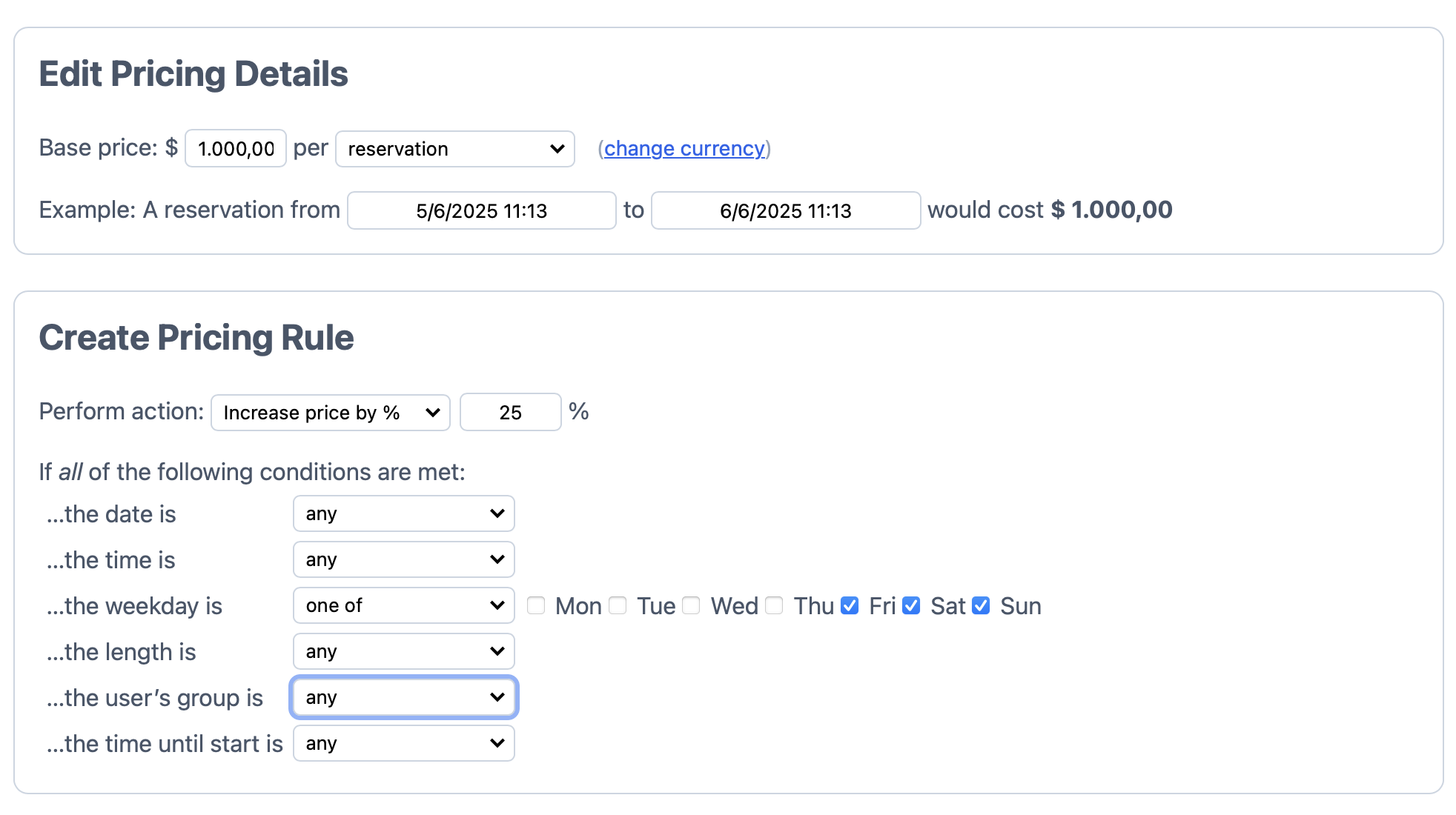
Configure advanced pricing rules to adjust prices based on factors like appointment length, start time, or available spots.
5. Can I offer discounts for bulk bookings?
Yes, create promotions such as 'Book 10 sessions now, get 1 free' to encourage bulk bookings.
6. How do I integrate payment processing with SuperSaaS?
Integrate with payment processors like PayPal or Stripe to accept online payments in multiple currencies.
7. Is there a way to handle refunds through the system?
Use the credit system to manage refunds by adding credit to the customer's account, which can be used for future bookings.
Related discounts

LegitFit
Dance Studio Software
Up to 20% off

bsport
Dance Studio Software
Up to 20% off

Studioware
Dance Studio Software
Up to 25% off

Class Manager
Class Registration Software
Up to 25% off

ABC Trainerize
Dance Studio Software
Up to 20% off

ClassJuggler
Dance Studio Software
Up to 20% off
Software cost optimization
SuperSaaS savings in five steps
Let’s estimate your potential savings and see how you can scale your cloud infrastructure.
One call. No cost. No commitments


meet vendor relationship EXPERTS
Our customers save millions with us



Save on SuperSaaS
It’s time to shrink your bill
Let our SaaS cost optimization experts check what deals you can get and how much you can save on your corporate subscriptions
See how you can:
- Learn about pricing benchmarks and discounts
- Present potential savings by vendor to your team
- Meet your SaaS and cloud cost optimization goals
Get SuperSaaS discount
We’ll email you back within 1 business day