











Tabology EPOS Discount - Up to 35% off
The EPOS and management suite for pubs and bars ready to thrive. Comprehensive, easy to use, and evolves with your business.
Get discountCategory
Bar POS Software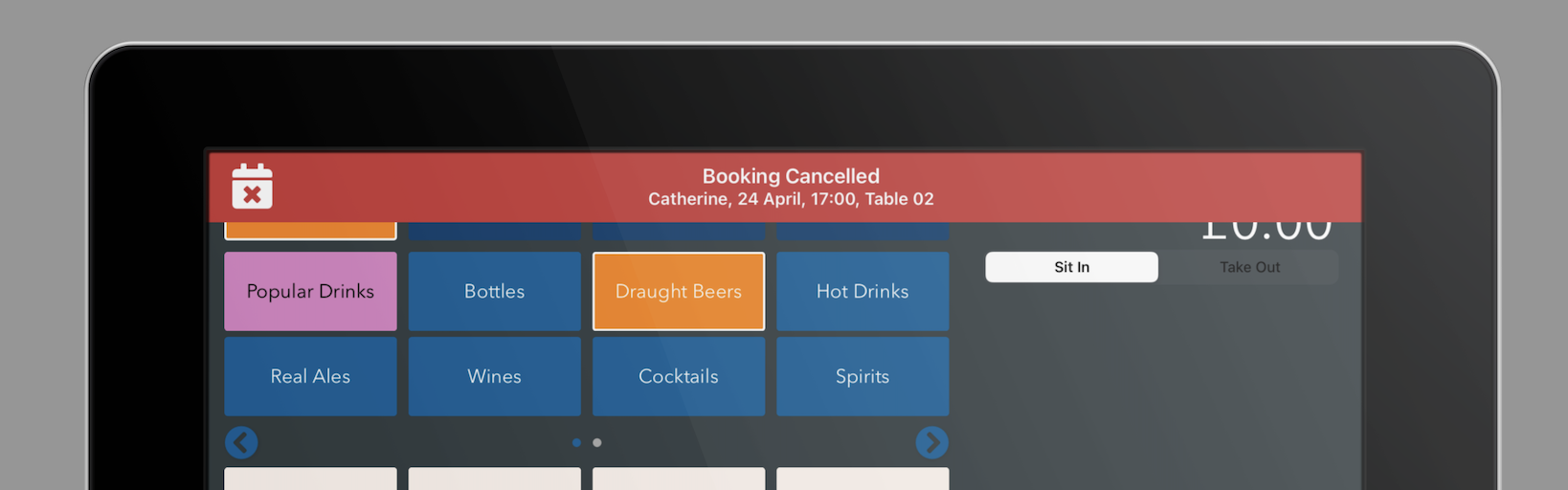

What is Tabology EPOS?
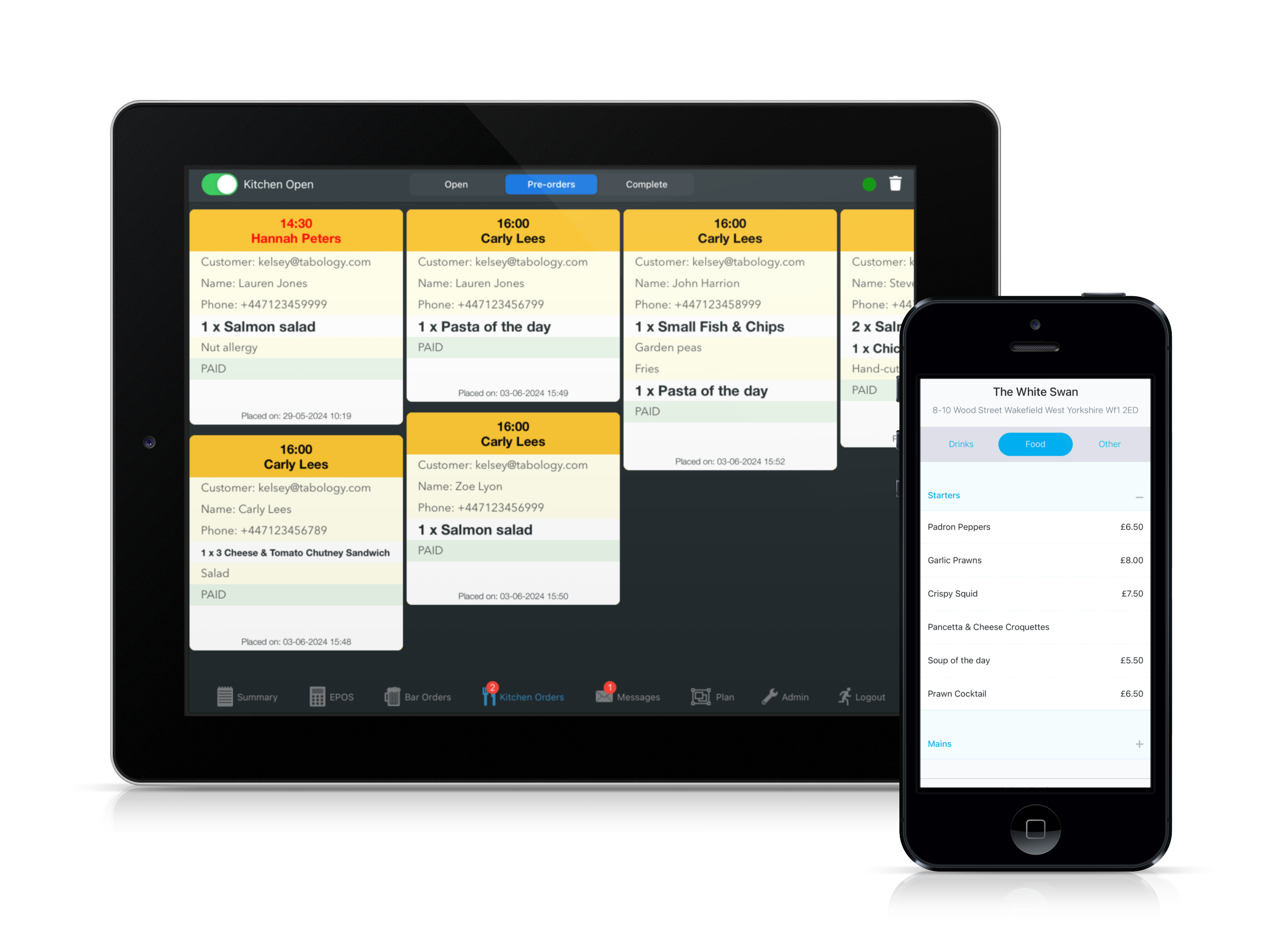
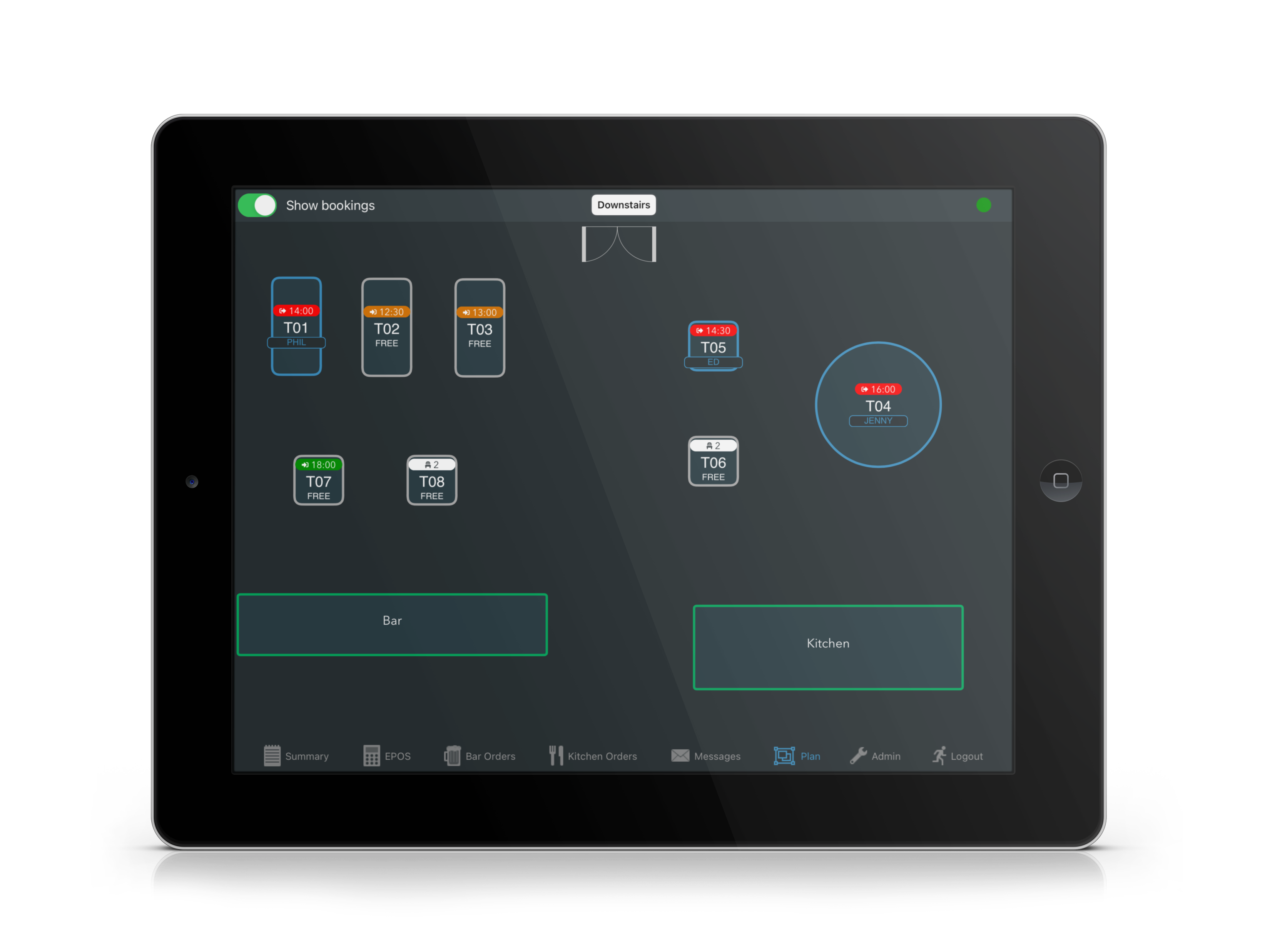
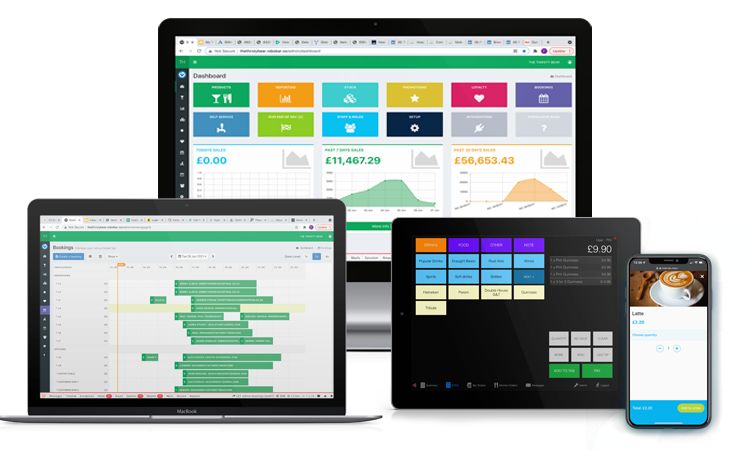
Tabology EPOS is a comprehensive point-of-sale system tailored for the hospitality industry, including pubs, bars, restaurants, and cafes. It offers features such as hospitality EPOS, reporting, email reports, P&L reports, stock management, an inbuilt booking system, and custom-branded mobile ordering. The system is user-friendly and efficient, with responsive customer support. Pricing plans include Essentials at £39 per month, Pro at £59 per month, and Partner at £99 per month.
- Intuitive, easy-to-use bar POS interface
- Exceptional live support 8am–midnight daily
- Powerful back-office reporting and product management
- Robust stock and inventory control tools
- Seamless integrations with payments, bookings, hardware
- Continuously updated, evolving from user feedback
Eligibility
Number of Seats/Users: Tabology EPOS offers discounts based on the number of users or seats. A higher volume typically leads to a better discount structure, especially for enterprise-level usage.
Commitment to a Long-Term Contract: Discounts are often provided to companies that commit to using the service for a longer period (e.g., 1-year or 3-year contracts). A longer commitment shows Tabology EPOS that the company is serious and willing to invest in the platform long-term.
No Active Discounts: Companies that are not already receiving other active discounts may have a better chance of qualifying for additional discounts from Tabology EPOS. Tabology EPOS reserves discounts for new customers or those not currently under promotional pricing.
Volume or Usage Commitment: Tabology EPOS offers discounts if you agree to a minimum amount of usage or transaction volume. This could be based on data storage, transactions, or other metrics tied to how much you will use the platform.
Enterprise-Level Negotiation: Companies that qualify as “enterprise” due to their size or complexity (e.g., having large teams, multiple departments, or geographical presence) may be eligible for additional discounts from Tabology EPOS. Such companies are often in a position to negotiate for better pricing.
Early Renewal or Prepayment: Tabology EPOS often offers discounts if you renew early or prepay for the entire contract period. This is a common approach to securing a lower price.

Tabology EPOS - Up to 35% off
Reviews
Here at Spendbase, our internal data shows that Tabology EPOS scores very strongly with Spendbase clients across ease of use, support quality, and business impact, with only a few feature gaps and UX wishes coming up.
Key positives our clients highlight:
- Very easy, intuitive interface at the till
- Back office that “just makes sense”, especially:
- Product management
- Reporting and live takings
- Stock and inventory controls
- Hospitality-focused feature set:
- Bar tabs, table plans, reservations
- Staff rotas
- Booking and pre‑order functionality (already useful, but some want it to go further)
- Fast, human support:
- Telegram / WhatsApp channels used daily
- Coverage up to midnight, 7 days a week
- Specific praise for onboarding help and patient training
Operational impact (where our clients see ROI):
- Faster service at the bar and tables
- Less guesswork thanks to better data and clean reporting
- Lower stress for managers because they can monitor live takings remotely
- Smoother openings for new venues, with configuration and integration (e.g., card terminals) handled for them
The most common pain points and requests:
- Design & UX:
- Some clients feel the interface looks dated and want a “digital makeover”
- Hardware & access:
- Desire for kitchen order screens to run on cheaper Android hardware
- Wish for the back office to be available as a mobile app
- Features that could unlock extra value:
- More advanced bookings and pre‑order flows so they can drop separate booking tools
- Easier member card handling and clearer membership workflows
- Ability to put transactions through remotely (e.g., after payment links)
- Stability:
- A few mentions of occasional glitches or app restarts, though support resolves these quickly
From a Spendbase discount and optimization angle, our takeaway is:
- Tabology EPOS already replaces several tools for many hospitality businesses (till, bookings, staff rotas, reporting), which can consolidate spend.
- The high satisfaction with support and constant bi‑weekly improvements suggest good long‑term value, especially if you plan to grow to multiple sites.
- If you rely heavily on advanced bookings, complex pre‑orders, or low‑cost kitchen hardware, it’s worth flagging these needs early in negotiations and checking roadmaps and potential discounts accordingly.
See how much you can save on your stack
Pick your team’s tools!
Click to select one or more tools.


What’s your company size?
Just click to select.
What’s your business email?
We'll send you calculations right away
The email is flying to your inbox!
Beyond discounts, you may qualify for up to $100K in AWS credits.

FAQ
1. How do I apply a discount on the Tabology EPOS system?
Press the 'Discount' button on the pay screen, select the desired discount, and proceed with the transaction.
2. Can I set up automatic promotions in Tabology EPOS?
Yes, you can create automatic promotions that trigger discounts when specific conditions are met.
3. Is it possible to limit the number of discounts per order?
Yes, you can set a limit on the number of discounts that can be applied to an order.
4. How do I remove a discount from an order?
Swipe the discount line from right to left on the pay screen and tap 'Delete' to remove it.
5. Can I restrict certain discounts to specific staff roles?
Yes, you can assign discounts to specific staff roles, ensuring only authorized personnel can apply them.
6. Does Tabology EPOS support loyalty programs?
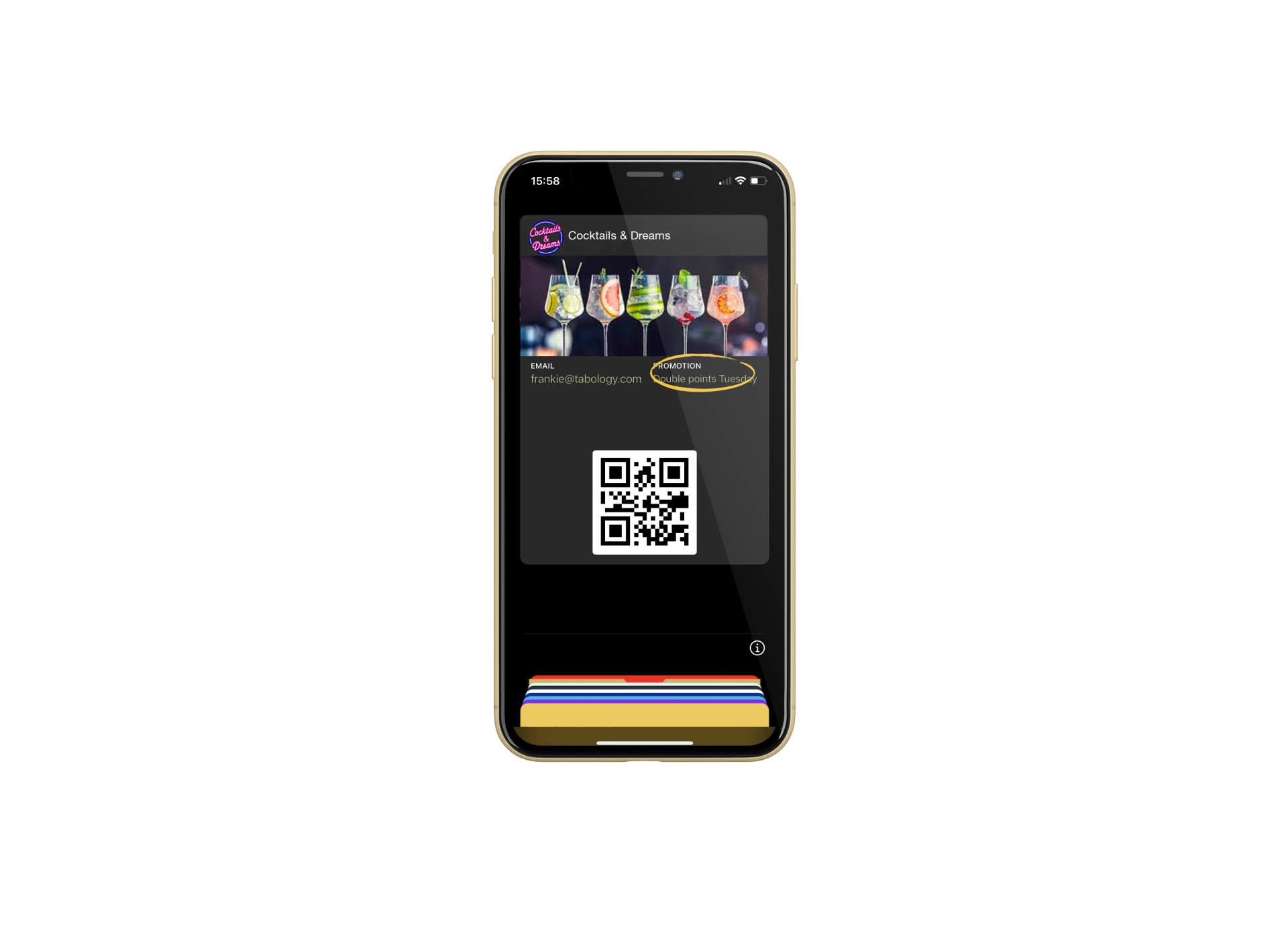
Yes, you can create loyalty schemes, reward customers with points, and offer exclusive promotions.
7. How do I set up a new discount in Tabology EPOS?
Go to 'Setup' > 'EPOS' in the back office, click 'Add a new discount,' and enter the required details.
8. Can I apply discounts using the Mini EPOS?
Yes, press the blue 'Discount' button on the pay screen, select the discount, and proceed with the transaction.
Related discounts

ready2order
Bar POS Software
Up to 30% off

Ordyx
Bar POS Software
Up to 25% off

CAKE POS
Bakery Software
Up to 15% off

Barcop POS Software
Bar POS Software
Up to 25% off

posBoss
Bar POS Software
Up to 35% off

Genius for Restaurants
Bar POS Software
Up to 25% off
Software cost optimization
Tabology EPOS savings in five steps
Let’s estimate your potential savings and see how you can scale your cloud infrastructure.
One call. No cost. No commitments


meet vendor relationship EXPERTS
Our customers save millions with us



Save on Tabology EPOS
It’s time to shrink your bill
Let our SaaS cost optimization experts check what deals you can get and how much you can save on your corporate subscriptions
See how you can:
- Learn about pricing benchmarks and discounts
- Present potential savings by vendor to your team
- Meet your SaaS and cloud cost optimization goals
Get Tabology EPOS discount
We’ll email you back within 1 business day