











Vinesign Discount - Up to 20% off
Vinesign is esignature built for legal teams—get documents signed and paid with one text or email. Sign up for a free trial today!Le
Get discountCategory
Digital Signature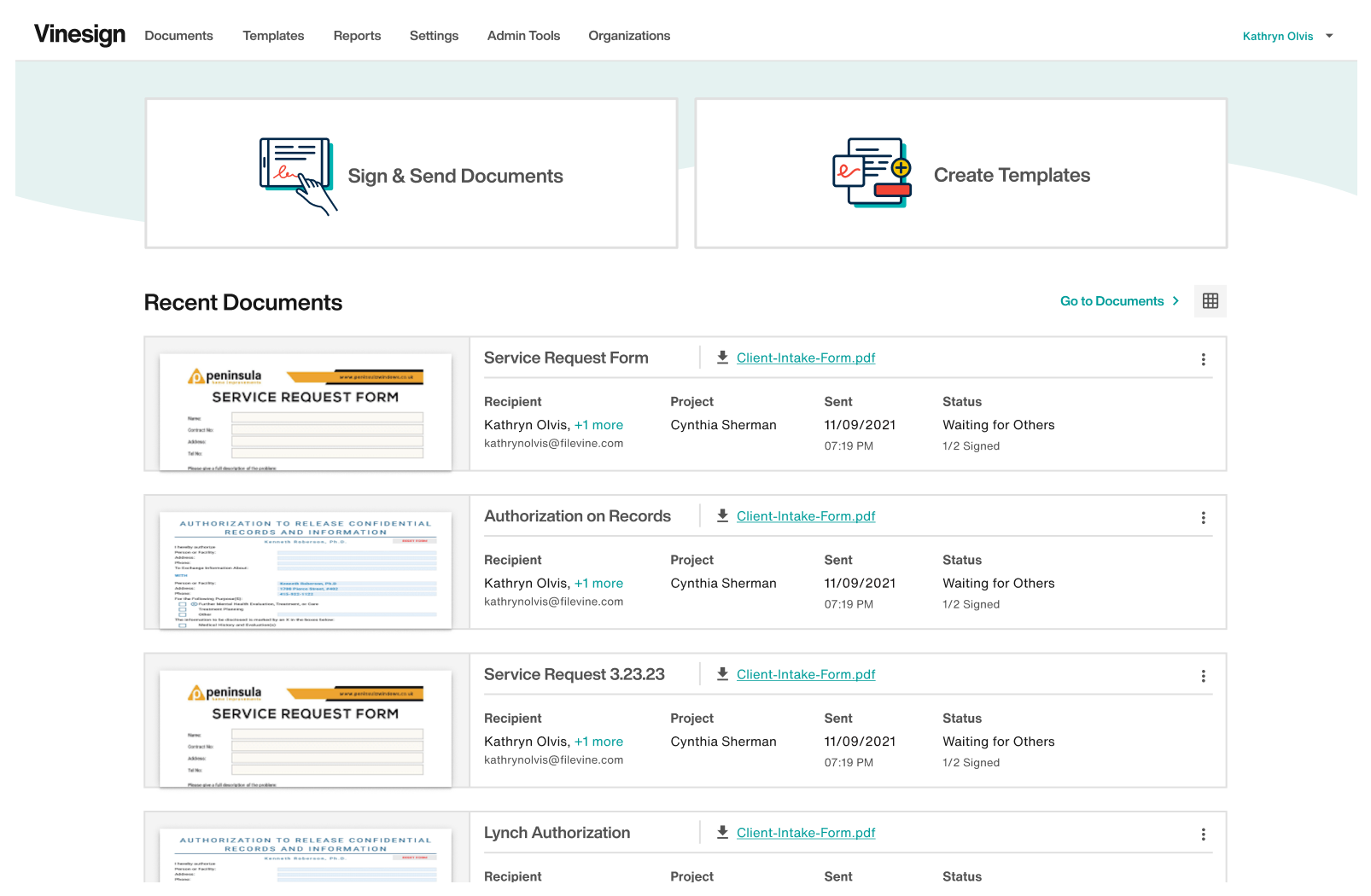
What is Vinesign?
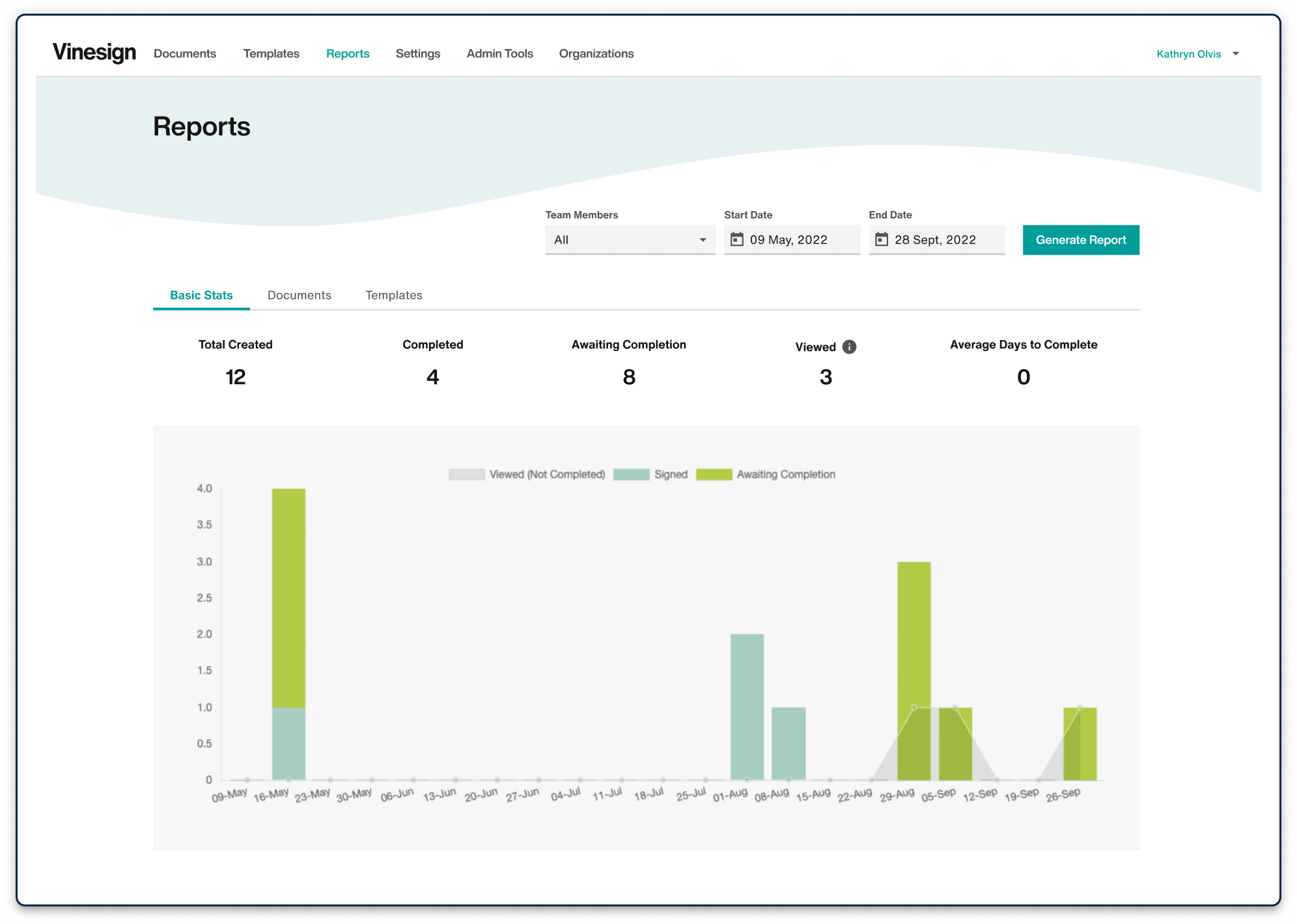
Vinesign is an eSignature solution designed to streamline document signing processes for businesses. It enables users to send documents for signature via text or email, facilitating quick and transparent transactions. Key features include unlimited storage, the ability to collect signatures and payments simultaneously, and integration with platforms like Filevine. Vinesign offers a free trial without requiring a credit card, and its pricing plans are competitively lower than many alternatives. Users appreciate its ease of use, seamless integration capabilities, and cost-effectiveness.
- Sign documents via text and email
- Seamless integration with Filevine and tools
- Fast, simple interface for all users
- Unlimited secure document storage included
- Multi-party signing with real-time status tracking
- Collect signatures and payments in one-step
Eligibility
Number of Seats/Users: Vinesign offers discounts based on the number of users or seats. A higher volume typically leads to a better discount structure, especially for enterprise-level usage.
Commitment to a Long-Term Contract: Discounts are often provided to companies that commit to using the service for a longer period (e.g., 1-year or 3-year contracts). A longer commitment shows Vinesign that the company is serious and willing to invest in the platform long-term.
No Active Discounts: Companies that are not already receiving other active discounts may have a better chance of qualifying for additional discounts from Vinesign. Vinesign reserves discounts for new customers or those not currently under promotional pricing.
Volume or Usage Commitment: Vinesign offers discounts if you agree to a minimum amount of usage or transaction volume. This could be based on data storage, transactions, or other metrics tied to how much you will use the platform.
Enterprise-Level Negotiation: Companies that qualify as “enterprise” due to their size or complexity (e.g., having large teams, multiple departments, or geographical presence) may be eligible for additional discounts from Vinesign. Such companies are often in a position to negotiate for better pricing.
Early Renewal or Prepayment: Vinesign often offers discounts if you renew early or prepay for the entire contract period. This is a common approach to securing a lower price.

Vinesign - Up to 20% off
Reviews
Here at Spendbase our internal data shows that Vinesign is performing very strongly for teams that care about fast, simple eSignatures with solid legal workflows, especially law firms.
Based on what Spendbase clients share with us, the main positives are:
- Ease of use
- Very quick to learn, low switching cost from tools like DocuSign
- Simple interface for both staff and signers
-
Templates are easy to set up and reuse
-
Speed & convenience
- Text + email signing is a huge win, especially where clients only have smartphones
- Signatures come back “in the blink of an eye,” cutting out in‑person meetings
-
Automatic filing of signed docs back into cases/projects saves manual work
-
Integrations & workflow
- Deep, everyday use with Filevine and Lead Docket
- Clients love that documents are automatically linked to the correct case
-
Notification options and status tracking (who has signed, whose turn it is) add transparency
-
Value for money
- Perceived as cheaper than big-name alternatives
- Unlimited storage adds long‑term cost efficiency
Our internal data also highlights consistent areas where Vinesign could improve:
- Functionality gaps
- Template updating is too manual (having to rebuild fields when wording changes)
- Limited reminder automation for unsigned documents
-
Some configuration constraints (date formats, uploading a saved signature, customizing fields)
-
User & client experience
- Some signers, especially less tech‑savvy or elderly clients, get confused by:
- Signature creation steps
- Photo/selfie authentication
-
Occasional glitches with specific document types and Android/mobile behavior
-
Integrations & adoption
- A few clients mention minor integration issues with “other tools” beyond Filevine
- Not yet as widely known as market leaders, which can impact trust perception
From a Spendbase discount and savings angle, this tells us:
- Teams already on Filevine or Lead Docket tend to see very fast ROI.
- Because of the easy learning curve, migration discounts from legacy eSignature tools are especially attractive.
- The main upside is operational efficiency; the main risk is around edge‑case features, not core signing.
See how much you can save on your stack
Pick your team’s tools!
Click to select one or more tools.


What’s your company size?
Just click to select.
What’s your business email?
We'll send you calculations right away
The email is flying to your inbox!
Beyond discounts, you may qualify for up to $100K in AWS credits.

FAQ
1. Does Vinesign offer a free trial?
Yes, Vinesign provides a 7-day free trial with 30 documents per month and 1 signer per document.
2. Are there any usage limits on Vinesign's paid plans?
No, Vinesign's paid plans include unlimited document sends and signatures without usage limits.
3. Can I send documents via SMS for signature?
Yes, Vinesign allows sending signature requests through SMS, leveraging high open rates for faster responses.
4. Does Vinesign integrate with other platforms?
Yes, Vinesign seamlessly integrates with Filevine, enabling efficient document management within your workflow.
5. Is Vinesign suitable for legal professionals?
Absolutely, Vinesign is designed with legal professionals in mind, offering secure and compliant eSignature solutions.
6. What file types does Vinesign support for upload?
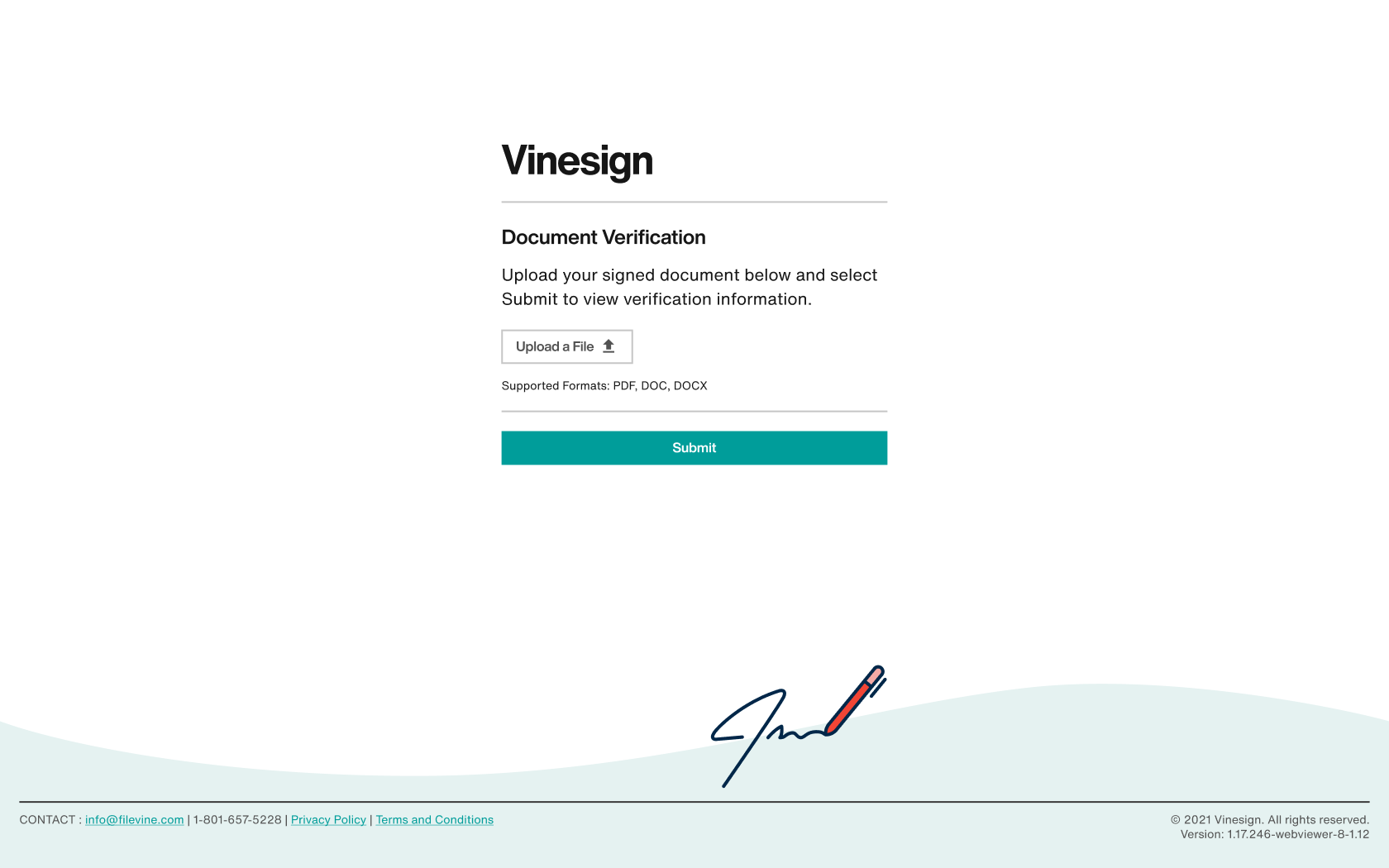
Vinesign supports uploading PDF, .Doc, and .Docx files directly for eSignature processing.
7. How does Vinesign ensure the security of signed documents?
Vinesign uses a private blockchain to record all digital signature activity, ensuring document integrity and security.
8. Can I create templates for frequently used documents in Vinesign?
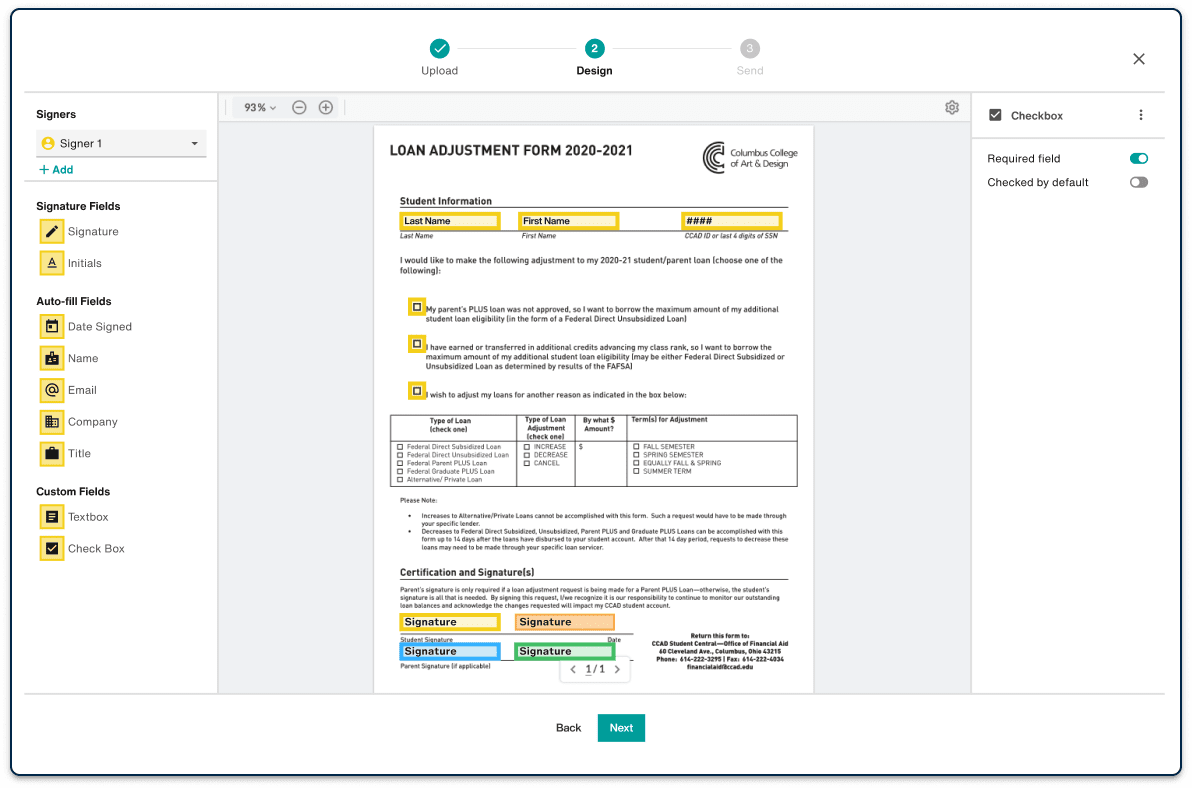
Yes, Vinesign allows you to create reusable templates, streamlining the process for frequently used documents.
Related discounts

ContraktorSign
Digital Signature
Up to 15% off

Notarize eSign
Digital Signature
Up to 35% off

QuickSigner
Digital Signature
Up to 40% off

DocVerify
Digital Signature
Up to 25% off

Pearl eSign
Digital Signature
Up to 25% off

Signit
Digital Signature
Up to 15% off
Software cost optimization
Vinesign savings in five steps
Let’s estimate your potential savings and see how you can scale your cloud infrastructure.
One call. No cost. No commitments


meet vendor relationship EXPERTS
Our customers save millions with us



Save on Vinesign
It’s time to shrink your bill
Let our SaaS cost optimization experts check what deals you can get and how much you can save on your corporate subscriptions
See how you can:
- Learn about pricing benchmarks and discounts
- Present potential savings by vendor to your team
- Meet your SaaS and cloud cost optimization goals
Get Vinesign discount
We’ll email you back within 1 business day