











Introwise Discount - Up to 15% off
Introwise is an all-in-one business platform with scheduling, video calls, payments, client management, and workflow automation.
Get discountCategory
Calendar Software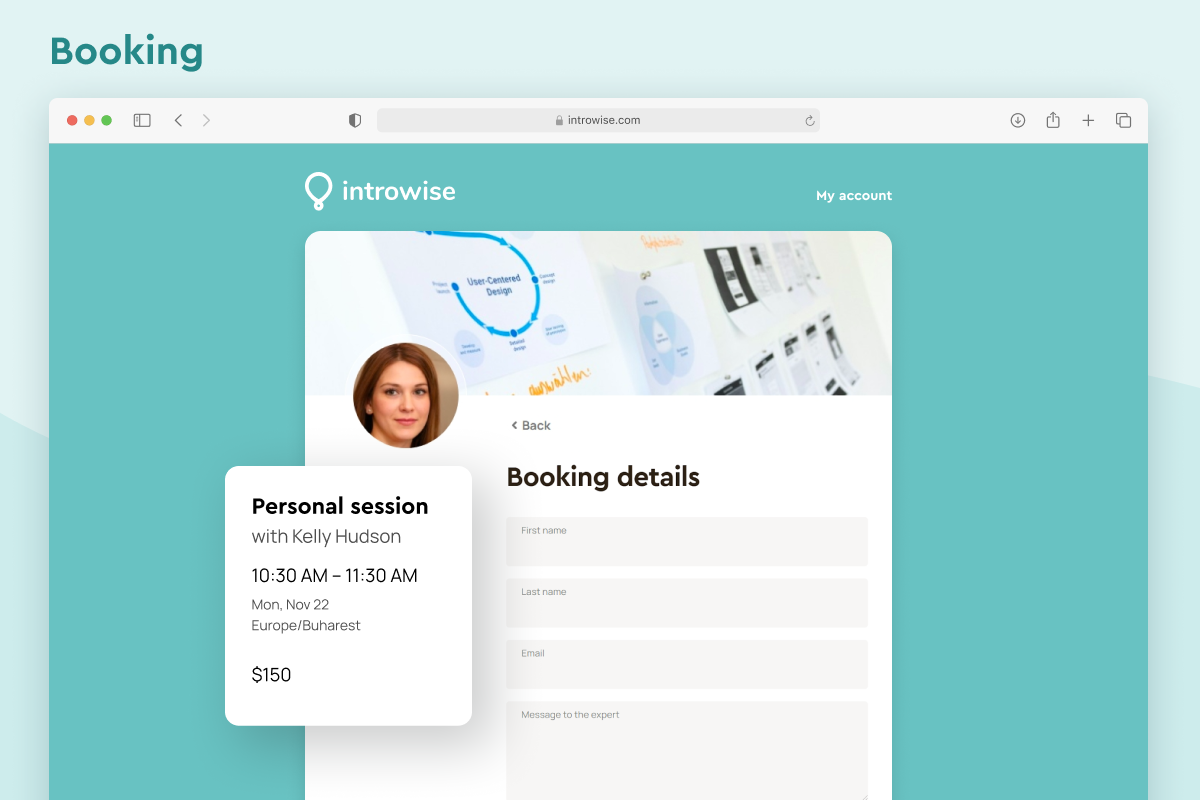
What is Introwise?
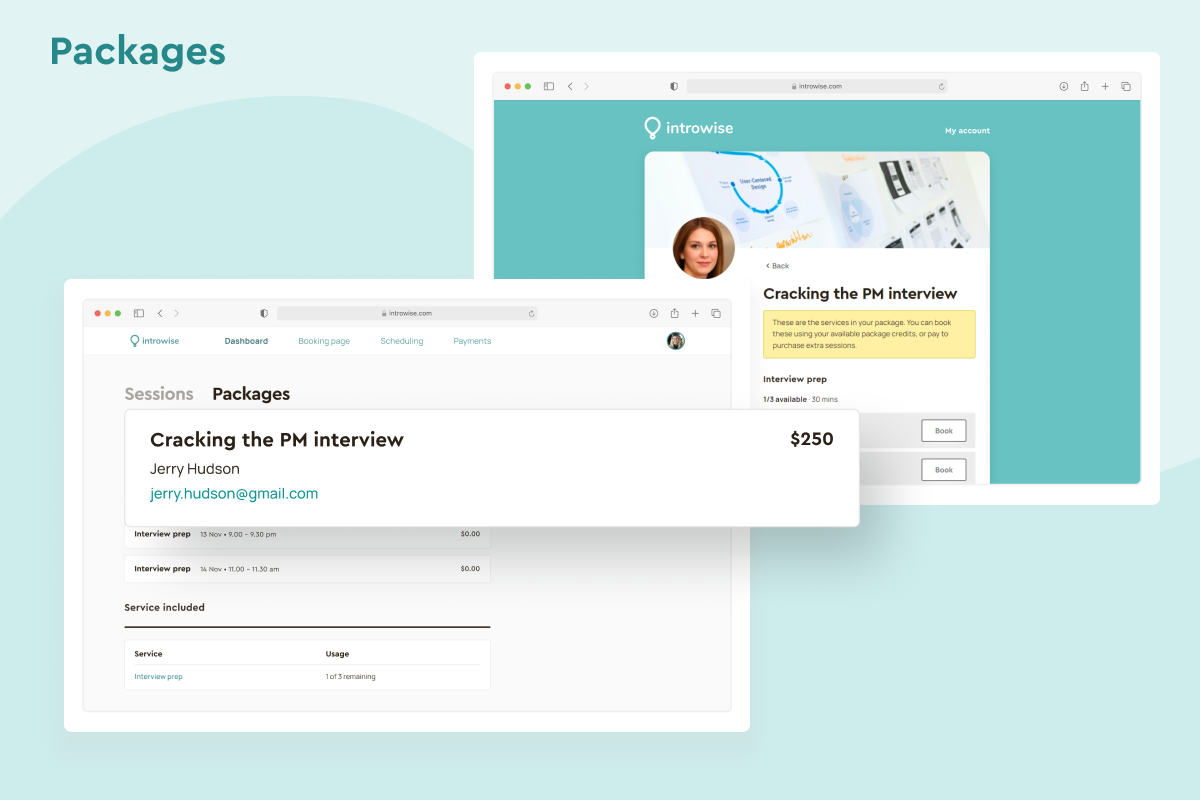
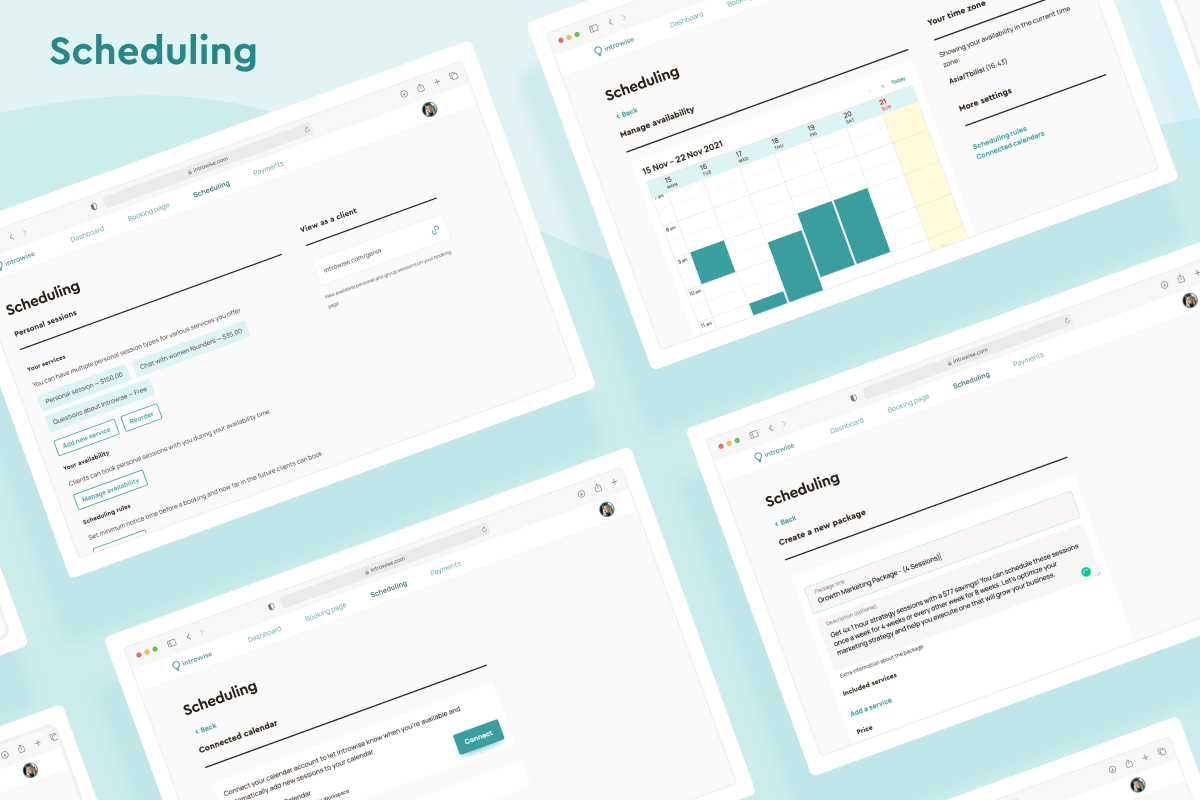
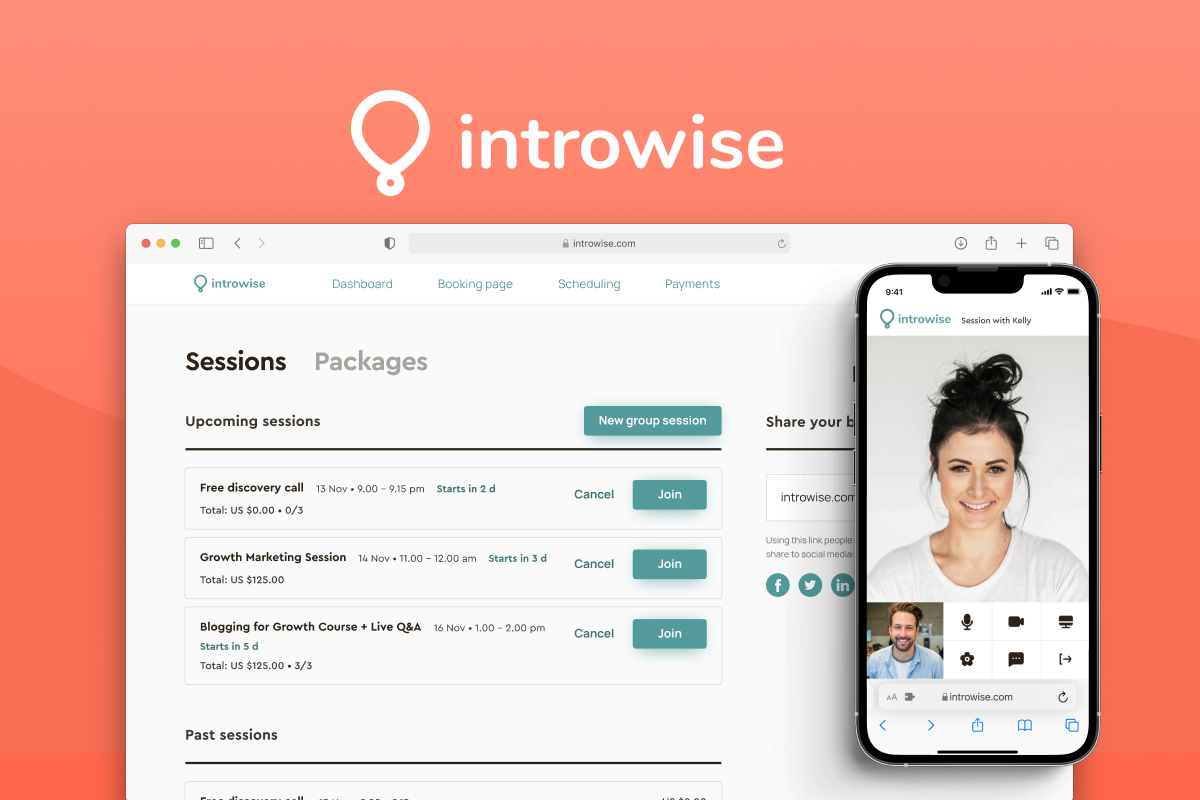
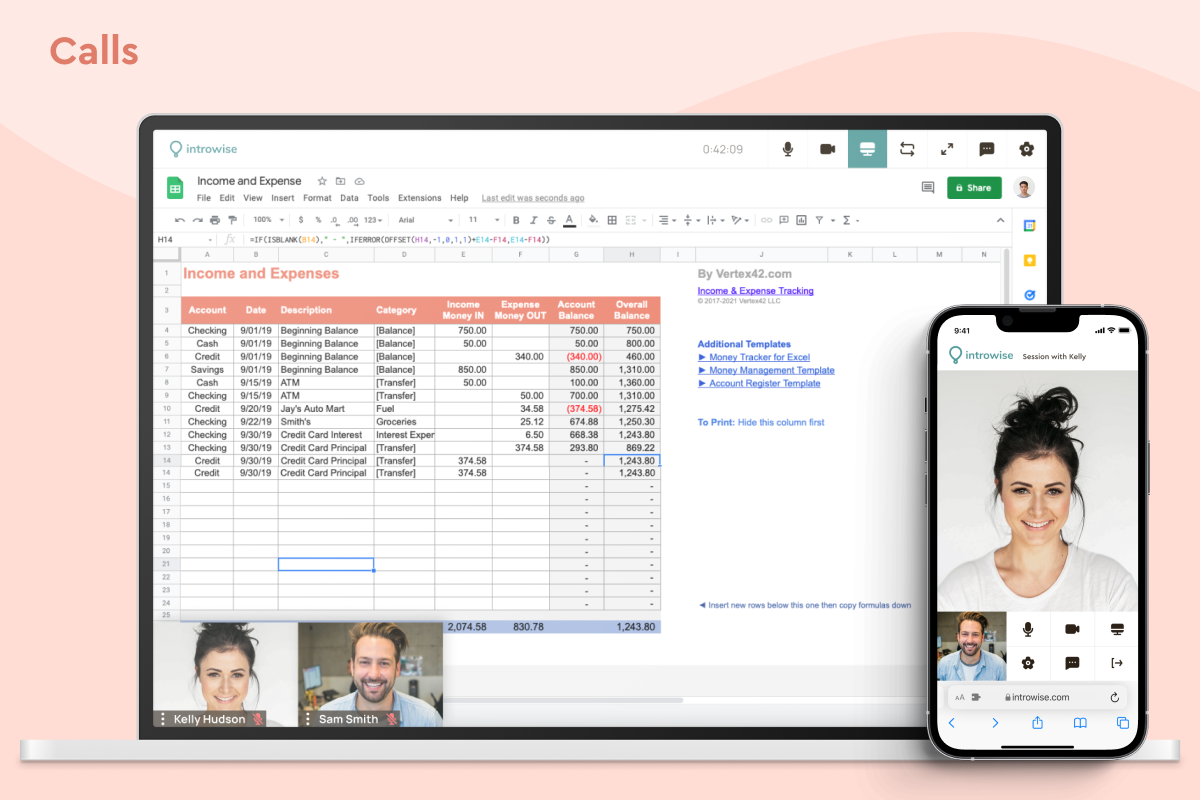
Introwise is an all‑in‑one business platform for online coaching, teaching, consulting, and tutoring. It lets you build a customizable booking page with your own branding, services, pricing, and availability, and sync it with calendars. You can accept online payments via Stripe or PayPal and run video sessions directly on the platform. Key features include appointment and booking management, automated scheduling, confirmations and reminders, client database and CRM-style client management, online payments and invoicing, group scheduling, mobile access, and website integration. It also supports integrations such as Google Calendar, Outlook, PayPal, Stripe, and Zapier, helping automate workflows and reduce admin work.
- Customizable booking page and branding
- Sell packages, services, group sessions
- Built-in video calls, Zoom optional
- Accept payments via Stripe or PayPal
- Time zone–aware scheduling and availability
- Responsive, helpful, high-touch customer support
Eligibility
Number of Seats/Users: Introwise offers discounts based on the number of users or seats. A higher volume typically leads to a better discount structure, especially for enterprise-level usage.
Commitment to a Long-Term Contract: Discounts are often provided to companies that commit to using the service for a longer period (e.g., 1-year or 3-year contracts). A longer commitment shows Introwise that the company is serious and willing to invest in the platform long-term.
No Active Discounts: Companies that are not already receiving other active discounts may have a better chance of qualifying for additional discounts from Introwise. Introwise reserves discounts for new customers or those not currently under promotional pricing.
Volume or Usage Commitment: Introwise offers discounts if you agree to a minimum amount of usage or transaction volume. This could be based on data storage, transactions, or other metrics tied to how much you will use the platform.
Enterprise-Level Negotiation: Companies that qualify as “enterprise” due to their size or complexity (e.g., having large teams, multiple departments, or geographical presence) may be eligible for additional discounts from Introwise. Such companies are often in a position to negotiate for better pricing.
Early Renewal or Prepayment: Introwise often offers discounts if you renew early or prepay for the entire contract period. This is a common approach to securing a lower price.

Introwise - Up to 15% off
Reviews
Here at Spendbase, our internal data shows that Introwise performs very strongly for solo experts and small teams who sell time-based services online (coaching, tutoring, consulting).
Overall sentiment is clearly positive, with most Spendbase clients rating it at the top end of the scale and calling it a “core” or “daily” tool.
Key strengths our clients highlight:
- All‑in‑one platform
- Scheduling, payments, video calls and basic client management in one place
- Replaces multiple tools like Calendly, Zoom, and separate payment links
-
No software download needed for clients
-
Revenue and conversion features
- Selling packages instead of one-off calls
- Support for group sessions / workshops
-
Coupon codes and promotions to close hesitant leads
-
Ease of use & setup
- Clean, simple interface that’s quick to set up (often in a few hours)
- Works across many time zones, useful for global coaching/tutoring
-
Reliable built-in video with good call quality
-
Payment flexibility
-
Stripe or PayPal integrations rated as smooth and trustworthy
-
Customer support
- This is the #1 praised aspect: fast, friendly, and willing to ship requested features
- Several Spendbase clients mention direct interactions with founders and rapid fixes
Main friction points our clients run into:
- Feature gaps / early-stage feel
- Limited customization of:
- Notification and transactional emails
- Booking page design
- Pre-call forms / custom questions
-
No / limited:
- Automation and integrations (reliance on Zapier for now)
- Recurring group sessions
- Native call recording (noted as “in development”)
-
Client-side UX in specific flows
-
Some confusion about:
- How to book sessions against pre-purchased packages
- How to interpret system emails and reminders
-
Billing and payment options
- Desire to offer both Stripe and PayPal together
- Concerns from a few clients about:
- Minute-counting on the video platform
- Lack of simple invoice templates
From a Spendbase savings perspective, our internal benchmarks indicate that teams switching to Introwise can usually retire 2–3 separate tools (scheduler, video meeting tool, and simple landing/booking pages), which often cuts their SaaS spend in this category by 30–50%, especially for independent tutors and coaches.
See how much you can save on your stack
Pick your team’s tools!
Click to select one or more tools.


What’s your company size?
Just click to select.
What’s your business email?
We'll send you calculations right away
The email is flying to your inbox!
Beyond discounts, you may qualify for up to $100K in AWS credits.

FAQ
1. How can I create a discount code in Introwise?
Navigate to Payments, select Manage discounts, click New discount, set code and value, then save.
2. Are discount codes available on all Introwise plans?
Discount codes are available on Growth and Pro plans.
3. Can I limit a discount code to specific clients?
Yes, you can restrict discount codes to specific clients during setup.
4. Is it possible to set a usage limit for a discount code?
Yes, you can specify the maximum number of times a code can be redeemed.
5. Can I apply a discount code to a specific service?
Yes, you can limit discount codes to specific services during creation.
6. How do I disable a discount code after a promotion ends?
Open the discount code and click Disable to inactivate it.
7. What happens if a discount code reduces the price below the minimum chargeable amount?
The booking may fail; ensure the final price exceeds the minimum chargeable amount.
8. Can I edit or delete an existing discount code?
Yes, open the discount code, click Edit to modify, or Delete to remove it.
Related discounts

Shelter Boss
Calendar Software
Up to 30% off

Joan
Calendar Software
Up to 20% off

Boomerang for Gmail
Calendar Software
Up to 20% off

WeekCal
Calendar Software
Up to 35% off

NurseGrid Manager
Calendar Software
Up to 50% off

Prolyncs
Calendar Software
Up to 20% off
Software cost optimization
Introwise savings in five steps
Let’s estimate your potential savings and see how you can scale your cloud infrastructure.
One call. No cost. No commitments


meet vendor relationship EXPERTS
Our customers save millions with us



Save on Introwise
It’s time to shrink your bill
Let our SaaS cost optimization experts check what deals you can get and how much you can save on your corporate subscriptions
See how you can:
- Learn about pricing benchmarks and discounts
- Present potential savings by vendor to your team
- Meet your SaaS and cloud cost optimization goals
Get Introwise discount
We’ll email you back within 1 business day