











Cost optimization
AWS Cloud Remediation: Faster Fixes, Lower Risk in 2026

AWS cloud remediation is the work of finding problems in your AWS cloud, fixing them, and helping stop them from coming back. If you run technology or finance, that work hits four pressure points at once: security, uptime, compliance, and cost control.
In 2026, the shift is clear. Teams no longer wait for a monthly cleanup window. They use continuous checks and automated response, because one bad permission or a public S3 bucket can create risk long before a human reads the alert. AWS guidance tied to current remediation programs says some automated flows can cut fix time by up to 95%.
The most common issues you need to catch include:
- Over-broad IAM permissions
- Public S3 buckets
- Weak or missing logging
- Unpatched operating systems
- Open security group rules
- Idle AWS resources that keep billing
The building blocks of a strong AWS remediation program
A strong program starts with visibility. You can’t automate what you can’t see. Across Amazon Web Services, findings move best when detection, routing, action, and proof all connect in one workflow.

This is the core stack most teams use:
| Component | What it does | Why it matters |
|---|---|---|
| AWS Config | Checks resources against config rules | Finds drift and non-compliant AWS resources |
| AWS Security Hub | Pulls security findings into one dashboard | Helps you prioritize response |
| Amazon Inspector | Flags package and network vulnerability issues | Supports vulnerability management |
| CloudTrail | Records API activity | Gives proof and supports investigation |
| AWS Systems Manager | Runs commands and automation documents | Fixes EC2 and OS issues |
| AWS Lambda | Executes event-driven fixes | Handles fast, small remediation action |
| Organizations and SCPs | Apply guardrails across accounts | Prevent repeat mistakes |
What each AWS service contributes to detection and repair
No single service does everything. AWS Config is where you spot drift. AWS Security Hub collects findings based on multiple sources. Using Amazon Inspector, you surface patch and exposure problems on an EC2 instance. CloudTrail tells you who changed what, which matters when a permission change breaks a workload.
Then repair starts. Using AWS Systems Manager, you can patch systems, run a systems manager automation runbook, or execute a systems manager automation document with tight scope. Lambda works well for smaller fixes, such as closing a risky security group rule. For more practical setup advice, see these AWS Config auto-remediation tips.
How findings turn into action without slowing the team down
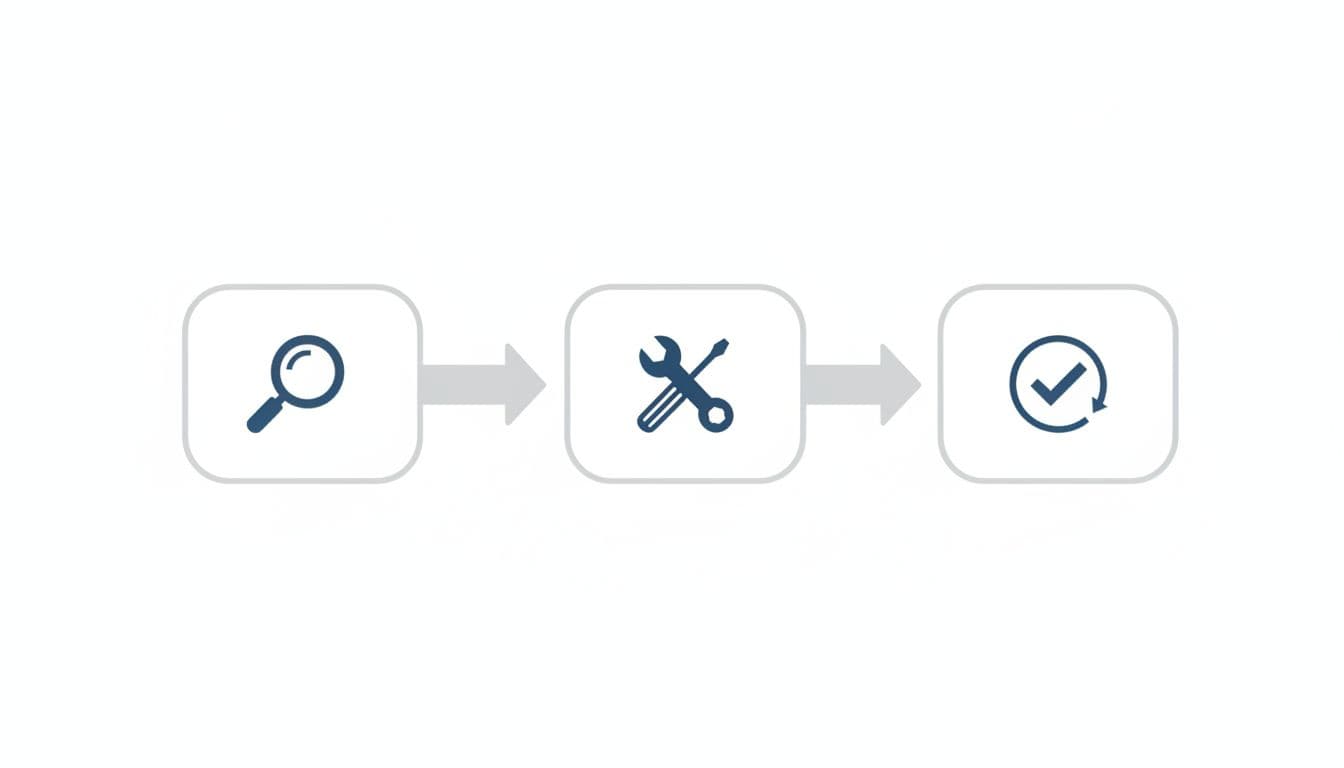
The clean flow is simple: detect, triage, prioritize, fix, verify. When that path gets messy, you feel it fast:
- Alert overload hides critical security issues
- Slow response leaves exposure open for hours or days
- Repeated misconfigurations waste engineering time
- Poor logs make audits painful
- Inconsistent fixes raise cost and operational risk
Good remediation in AWS protects security and compliance, but it also keeps operations stable and spend under control.
See how much you can save on your stack
Pick your team’s tools!
Click to select one or more tools.


What’s your company size?
Just click to select.
What’s your business email?
We'll send you calculations right away
The email is flying to your inbox!
Beyond discounts, you may qualify for up to $100K in AWS credits.

Which remediation strategies fit different AWS risks
Not every issue deserves the same response. A public Amazon S3 exposure often needs fast, automatic remediation. An IAM role change tied to production payments may need human review.
This comparison keeps the tradeoffs clear:
| Strategy | Risk addressed | Best use |
|---|---|---|
| Manual remediation | High-blast-radius changes | Sensitive permission or data access issues |
| Scripted fixes | Repeat admin tasks | Standard patching and cleanup |
| Event-driven automation | Time-sensitive exposure | Public S3, open ports, drift correction |
| Preventive guardrails | Known bad patterns | Block risky deploy choices early |
| Policy-based controls | Cross-account consistency | Multi-account AWS governance |
When to fix by hand and when to automate
Manual review still matters when the remediation action could break production or change business access. For example, you may want approval before editing AWS Identity and Access Management policies on a core app. On the other hand, a non-compliant resource with public-read on a bucket should usually remediate at once.
Signs you should automate include:
- The issue repeats often
- The volume is high
- The exposure is time-sensitive
- The fix is well-tested
- The rollback path is clear
A common SaaS pattern in 2026 is hybrid control. Teams automate low-risk repair, then route high-risk fixes to humans. This control-classification model matches what large AWS environments already do.
How to reduce strategic operational risk across the AWS environment
You reduce risk when fixes land the same way every time. That means clear ownership, versioned runbooks, and logs you can trust. The upside is easy to see:
- Faster remediation speed
- Fewer human errors
- Better auditability
- Stronger security posture across AWS regions
The downside of over-automation is also real. A bad script can spread fast. So you need guardrails, narrow permission scopes, and review gates for critical security changes.
How automated remediation works in AWS Security Hub and AWS Config
Automated remediation starts with a finding and ends with a verified fix. In practice, AWS Security Hub and AWS Config often trigger the response, while Lambda or AWS Systems Manager Automation carries it out.
Here is the basic flow:
| Stage | What happens | Main tools |
|---|---|---|
| Detect | A rule or scan finds noncompliance | AWS Config, Security Hub, Inspector |
| Act | A runbook or function applies the fix | Lambda, AWS Systems Manager Automation |
| Verify | The system re-checks state and logs outcome | AWS Config, CloudTrail, Security Hub |
An automated remediation flow example you can picture quickly
Picture an S3 bucket that becomes public after a rushed deploy. An AWS Config rule flags it. Security Hub creates a finding. EventBridge triggers a Lambda function or systems manager automation documents that block public access. Then AWS Config reevaluates the bucket. If the bucket is compliant, the workflow closes the finding and logs the change.
That pattern works for a noncompliant AWS security group too. A rule detects port 22 open to the world, the automation updates the rule, and verification confirms the port is closed. For more on safe rollout, these Security Hub response practices are useful.
Why verification matters after the fix is applied
A fix is not finished when the script runs. You still need to confirm the issue is gone, the application still works, and no new security gaps appeared.
Post-remediation checks, alerts for failures, and proof in logs are what make automation for AWS trustworthy.
Which tools and cost levers help you remediate faster in 2026
Speed matters, but budget pressure does too. In 2026, you also see AI-assisted triage in the dashboard layer, continuous compliance checks, and FinOps-style cleanup for idle AWS infrastructure.
| Tool or lever | Main use | Cost note |
|---|---|---|
| Security Hub | Central findings and routing | Strong value when accounts multiply |
| AWS Config | Continuous compliance | Costs grow with recorded resources |
| Systems Manager Automation | Repeatable repair | Good for standard runbooks |
| Lambda | Short event-driven fixes | Usually low cost at small volume |
| Inspector | Vulnerability visibility | Useful where patch lag is costly |
| Credits and partner offers | Pilot new automation safely | Helps reduce test and rollout spend |
How to get AWS credits for free in 2026
Credits can lower the cost of proof-of-concept work, sandbox testing, and early automated remediation pilots. If you want a practical rundown of options, read how to get free AWS credits in 2026.
How Spendbase can help you save on AWS
If you’re scaling remediation using AWS services, partner savings can ease the budget fight between security and delivery. You can review ways to save on AWS with Spendbase, including offers tied to credits, discounts, and incentives for eligible teams.
Spendbase highlights paths to up to $100,000 in AWS credits, which can give you room to test runbooks, deploy guardrails, and validate custom automation without pushing every experiment into production spend.
Free virtual cards for non-EU residents
Open in 1 working day, issue 100 virtual cards, and get up to 1.25% cashback.
Get a free account
How to spot the right use cases for AWS remediation
Some use cases pay back fast because they cut exposure and waste at the same time.
| Use case | Usual risk | Likely benefit |
|---|---|---|
| Over-permissive IAM | Excess access | Exposure reduction |
| Open security groups | Internet-facing risk | Faster security response |
| Vulnerable EC2 instances | Patch lag | Lower exploit risk |
| Unmanaged S3 access | Data exposure | Better compliance |
| Missing backups | Recovery gaps | Less downtime |
| Unused resources | Cloud waste | Lower operating cost |
What you can save by cleaning up common cloud waste
Remediation is not only a cloud security task. It also cuts waste. A product team can stop idle dev EC2, remove orphaned snapshots, and right-size steady workloads with simple policy checks.
Savings usually come from:
- Idle compute
- Old snapshots and unattached volumes
- Over-sized instances
- Forgotten test environments
How remediation improves security posture in real teams
The gains are human as much as technical. Security teams spend less time chasing the same ticket. Operations teams get fewer surprise issues. A finance leader gets cleaner spend and fewer emergency projects.
One common field example is a SaaS company that auto-blocks public S3 access within minutes, instead of waiting for a morning review. Another is a fintech team that keeps manual approval for IAM changes on payment apps, but automates patching for lower-risk fleets. This guide on playbook guardrails for automated fixes captures the same pattern.
How to build and scale a workflow teams trust
Trusted automation has three stages, and each one needs controls:
| Stage | What you do | Safety check |
|---|---|---|
| Detect | Apply shared rules across each AWS account | Tag exceptions and scope findings |
| Remediate | Run Lambda, AWS Systems Manager, or AWS CloudFormation fixes | Use least-privilege permission |
| Confirm | Re-check status and log results | Alert on failures and support rollback |
For large estates, centralized guardrails matter. Shared AWS Config rules, CloudFormation templates, and permission boundaries keep response steady across AWS regions. That reduces drift across the entire AWS environment and makes compliance less painful between audits.
Mature teams also integrate custom automation with standard AWS services. They test in nonproduction first, keep approval steps for sensitive changes, and use CloudTrail plus Security Hub to prove what happened. When you’re using AWS at scale, that calm, repeatable model is what protects your AWS environment without creating chaos.

We can unlock discounts on 10,000+ tools you already use.
Conclusion
AWS cloud remediation works when you find issues fast, fix them safely, and stop repeat problems before they spread. For you, that means better security, lower operational risk, cleaner audits, and less waste.
In 2026, continuous checks and automated remediation are the normal standard. The teams that win are not the ones with the most alerts. They are the ones with the clearest rules, the safest workflow, and the discipline to verify every fix.


Get discounts on your team’s favorite apps
Find deals for 10%, 30%, or even 70% off in our discount marketplace.
Check Discounts



