Security alerts can pile up like unopened mail. GuardDuty flags one issue, Inspector finds another, AWS Config spots drift, and soon your team is hopping across tabs instead of fixing risk.
That’s where AWS Security Hub earns its keep. It gives you one place to collect, sort, and act on findings across your AWS environment.
In 2026, that picture is wider, because Security Hub now reaches into multicloud workflows and the Extended plan adds curated partner coverage.
If you’re a CTO, founder, or developer, you don’t need more noise. You need a clear view, faster response, and security and compliance checks that don’t turn into a full-time job.
What AWS Security Hub is, and what problem it solves
AWS Security Hub is a cloud security solution that collects security findings from AWS services and third-party tools, then puts them into one shared view.
Instead of chasing raw alerts across your AWS environment, you get normalized findings you can compare side by side.
That difference matters. A raw alert is a signal from one tool. A normalized finding uses the AWS Security Finding Format, adds context, and makes issues easier to rank.
So when you manage multiple AWS accounts, regions, and teams, you can prioritize security instead of sorting chaos.
The core job of Security Hub, collecting, normalizing, and prioritizing findings
Security Hub collects security findings from Amazon GuardDuty, Amazon Inspector, AWS Config, and partner products. It then groups, enriches, and ranks those findings across AWS accounts.
For you, the value is simple. You stop asking, “Which console has the truth?” and start with one security state in AWS. That helps security teams and lean engineering groups collect and prioritize security findings without stitching reports together by hand.
What changed in 2026, multicloud visibility and the Extended plan
In early 2026, AWS pushed Security Hub beyond a pure AWS-only view. According to the AWS multicloud expansion announcement, it now correlates signals across other clouds and partner tools, with attack-path visibility that links misconfigurations, vulnerabilities, and exposed resources into one clearer risk story.
Security Hub also added a new operating model. The Security Hub Extended plan details describe pay-as-you-go access to AWS security services plus 14+ curated partners, with one bill and flexible onboarding. For companies that run hybrid or multicloud systems, that wider lens matters more every year.
Which security standards and best practice checks you can run
One of the strongest reasons to use AWS Security Hub is continuous security best practice checks. You can test your AWS resources against standards and best practices, then watch for drift instead of waiting for the next audit scramble.
This is where security hub CSPM, or cloud security posture management, shows its value. It turns policy into repeatable checks and gives you a cleaner security posture over time.
The main standards inside AWS Security Hub
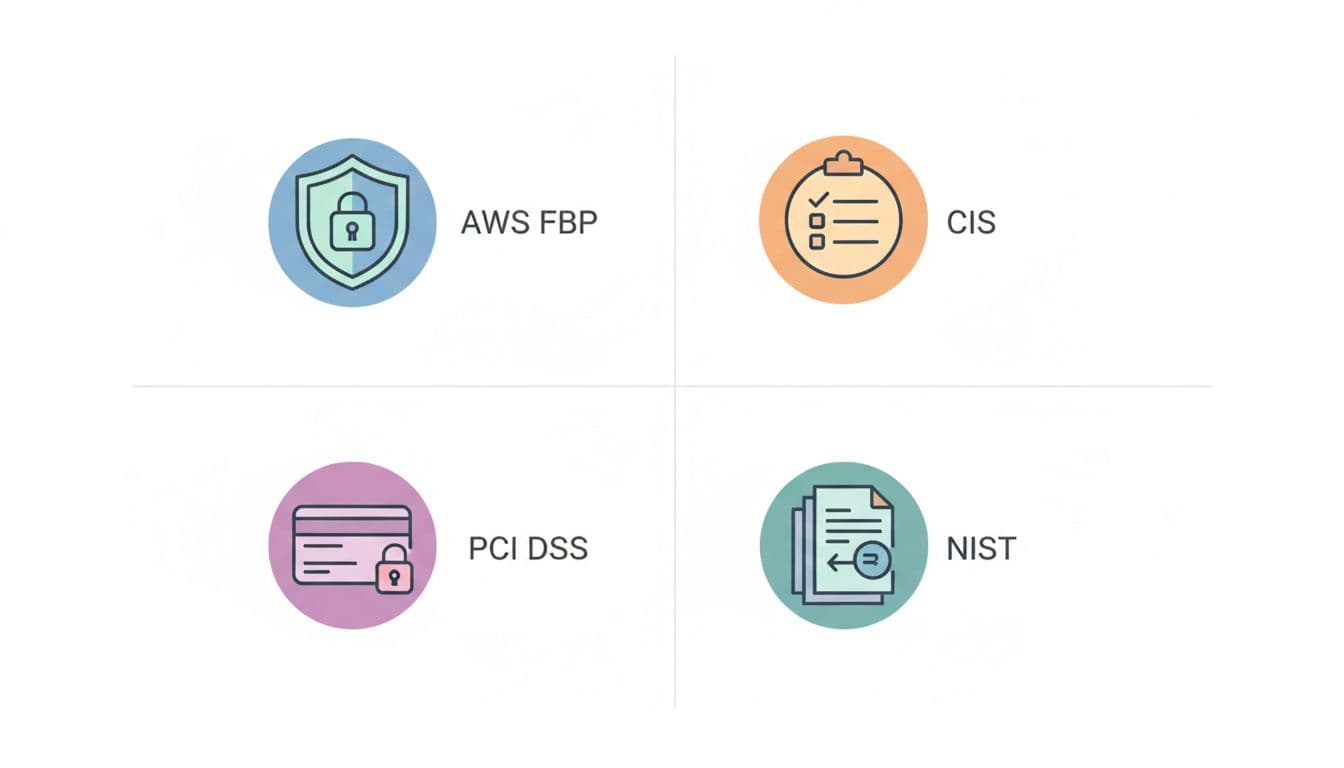
This quick table shows where each security standard fits.
Standard
Best for
Typical focus
AWS Foundational Security Best Practices
Most AWS teams
Controls based on AWS best practices and common risks
CIS AWS Foundations Benchmark
Baseline hardening
Guidance from the Center for Internet Security
PCI DSS
Payment systems
Payment Card Industry Data Security Standard controls
NIST SP 800-53
Regulated workloads
Broad security controls for federal and enterprise use
That mix helps because not every team needs the same lens. A SaaS startup may start with AWS Foundational Security Best Practices, while a fintech team may care first about PCI DSS.
How security checks help you catch common cloud mistakes early
Security best practice checks surface the mistakes that tend to slip in during fast growth. Think open ports, public storage buckets, weak IAM settings, missing encryption, and policy drift.
Many of these checks rely on AWS Config and AWS Config rules. That makes AWS Config one of the quiet workhorses behind Security Hub. When you enable security hub for individual accounts or across your AWS organization, those checks keep scanning in the background. As a result, you catch security issues before they turn into fire drills.
How AWS Security Hub works behind the scenes
Behind the console, the flow is less mysterious than it sounds.
Findings from other AWS services and third-party tools land in Security Hub. Security Hub also enriches them with security data about the affected resource in your AWS account, then shows a view of your security state that is easier to act on.
From source tools to one shared view of your security state
The path usually looks like this:
AWS services and third-party tools send findings.
Security Hub normalizes them into the AWS security finding format.
It correlates related signals and helps you prioritize security risks.
You review findings in the Security Hub console.
That correlation matters. If one tool sees a vulnerable package and another sees an internet-facing instance, Security Hub can tie those threads together. In other words, it turns scattered security alerts into actionable insights.
How teams act on findings with automation and integrations
Security Hub doesn’t fix every issue on its own. It acts as the center of the workflow. You can send findings to CloudWatch, SIEM platforms, ticketing systems, or remediation automations built with other AWS services.
That matters more in 2026 because CloudWatch now supports findings from Security Hub CSPM for log analytics and metrics.
If you automate, the AWS CLI and API offer programmatic access to Security Hub, so you can send HTTPS requests directly to Security Hub from scripts and pipelines.
Security Hub is strongest when you pair it with a response process. A dashboard without owners is still only a dashboard.
The benefits of AWS Security Hub in practice, not just on paper
On paper, every security tool promises clarity. In practice, AWS Security Hub saves time when you already use AWS security services and need one operating view across AWS accounts and AWS regions.
For a CTO, that means less guessing about exposure across multiple AWS accounts.
For developers, it means findings tied to real resources, not vague warnings.
For a small security team, it means fewer jumps between consoles.
A common midsize case looks like this: a SaaS company runs ten AWS accounts for prod, staging, data, and regional workloads. Before Security Hub, each team checks a different AWS service. After rollout, one delegated admin account can see the shared security state and route the most serious items first.
Here’s the balanced view:
Pros
Cons
One place for security findings across AWS
Cost rises with finding volume
Better audit support and continuous checks
Source tools still need tuning
Clearer risk ranking with correlation
You still need response workflows
Helpful for multiple AWS accounts and regions
Poor integrations mean weaker signal quality
That trade-off is normal. AWS Security Hub provides a strong security solution, but it isn’t magic.
If you turn on every feed without tuning, Security Hub collects more noise too.
Free virtual cards for non-EU residents
Open in 1 working day, issue 100 virtual cards, and get up to 1.25% cashback.
Common AWS Security Hub use cases and the integrations that make them work
The most practical use cases are not flashy. They’re the daily jobs that security teams repeat.
You might use AWS Security Hub for continuous compliance checks, central visibility across AWS accounts, audit evidence, or incident response triage.
A founder preparing for enterprise sales may use security best practice checks to show discipline. A fintech team may use security standard mapping to support PCI work. A platform team may focus on internet-exposed risks first.
The native integrations do much of the heavy lifting. Amazon GuardDuty handles threat detection. Inspector highlights software and workload risk. AWS Config tracks configuration drift. CloudWatch helps you analyze your security trends and route alerts.
The diagram shows the simple truth. Security Hub integration works best when it sits in the middle, collects security signals into actionable insights, and pushes them into the places where your team already works.
How to enable AWS Security Hub and what pricing looks like
You can enable security hub in minutes for one AWS account, then grow into an organization-wide rollout.
A simple way to enable Security Hub for one account or your whole organization
Start with a small setup:
Open Security Hub in the AWS console.
Enable Security Hub for individual accounts, or choose a delegated admin in AWS Organizations.
Turn on one or two standards first.
Connect GuardDuty, Inspector, AWS Config, and any partner feeds you need.
Review early findings, then tune before wider rollout.
If you automate heavily, use AWS CLI for repeatable setup. Also check that the regions where Security Hub is available match the AWS regions for your AWS account.
AWS Security Hub pricing, plus an example for a midsize company with ten AWS accounts
Here’s a simple estimate for a midsize company with ten AWS accounts.
Assumption
Monthly volume
Rate
Estimated cost
Ingested findings after first 10,000 free
110,000
$0.0015
$165.00
Stored findings
120,000
$0.00045
$54.00
Total monthly estimate
$219.00
This is only a model, not a quote. If you enable more standards and best practices, or pull in noisy sources, the bill climbs.
Spendbase offer: eligible startups may secure up to $100,000 in AWS credits. If you’re turning on more security services, credits can soften early cloud costs.
AWS Security Hub makes the most sense when you need one view across security services, accounts, AWS regions, and now more multicloud signals. Its real value comes from correlating and enriching security signals, not from adding one more screen.
Save up to 30% on your stack
We can unlock discounts on 10,000+ tools you already use.
Conclusion
Start small. Enable Security Hub in a non-production account, turn on one or two standards first, and measure finding volume for a month.
That first month tells you almost everything, how noisy your sources are, where your real risk sits, and whether AWS Security Hub fits the way your team already works.
Get discounts on your team’s favorite apps
Find deals for 10%, 30%, or even 70% off in our discount marketplace.