










Cloudflare Pricing Explained: Free, Pro, Business, and Enterprise plans

Cloudflare Pricing starts at $0 for the Free Plan, climbs through flat monthly website tiers, and then branches into custom Enterprise quotes plus usage-based pricing for products like Workers, R2, Stream, and Zero Trust.
That mix means your Cloudflare cost can look simple at first, then grow as traffic, security needs, and product usage rise.
If you run a blog, app, SaaS tool, or business site, you need more than a sticker price. You need to know what the base plan covers, what can inflate your bill, and where the paid plan options start to make sense.
How much does Cloudflare cost, from Free to Enterprise
The short answer is clear: Free is $0, Pro starts at $20 per month, Business starts at $200 per month, and Enterprise pricing is custom. Since pricing varies over time, you should confirm current rates on Cloudflare’s official plans page.
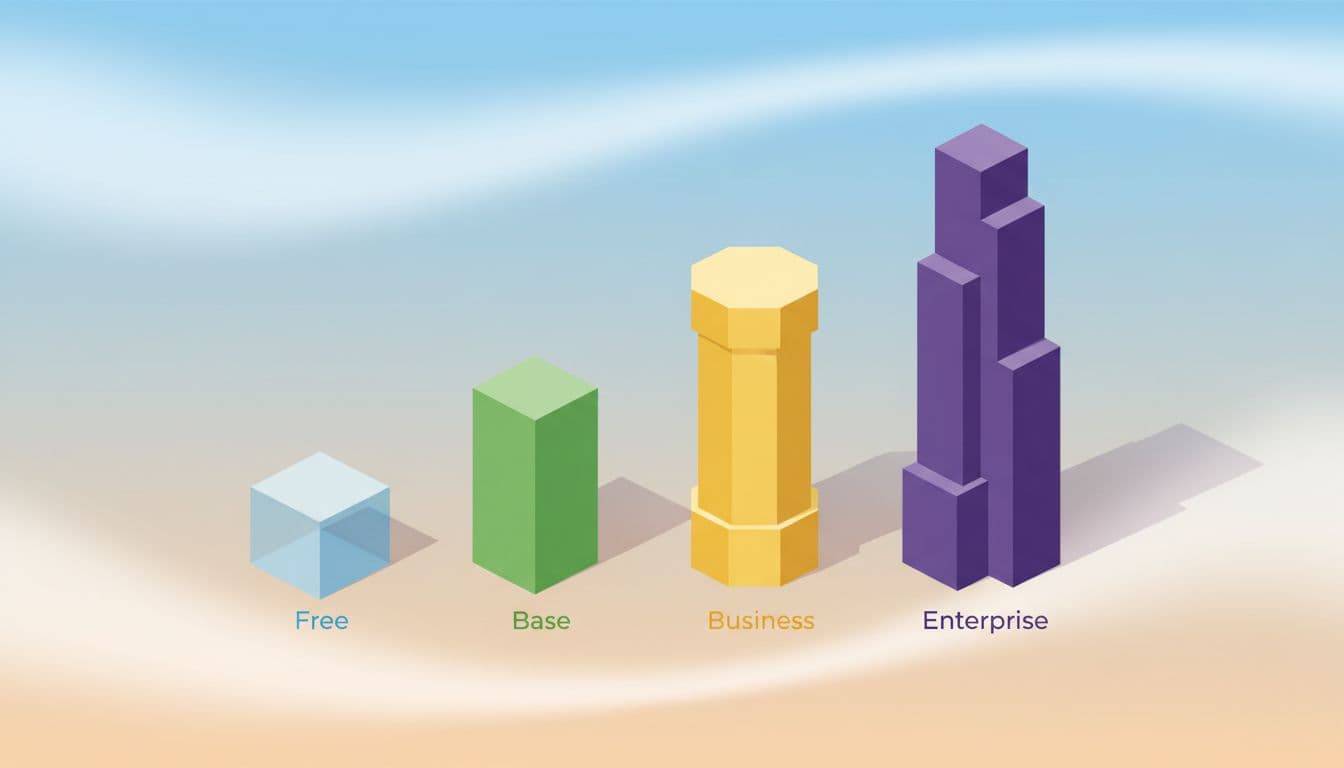
That flat website plan pricing is only one layer. Cloudflare also sells products with usage-based pricing, including Cloudflare Workers, R2, Stream, and some Zero Trust services. So, your monthly total can include both a plan fee and billable product usage.
Cloudflare pricing comparison table
This table gives you the fast read.
| Plan | Starting price | Best for | Key security features | Performance features | Support | Major limits or trade-offs |
|---|---|---|---|---|---|---|
| Free | $0 | Personal sites, hobby apps, small blogs | SSL, basic DDoS protection, DNS | CDN, cache, basic speed tools | Community/self-serve | Fewer advanced WAF and rule controls |
| Pro | $20/month | Professional sites, startups, content sites | Better WAF coverage, more rules | Image optimization, stronger tuning | Standard self-serve | May still feel tight for high-risk stores |
| Business | $200/month | Ecommerce, SaaS, agencies, growing teams | Advanced WAF options, stronger protection, custom SSL support | More reliability and business-focused controls | Higher-touch support | Big jump in cost over Pro |
| Enterprise | Custom | Large apps, global brands, regulated teams | Advanced DDoS protection, enterprise WAF, tailored controls | Custom traffic management and reliability tools | SLA and account support | Quote depends on traffic, contract, and support scope |
Enterprise pricing depends on traffic, support, contract terms, and special needs.
What can raise your Cloudflare bill beyond the base plan
Your base website plan is only the floor. Add-on products can push the bill up fast. That includes Workers requests, Zero Trust seats, R2 storage, Stream video delivery, or contract-based services.
Base plan + add-ons + usage = your real Cloudflare bill
A few common examples make this easier to see. If you run a small store, the Free Plan may protect the site well enough at first. Once bots start scraping product pages or hitting checkout, you may need stronger WAF controls and move to Pro or Business.
If you also build serverless APIs with Workers, your bill can rise even if the website plan stays the same.
Most Spendbase clients rate Cloudflare highly for security and performance, and they can get up to 25% off the total bill. Check it out!
Billing timing matters too. If you upgrade a Cloudflare plan or turn on a billable product, charges can shift around your recurring billing date and your next billing cycle.
Therefore, it helps to watch pricing details in the Cloudflare dashboard. For a security-focused outside view, UnderDefense’s Cloudflare pricing guide gives helpful context on how layered services can incur additional cost.
See how much you can save on your stack
Pick your team’s tools!
Click to select one or more tools.


What’s your company size?
Just click to select.
What’s your business email?
We'll send you calculations right away
The email is flying to your inbox!
Beyond discounts, you may qualify for up to $100K in AWS credits.

Cloudflare products overview, and how pricing works across the platform
Cloudflare is more than a CDN. It is a broad platform for security and performance, developer tools, storage, media, and Zero Trust access. Because of that, pricing models vary across the product line.

Think of Cloudflare like a train station with many tracks. Your website plan buys the main ticket. Extra services, however, can add fares based on how far and how often you ride.
Website security and performance products
The core website plans bundle the tools most site owners care about first: CDN, cache, SSL, DNS, DDoS protection, analytics, and some optimization features.
As you move from Free to Pro and then the Business Plan, you gain stronger WAF options, better rule control, deeper security and performance features, and more support.
That matters when traffic grows. A brochure site for a local law office may sit comfortably on the free plan for months. A small ecommerce store is different. Once paid ads kick in, traffic spikes, bot noise rises, and the site starts carrying customer data.
At that point, better WAF rules, image optimization, and custom SSL certificates can feel less like extras and more like a lock on the front door.
Cloudflare’s value often comes from its intelligent global network. Cloudflare protects and accelerates traffic before requests hit your origin.
Still, some advanced tools, like load balancing or automatic platform optimization, may sit outside the base website plan or work best on a higher priced plan.
Developer, storage, and media products with usage-based pricing
This is where Cloudflare pricing gets more dynamic. Cloudflare Workers, Pages, R2, and Stream often use usage-based pricing rather than a simple flat monthly fee.

Cloudflare’s developer docs describe Workers with “simple, transparent pricing that scales with your usage.” On the public pricing page, the Workers Paid plan has a minimum charge of $5 per month per account, while public Workers pricing also lists $0.30 per million requests and $0.02 per million CPU ms.
You can verify the current numbers in the Workers pricing docs.
R2 works differently. According to the R2 pricing docs, R2 charges based on the total volume of data stored and two classes of operations on that data. Its appeal is often the egress design, because R2 avoids the usual egress bandwidth fee model that makes many storage bills balloon.
Still, reads, writes, and the total volume of data stored can all become billable, so use the R2 pricing calculator before you commit.
Stream keeps it simpler. The Stream pricing docs say Cloudflare Stream bills on minutes of video stored and minutes of video delivered.
If your app hosts onboarding clips or training videos, that’s easy to estimate. If users upload large libraries, the cost can grow in steady increments.
What you get with the Cloudflare Free Plan
The Free Plan has real value. If you run personal websites and blogs, early-stage apps, or a side project on a single domain, it can be a solid starting point without a monthly fee.
Free Plan pricing and core features
The base Free Plan includes core Cloudflare features that matter on day one. You get DNS, SSL, CDN delivery, cache, and basic DDoS protection.
For many sites, that already improves speed and safety compared with serving everything straight from the origin.

If you run a low-traffic blog, that setup can feel like getting a guard dog and a faster road for free. Your traffic gets routed through Cloudflare’s global network, your cache can reduce origin load, and your site usually feels snappier.
Still, free does not mean unlimited. Advanced rule control, deeper web application firewall settings, stronger analytics, and higher-touch support live on paid tiers.
When the Free Plan is enough, and when it starts to feel tight
A real-life example helps. If you publish a local travel blog with a few thousand visits a month, the free plan may be enough for a long time. It covers the basics well and keeps costs at zero.
If that same site turns into a revenue engine with ads, memberships, or checkout flows, the limits show up faster. You may want better WAF tuning, more analytics, stronger optimization, or support when something breaks at midnight.
Pros
- Low-risk entry point with no base monthly fee
- Strong starting mix of speed and security
- Good fit for hobby projects and simple websites
Cons
- Fewer controls for high-risk traffic
- Less depth for business analytics and rules
- Support expectations stay limited
Free is great when downtime is annoying. Paid tiers make more sense when downtime costs money.
What you get with Cloudflare Pro and Business plans
Most growing teams land here. The choice between Pro and Business plans often comes down to risk, revenue, and how much control you need.
Cloudflare Pro Plan pricing and features
The Pro Plan starts at $20 per month. It fits professional websites, higher-traffic blogs, startups, and online stores that need more than the Free Plan offers. Cloudflare’s own Pro Plan overview positions it for professional sites that want stronger performance and security.
For you, the big step up is better WAF coverage, stronger rule options, and improved image and speed optimization.
A content-heavy site with thousands of daily readers can justify Pro quickly if better caching and performance tuning reduce server strain.
Cloudflare Business Plan pricing and features
The Business Plan starts at $200 per month, and that jump is real. Still, the cost of the Business Plan often makes sense for small businesses, agencies, SaaS tools, and medium-sized businesses handling customer data or steady paid traffic.
You gain more advanced security, stronger web application firewall controls, custom SSL certificates, and business-focused support.
If your store loses even a handful of orders during an attack, one blocked incident can cover months of plan pricing.

We can unlock discounts on 10,000+ tools you already use.
What the Enterprise plan offers, and how to choose the right Cloudflare plan
The Enterprise plan offers custom pricing because enterprise needs rarely look alike.

Cloudflare Enterprise Plan pricing and features
Your quote usually depends on traffic volume, SLA needs, advanced DDoS protection, enterprise-grade WAF controls, contract terms, custom integrations, and support expectations.
Large apps, global brands, and regulated teams often land here because the risk is higher and the support bar is higher too.
Zero Trust can complicate the picture further. Seats, access patterns, and internal app needs may add separate costs, so it helps to review a neutral Zero Trust pricing overview before you commit.
A simple way to pick the best plan for your budget and risk level
Use this quick filter:
- Choose Free if your site is simple, low-risk, and not revenue-critical.
- Choose Pro if you run a professional site or store and need better performance and security.
- Choose Business if attacks, downtime, or trust issues would hurt revenue fast.
- Choose Enterprise if you need contracts, compliance support, custom controls, or large-scale protection.
Watch for upgrade signals: frequent attacks, thin analytics, not enough rule control, support delays, or new serverless and media usage.
Most importantly, compare the total cost, not only the sticker price, especially if you also use Cloudflare Workers, R2, Stream, or Zero Trust.
Cloudflare pricing works best when you map it to real use. A feature list can impress you. Your bill tells the truth. And don’t forget to check the available credits.
Learn more in this Spendbase blog post, who can get Cloudflare credits, and how much can startups receive?
The strongest takeaway is simple: Free works for simple sites, Pro and Business fit most growing teams, and Enterprise is built for custom risk and scale.
Before you upgrade, check the current pricing, then line up each product with the traffic, threat level, and support needs you actually have.


Get discounts on your team’s favorite apps
Find deals for 10%, 30%, or even 70% off in our discount marketplace.
Check DiscountsCloudflare Pricing starts at $0 for the Free Plan, climbs through flat monthly website tiers, and then branches into custom Enterprise quotes plus usage-based pricing for products like Workers, R2, Stream, and Zero Trust. That mix means your Cloudflare cost can look simple at first, then grow as traffic, security needs, and product usage rise.
If you run a blog, app, SaaS tool, or business site, you need more than a sticker price. You need to know what the base plan covers, what can inflate your bill, and where the paid plan options start to make sense.




