











SumUp Discount - Up to 15% off
SumUp provides payment processing, card acceptance, and POS systems to help small businesses manage finances effectively.
Get discountCategory
Billing and Invoicing Software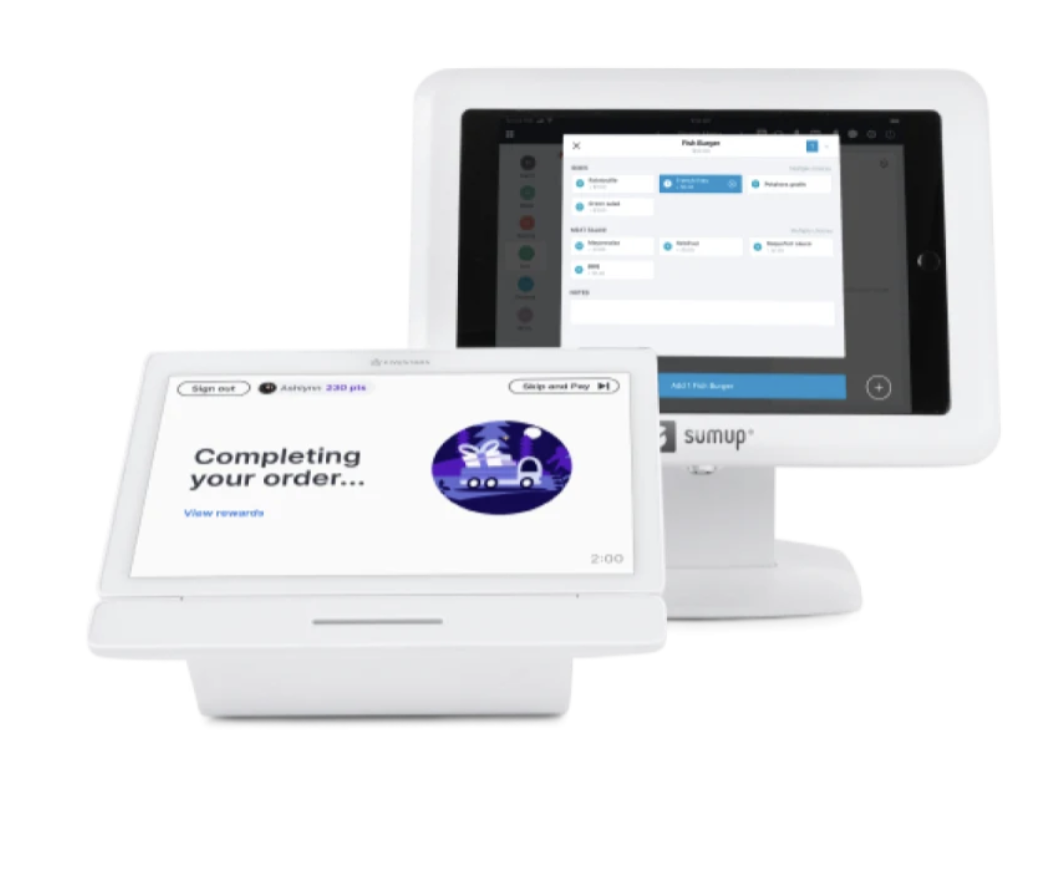
What is SumUp?
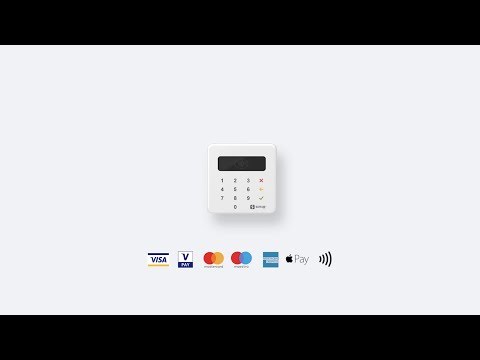
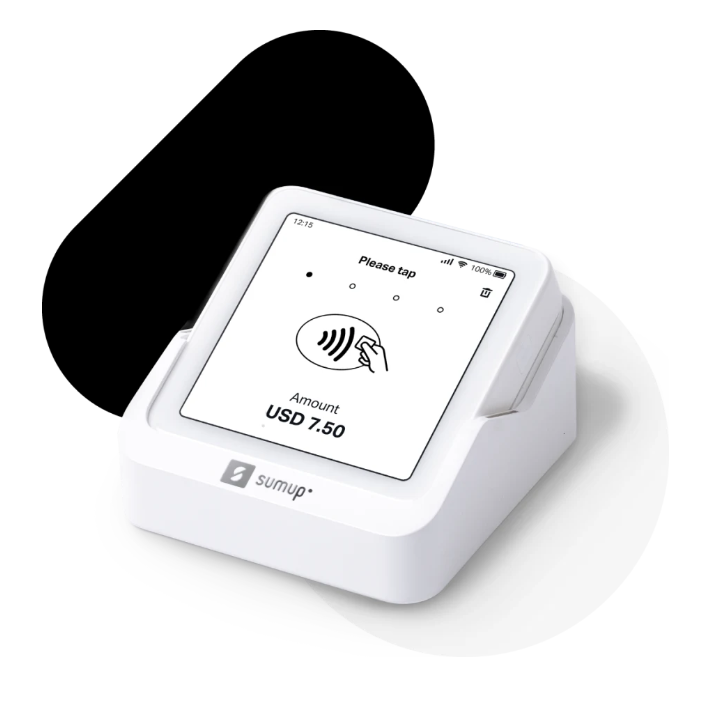
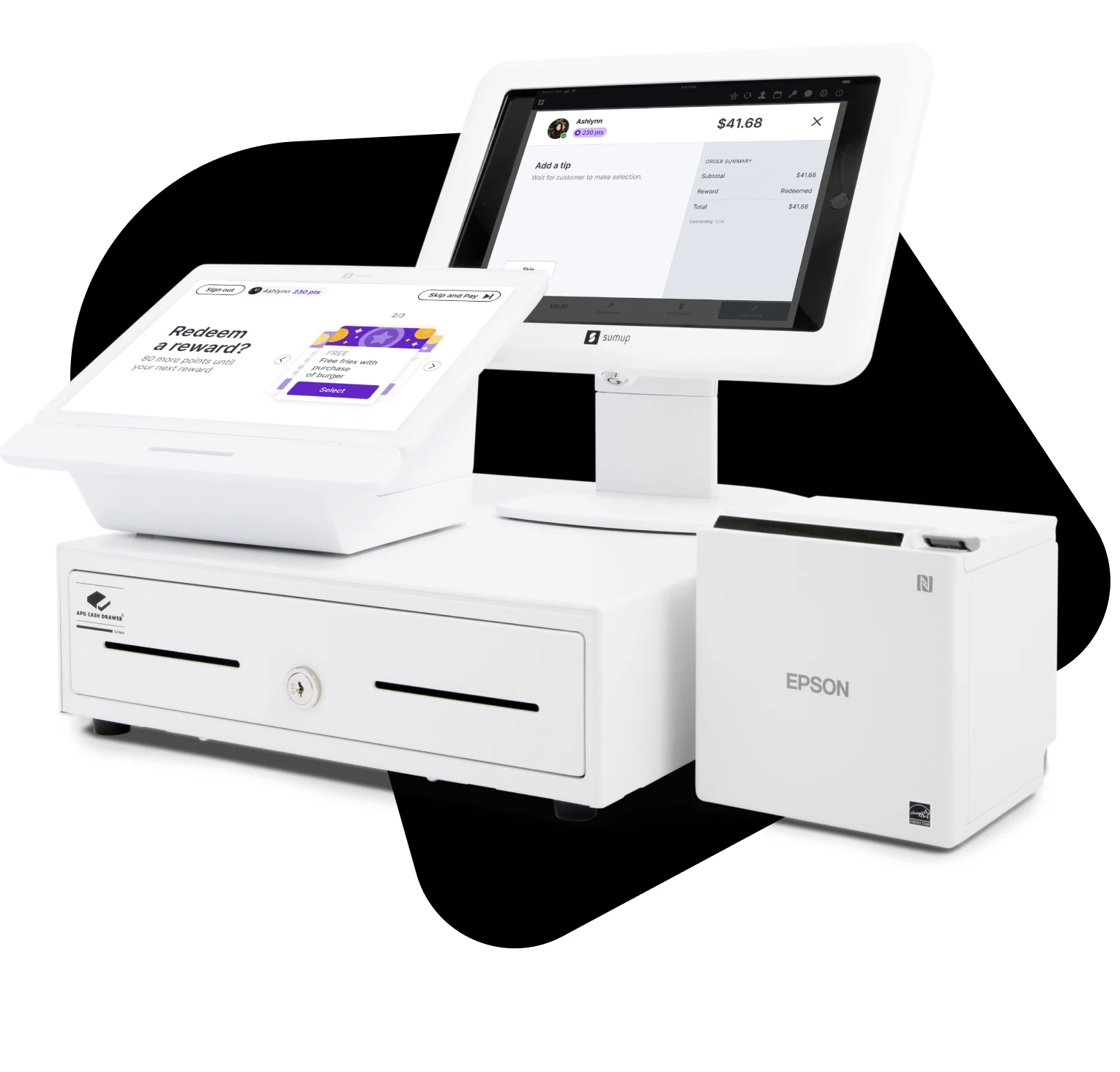
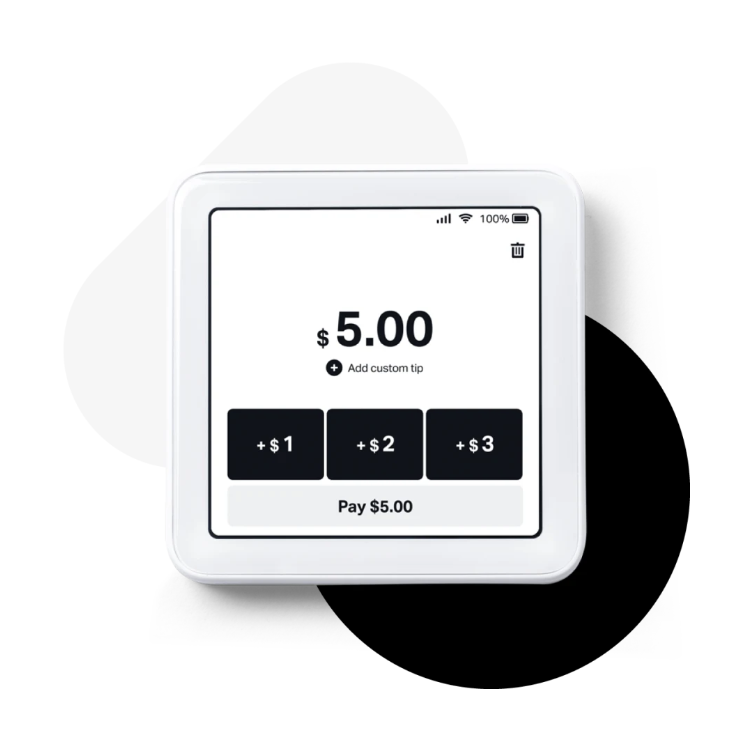
SumUp is a payment processing solution that enables businesses to accept and manage payments both online and in-person. Its main features include online payment processing, order management, payment fraud prevention, payment gateway integration, point of sale (POS) capabilities, and real-time reporting. These features help businesses streamline transactions, enhance security, and gain valuable insights into their sales performance.
- Card payment processing with portable card readers
- Easy-to-use mobile app and POS
- No monthly fees, transparent transaction pricing
- Fast payouts directly to bank accounts
- Inventory tracking, sales reporting, stock control
- Invoicing, payment links, loyalty and accounts
Eligibility
Number of Seats/Users: SumUp offers discounts based on the number of users or seats. A higher volume typically leads to a better discount structure, especially for enterprise-level usage.
Commitment to a Long-Term Contract: Discounts are often provided to companies that commit to using the service for a longer period (e.g., 1-year or 3-year contracts). A longer commitment shows SumUp that the company is serious and willing to invest in the platform long-term.
No Active Discounts: Companies that are not already receiving other active discounts may have a better chance of qualifying for additional discounts from SumUp. SumUp reserves discounts for new customers or those not currently under promotional pricing.
Volume or Usage Commitment: SumUp offers discounts if you agree to a minimum amount of usage or transaction volume. This could be based on data storage, transactions, or other metrics tied to how much you will use the platform.
Enterprise-Level Negotiation: Companies that qualify as “enterprise” due to their size or complexity (e.g., having large teams, multiple departments, or geographical presence) may be eligible for additional discounts from SumUp. Such companies are often in a position to negotiate for better pricing.
Early Renewal or Prepayment: SumUp often offers discounts if you renew early or prepay for the entire contract period. This is a common approach to securing a lower price.

SumUp - Up to 15% off
Reviews
Here at Spendbase our internal data shows that SumUp is generally a strong fit for cost‑sensitive small and mobile businesses, but there are a few risk and cost areas to watch closely.
Key positives our Spendbase clients highlight:
- Very easy setup and onboarding
- Intuitive app and POS interface, even for non‑technical staff
- No monthly fees and clear, simple pricing structure
- Fast payouts in most cases
- Good for:
- Market stalls and mobile businesses
- Occasional events (used “every two months” and still worth it)
- Startups that can’t commit to fixed monthly contracts
- Useful features:
- Tap‑to‑pay on phone
- Payment links and remote payments
- Basic stock control and reporting
- Ability to track cash and card together
On the downside, our internal feedback flags some consistent issues:
- Hardware and reliability risks:
- Card readers can be fragile and fail after light knocks
- Occasional stalls or slow connection, especially with many quick transactions
-
Receipt printing not always reliable
-
Support and operations:
- Support chat and bots often feel slow or unhelpful for complex issues
- One severe case of significant funds being held with no clear explanation
-
Language and localization gaps for payment links in the customer’s language
-
Cost perception:
- Per‑transaction fees can feel high for high‑volume, low‑ticket businesses
- Some card types (like Amex) clear more slowly, affecting cash flow
From a Spendbase discount and cost‑optimization lens, our clients typically:
- Use SumUp as a low‑commitment, starter solution, then:
- Monitor effective blended fees over 3–6 months
- Compare against tiered‑pricing alternatives once volume grows
- Track:
- Percentage of failed / stalled transactions
- Share of “slow” card types in total volume
- Any held‑funds incidents and response times
In practice, SumUp tends to shine when:
- You need quick, simple card acceptance with minimal fixed costs
- You value ease of use more than deep configuration or advanced accounting
- You’re willing to actively monitor fees and support quality over time
We usually recommend keeping SumUp as part of a multi‑provider payment stack so you retain leverage on fees and have a backup when hardware or support issues appear.
See how much you can save on your stack
Pick your team’s tools!
Click to select one or more tools.


What’s your company size?
Just click to select.
What’s your business email?
We'll send you calculations right away
The email is flying to your inbox!
Beyond discounts, you may qualify for up to $100K in AWS credits.

FAQ
1. How do I apply a discount to an order?
In the payment screen, slide the product left, select discount, choose percentage or amount, and apply.
2. Can I create custom discount types?
Yes, in Back Office, go to Configuration > Your Discounts, click 'New Discount', name it, set amount, and add.
3. How do I activate personalized discounts?
In Back Office, navigate to Configuration > Modules > Payment Settings, and activate 'Custom Discounts' module.
4. Is it possible to add a reason for a discount?
Yes, enable 'Comments on Discounts' module in Back Office under Configuration > Your Modules > Payment.
5. How can I identify discounts on online orders?
Discounts appear as 'product discount' for items or 'global discount' for entire orders, deducted from total.
6. What are the benefits of offering cash discounts?
Cash discounts incentivize early payments, improving cash flow and reducing administrative expenses.
7. How do I apply a discount to an invoice?
Use SumUp Invoices to add an overall percentage discount directly from the invoice template.
8. Can I offer discounts for early invoice payments?
Yes, specify cash discount terms in the invoice, like '5/7, net 30' for a 5% discount if paid within 7 days.
Related discounts

TimeWizz
Billing and Invoicing Software
Up to 30% off

Coretime
Billing and Invoicing Software
Up to 35% off

OfficeTimer
Billing and Invoicing Software
Up to 40% off

XRechnung
Billing and Invoicing Software
Up to 40% off

BizXpert
Billing and Invoicing Software
Up to 20% off

InvoiceQuick
Billing and Invoicing Software
Up to 30% off
Software cost optimization
SumUp savings in five steps
Let’s estimate your potential savings and see how you can scale your cloud infrastructure.
One call. No cost. No commitments


meet vendor relationship EXPERTS
Our customers save millions with us



Save on SumUp
It’s time to shrink your bill
Let our SaaS cost optimization experts check what deals you can get and how much you can save on your corporate subscriptions
See how you can:
- Learn about pricing benchmarks and discounts
- Present potential savings by vendor to your team
- Meet your SaaS and cloud cost optimization goals
Get SumUp discount
We’ll email you back within 1 business day