











VCam Discount - Up to 50% off
Remove, replace and blur your background without a Green Screen. Looks perfect in every session!
Get discountCategory
Video Editing Software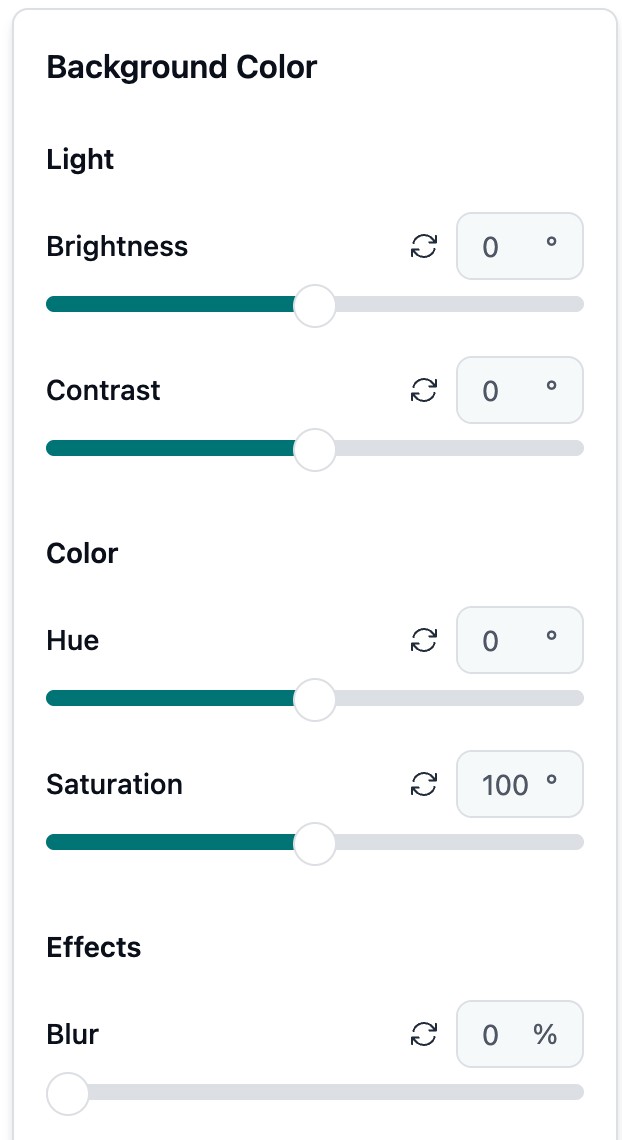
What is VCam?
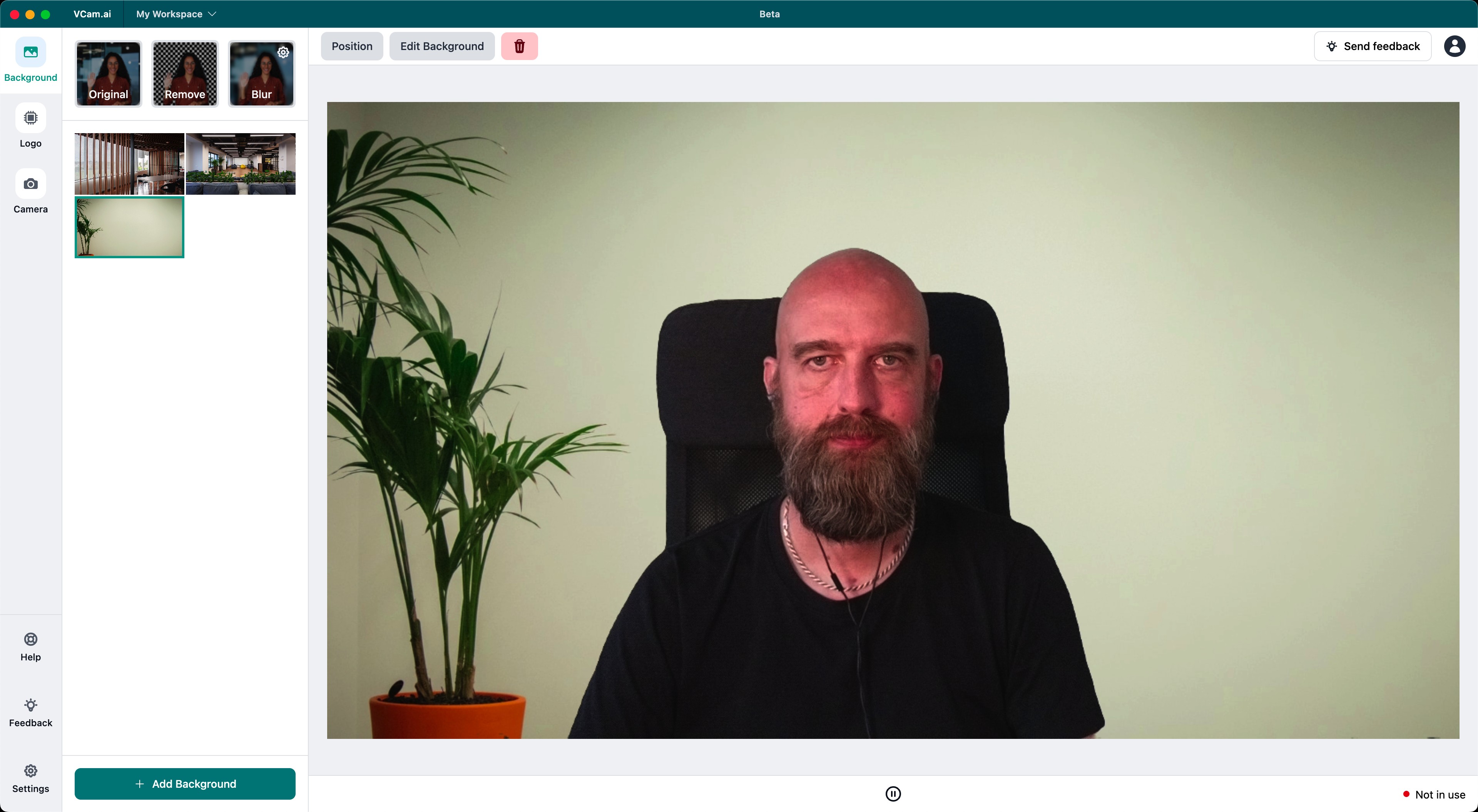
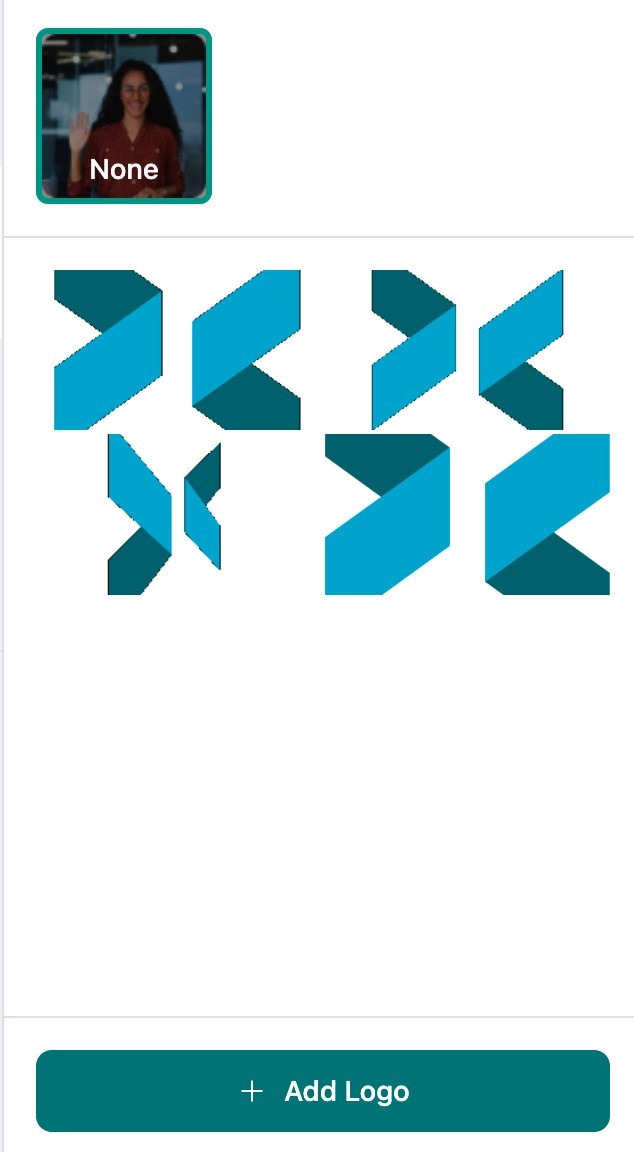
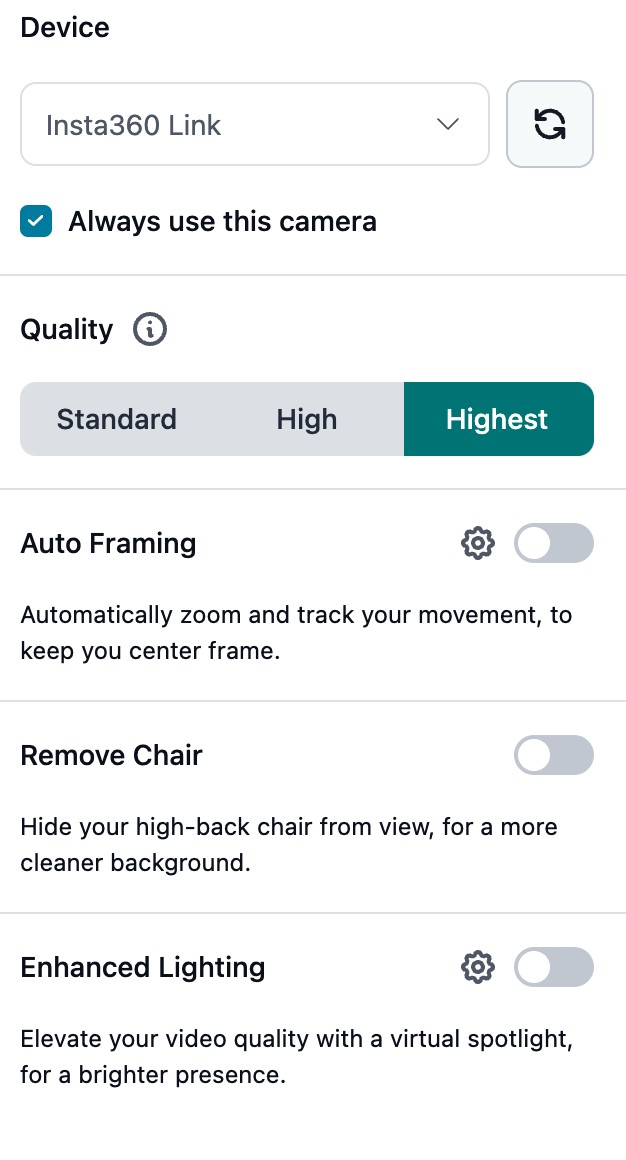
VCam is an AI-powered application designed to enhance video calls by offering features such as webcam background removal, replacement, and blur effects. Users can choose from over 1,000 virtual backgrounds or upload their own, ensuring a polished and professional appearance. The software also includes auto-framing to keep users centered, studio lighting effects for improved visibility, and the ability to display company logos and virtual nametags during calls. All processing occurs on the user’s device, ensuring privacy and security. VCam is compatible with platforms like Zoom, Google Meet, and Microsoft Teams, and is available for both Windows and macOS.
- High-quality virtual background removal, no greenscreen
- Custom backgrounds, including logos and YouTube
- Virtual camera output for video apps
- Camera auto-follow and flexible framing controls
- Multi-camera support, including mobile as webcam
- Easy setup, especially robust on Windows
Eligibility
Number of Seats/Users: VCam offers discounts based on the number of users or seats. A higher volume typically leads to a better discount structure, especially for enterprise-level usage.
Commitment to a Long-Term Contract: Discounts are often provided to companies that commit to using the service for a longer period (e.g., 1-year or 3-year contracts). A longer commitment shows VCam that the company is serious and willing to invest in the platform long-term.
No Active Discounts: Companies that are not already receiving other active discounts may have a better chance of qualifying for additional discounts from VCam. VCam reserves discounts for new customers or those not currently under promotional pricing.
Volume or Usage Commitment: VCam offers discounts if you agree to a minimum amount of usage or transaction volume. This could be based on data storage, transactions, or other metrics tied to how much you will use the platform.
Enterprise-Level Negotiation: Companies that qualify as “enterprise” due to their size or complexity (e.g., having large teams, multiple departments, or geographical presence) may be eligible for additional discounts from VCam. Such companies are often in a position to negotiate for better pricing.
Early Renewal or Prepayment: VCam often offers discounts if you renew early or prepay for the entire contract period. This is a common approach to securing a lower price.

VCam - Up to 50% off
Reviews
Here at Spendbase our internal data shows that VCam is delivering very strong value for most of our clients, especially on Windows, with a few clear areas to watch from a cost–benefit point of view.
Overall sentiment
Most Spendbase clients are very happy with VCam:
- Ratings cluster at the top end (around 5/5 in the latest feedback)
- Clients keep using it long term for streaming, meetings, and content creation
- Perceived as “worth the expense,” especially when used daily
What clients love
Our data highlights a few standout strengths:
- Background removal quality
- Very close to green‐screen quality for many setups
- Works well for Twitch, Zoom, Meet, and general streaming
- Creative control
- Custom backgrounds, including:
- Company logo animations
- YouTube videos as live backgrounds
- Layering with OBS Studio for more complex productions
- Ease of use
- Simple setup on Windows
- Runs relatively light while doing “high‑powered work”
Main pain points to factor into purchasing
We also see recurring issues that matter when planning licenses:
- Performance / hardware load
- High CPU usage on some machines
- Heat and fan noise during recording or streaming
- Visual artifacts
- Occasional “holes” in the virtual background
- Flickering or halo around the body in certain conditions
- Platform gaps
- Mac (especially M‑series) features lag behind Windows
- Feature requests
- More fun effects
- Finer control of subject placement (e.g., move to the side, not only centered)
Spendbase recommendations for VCam
From a discount and optimization standpoint, we usually suggest:
- Prioritize VCam seats for:
- Windows‑based power users
- Sales, marketing, and content teams that are on camera daily
- For Mac‑heavy teams:
- Start with a smaller pool of licenses and test capabilities first
- Consider lifetime deals where:
- You have stable video workflows
- You expect long‑term, daily use (Twitch, webinars, training)
Overall, our Spendbase clients see VCam as a high‑impact, “makes you look pro” tool, with best results on decent Windows hardware and realistic expectations about CPU load and edge artifacts.
See how much you can save on your stack
Pick your team’s tools!
Click to select one or more tools.


What’s your company size?
Just click to select.
What’s your business email?
We'll send you calculations right away
The email is flying to your inbox!
Beyond discounts, you may qualify for up to $100K in AWS credits.

FAQ
1. Are there discounts for students, educators, or non-profit organizations?
Yes, we offer up to 70% discounts for these groups. Please contact our Sales Team with relevant documentation to confirm your eligibility.
2. How do I apply a discount or promo code when purchasing a plan?
During the checkout process, there will be an option to enter a discount or promo code.
3. Can I use VCam for free?
Yes, VCam offers a free Starter Plan with all features, but a watermark will appear on your camera feed.
4. What are the differences between the Starter, Business, and Enterprise plans?
The main differences lie in the number of users, access to premium features, and level of support.
5. Can I change billing from a Monthly plan to an Annual plan?
Yes, you can switch your billing from a Monthly plan to an Annual plan at any time in the Billing section of your VCam Dashboard.
6. How do I review my billing history?
You can review your billing history in the Billing section of your VCam Dashboard.
7. How do I update my payment information?
You can update your payment information in the Billing section of your VCam Dashboard.
8. How do I cancel my subscription plan, and what is the refund policy?
You can cancel your subscription plan in the Billing section of your VCam Dashboard. For refund policies, please refer to our Terms of Service.
Related discounts

Headliner
Video Editing Software
Up to 50% off

Wax
Video Editing Software
Up to 25% off

BgRem
Video Editing Software
Up to 45% off

VSDC Video Editor
Video Editing Software
Up to 20% off

MAGIX Video Pro X
Video Editing Software
Up to 40% off

Filmora
Video Editing Software
Up to 15% off
Software cost optimization
VCam savings in five steps
Let’s estimate your potential savings and see how you can scale your cloud infrastructure.
One call. No cost. No commitments


meet vendor relationship EXPERTS
Our customers save millions with us



Save on VCam
It’s time to shrink your bill
Let our SaaS cost optimization experts check what deals you can get and how much you can save on your corporate subscriptions
See how you can:
- Learn about pricing benchmarks and discounts
- Present potential savings by vendor to your team
- Meet your SaaS and cloud cost optimization goals
Get VCam discount
We’ll email you back within 1 business day