










Cost optimization
How You Cut Egress Fees with Cloudflare R2 and Escape AWS/Azure Cloud Tax

Every time your customers download a file, stream a video, or hit your API, you can pay twice, once to store the data, and again to move it out of AWS or Azure. That second bill is where egress fees turn into a real cloud tax for your budget.
Cloudflare R2 changes that math with zero egress fees and S3 compatibility, so you can stop paying to send your own data back out. If you’re a CTO, CFO, or founder, this matters fast, because the bill grows with usage, not with storage alone.
In the next sections, you’ll compare costs, see when R2 makes sense, and decide whether a move is worth it.
What cloud tax means, and why egress fees hit hardest
You feel cloud tax when the estimate looks neat, then the bill grows in places you barely watched. Storage is easy to price, but once users pull files, call APIs, or restore backups, the cost of data out of storage starts to climb.
Cloudflare R2 changes that pattern because you still pay for object storage, but you do not pay egress fees to send data to the internet. That matters when your cloud provider charges for every byte that leaves the bucket, because the bill stops tracking just what you keep and starts tracking what people use.
Why moving data costs more than storing it
Storage usually feels cheap because you pay for the space itself. Data transfer feels expensive because you pay every time the same file moves again. A file can sit in a bucket for weeks with little cost, then one burst of downloads can push the bill higher than the storage line ever did.
Cloudflare’s current R2 pricing keeps that split simple, storage plus operations, with zero egress fees. In the U.S., AWS S3 Standard starts at $0.023 per GB-month, while internet egress starts at about $0.09 per GB after the free 100 GB. Azure Blob Hot in U.S. regions is a little lower on storage, but its outbound traffic still costs about $0.087 per GB.
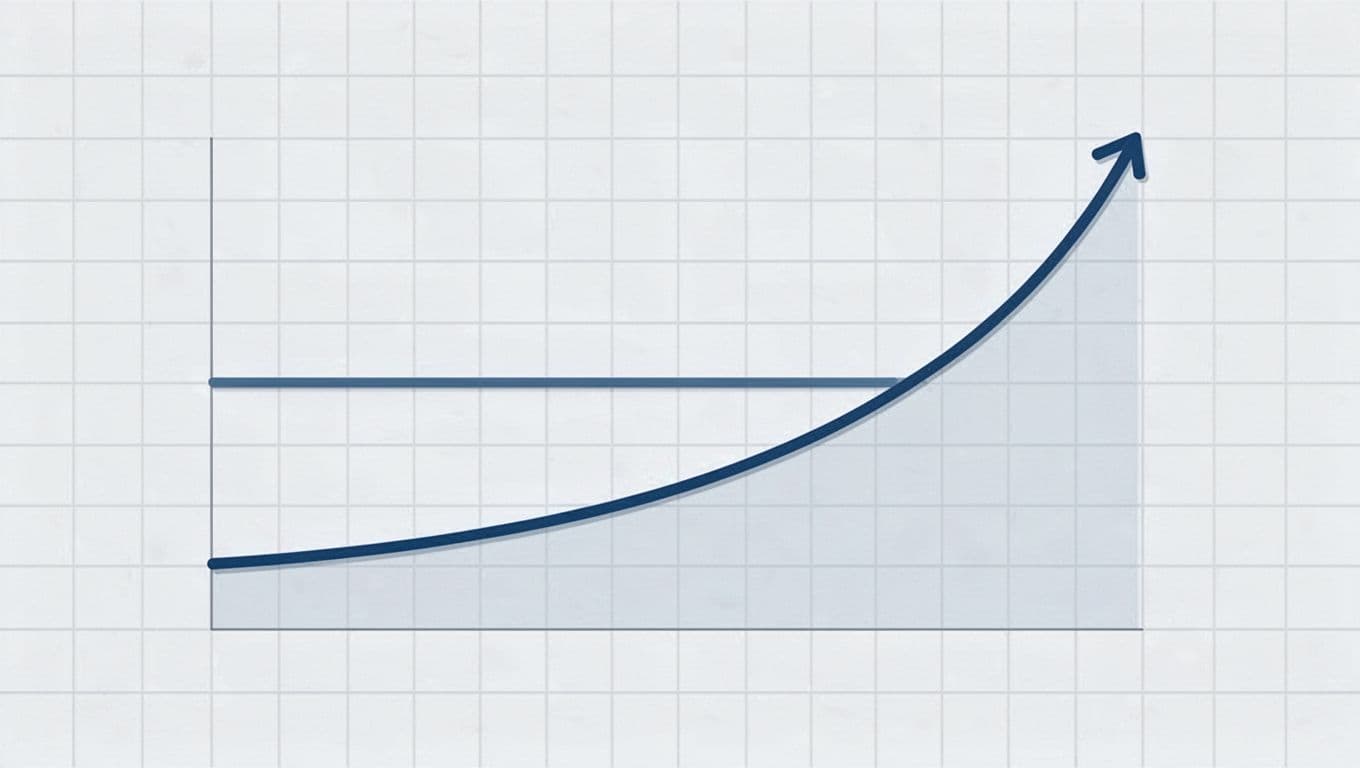
This is why the bill can look harmless at first. Then traffic rises, and the egress line starts to bend upward like a loaded bridge.
| Charge type | What you pay for | Why it grows fast |
|---|---|---|
| Data stored | The GB sitting in the bucket | It rises slowly and predictably |
| Data out of storage | Downloads, API reads, restores, and syncs | It scales with traffic, not with storage size |
| Cloudflare R2 storage | Space plus operations | Storage stays low, and egress stays free |
The simplest way to see it is in a flow like this:
Data stored -> user request -> bytes leave storage -> egress fee shows up
That is why Egress Fees Cloudflare R2 gets so much attention. The storage line matters, but the transfer line is where your budget usually breaks.
| Monthly use case | AWS S3 Standard | Azure Blob Hot | Cloudflare R2 |
|---|---|---|---|
| 100 GB stored, 1 TB outbound | About $92.30 | About $88.80 | About $1.50 in storage, plus low ops |
| 1 TB stored, 10 TB outbound | About $932.30 | About $888.80 | About $15 in storage, plus ops |
| 10 TB stored, 50 TB outbound | About $4,730+ | About $4,350+ | Storage and ops only, egress stays free |
You do not need a massive dataset to feel the pain. A small media library, a product catalog with many images, or a popular download link can push outbound traffic past storage cost very quickly.
Where AWS and Azure bills usually surprise you
The bill rarely surprises you on day one. It usually catches you when your app goes public, your backup job runs, or your data crosses a region boundary. Public downloads, API responses, file restores, and cross-region transfers are the places where egress charges hide in plain sight.
| Billing trigger | What happens | Why it stings |
|---|---|---|
| Public downloads | Users fetch files directly from storage | Every download adds data transfer fees |
| API responses | Small payloads repeat all day | High request volume creates steady egress |
| File restores | Backups move back into hot storage | Restore traffic can cost more than storage |
| Cross-region transfers | Data moves between regions or zones | You pay for movement, not just retention |
| CDN cache misses | The edge pulls from origin | Misses send traffic back to your storage bill |
If you want a broader comparison of how these rates stack up, the cloud egress pricing comparison makes the gap clear across AWS, Azure, GCP, and Cloudflare.
A public image site is a clean example. One invoice-backed case study showed AWS S3 image delivery at about $246 per month, then near-zero delivery cost after moving that path to Cloudflare R2 and the edge cache. You can see that write-up in this AWS S3 to Cloudflare R2 case study.
| Real-world workload | What the public example shows | Why it matters |
|---|---|---|
| Image-heavy website | Delivery cost fell from about $246/month to nearly $0 | Egress, not storage, drove the bill |
| High-read media app | Public migration notes show roughly 70% lower cost after the move | Read-heavy traffic punishes S3 first |
| 1 TB stored, 50 TB served | R2 stays near storage and ops cost, while S3 egress runs into the thousands | Traffic volume is the real pressure point |
The storage line is the bait. The traffic line is where the cloud tax lands.
| Cloudflare R2 strength | Cloudflare R2 trade-off |
|---|---|
| Zero egress fees | Class A and class B operations still count |
| S3-compatible API | You still need to model app behavior |
| Generous free tier | Large write-heavy workloads can outgrow it |
| Predictable outbound cost | Origin uploads can still carry source-side transfer costs |
The free tier helps you start small. Cloudflare R2 includes 10 GB of storage, 1 million Class A operations, and 10 million Class B operations each month before paid usage begins. That is useful for smaller sites, but the real win shows up when your traffic would otherwise trigger data egress fees every day.
If your workload is read-heavy, Cloudflare R2 usually fits well. If your app writes and rewrites huge objects all day, you should model storage and operations carefully, because class A operations and class B operations still matter even when egress is free.
A simple decision chart helps:
| Workload pattern | Best fit | Why |
|---|---|---|
| Public files, images, and downloads | Cloudflare R2 | Users read a lot, and egress stays free |
| Backup archives with rare restores | Standard cloud storage | Storage price may matter more than transfer |
| API-driven apps with lots of small reads | Cloudflare R2 or another object storage service | Read volume is predictable, so egress savings add up |
| Heavy cross-region sync | Depends on architecture | Transfer paths can dominate the bill |
If you already buy Cloudflare services, you can lower the stack cost even more. Spendbase offers up to 25% off Cloudflare, which can help trim the rest of the Cloudflare bill while you cut egress costs with Cloudflare R2.
| Spendbase offer | Best use case | What it can offset |
|---|---|---|
| Up to 25% off Cloudflare | You already use Cloudflare for delivery or storage | Part of the platform spend around R2 and edge services |
When you look at the bill this way, the cloud tax becomes easier to spot. Storage is the quiet part. Egress is the part that grows teeth.
See how much you can save on your stack
Pick your team’s tools!
Click to select one or more tools.


What’s your company size?
Just click to select.
What’s your business email?
We'll send you calculations right away
The email is flying to your inbox!
Beyond discounts, you may qualify for up to $100K in AWS credits.

What Cloudflare R2 is, and when it makes sense
Cloudflare R2 is an object storage service built for files you serve often, especially when data transfer costs hurt more than storage itself. You still pay for storage and operations, but you do not pay an egress fee when data leaves R2.
In 2026, Cloudflare R2 pricing is simple enough to model without a spreadsheet maze. Standard storage is $0.015 per GB-month, infrequent access storage is $0.01 per GB-month with a 30-day minimum, Class A operations are $4.50 per million, and Class B operations are $0.36 per million. The free tier also gives you 10 GB of storage, 1 million Class A operations, 10 million Class B operations, and free egress.
That makes R2 a good fit when your bill is driven by reads, downloads, and delivery. If you mostly store data and rarely move it, another cloud provider may still be cheaper overall.

| Cost item | Cloudflare R2 pricing | What you need to know |
|---|---|---|
| Standard storage | $0.015 per GB-month | You pay to keep data in the bucket |
| Infrequent access storage | $0.01 per GB-month | Good for colder files you rarely touch |
| Retrieval from infrequent access | $0.01 per GB | A small pull fee still applies |
| Class A operations | $4.50 per million | Uploads, deletes, and listings still cost money |
| Class B operations | $0.36 per million | Reads are cheap, but they are not free |
| Egress fee | $0 | Data leaving R2 is free |
The key point is simple. Cloudflare R2 removes the cloud tax on outbound traffic, but it does not erase storage costs or operation costs. You still pay for what you keep and what you ask R2 to do.
If your bill grows every time users download the same file, R2 removes the line item that hurts most.
The core idea behind zero egress fees
The appeal of R2 is easy to understand once you separate storage from movement. You pay to store the object, you pay for requests on that object, but you do not pay when users pull that data back out.
That matters because egress fees Cloudflare R2 eliminates are often the most painful part of cloud storage billing. In AWS S3 or Azure Blob, a busy month can cost far more in transfer than in storage. With R2, the transfer side disappears, so your bill tracks usage more cleanly.
A simple way to think about it looks like this:
| Step | What happens | Do you pay for it in R2? |
|---|---|---|
| Store | You upload the file into the bucket | Yes |
| Request | Your app asks for the file | Yes, as an operation |
| Deliver | The file leaves R2 and reaches the user | No |
| Repeat | The same file gets served again and again | Still no egress charge |
That is why R2 works so well for large amounts of unstructured data that many people read but few people rewrite. The storage costs stay predictable, and the data out of storage charge never shows up.
A real-world image workload shows the point well. In one invoice-backed migration, monthly image delivery dropped from about $246 on AWS S3 to near zero after the serving path moved to Cloudflare R2 and the edge cache. You can see the details in this AWS S3 to Cloudflare R2 image cost case study.
| Cost driver | AWS S3 style billing | Cloudflare R2 billing |
|---|---|---|
| Storage | Low and predictable | Low and predictable |
| Data transfer out | Can climb fast | Free |
| Frequent reads | Usually adds to the bill | Adds only request costs |
| Public downloads | Egress compounds over time | No egress fee |
The result is a cleaner model for your finance team. You still watch operations, storage pricing, and your total volume of data stored, but you no longer need to budget for every outbound byte.
When R2 is a better fit than AWS or Azure
R2 makes the most sense when your workload is read-heavy and public-facing. If users, customers, or systems keep pulling the same files, Cloudflare R2 usually beats a traditional cloud provider on total cost because the data egress fees disappear.

| Use case | Why R2 fits | Short example |
|---|---|---|
| Media delivery | The same images or clips get served many times, so egress adds up fast | Your product photos load on every storefront visit |
| Software downloads | Users grab the same installer or release package again and again | Your SaaS ships a 500 MB desktop app |
| Backup restores | Backups sit cold, then get restored in bursts | You restore a weekly snapshot after an incident |
| User exports | Reports are generated once, then downloaded by many users | Customers export CSVs and PDFs from your app |
For these workloads, Cloudflare R2 is often the better object storage solution because you can pay for storage without paying to move data out. That matters most when the same file is requested thousands of times.
A quick fit check helps:
| Workload pattern | Better choice | Why |
|---|---|---|
| Lots of reads, few writes | Cloudflare R2 | Free egress keeps costs down |
| Large archives with rare access | Standard storage from another cloud provider may fit | Storage price can matter more than transfer |
| App files served through the edge | Cloudflare R2 plus Cloudflare Workers | You keep traffic close to users |
| Heavy write churn, low download volume | AWS S3 or Azure may still make sense | Operations and lifecycle rules may matter more |
Cloudflare also pairs well with edge delivery. When you combine R2 with Cloudflare Workers, you can keep the file path close to the user and cut round trips that would otherwise trigger extra bandwidth and data transfer fees. A broader comparison of how R2 stacks up against other storage providers is laid out in this Cloudflare R2 vs AWS S3 vs Azure Blob comparison.
There are trade-offs, and you should price them honestly:
| R2 strength | R2 trade-off |
|---|---|
| Zero egress fees | Class A and Class B operations still cost money |
| S3-compatible API | You still need to test your app path |
| Generous free tier | Large production traffic can outgrow the free tier quickly |
| Simple outbound cost model | Infrequent access still has retrieval fees |
If you already use Cloudflare, trim the rest of the bill too. Spendbase offers up to 25% off Cloudflare, which can help offset the rest of your Cloudflare spend while you eliminate egress fees with R2.
For CTOs, CFOs, and founders, the decision is practical. Use Cloudflare R2 when outbound traffic is the bill you want to kill, and keep a traditional cloud storage tier only when storage cost, archive rules, or write-heavy behavior matter more.
How R2 pricing works behind the scenes
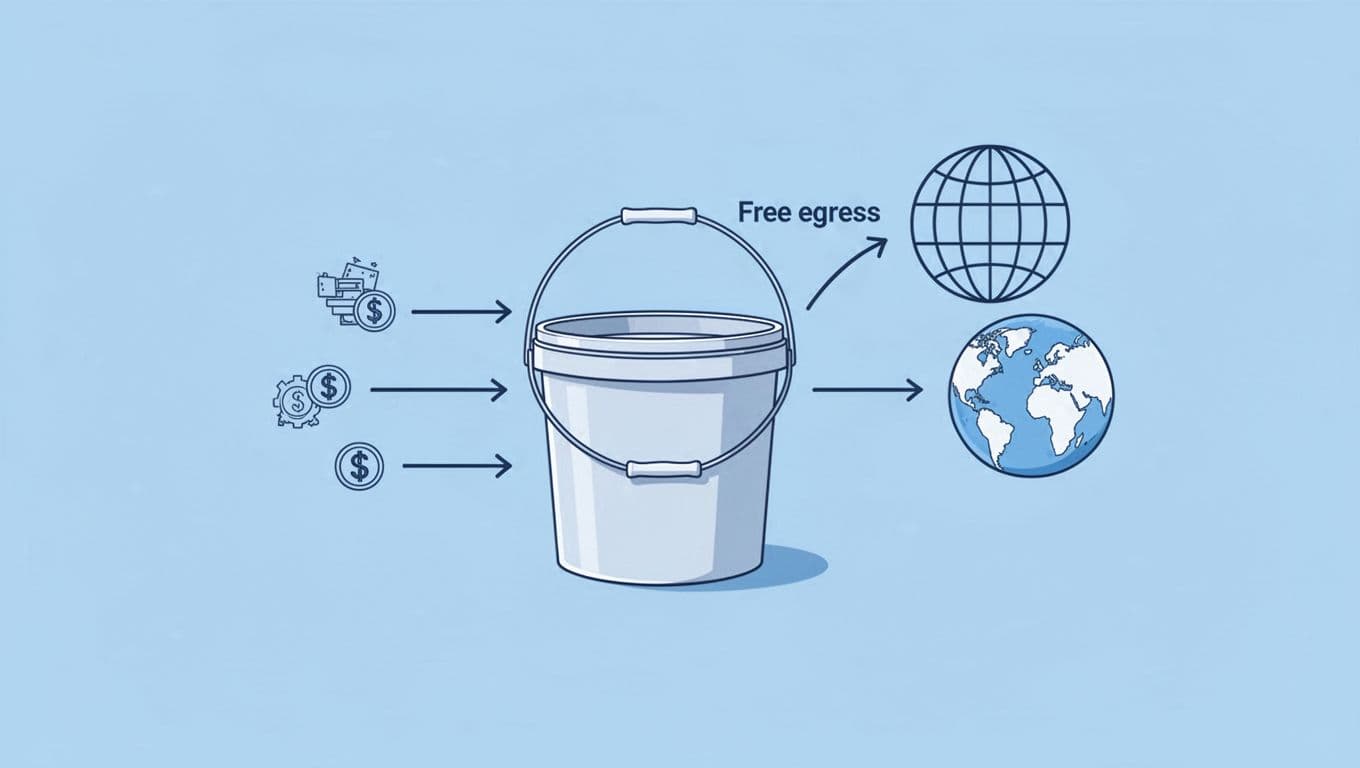
Cloudflare R2 pricing is easier to read than most cloud bills, but only if you split it into the right pieces. You pay for storage, you pay for operations, and you may pay a small fee when you pull cold data from the infrequent access tier. You do not pay an egress fee when data leaves R2, which is where the math starts to feel different from AWS or Azure.
A current 2026 R2 pricing breakdown shows the same pattern clearly. The bill stays simple because the expensive part, outbound traffic, is removed from the equation.
Storage, requests, and retrievals in plain English
You pay to keep files in the bucket, and you pay when your app does work on those files. That work falls into two buckets: Class A operations for write-style actions like uploads and lists, and Class B operations for reads. The request count matters, but the number of bytes leaving R2 does not create a transfer bill.
| Charge type | What it means | What it costs you |
|---|---|---|
| Standard storage | Files you keep in the bucket | $0.015 per GB-month |
| Infrequent access storage | Colder files you touch less often | $0.01 per GB-month |
| Class A operations | Uploads, copies, lists, deletes | $4.50 per million |
| Class B operations | Reads and downloads | $0.36 per million |
| Infrequent access retrievals | Pulling data back out of the colder tier | $0.01 per GB |
| Egress | Data sent out to users or apps | $0 |
That split matters because you can model storage costs without guessing about data transfer. If your workload serves the same files over and over, the bill stays tied to requests and storage, not to the amount of traffic leaving the service.
The important part is simple, R2 charges for keeping and touching data, but egress is free.

What the free tier gives you every month
The free tier is where Cloudflare R2 becomes easy to test. You get enough headroom to launch a proof of concept, run a small public asset library, or support an early-stage product without paying to learn your traffic pattern.
| Free tier item | Monthly allowance | Why it helps |
|---|---|---|
| Storage | 10 GB | Good for small sites and test data |
| Class A operations | 1 million | Covers uploads, lists, and deletes during early testing |
| Class B operations | 10 million | Supports lots of reads for demos and light apps |
| Egress | Free | Lets you serve files without data egress fees |
That is useful when you want to watch real usage before you commit budget. A startup can place product screenshots, PDFs, or small app files in an R2 bucket and see how far the free tier goes before moving to paid usage.
For example, a small SaaS that stores onboarding assets and serves them to trial users may never hit storage limits first. It usually hits request volume before size, which is why the operation counts matter so much. If you want the latest rate structure in one place, Cloudflare also documents its pricing on the official R2 pricing page, and the published numbers match the pattern above.
| Best fit for the free tier | Why it works |
|---|---|
| Testing and staging | You can measure traffic without cost pressure |
| Small apps | Storage stays low, and reads stay predictable |
| Early-stage teams | You get room to learn before the bill grows |
The takeaway is plain. Cloudflare R2 gives you a clean starting point, and the free tier buys time to validate demand. If your traffic grows, you still keep the same cost model, just with more data, more operations, and no surprise charges for outbound bandwidth.
Cloudflare R2 vs Amazon S3, where the money really changes
The gap between Cloudflare R2 and Amazon S3 starts small, then grows fast when your users keep asking for the same files. Storage looks almost tame on paper. Egress is where the bill changes shape, especially when your traffic spikes or your downloads keep repeating.
If you want a current cost snapshot, the Cloudflare R2 pricing breakdown for 2026 shows the storage-and-operations model clearly. S3 still keeps the familiar AWS structure, but once bytes leave the bucket, the math gets heavier.
Price differences that matter at real scale
At low volume, the storage line can fool you. At real scale, the transfer line takes over. That is why egress fees Cloudflare R2 removes matter most for teams serving media, downloads, backups, and API responses.
| Cost item | Cloudflare R2 | Amazon S3 Standard |
|---|---|---|
| Standard storage | $0.015 per GB-month | $0.023 per GB-month |
| Outbound data | $0 | about $0.09 per GB after the first 100 GB |
| Class A operations | $4.50 per million | request pricing applies |
| Class B operations | $0.36 per million | request pricing applies |
| Free tier | 10 GB storage, 1M Class A, 10M Class B, free egress | 100 GB egress free, pricing varies by account |
The biggest difference is not the per-GB storage rate. It is the fact that Cloudflare R2 egress is free while S3 charges every time data leaves. That turns a normal month into a sharp one when traffic grows.
| Monthly workload | Cloudflare R2 | Amazon S3 Standard | What drives the gap |
|---|---|---|---|
| 100 GB stored, 1 TB outbound | about $1.50 plus ops | about $92.30 plus requests | data transfer |
| 1 TB stored, 10 TB outbound | about $15 plus ops | about $914 plus requests | egress fees |
| 10 TB stored, 50 TB outbound | about $150 plus ops | about $4,730 plus requests | costly egress |
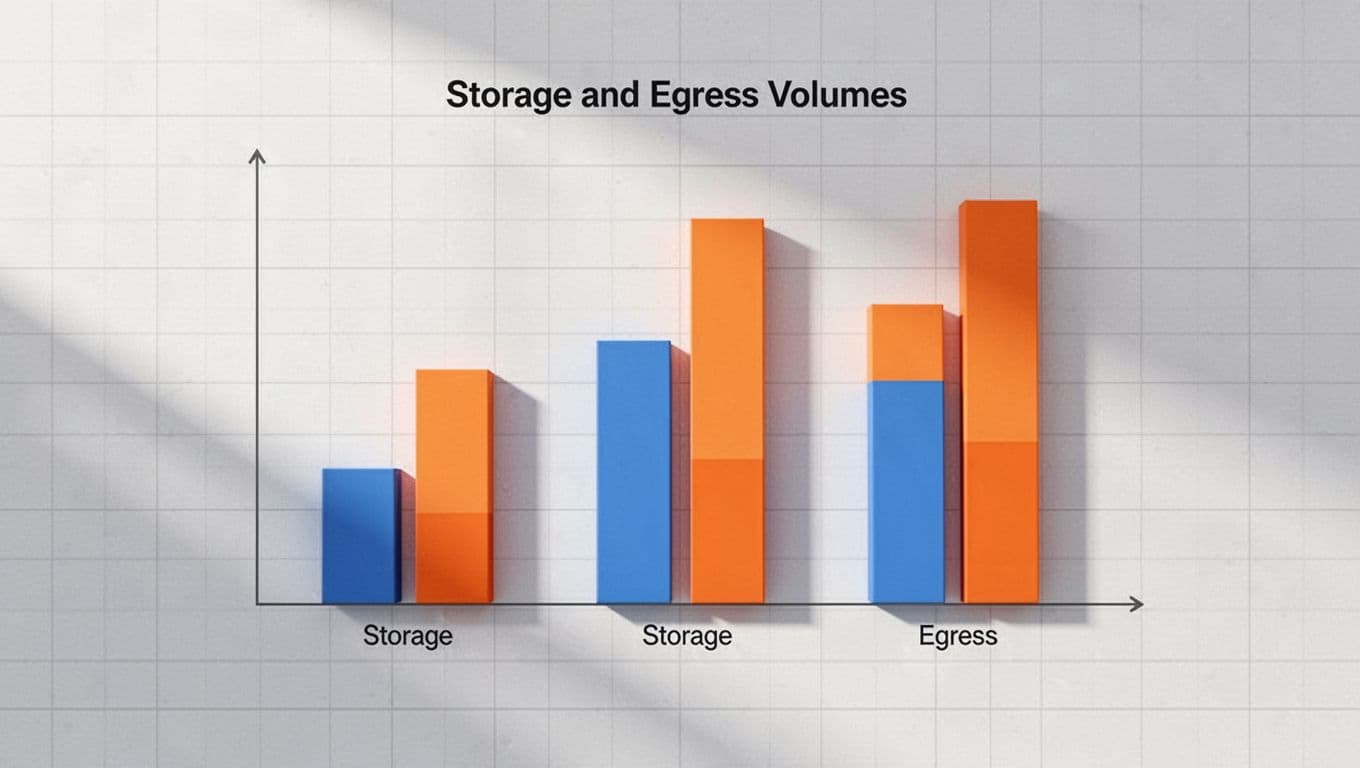
A public migration roundup shows the same pattern across real workloads. The figures are hard to miss when you compare them side by side.
| Real-world pattern | S3 monthly cost | R2 monthly cost | Why it matters |
|---|---|---|---|
| Personal blog | about $50 | about $0.75 | traffic is more expensive than storage |
| SaaS app | about $923 | about $15 | reads drive the bill |
| Video platform | about $4,730 | about $150 | outbound traffic becomes the tax |
For a quick check, use this cloud storage cost comparison as a reference point. It shows how fast monthly costs shift once downloads become the main event.
If you already buy Cloudflare, you can trim the rest of the stack too. Spendbase offers up to 25% off Cloudflare, which helps reduce the platform spend around your storage move.
| Spendbase offer | What it helps offset |
|---|---|
| Up to 25% off Cloudflare | part of your Cloudflare bill, including the services around R2 |
Where S3 still has an edge
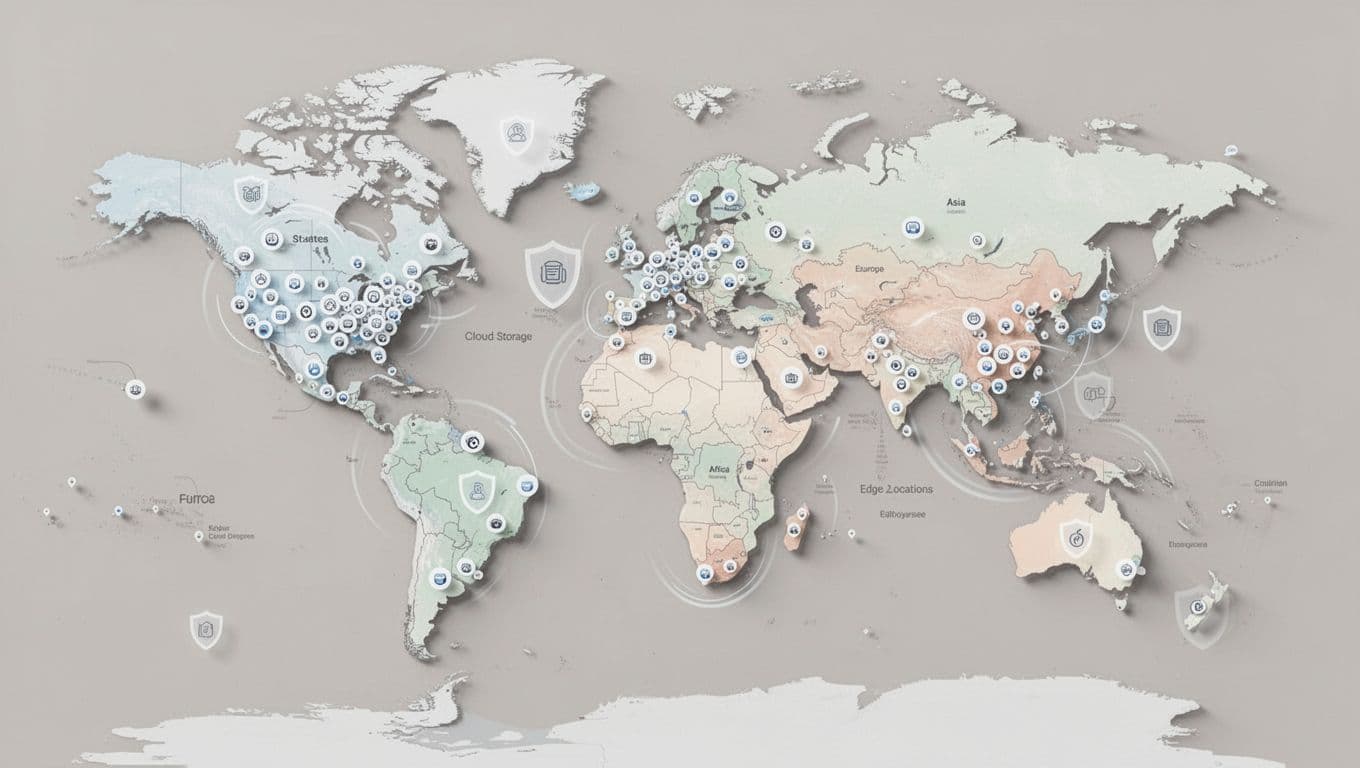
Cloudflare R2 wins when data transfer hurts more than storage. Amazon S3 still has the stronger position when your stack lives deep inside AWS or your compliance team wants broader region coverage and storage tiers.
| Area | Amazon S3 edge | Why it matters |
|---|---|---|
| Ecosystem support | Native fit with IAM, Lambda, EventBridge, Athena, and many tools | less glue code inside one cloud provider |
| Regions | More regions and mature placement options | easier latency and residency planning |
| Compliance | Broad enterprise controls and well-known patterns | helpful for regulated teams |
| Cold storage | Standard-IA, Glacier, and Intelligent-Tiering | useful when access is rare and storage fees matter most |
That is why S3 still makes sense for some workloads. If your data barely moves, if your company already runs on AWS, or if your team needs a familiar compliance path, S3 can be the safer operational choice.
A simple way to frame it:
- Use R2 when downloads, media delivery, and shared assets dominate your bill.
- Use S3 when internal AWS integrations matter more than outbound cost.
- Use S3 for archive-heavy data that sits cold for long stretches.
- Use R2 when you want to eliminate egress without changing your serving model.
| S3 storage class | Best for | Cost behavior |
|---|---|---|
| Standard | hot data you read often | higher storage, simple access |
| Standard-IA | infrequent access storage | lower storage, retrieval fees apply |
| Glacier tiers | long-term archive data | very low storage, slower restores |
| R2 standard storage | frequently served objects | low storage, free egress |
For teams that want the shortest path to lower bills, the decision is usually clear. Cloudflare R2 cuts the part of cloud storage that grows with traffic, while Amazon S3 still wins when ecosystem depth, regions, or cold-data tiers matter more than outbound cost.
Free virtual cards for non-EU residents
Open in 1 working day, issue 100 virtual cards, and get up to 1.25% cashback.
Get a free account
How to estimate your costs before you move anything
Before you migrate a single file, build a rough bill with three numbers: data stored, downloads, and request volume. That gives you a clean picture of your likely Egress Fees Cloudflare R2 savings, and it also shows where your real costs sit if you stay on AWS or Azure.
The goal is not perfect math. The goal is to spot whether your bill is storage-led or traffic-led. If traffic dominates, Cloudflare R2 usually wins fast. If storage dominates and reads stay low, your savings are smaller.
Use this simple lens first.
| Input | What you need | Why it matters |
|---|---|---|
| Data stored | GB or TB in the bucket | Sets your storage cost floor |
| Downloads | GB or TB sent to users | Shows where egress grows |
| Request volume | Class A and Class B operations | Adds request costs on top |
A quick forecast keeps you from guessing. You can also sanity-check your numbers with the Cloudflare R2 pricing calculator, then compare the result with your current cloud provider bill.
A simple way to forecast your monthly bill
Start with one month of usage. If you already have logs, grab the total amount of data stored, the total downloads, and the number of reads and writes. If you don’t, use your current month as a baseline and multiply by expected growth.
Then run a quick estimate:
- Multiply stored GB by storage price.
- Multiply read and write counts by their operation rates.
- Ignore outbound bandwidth on Cloudflare R2, because free egress changes that part of the math.
- Add a buffer for growth, usually 10% to 20%.
| Item | Cloudflare R2 standard pricing | How you use it |
|---|---|---|
| Standard storage | $0.015 per GB-month | Multiply by your stored GB |
| Class A operations | $4.50 per million | Use for uploads, deletes, and lists |
| Class B operations | $0.36 per million | Use for reads and downloads |
| Egress fee | $0 | Leave this out of the R2 side |
| Free tier | 10 GB, 1M Class A, 10M Class B | Useful for small tests and proofs |
For a simple object storage workload, that gets you close enough to make a decision. A 1 TB bucket with 5 TB of monthly downloads may look expensive in AWS S3 or Azure, but the Cloudflare version stays tied to storage and operations, not to moving bytes out.
| Example workload | Storage cost on R2 | Request cost on R2 | Egress cost on R2 |
|---|---|---|---|
| 100 GB stored, light reads | about $1.50 | low | $0 |
| 1 TB stored, moderate reads | about $15 | low to moderate | $0 |
| 10 TB stored, heavy reads | about $150 | depends on reads | $0 |
That is the number that matters most. If you want a faster shortcut, use the rule that egress is free on Cloudflare R2, then focus your estimate on storage and operations.
If your current bill is driven by downloads, the storage line will look small beside the transfer line.
What to watch for when your app has lots of reads
High read volume is where many teams get surprised. A Class B operation is cheap on its own, but repeated fetches pile up fast when users keep loading the same assets. That is common for media libraries, product images, app icons, and exports.

The math stays simple. If you serve 10 million reads in a month, the read bill is still tiny. If you serve 100 million reads, it starts to matter. By 1 billion reads, the cost is real even with Cloudflare R2, because request volume still charges you.
| Monthly Class B operations | Approx. R2 read cost | What it means |
|---|---|---|
| 10 million | about $3.60 | Usually easy to absorb |
| 100 million | about $36 | Starts to show up in finance reviews |
| 1 billion | about $360 | Worth modeling before migration |
This is where Cloudflare caching and Cloudflare Workers help. If the edge serves a cached copy, you cut reads against the bucket and keep your storage and operations bill lower. That matters for a busy cloud environment where the same file gets fetched again and again.
A practical read-heavy check looks like this:
| Signal | What it tells you |
|---|---|
| Many small files | Class B ops can outpace storage growth |
| Repeated asset fetches | Cache hits can save real money |
| Large download spikes | You need a closer look at total monthly reads |
| API endpoints serving files | Request volume matters as much as file size |
Cloudflare’s own docs point to the same structure, storage plus operations, with zero egress fees. That model is easy to test before you move data, and it is one reason Cloudflare R2 is a strong fit for large amounts of unstructured data that users keep reading.
| Quick test | What to ask | Good sign |
|---|---|---|
| Storage | How many GB do you keep? | Low and predictable |
| Downloads | How many GB leave each month? | High enough to hurt on S3 |
| Reads | How many requests hit the bucket? | Stable enough to forecast |
| Writes | How often do you update files? | Low enough that Class A stays manageable |
For a real-world check, use one month of actual logs from a media site, SaaS app, or download portal. If the same file gets pulled thousands of times, Cloudflare R2 usually cuts the bill because the data transfer charge disappears.
A quick comparison before you migrate
Before you move anything, compare the likely monthly totals side by side. That gives you a safer go or no-go call.
| Scenario | AWS or Azure style bill | Cloudflare R2 bill shape |
|---|---|---|
| Low storage, high downloads | Egress dominates | Storage and ops dominate |
| High storage, low downloads | Storage dominates | Storage dominates |
| Moderate storage, repeated reads | Data egress fees climb | Class B ops stay manageable |
| Public files behind a CDN | Some transfer cost remains | Free egress changes the math |
That simple table usually answers the question. If your workload is read-heavy, your cost risk sits in egress charges, not in storage. If your workload is write-heavy, the operations side deserves a closer look before you move your data.
| Before-move checklist | What to measure |
|---|---|
| Data stored | Current GB or TB in the bucket |
| Downloads | Monthly outbound GB |
| Class A operations | Uploads, deletes, and lists |
| Class B operations | Reads and file fetches |
| Growth | Expected increase over the next 3 months |
If you already know your pattern, this is the fastest way to estimate costs with Cloudflare R2 without overbuilding the model. Start with the three inputs, check the free tier, then decide whether the savings justify the move. For many teams, the answer is yes as soon as egress starts to outrun storage.
Best practices for keeping R2 costs low
The cheapest R2 bucket is the one that does less work for the same result. Your bill stays small when you cut repeat reads, keep files hot at the edge, and avoid asking Cloudflare R2 to do the same job over and over.
That matters because Egress Fees Cloudflare R2 removes only the transfer charge. You still pay for class b operations, storage, and some retrieval work. So the real win comes from tighter app design, not just a lower sticker price.
How to reduce Class B operations
If your app keeps pulling the same files, every extra read adds noise to the bill. Caching is the first line of defense, batching cuts request count, and cleaner app logic keeps your object storage from becoming a request factory.
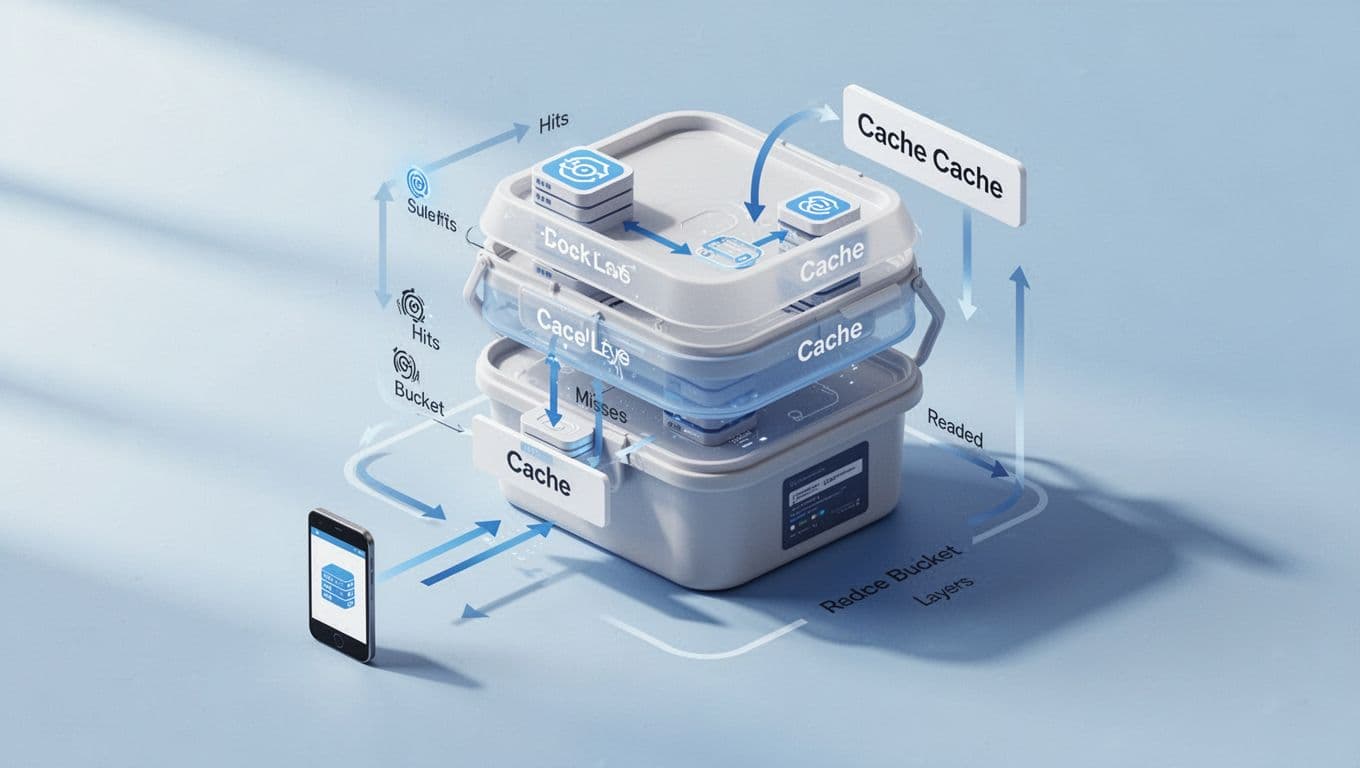
Request -> edge cache -> R2 only on miss -> cache again
| Tactic | What you change | Cost effect |
|---|---|---|
| Cache assets at the edge | Serve images, files, and JSON from Cloudflare cache before R2 | Fewer class b operations |
| Batch reads and deletes | Group work instead of calling R2 one object at a time | Lower request count |
| Store file lists elsewhere | Keep metadata in a database or KV store | Fewer list operations |
| Use predictable file paths | Skip bucket scans when you already know the name | Less read chatter |
Cloudflare’s usage-based billing guidance points in the same direction, keep cache hit rates high and keep surprise usage low. That is the cheapest path when your app serves the same cloud object many times a day.
A simple rule helps. If users request the same logo, report, or media file more than once, don’t ask R2 to fetch it every time. Put it behind Cloudflare caching or Cloudflare Workers, then let the edge do the repeat work.
| Read pattern | What usually happens | Better move |
|---|---|---|
| Public images | Lots of repeat hits, same file served again and again | Cache aggressively |
| Product exports | Files get downloaded in bursts | Pre-generate and batch delivery |
| Admin file lists | Teams keep opening the same directory view | Store metadata outside R2 |
| API file lookups | Small reads repeat all day | Add a local cache layer |
A real-world example makes this clear. Prisma moved engine downloads from AWS S3 and CloudFront to Cloudflare R2 and reported a 98% drop in distribution costs. The big saving came from taking high-volume delivery off the storage bill and keeping traffic close to the edge.
| Example | What happened | Why it matters |
|---|---|---|
| Prisma downloads | Distribution costs fell 98% | Repeated delivery is where egress costs explode |
| High-read image app | 10 million reads a day stayed manageable on R2 | Reads matter less when cache hit rates are strong |
| Public asset library | Downloads moved off amazon s3 style transfer pricing | data transfer fees stop piling up |
The edge should do the repeat work. R2 should hold the source of truth.
| Pattern to avoid | Better pattern | Benefit |
|---|---|---|
| Listing a bucket on every page load | Cache the file list | Fewer class b operations |
| Fetching files one by one | Batch requests where possible | Lower request volume |
| Rebuilding thumbnails on demand | Precompute and store them | Less repeated read traffic |
| Serving uncached assets | Add cache headers and a CDN layer | Less pressure on R2 reads |
| Approach | Pros | Cons |
|---|---|---|
| Edge caching | Cuts reads hard, improves speed | Needs good cache rules |
| Batching | Reduces request count fast | Not every workflow supports it |
| Predictable paths | Removes bucket scans | Requires cleaner naming |
| Metadata store | Avoids frequent list calls | Adds another system to manage |
The pricing math is friendly here. Cloudflare’s current r2 pricing keeps class b operations at $0.36 per million after the free tier, so every read you avoid is a small but real win. That adds up once your app starts serving the same files at scale.
How to use the free tier without outgrowing it too fast
Cloudflare R2 gives small teams room to move before the bill starts. The free tier includes 10 GB of storage, 1 million class a operations, 10 million class b operations, and free egress, so you can test real traffic without paying to learn your pattern.
The trick is to watch growth before it sneaks past the limit. A tiny team can stay free longer by keeping file sizes small, caching repeat reads, and avoiding noisy bucket scans.
| Free tier limit | What it covers | How to stay under it longer |
|---|---|---|
| 10 GB storage | Small sites, demos, and asset libraries | Compress files and prune old copies |
| 1 million Class A operations | Uploads, deletes, and lists | Batch writes and avoid duplicate uploads |
| 10 million Class B operations | Reads and downloads | Cache repeated assets and responses |
| Free egress | Delivery to users | Keep serving public files through Cloudflare |
A quick planning loop helps. Deploy, watch reads, trim waste, then review usage every week. If you do that, Cloudflare billing stays calm and your cloud provider bill doesn’t spring a surprise.
| Warning sign | What it usually means | What to do next |
|---|---|---|
| Class B jumps faster than storage | Repeated reads are driving cost | Add more caching |
| Class A climbs on quiet days | Your app is rewriting too much | Batch writes or dedupe uploads |
| Storage stays flat, cost rises | Requests are the problem, not size | Check logs and hot paths |
| Usage spikes at launch | Cache misses are hitting the bucket | Warm the cache before promotion |
For a small team, the best setup is simple. Use an R2 bucket for the source file, put Cloudflare caching in front, and keep budget alerts on. If you already buy Cloudflare services, Spendbase offers up to 25% off Cloudflare, which helps trim the rest of the stack while you keep egress off your bill.
| Small-team setup | Best for | Risk to watch |
|---|---|---|
| Public assets behind cache | Sites, docs, and product images | Too many cache misses |
| Backups with rare restores | Archives that mostly sit cold | Restores can still create retrieval fees |
| Demo or staging bucket | Testing and proofs of concept | Test traffic can grow fast |
| Shared download portal | SaaS files and exports | High read volume if uncached |
A second cost example shows why this matters. One workload with 100,000 files and 10 million reads per day stayed under the storage limit, but the read count still created a monthly bill of about $104.40 after free usage. That is still far below s3-style data transfer costs, yet it proves that requests, not storage, can become the main line item.
| Cost control move | Why it works |
|---|---|
| Use fewer file variants | Cuts duplicate storage and reads |
| Set cache TTLs with intent | Prevents repeat trips to R2 |
| Track usage weekly | Catches growth before overages land |
| Keep hot data small | Reduces both storage costs and read pressure |
| Free tier habit | Result |
|---|---|
| Cache common files | Fewer egress charges and fewer reads |
| Avoid listing folders often | Lower request count |
| Compress uploads | Less data stored and less churn |
| Watch alerts early | No surprise jump in storage fees |
If you want a quick mental model, use this one: store once, read many, cache the rest. That is how you keep Cloudflare R2 cheap without starving your app of speed, and it is how you turn free egress into a real advantage instead of a short-lived promo.
| Decision point | Ask yourself | Good answer looks like |
|---|---|---|
| Read frequency | Do the same files get requested again and again? | Yes, then cache them |
| File size | Are you serving many small files or a few large ones? | Small files need stricter caching |
| Growth rate | Will usage triple in the next quarter? | If yes, watch the free tier now |
| Team size | Can you review logs weekly? | If yes, you can stay ahead of overages |
Cloudflare keeps the transfer side easy, but your app design decides the rest. If you trim reads, batch work, and hold the cache line, R2 stays close to the cheapest version of cloud storage you can buy.
Real-world use cases where R2 can save the most
You save the most with R2 when your files are large, public, and requested again and again. That is where Egress Fees Cloudflare R2 cuts the deepest, because the bill stops rising every time someone downloads the same object.
The strongest fits are simple to spot. You have a clear storage set, a steady stream of reads, and a cost line that balloons when traffic climbs. In those cases, R2 is less like a storage swap and more like a pressure release valve for your cloud bill.
| Workload pattern | Why R2 helps most | When it helps less |
|---|---|---|
| Large public files | Users keep downloading the same objects | Files are rarely accessed |
| Repeat media delivery | Images, audio, and video create constant outbound traffic | Content stays private or internal |
| App updates and installers | One release can be downloaded thousands of times | Release volume is tiny |
| Backups and restores | Restore traffic can spike hard after an incident | Data sits cold with almost no recovery activity |
If your budget breaks on downloads, not storage, R2 usually fixes the expensive part first.
Media, downloads, and customer-facing files
This is where Cloudflare R2 usually shines the brightest. Video files, podcast episodes, product photos, PDFs, and app updates all behave the same way, they get stored once and served many times. That repeated data transfer is what makes AWS and Azure bills climb fast.
Cloudflare’s own R2 docs call out web content, podcast episodes, and large media files as strong fits, which lines up with what you see in production. The more often users fetch the same file, the more sense it makes to move that traffic onto Cloudflare R2 and keep the egress charge off the bill. For a quick look at the platform side, see the Cloudflare R2 overview and the Prisma R2 savings case study.

A media-heavy workload often looks like this:
| File type | Why it gets expensive elsewhere | Why R2 fits |
|---|---|---|
| Video | Large files trigger heavy bandwidth charges | Free egress removes the transfer penalty |
| Audio | Repeated plays create steady reads | Reads cost less than outbound traffic on other clouds |
| Images | Every page load pulls the same assets | R2 keeps the serving path cheap |
| App updates | One release can be downloaded many times | Distribution cost stays tied to storage and operations |
A real example makes the math clear. Prisma said its engine distribution costs dropped by 98% after moving to R2. SYBO reported saving around $60,000 per month with Cloudflare caching and R2 in its global game delivery path. Those are the kinds of savings you feel when egress charges disappear from a high-traffic file pipeline.
| Real-world example | What changed | Why it matters |
|---|---|---|
| Prisma engine downloads | Distribution costs fell 98% | Frequent downloads no longer stacked up in transfer fees |
| SYBO game traffic | Roughly $60,000 saved each month | Caching plus R2 cut the cost of serving global users |
| Media backup workload | 200 GB and 5 million reads cost about $4.80 on R2 | The same traffic would create a much larger AWS bill |
For customer-facing files, the winning setup is usually the same:
- Put the source file in an R2 bucket.
- Cache repeat requests at the edge with Cloudflare.
- Keep your asset names predictable.
- Avoid needless re-uploads and duplicate variants.
| Delivery choice | Cost effect | Speed effect |
|---|---|---|
| Direct from S3 | High data egress cost | Good, but expensive at scale |
| Direct from R2 | No egress fee | Good for public files |
| R2 plus Cloudflare cache | Lowest repeat-read pressure | Usually the best balance |
If you already buy Cloudflare services, Spendbase offers up to 25% off Cloudflare, which helps trim the rest of the bill while you cut egress with R2.
| What to watch | Why it matters |
|---|---|
| Huge files with repeat downloads | They create the fastest savings |
| Frequent cache misses | They push more reads back to the bucket |
| Small files with high request volume | Class B operations can still add up |
Backups, archives, and disaster recovery
Backups look cheap until you restore them. That is where other clouds often hit you twice, once for storing the data and again for moving it back out during recovery. If your team restores large datasets after an outage, data transfer fees can become the surprise line item.
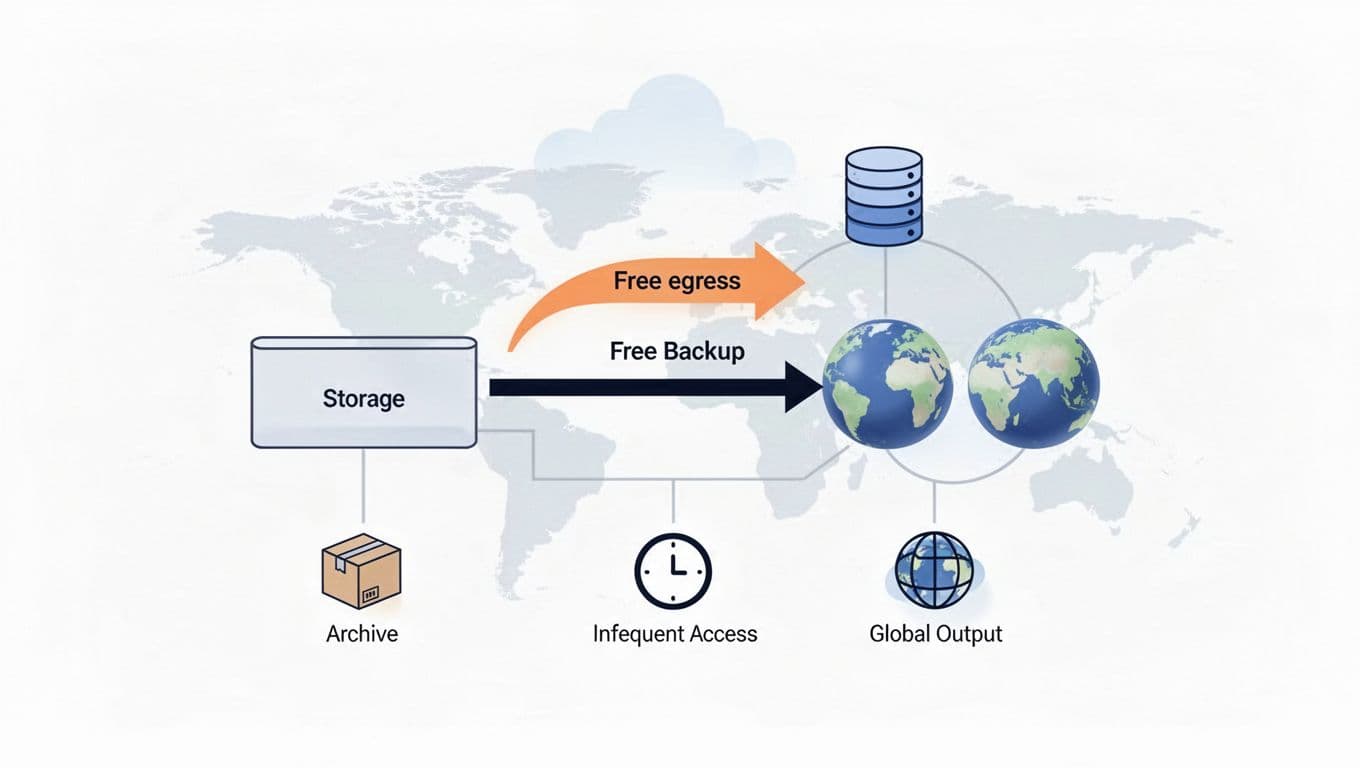
R2 changes that math because restore traffic does not carry an egress fee. You still pay for storage and operations, and infrequent access storage has its own retrieval fee, but you avoid the painful part that usually spikes during a restore event. That is why R2 works well for backups, archives, and disaster recovery where restore volume matters.
| Restore scenario | Cost pressure on AWS or Azure | What R2 changes |
|---|---|---|
| Full site recovery | Large outbound transfer bill after an incident | No egress charge on restores |
| Monthly test restore | Repeated recovery traffic adds up | Lower cost for each restore cycle |
| Archive retrieval | Rare access can still be expensive | Retrieval fees are easier to model |
| Multi-region recovery | Data moves across more paths | Transfer cost stays off the bill |
The current R2 pricing model is also easy to explain in a boardroom. Standard storage is low, class a operations and class b operations are priced separately, and restore traffic is not taxed as outbound bandwidth. That is a simpler story than many storage plans from a cloud provider like AWS or Azure.
| Storage class | Best for | Cost behavior |
|---|---|---|
| Standard storage | Active backups and recovery sets | Low, predictable storage pricing |
| Infrequent access storage | Older archives you rarely touch | Lower storage cost, retrieval fee applies |
| Cold archive in another cloud | Very long retention with little access | Cheaper storage, but restores can hurt |
A practical disaster recovery plan often looks like this:
- Keep your primary backups in R2.
- Test restore jobs on a fixed schedule.
- Cache recovery metadata outside the bucket.
- Track restore volume, not just stored volume.
That matters because the real cost of a backup is not the file sitting quietly in storage. It is the day you need to move data fast and at scale.
| Backup pattern | Best fit | Why |
|---|---|---|
| Daily snapshots with periodic restores | Cloudflare R2 | Restore traffic stays free |
| Long-term archives with rare access | Maybe another storage class | Storage price can matter more than movement |
| Disaster recovery for customer data | Cloudflare R2 | Lower recovery cost under pressure |
| Compliance archives with fixed retention | Depends on access pattern | Retrieval fee may or may not matter |
There is one honest trade-off. If your archive almost never gets restored, R2 may not be the absolute cheapest storage class. But when restore traffic matters, egress is free becomes the bigger win. That is the point where R2 storage starts saving you real money, because it removes the fee that usually shows up right when you need the data most.
| Pros | Cons |
|---|---|
| Zero egress fees on restore traffic | Retrieval fees still apply for infrequent access storage |
| Strong fit for recovery workflows | Not always the lowest storage price for deep cold archives |
| Easy to explain to finance teams | Heavy write churn still needs cost review |
| Works well with a hybrid cloud setup | You still need a restore plan and monitoring |
For backup-heavy teams, the decision is practical. Use R2 when you want a s3-compatible bucket that makes restores cheap to move. Keep a colder archive tier elsewhere only when your restore rate is tiny and your retention rules are strict.
| Final check | If the answer is yes |
|---|---|
| Do you restore large backups more than a few times a year? | R2 can save a lot |
| Do your users download the same files often? | R2 usually pays off fast |
| Do you want to eliminate egress on recovery paths? | R2 is a strong fit |
| Do you need the cheapest possible cold archive? | Compare storage classes before moving |
The best savings show up when your files are popular, your restores are real, and your cloud bill grows with traffic. That is where Cloudflare R2 does its best work, and where egress fees Cloudflare R2 removes become impossible to ignore.
How to integrate R2 into your stack without a painful rewrite
You don’t need a full rebuild to move storage to Cloudflare R2. If your app already talks to S3, you can usually swap the endpoint, update credentials, and keep the rest of the code intact. That is the main reason Egress Fees Cloudflare R2 cuts so cleanly into an existing stack.
The safest path is simple: move the data, verify reads and writes, then shift traffic in stages. That keeps the risk low and gives you room to roll back if anything looks off. If you already use Cloudflare for delivery, up to 25% off Cloudflare can also help trim the rest of the bill while you make the move.
| What changes | What usually stays the same |
|---|---|
| Bucket endpoint | Your app logic for uploads and downloads |
| Credentials | The shape of your object keys and file paths |
| Cache rules | Much of your file handling code |
| Traffic routing | Your product flow, if you test carefully |

A good integration plan keeps your storage layer boring. The more boring it feels, the less chance you have of a costly surprise on launch day.
The migration path from S3 to R2
Cloudflare’s own migration strategies page follows the same logic most teams need, move data first, then let new traffic flow into R2. For bulk moves, Super Slurper is the fastest path. For a gentler cutover, Sippy helps you serve missed objects from the old bucket while R2 fills in the gaps.
Start by creating the R2 bucket and matching the naming you already use in S3. Then sync the data, test your reads and writes, and only then switch endpoints in staging before production.
| Step | What you do | What you check |
|---|---|---|
| Create the bucket | Set up the R2 bucket with the right name and access rules | Permissions, naming, retention settings |
| Sync data | Copy objects from S3 with Super Slurper, rclone, or another migration tool | File counts, folder paths, metadata |
| Change endpoints | Point your app or SDK to the R2 endpoint | Auth, region settings, DNS, environment variables |
| Test reads and writes | Upload, fetch, list, and delete sample objects | Response codes, latency, object integrity |
| Cut over traffic | Move real users or jobs to R2 in phases | Errors, cache hit rate, rollback plan |
Move the storage first, then move the traffic last. That keeps your rollback simple.
A staged cutover works best when the app is public. You can route a small slice of traffic to R2, watch the logs, and widen the rollout only after the numbers stay flat. That matters more than speed, because a clean switch is cheaper than a rushed fix.

| Cutover plan | Why it works |
|---|---|
| Staging first | You catch endpoint and permission bugs early |
| Small traffic slice | You limit blast radius |
| Parallel validation | You compare old and new results side by side |
| Full switch after tests | You reduce the chance of a rollback |
You should also match your integration path to the workload. A Rails app with Active Storage can often swap storage backends with little code churn. A media app may need cache rules and CDN settings tightened before traffic moves. The storage change is easy; the delivery path is where the real work sits.
| Stack pattern | Best move | Why |
|---|---|---|
| S3-compatible app | Swap endpoint and credentials | Minimal code change |
| CDN-backed media app | Move storage, then tune cache rules | Cuts repeat reads and data egress |
| Backup-heavy workflow | Sync data first, restore later | Gives you a safe rollback window |
| API serving files | Test latency and request volume | Small requests can hide cost spikes |
A quick example helps. One image-heavy site moved its S3 media bucket to R2 and routed delivery through Cloudflare cache. The result was a drop from about $246 a month to near zero on delivery costs, because the app stopped paying for outbound traffic on every request. Another public case, Prisma, reported a 98% drop in distribution costs after moving downloads to R2.
| Real-world case | What changed | Result |
|---|---|---|
| Image-heavy site | S3 delivery moved to R2 plus cache | About $246/month fell to near zero |
| Prisma | Engine downloads moved from S3 and CloudFront to R2 | 98% lower distribution cost |
| Media app | Public assets shifted to R2-backed delivery | Large egress charges disappeared |
Common integration mistakes to avoid
Most migration pain comes from small misses, not big failures. A broken endpoint can stop every request. Missing permissions can make uploads fail in one environment and pass in another. Forgotten cache rules can push far more traffic back to the bucket than you expected.
Request volume is the other trap. Cloudflare R2 removes the egress fee, but it does not make reads free forever. If your app sends the same object path through the bucket on every page load, your class b operations can climb faster than you planned.

| Mistake | What it breaks | What to do instead |
|---|---|---|
| Broken endpoint | Every read and write call | Confirm the R2 endpoint in staging first |
| Missing permissions | Uploads, deletes, or listings | Use a narrow token and test each action |
| Forgotten cache rules | Repeat fetches hit storage too often | Add edge caching before full cutover |
| Underestimated request volume | Class B operations rise fast | Model reads as carefully as storage |
| Skipping rollback steps | You lose a fast escape route | Keep the old bucket live until tests pass |
Endpoint mismatches fail fast, cache misses fail quietly, and request volume is what keeps the bill climbing.
You also want to protect yourself from permission drift. Cloudflare’s S3-compatible path works well, but a token that is too broad is a risk, and one that is too narrow can break your deployment. Use the smallest access set that still lets your app read, write, and list what it needs.
| Permission issue | Common symptom | Safer fix |
|---|---|---|
| Read-only token in production | Uploads fail after deploy | Separate read and write tokens |
| Overbroad write token | Unneeded access to other buckets | Scope the token to one bucket |
| Missing list access | Folder views or sync jobs fail | Add only the list permission you need |
That is where phased testing pays off. Run a few uploads, fetch the same file several times, and compare the result with your old bucket. If your logs stay clean and cache hits stay high, the move is probably ready for production traffic.
| Test | What you should see |
|---|---|
| Upload a file | Object appears in R2 with the right name |
| Read the file | Content matches the source bucket |
| List objects | Bucket paths look the same as before |
| Delete a test object | Your cleanup flow still works |
You should also watch the bill shape, not just the app behavior. A larger total volume of data stored is easy to notice, but a smaller object set with heavy reads can still rack up storage and operations costs if you ignore cache behavior. That is why Cloudflare Workers and cache rules matter as much as the bucket itself.
| Cost signal | What it means |
|---|---|
| Storage grows, reads stay flat | You need to watch the storage line |
| Reads grow faster than storage | Cache more aggressively |
| Writes spike during deploys | Check retries and duplicate uploads |
| Bill rises with no storage change | Class B operations or cache misses are likely |
If you want a simple decision guide, use this:
| Integration path | Best fit | Main risk | Good for |
|---|---|---|---|
| Direct endpoint swap | Simple S3-compatible apps | Missing env changes | Fast migrations |
| Bulk copy with Super Slurper | Large buckets | Overlooking metadata | Big one-time moves |
| Phased Sippy cutover | High-traffic apps | Extra planning | Public files and downloads |
| Cache-first delivery | Read-heavy stacks | Bad cache rules | Media, docs, and exports |
| Pros | Cons |
|---|---|
| Lower egress costs right away | You still pay for storage fees and requests |
| Minimal app rewrites | You must test endpoints and auth carefully |
| Works well with a cloud environment already tied to Cloudflare | Cache tuning takes time |
| Fits a s3-compatible api model | Heavy writes can still raise storage and operations cost |
A clean integration usually looks dull in the best way. You create the bucket, move the files, switch the endpoint, and let the edge take the load off the origin. If that sequence stays intact, Cloudflare R2 gives you the cost relief you want without forcing a painful rewrite.
You get the biggest payoff from Cloudflare R2 when you look beyond the storage line. The hidden value is what happens to the rest of your bill, because a discount on Cloudflare services can shorten the time it takes to recover your migration cost. If you want to see how R2 fits beside the wider platform, what Cloudflare is used for gives you the bigger picture.
If you already buy Cloudflare, Spendbase offers up to 25% off Cloudflare plans. That does not change R2’s zero egress fees, but it does lower the cost of the services around it, which is where many teams still spend real money.
Cloudflare’s official R2 pricing page keeps the base rates clear, and the R2 pricing calculator helps you test your own volume before you move anything.
| Cost line | Without a discount | With Spendbase savings | Why it matters |
|---|---|---|---|
| R2 storage | $0.015 per GB-month | same | Your base storage stays low |
| Class A and Class B operations | Pay per request | same | Request-heavy apps still need watching |
| Cloudflare delivery and edge services | Full price | Up to 25% lower | This trims the recurring layer around R2 |
| Egress | $0 | $0 | The core R2 advantage stays intact |
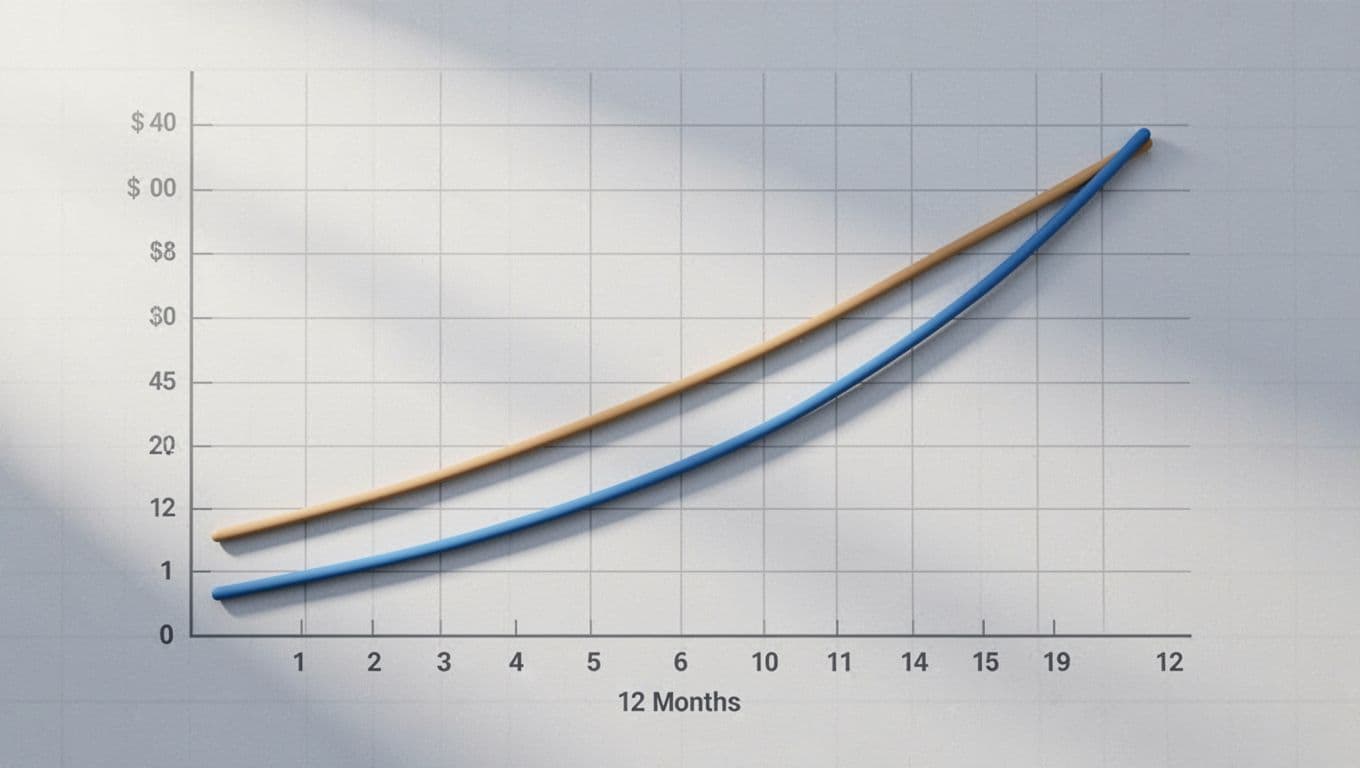
The point is simple. Egress Fees Cloudflare R2 removes the biggest surprise, and the discount trims the recurring spend that remains. For CTOs and CFOs, that means a cleaner payback story and less waiting for the budget to catch up.
How a discount changes the ROI on your move
The ROI shift is easier to see if you break it into four steps. First, you remove the old egress line. Next, you add R2 storage and operations. Then you apply the Cloudflare discount to the services you still use. Finally, you divide the migration cost by the new monthly savings.
That last step matters most. If your savings improve by even a few hundred dollars each month, payback comes sooner and the move feels less risky.
| ROI step | What changes | Effect on your payback |
|---|---|---|
| Remove egress | You stop paying for outbound traffic | Savings jump first |
| Add R2 storage and ops | You still pay for storage and requests | Net cost stays predictable |
| Apply the Cloudflare discount | Your edge, delivery, or worker spend drops | Monthly savings increase |
| Recalculate payback | Migration cost spreads over a larger monthly gain | Breakeven arrives sooner |
Here is a simple example you can model on your own numbers. If your move saves $1,200 a month before any discount, and your Cloudflare services still cost $400, a 25% discount gives you back another $100. That extra $100 shortens payback by a full month on a $1,200 migration.
| Example migration profile | Monthly savings before discount | Monthly savings after discount | What changes |
|---|---|---|---|
| Smaller app with steady downloads | $400 | $500 | The discount matters, but the egress cut still does most of the work |
| Mid-size SaaS with public files | $1,200 | $1,300 | The discount shaves time off the break-even date |
| High-volume media workflow | $4,000 | $4,150 | The savings stack, because traffic is already expensive |
The discount does not make R2 cheap by itself. It makes the cheaper architecture pay for itself faster.
| Payback driver | Why it matters to you |
|---|---|
| Egress removed | This is the biggest source of savings |
| Operations kept low | Request-heavy apps can still add cost |
| Discount on Cloudflare spend | Recurring savings improve ROI |
| Migration effort | The lower the lift, the faster the payback |
For teams that already run a s3-compatible stack, this is good news. You are usually changing endpoints and routing, not rewriting the app. That means the migration cost is often time, testing, and coordination, not a fresh build.
A quick sanity check helps you stay honest:
- Estimate your current egress bill.
- Estimate R2 storage and request costs.
- Add your Cloudflare spend after the discount.
- Compare the total against your current bill.
- Divide the migration effort by the net monthly savings.
That is the cleanest way to see whether cloud storage savings are enough on their own, or whether the discount is what pushes the move over the line.

When cost savings stack up the fastest
The fastest gains show up when your workload sends the same files out again and again. Media, public downloads, and high-traffic SaaS apps are the clearest examples, because they turn data transfer into a monthly tax. With R2, that tax disappears, and the discount on the rest of your Cloudflare stack adds a second layer of relief.
| Workload | Why savings stack quickly | What to watch |
|---|---|---|
| Media libraries | The same images, video files, or audio clips get requested many times | Cache misses |
| Public downloads | One installer or PDF can be served thousands of times | Release-day spikes |
| High-traffic SaaS | Small reads repeat all day across many users | Class B operations |
| Backups and restore paths | Data moves in bursts during recovery | Retrieval fees on colder tiers |
If you want a quick external benchmark, Cloudflare’s docs on R2 pricing and storage tiers show why the math tilts so hard toward read-heavy traffic. R2 keeps egress at zero, while request-heavy workloads still need a cache plan.
The best-fit jobs often look like this:
- Media delivery for images, video, and audio.
- Public files such as software builds, reports, and exports.
- User-generated assets that get downloaded far more than they get rewritten.
- Edge-served SaaS content where repeat reads are common.
| Best-fit use case | Why R2 helps | Why the discount matters |
|---|---|---|
| Image-heavy product sites | Repeat reads drive the bill | A lower Cloudflare bill improves the margin on delivery |
| Software distribution | Large files get downloaded often | The savings stack on top of zero egress |
| Customer exports | Reports and CSVs create burst traffic | Request costs stay visible, but transfer cost falls away |
| Global SaaS assets | Users hit the same assets from many regions | The recurring platform bill gets smaller too |
The most convincing real-world pattern is still the same, lower distribution cost. Prisma reported a 98% drop in engine distribution costs after moving downloads to R2. One image-heavy site cut delivery cost from about $246 per month to near zero after shifting the serving path to R2 and edge caching. SYBO said it saved around $60,000 per month with Cloudflare caching and R2 in its delivery path.
| Case study | What changed | What you learn from it |
|---|---|---|
| Prisma | Engine downloads moved off AWS S3 and CloudFront | High-volume delivery is where R2 saves the most |
| Image-heavy site | Image delivery moved from S3 to R2 plus cache | Even modest traffic can create a big egress bill |
| SYBO | Cloudflare caching plus R2 cut global delivery cost | At scale, every saved byte matters |
For these workloads, the hidden value of the discount is easy to miss. The egress savings do the heavy lifting, but the lower Cloudflare bill keeps the monthly run rate cleaner after the move. That helps when finance asks whether the architecture change is paying back fast enough.
| Savings layer | What it reduces | Why you care |
|---|---|---|
| Zero egress fees | Data egress | Removes the biggest cloud tax |
| Lower Cloudflare spend | Delivery, edge, and related services | Improves the ongoing margin |
| Fewer cache misses | Class B operations and repeated reads | Keeps object storage costs steady |
You should still keep a close eye on request patterns. Class B operations are cheap, but they are not invisible. If you serve millions of small reads every day, the read side can still rise, even when egress stays free.
| Pros | Cons |
|---|---|
| Lower monthly run rate after the move | Savings are smaller if the workload is cold |
| Faster payback when traffic is high | Request-heavy buckets still need careful caching |
| Easier budgeting because egress is gone | The discount only applies to Cloudflare spend |
| Better fit for repeat delivery | Heavy write churn still needs review |
| Signal to watch | What it tells you |
|---|---|
| Storage stays flat but bills rise | Reads or delivery are driving cost |
| Downloads outpace uploads | R2 is likely a strong fit |
| Cloudflare spend is still material | A discount can improve ROI further |
| Cache hit rate is low | You need more edge shielding |
If your bill is dominated by data transfer fees, the discount is a useful accelerator, not the main event. The main event is still eliminating egress charges with R2. The discount just helps you reach the good part sooner, which is what matters when you want the move to show results in the next budget cycle.
Where Cloudflare R2 still has limits you should know about
Cloudflare R2 removes the pain of egress charges, and that alone makes it attractive for many teams. Still, the lowest bill is not always the best fit. If you need exact regional control, deeper enterprise controls, or more storage tiers, AWS or Azure can still be the cleaner choice.
Current pricing makes the gap easy to see, but not every decision is about price. Cloudflare R2 gives you simple object storage, free outbound delivery, and a friendly bill. Traditional clouds give you more knobs, more policies, and more ways to place data exactly where your team wants it.
| Signal you should watch | What it means for R2 | What AWS or Azure may give you |
|---|---|---|
| Exact data residency rules | R2 can feel too broad for strict placement needs | Direct region choice and tighter residency control |
| Immutable retention rules | R2 is lighter on compliance features | Object Lock, immutability, and stronger audit controls |
| Deep archive strategy | R2 has fewer cold tiers | More storage classes and archive paths |
| Heavy internal integrations | R2 is simpler, but less connected | A broader native ecosystem around storage |
| Complex lifecycle automation | R2 keeps things basic | More lifecycle, tiering, and event hooks |
R2 is strong when outbound traffic hurts most. It is weaker when your storage policy is the main job.
When AWS or Azure may still be the better choice
You should still reach for AWS or Azure when storage is part of a larger enterprise system. If your compliance team wants immutable records, your security team wants deep governance, or your data must sit in a named region, the bigger clouds still make sense. That is where Cloudflare R2 can feel too plain.
A bank, insurer, or public company often needs more than cheap bytes. It needs retention rules, audit trails, and fine-grained control over who can touch data. In those cases, Amazon S3 or Azure Blob often wins because the platform is already built around that level of control. A useful comparison is the AWS S3 vs Cloudflare R2 object storage breakdown, which shows how much enterprise depth S3 still carries.
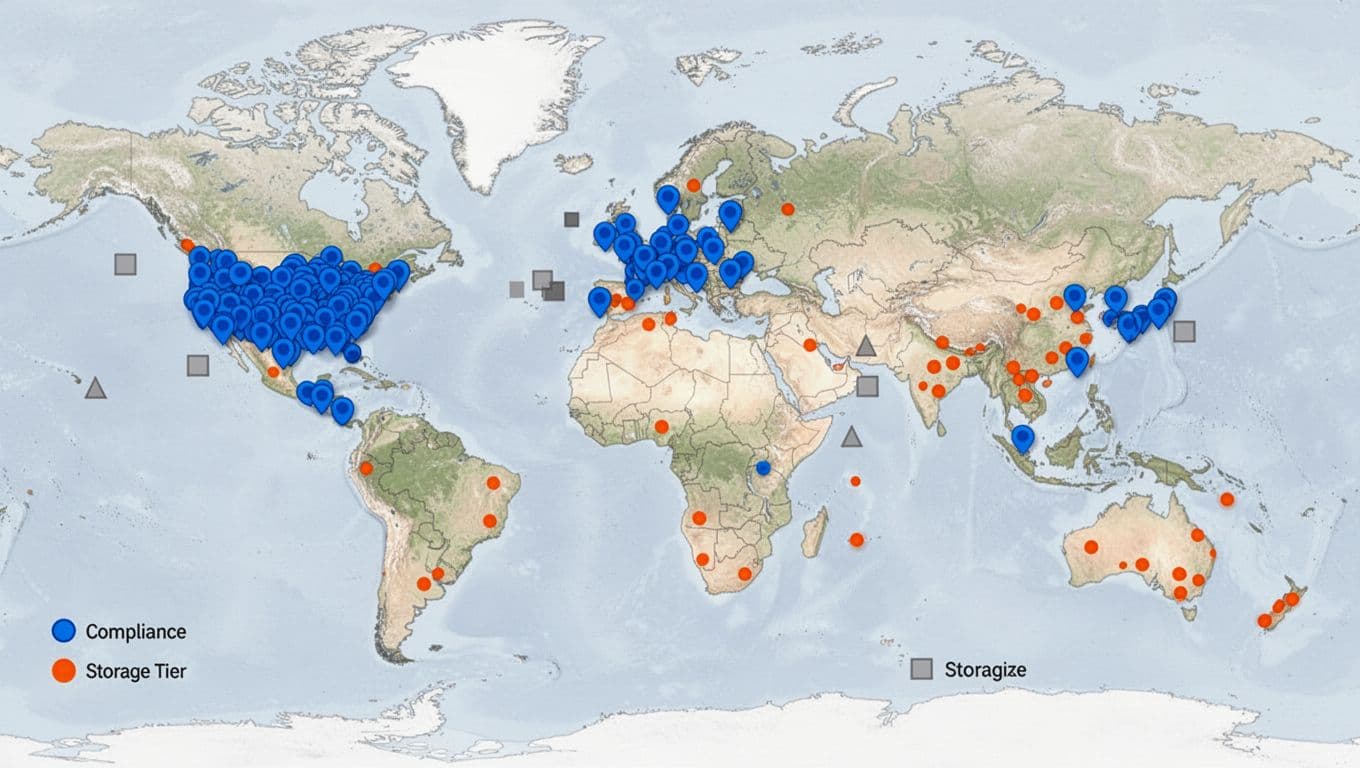
If your team runs deep on Microsoft tools, Azure can also stay the better fit. Azure Blob plugs into Entra ID, Microsoft 365, and Power BI with less friction. That matters when your storage choice is tied to identity, analytics, and governance, not just data transfer.
Here is the short version of when a traditional cloud provider still makes sense:
- You need exact regional placement, not broad global distribution.
- You need immutable storage, legal holds, or retention locks.
- You rely on storage tiering with deep archive options.
- You already use AWS Lambda, Athena, or similar native services.
- You live inside Microsoft tooling and want Azure-native control.
| Situation | AWS or Azure fit | Why R2 is weaker here |
|---|---|---|
| Strict regional residency | Strong | R2 gives fewer placement controls |
| Immutable compliance archives | Strong | Missing deeper governance features |
| AWS-native data workflows | Strong | Native integration is easier on S3 |
| Microsoft-first enterprise stack | Strong | Azure Blob fits the ecosystem better |
| Cold archive with rare restore | Strong | More archive tiers can lower storage cost |
A second limit is operational, not legal. If your app depends on tight event chains, advanced lifecycle rules, or multi-tier storage automation, R2’s simpler model can feel thin. That simplicity is a strength for many teams, but it is not the answer to every use case.
| Enterprise need | R2 behavior | S3 or Azure behavior |
|---|---|---|
| Object locking | Limited | Mature support |
| Deep archive | Basic | Broad archive choices |
| Event-driven workflows | Narrower | Richer native hooks |
| Storage tiering | Simple | More flexible |
| Region pinning | Light | More explicit control |
For a CTO or CFO, the question is not whether R2 is good. It is whether the missing controls matter more than the savings. If they do, Eliminating egress fees is helpful, but it does not replace the governance layer your company may already need.
The tradeoff between simplicity and breadth of features
R2 is easy to price because the model is simple. You pay for storage, you pay for requests, and egress is free. AWS and Azure give you more choices around storage class, lifecycle, and placement, which can lower cost in the right setup but make the bill harder to read.
That tradeoff is why many teams like cloudflare r2 for public assets and repeat downloads, then keep AWS or Azure for the messy parts of the stack. If you want a broader feature comparison, the Cloudflare R2 vs AWS S3 vs Azure Blob comparison is useful because it shows how quickly the bigger clouds add knobs.
| Feature area | Cloudflare R2 | AWS S3 | Azure Blob |
|---|---|---|---|
| Storage classes | 2 main options | Many options | Several options |
| Lifecycle rules | Basic | Advanced | Advanced |
| Region choice | Limited compared with hyperscalers | Very strong | Very strong |
| Native service hooks | Narrower | Broad | Broad |
| Archive depth | Limited | Deep | Deep |
A simple model helps here. R2 cuts data out of storage cost because it removes the transfer line. AWS and Azure keep more ways to fine-tune storage costs, especially when data gets old or rarely used. That is why they still fit teams with complex policies better than a pure cost play.
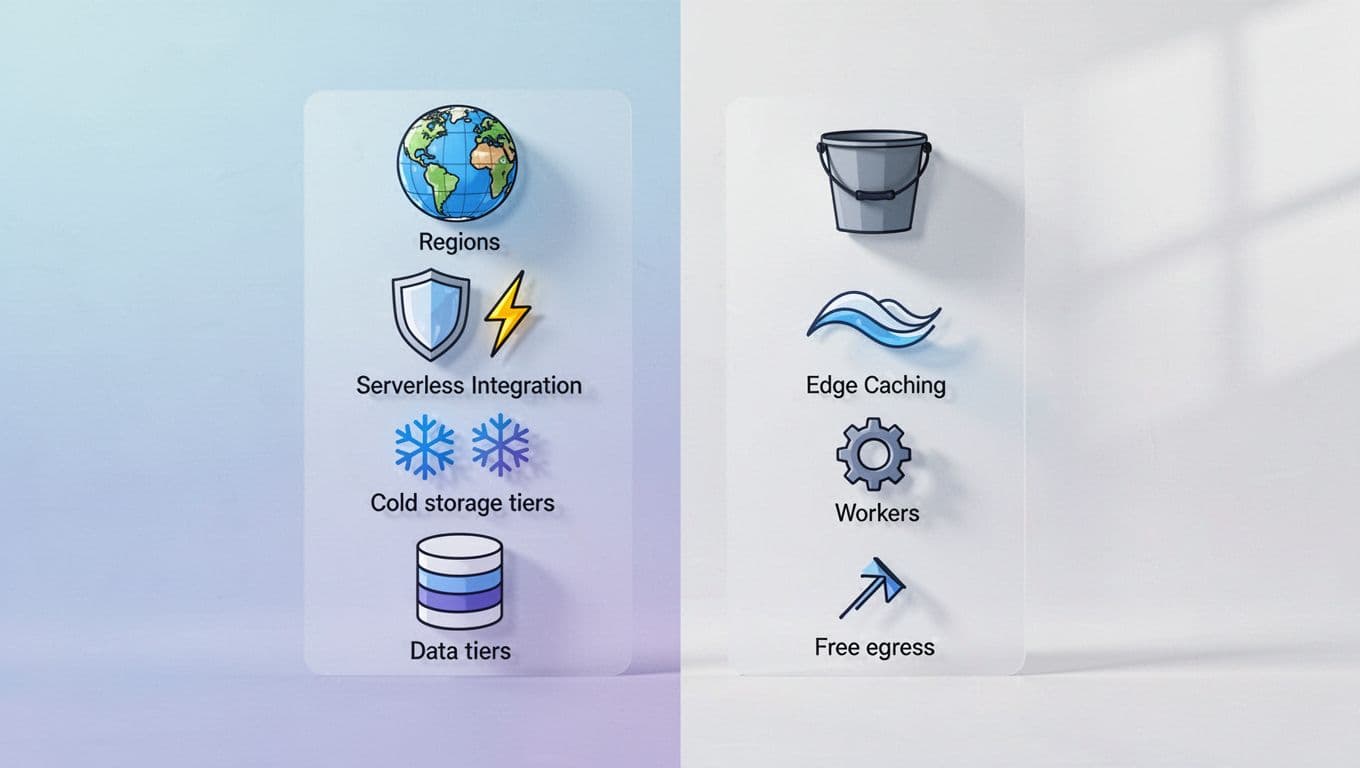
The simplicity also has a hidden cost. When you have fewer knobs, you can’t squeeze every workload into a cheaper niche. That is fine for media delivery, backups, and public assets. It is less ideal for compliance-heavy archives, high-change datasets, or internal platforms with strict policy rules.
| Workload type | R2 fit | Why the limit matters |
|---|---|---|
| Public downloads | Strong | Free egress is the main win |
| Media delivery | Strong | Reads dominate, not archive logic |
| Compliance archive | Weak | You may need stronger retention control |
| Internal analytics data | Mixed | Native warehouse integrations can matter more |
| High-write transactional storage | Mixed | Request patterns can matter more than storage price |
The raw numbers also show the gap. R2 standard storage is about $0.015 per GB-month, Azure Blob is around $0.020, and S3 is about $0.023. That looks great until your workload needs a deeper archive plan, more precise region controls, or a broader compliance toolkit. Then the bigger clouds earn their higher bill.
| Cost or feature question | R2 answer | AWS/Azure answer |
|---|---|---|
| Do you want simple billing? | Yes | Less simple |
| Do you want more storage tiers? | No | Yes |
| Do you want tighter governance? | Limited | Strong |
| Do you want easy outbound cost control? | Yes | No, egress still applies |
| Do you want fewer moving parts? | Yes | Usually no |
There is another limit worth watching. Class B operations stay cheap, but they still add up if your app keeps fetching the same files. R2 makes the transfer line disappear, not the request line. A busy app can still rack up cost if you treat every page load like a fresh fetch.
| Operational pattern | What happens on R2 | Why you should care |
|---|---|---|
| Frequent reads of the same file | Class B operations rise | Requests still cost money |
| Many list calls | Class A work grows | Metadata churn adds overhead |
| Heavy writes to one object | The bucket gets noisy | Rewrites deserve a second look |
| Cached delivery through Cloudflare | Fewer bucket hits | Lower total storage and operations cost |
A real-world lesson appears in the opposite direction too. Teams that moved image delivery or download distribution to R2 did it because traffic was the expensive part. Prisma saw major distribution savings after moving downloads off S3. That worked because the workload was public, repetitive, and easy to cache. A regulated archive is a different shape entirely.
| Good R2 fit | Bad R2 fit |
|---|---|
| Public image libraries | Immutable legal records |
| Software downloads | Deep compliance archives |
| Backup restores with high outbound traffic | Region-locked enterprise data |
| Edge-served assets | Storage tied to audit workflows |
For your team, the decision comes down to what you value more, control or simplicity. If you want the fewest surprises on outbound traffic, R2 stays compelling. If you want the widest set of storage tools, AWS and Azure still have the larger toolbox.
| Pros of R2 | Cons of R2 |
|---|---|
| Zero egress fees | Fewer storage tiers |
| Simple billing | Less control over region placement |
| S3-compatible API | Smaller enterprise feature set |
| Strong fit for public assets | Not built for deep archive complexity |
| Easy to explain to finance | Request volume still matters |
| Best if you need | Better choice |
|---|---|
| Lowest outbound cost | Cloudflare R2 |
| Deep archive and tiering | AWS or Azure |
| Strong governance controls | AWS or Azure |
| Fewer moving parts | Cloudflare R2 |
| Broad ecosystem integration | AWS or Azure |
If you already use Cloudflare, Spendbase offers up to 25% off Cloudflare, which helps trim the rest of the bill while you decide whether R2 is the right fit.
The clean test is simple: if your storage needs are mostly about moving files cheaply, R2 stays strong. If your storage needs are about policy, residency, or deep archival control, AWS or Azure still belongs in the conversation.

We can unlock discounts on 10,000+ tools you already use.
Conclusion
If your bill is shaped by outbound traffic, Cloudflare R2 is the cleanest place to cut it. The biggest win comes when egress fees are a large part of your monthly spend, because that is where R2 removes the cloud tax instead of trimming around the edges.
Before you move, measure your current data transfer, request counts, and storage mix. Then compare the savings against R2’s limits, like request volume, region needs, and colder archive use cases. If the math still favors you, the answer is clear.
Start small. Check one bucket, one workload, and one month of traffic, then test that workload in R2 first. If the bill drops without breaking your delivery path, you have your signal to move more data.


Get discounts on your team’s favorite apps
Find deals for 10%, 30%, or even 70% off in our discount marketplace.
Check Discounts



