










Azure Savings Plan vs Reserved Instances: Which One Fits Your Azure Budget?

You want lower Azure cost, but you don’t want to trap your business in the wrong commitment. That’s the heart of the Azure Savings Plan vs Reserved Instances decision for CTOs, CFOs, and CEOs.
Both options reduce pay-as-you-go pricing, but they work in different ways. In 2026, Azure Savings Plan can cut eligible compute spend by up to 65%, while Reserved Instances can reach up to 72%, or up to 80% with Azure Hybrid Benefit in some eligible Windows or SQL cases.
As your stack grows, pricing structure matters more than sticker price alone, which is easy to see in Azure Databricks costs and optimization in 2026. The smart choice depends on flexibility, service coverage, and your risk of waste.
How Azure Savings Plan works, and where it fits best
Azure Savings Plan for Compute is a spending commitment, not a lock on one exact machine.
You commit to a fixed hourly spend for one or three years, and Azure applies the discount automatically to eligible compute usage.
That matters when your engineering team keeps changing a vm family, vm size, or even an azure region.
The discount can follow eligible usage across Azure Virtual Machines, Dedicated Hosts, Container Instances, App Service, Functions Premium, and some machine learning compute. In plain terms, savings plans for compute are built for teams whose architecture moves.

The main benefits of Azure Savings Plan
The biggest draw is flexibility. Instead of having to commit to a specific VM family in a specific Azure region, you commit to hourly spend. Azure then matches that spend against eligible compute as your usage changes.
That lowers planning risk. If your product team moves from one instance type to another, or shifts traffic between regions, the savings plan still works as long as the usage stays in covered compute services.
Recent 2026 comparisons, including this Azure Savings Plans vs. Reserved Instances guide from nOps, keep landing on the same point: savings plans offer flexibility, while reservations offer deeper discounts.
Here is the quick picture:
- You get one hourly commitment instead of a strict hardware-like reservation.
- Savings plans automatically apply to eligible usage.
- You reduce pricing risk when your cloud shape is still changing.
This table shows the basic tradeoff:
| Option | Commitment type | Service coverage | Flexibility | Max savings |
|---|---|---|---|---|
| Azure Savings Plan | Fixed hourly spend, 1 or 3 years | Eligible compute service usage | High | Up to 65% |
| Reserved Instance | Specific VM or reserved capacity, 1 or 3 years | Specific Azure services, often tighter rules | Lower | Up to 72%, up to 80% with Azure Hybrid Benefit where eligible |
The takeaway is simple: if your workload moves, a savings plan usually gives you safer cost savings.
The limits you need to watch before you commit
Savings plans aren’t magic. They are compute-only, so they don’t cover all Azure services. Storage, bandwidth, and many platform charges still sit outside the plan.
You also can’t bank unused commitment. If you buy more hourly commitment than you use, the unused part doesn’t roll over.
That is where many teams lose expected savings. A savings plan is flexible, but it still rewards accurate forecasting.
The other tradeoff is discount depth. For very steady workloads, a reserved instance often wins on raw pricing. That’s why azure savings plans vs reservations is not only a finance question, it’s an architecture question too.
Picture a Series A SaaS company with a fast-moving product team. In January, it runs D-series VMs. By April, it shifts part of the app to App Service and Functions Premium.
In June, it moves part of the workload to a different region for latency. In that case, a savings plan would make more sense than locking into a specific instance too early.
See how much you can save on your stack
Pick your team’s tools!
Click to select one or more tools.


What’s your company size?
Just click to select.
What’s your business email?
We'll send you calculations right away
The email is flying to your inbox!
Beyond discounts, you may qualify for up to $100K in AWS credits.

How Azure Reserved Instances work, and when they save you more
Reserved Instances are stricter. You commit to a specific resource setup, usually a VM family, size, region, and term. In return, Azure gives you deeper discounts.
That makes reservations a strong fit for stable, always-on workloads.
If the same production VMs run all year in one place, azure reserved instances can outperform a savings plan on pure pricing. Reservations also exist for some non-VM services, but most finance teams first think about reserved VM instances.

Why Reserved Instances can deliver the biggest discounts
In 2026, the headline number is still strong. Azure Reserved Instances can cut pay-as-you-go pricing by up to 72% for some steady Linux workloads. In some Windows or SQL cases, Azure Hybrid Benefit can push possible savings to 80% where eligible.
For finance leaders, that matters because stable reservations make forecasting cleaner. You know the term, you know the committed setup, and you can model spend with less guesswork.
A recent 2026 comparison from ProsperOps reinforces that reserved instances and savings plans serve different jobs, not the same one.
Consider a company running 40 production VMs in East US, twenty-four hours a day, all year. The app is mature, traffic is predictable, and the architecture isn’t changing. That is the kind of setup where reservations provide the highest possible savings.
The tradeoffs that make reservations harder to use
The price looks great, but the fit must be right. A reservation works best when your real usage keeps matching the committed setup. If usage drops, or you move to a different VM family or specific Azure region, you can lose value.
Some exchanges may be possible in certain cases, but you should still treat reservations as a tighter commitment. They are less forgiving during migrations, refactors, and growth spurts.
The highest discount isn’t the best deal if you buy the wrong commitment.
Here is the short version:
- Reservations offer deeper pricing and better finance visibility.
- They can also reduce waste only when the workload stays stable.
- The cons of Azure reservations show up fast when your architecture is still moving.
Azure Savings Plan vs Reserved Instances, the differences that matter in real budgets
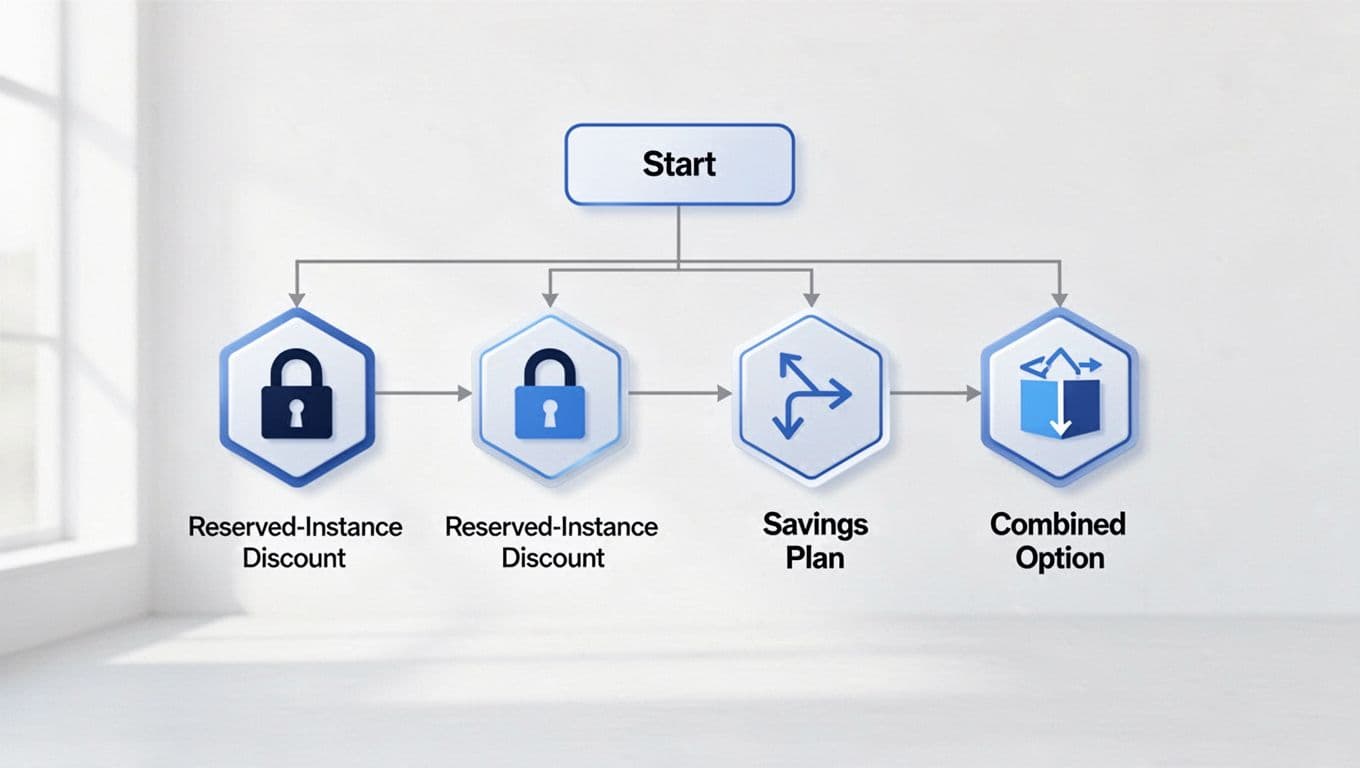
This is where many teams miss an important detail: Azure applies Reserved Instance discounts first, then uses Savings Plan discounts on the remaining eligible compute. So, reservations and savings plans can work together.
That means you don’t always need to choose one forever.
In a mixed Azure environment, you can reserve your baseline and use Azure savings for the changing layer on top.
This is the practical center of azure reservations vs savings plans.
Compare flexibility, coverage, and discount depth side by side
Use this table when you’re modeling real budget impact:
| Factor | Azure Savings Plan | Reserved Instances |
|---|---|---|
| Best for | Changing compute use | Stable, specific workloads |
| Commitment model | Hourly spend | Specific resource reservation |
| Region sensitivity | Lower | Higher |
| Scope of the savings | Eligible compute across covered services | Specific Azure services and configurations |
| Waste risk | Lower if usage shifts often | Higher if setup changes |
| Max discount | Up to 65% | Up to 72%, up to 80% with Hybrid Benefit |
Put simply, azure savings plans offer flexibility, while reservations offer the deepest discount when the match is exact.
A recent Azure Reserved Instances vs Savings Plans analysis from Exodata makes the same point in 2026 benchmarks.
A simple decision framework for mixed and changing workloads
If your environment has both steady and variable demand, split the problem:
- Reserve the baseline, always-on VM demand.
- Use Azure Savings Plan for variable or growing compute usage.
- Review both every month or quarter before you buy more.
This works well for SaaS companies. Your production app may stay steady, while dev, test, analytics, and launch spikes move around. In that case, reserved instances and savings plans together often beat an all-or-nothing bet.
Free Azure credits for startups
Check my eligibility

How to save more on Azure Reservations and Savings Plans with Spendbase
Many teams buy the right model at the wrong size. That’s why their promised savings never show up in the bill. The usual mistakes are simple: they commit too early, choose the wrong scope, or ignore how reservations will apply first.
A better approach starts with usage analysis.
Separate steady demand from bursty demand. Then model future pricing before you purchase. After that, keep reviewing your cost management every month, because cloud cost drifts faster than most budgets.
If you’re a founder or finance leader, Spendbase’s Azure startup credits support can help you reduce Azure spend, improve commitment strategy, and stretch early cloud budgets.
That is especially useful when you want to optimize your Azure costs beyond picking reservations or savings plans once and hoping for the best.

We can unlock discounts on 10,000+ tools you already use.
FAQs about Azure Savings Plan vs Reserved Instances
Can you use both at the same time?
Yes. Azure reserved instances and Azure savings plans can work together. Azure applies reservation discounts first, then applies savings plan discounts to the remaining eligible compute resource usage.
Which one gives better savings?
Reserved instances usually offer the highest possible savings for stable workloads. A savings plan with the highest flexibility often gives lower maximum discounts, but it reduces the risk of wasted commitment.
Which one is safer for startups?
A savings plan is usually safer when your architecture is still changing. If your team keeps changing instance type, VM size, or region, a reservation can become dead weight faster.
Does Azure Hybrid Benefit work with both?
The strongest Hybrid Benefit examples are tied to reservations, especially for Windows or SQL workloads. That is where Microsoft Azure can push discounts as high as 80% in eligible cases.
What happens if usage changes after you commit?
If you use less than your commitment, you can waste money. Savings plans provide more room when usage shifts across covered compute. Reservations are less flexible, even though some exchange options may exist in limited cases.
Your best choice depends on workload stability, not the biggest advertised discount. If your compute moves, Azure Savings Plan is usually the safer bet. If your workloads stay steady and specific, Reserved Instances often win on price.
Many teams get the best result by combining both. Start by checking your baseline compute demand, model future usage, and validate each commitment before you buy. That’s how you save more on Azure without buying savings you never use.
1 787 words


Get discounts on your team’s favorite apps
Find deals for 10%, 30%, or even 70% off in our discount marketplace.
Check Discounts



