










Saas management
AWS Credits: What Are They, How They Work, and How to Budget for Them

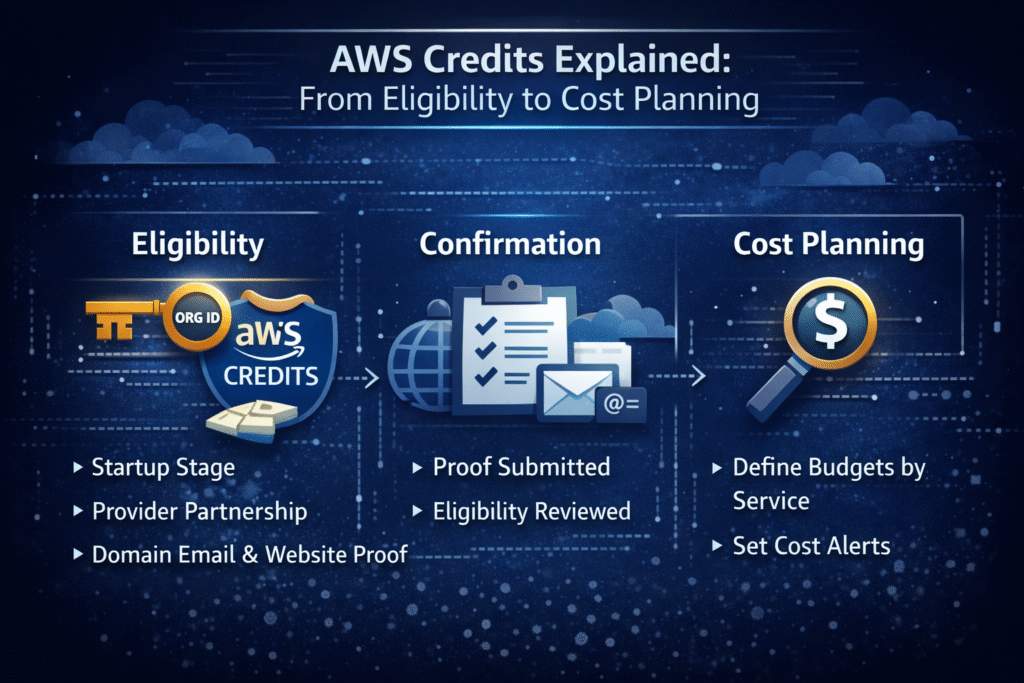
Cloud bills have a way of growing quietly, then showing up loudly. One new environment, a bigger database, a busy API, a few AI experiments, and your monthly AWS line item can jump fast.
That’s why AWS credits matter to finance leaders. They can create real savings and buy time. Still, they can also hide your true run rate, then leave you with a nasty surprise when they expire. If you’ve ever tried to forecast cloud spend while engineering ships weekly, you already know the feeling.
TLDR: AWS credits are a promotional balance that reduces eligible AWS charges automatically. They’re not cash, they can’t be transferred, and they don’t pay old invoices. Common sources include AWS Activate for startups, migration programs, event promos, and nonprofit or education offers.
Credits usually expire on a fixed schedule (often 12 to 24 months, Founders is often about 1 year, Portfolio is often about 2 years). They can cover many AWS services, but not everything (for example, many third-party Marketplace items and some pass-through fees).
The biggest mistake is assuming credits cover your whole bill, or waiting too long and falling off a “credit cliff.” Tools like Spendbase can help teams track cloud and SaaS spend, spot waste early, and plan renewals so credits don’t mask real costs, especially when paired with cloud optimization support.
What AWS credits are, and why they feel like free money (but are not cash)
AWS credits are a promotional credit balance that offsets eligible AWS usage charges. Think of them like a store gift card that only works on certain items, inside one store. You can’t withdraw them, resell them, or use them to pay vendors outside AWS.
In practice, credits reduce the amount you owe for eligible services on future bills. They don’t show up as a payout to your bank account. They also don’t usually “fix” a past-due invoice. If your bill already closed and you didn’t have credits then, you still owe that amount.
AWS offers credits for a clear reason: they lower the risk of getting started and encourage teams to build on AWS early. Since 2013, AWS has pushed large credit programs for startups and reported distributing billions in credits across hundreds of thousands of companies through AWS Activate. For founders, that can feel like a runway extension. For finance, it’s a temporary subsidy that must be modeled.
A simple example helps. Say your AWS spend is $2,000 per month, and you receive $10,000 in credits. If your workload stays flat, you have about five months where credits cover most eligible charges. After that, you start paying cash again. If your spend doubles by month three, the credits disappear sooner than you planned.
One more nuance: AWS reviewers often look for legitimacy signals when credits come through programs like Activate. A real website, a consistent company name, and a corporate domain email can matter, because they help AWS separate product companies from “credit collectors.”
For the official framing and terms, AWS summarizes how promotional credits work on its own page about redeeming AWS promotional credits.
Credits, coupons, and discounts are not the same thing
Finance teams often lump everything into “savings,” but these mechanisms behave differently.
Credits reduce eligible AWS charges until the balance runs out or expires. They are temporary by design. As a result, credits can make your cloud P&L look healthier than your steady-state reality.
Discounts and committed use (like Savings Plans) reduce unit pricing in exchange for a commitment or a negotiated rate. Those savings can continue long after credits are gone, although commitments add risk if usage drops.
Third-party SaaS discounts are separate again. They affect tools like security, monitoring, or collaboration software, not your AWS infrastructure bill.
This difference matters because credits can hide waste. If engineering leaves idle environments running, the cash pain shows up later, not now. Spendbase is useful here because it helps separate one-time offsets (like credits) from ongoing savings, while also making software price reductions easier to track through its software discounts marketplace.
Where credits show up, and how they get consumed
After you’re approved, credits typically appear in your AWS billing view under a credits section (often within a few hours). From that point, they apply automatically to eligible charges as they occur. You don’t have to “spend” them manually in most cases.
AWS commonly applies credits until they’re exhausted or expired. When you have multiple credit grants, AWS often consumes the ones with the earliest expiration first. That’s good in theory, but it still creates forecasting work. You need to watch both the remaining balance and the end dates.
Credit terms can vary by program, so you should always confirm the exact grant details inside your account. AWS documents the mechanics in its billing guide on applying AWS credits.
See how much you can save on your stack
Pick your team’s tools!
Click to select one or more tools.


What’s your company size?
Just click to select.
What’s your business email?
We'll send you calculations right away
The email is flying to your inbox!
Beyond discounts, you may qualify for up to $100K in AWS credits.

The main ways companies get AWS credits in 2026
There isn’t just one “AWS credits” program. Most companies get credits through a handful of common routes, and each route has different expectations and rules.
Startup programs are the best known. AWS Activate is the headline option for venture-backed and early-stage teams. It’s structured in tiers, so your eligibility and award size depend on your stage and your partner network.
Migration programs can fund part of a move to AWS. These are more common in mid-market and enterprise situations, where you have a real workload to move and a plan to execute it.
Education and nonprofit programs exist too. They often come with usage boundaries and documentation requirements, but they can be meaningful for research, training, and mission-driven work.
Events and partner bundles also matter. Sometimes credits come from hackathons, conferences, AWS partner campaigns, or fintech platforms that bundle perks with business banking or spend tools.
A clean planning rule helps: treat credits like a short-term subsidy, then build your “after credits” budget from day one. That means forecasting what you will pay when the subsidy disappears, not only what you’ll pay next month.
If you want AWS’s current view of Activate eligibility and the application entry point, start with AWS Activate Credits for startups.
AWS Activate for startups (Founders vs Portfolio, and what reviewers look for)
AWS Activate is designed for product-led startups building their own IP. That point matters, because many teams get rejected when their positioning looks like consulting.
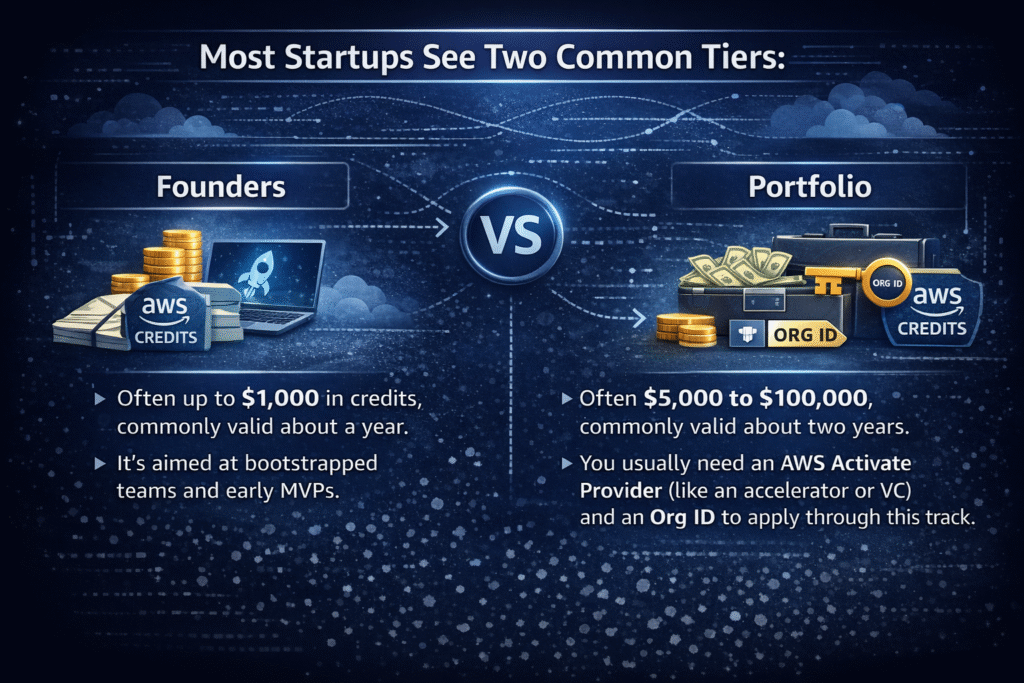
- Founders: Often up to $1,000 in credits, commonly valid about a year. It’s aimed at bootstrapped teams and early MVPs.
- Portfolio: Often $5,000 to $100,000, commonly valid about two years. You usually need an AWS Activate Provider (like an accelerator or VC) and an Org ID to apply through this track.
In recent years, some programs have offered higher caps for certain funded startups (including reports of up to $200,000 for some Series A cases with longer validity). Treat those as exceptions, not a baseline.
AWS also filters applications based on professionalism and consistency. Common approval signals include: a company under 10 years old, a functioning website with a clear product story, a corporate domain email (not a personal inbox), and an AWS account that has not already received the same credits.
Common rejection pitfalls are easy to avoid:
- Identity mismatches: Company name, website domain, and AWS account details don’t line up, which can look sloppy or suspicious.
- Thin websites: Placeholder pages, broken links, or vague copy can signal a non-operating business.
- The consultancy trap: If your site reads like staff augmentation or IT services for clients, reviewers may decide you are not product-led.
- Misuse signals: If an AWS account is linked to past policy issues (for example, abuse or fraud patterns), AWS may deny the application and request more documentation.
A quick “clean application” checklist:
- Use a corporate domain email that matches your website.
- Make your homepage explain the product in one minute.
- Keep the company name consistent everywhere.
- Apply from a stable business network and a primary AWS account.
- If you are service-heavy, reframe around your owned platform and roadmap.
Migration and enterprise routes (when you are moving big workloads)
Migration credits usually show up when a company has a real plan to move systems onto AWS, not just an idea. Programs such as the AWS Migration Acceleration Program (MAP) can offset parts of the migration effort when you have a defined scope, timeline, and business case.
From a finance view, migration credits often help with short-term spikes. Parallel run periods, data transfer, re-platforming work, and testing can raise spend before you can turn off the old environment. Credits can soften that ramp.
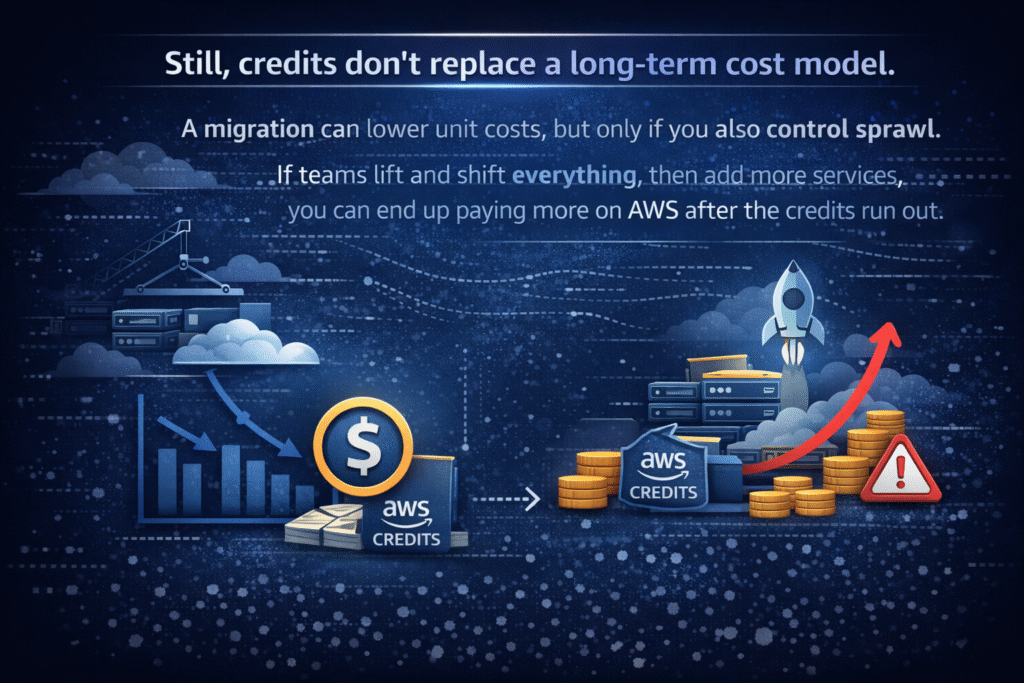
So, treat migration credits as a bridge. Build the “new steady state” forecast at the same time you plan the move.
What AWS credits can pay for, what they cannot, and why that matters for forecasting
Most finance surprises happen in the gaps between “covered” and “not covered.” AWS credits can apply to a wide set of services (often described as more than 200 eligible services in many programs), but they also come with exclusions meant to prevent pass-through costs and third-party liability.
Here’s a plain-English coverage map to anchor your forecast:
| Category | Often covered by credits | Often not covered by credits |
|---|---|---|
| Core infrastructure | Compute, storage, databases | Domain registration fees |
| AI and ML | Many ML services, often Bedrock | Some third-party tooling |
| Support | Some support plan charges (depends on grant) | Training, certifications |
| Marketplace | Rarely covers third-party licenses | Most Marketplace purchases |
The takeaway is simple: don’t let a large credit balance convince you that your whole AWS bill is “handled.” Keep a cash forecast for excluded items, even during the credit period. Also, always read the exact credit terms attached to your grant inside the billing console, because rules can differ.
Usually covered: core infrastructure and many AI services
Most credit grants focus on the basics: compute, storage, and databases. That usually means services like EC2, Lambda, Fargate, S3, EBS, EFS, and common databases such as RDS or DynamoDB.

In 2026, AI costs also drive a lot of early cloud burn. Many startups now spend meaningful amounts on inference, embeddings, and experimentation. AWS has responded by allowing many Activate credits to be used for AI and ML services, including Amazon Bedrock in many cases. That matters because Bedrock can route to popular foundation models through one API, and those token-based costs add up quickly.
Even so, verify eligibility in your account. Some grants include AI services broadly, while others narrow the scope. A quick review of the credit grant details can prevent the “we assumed it was covered” problem.
Common exclusions that still create real cash spend
Exclusions are where forecasting discipline pays off.
Many credits do not cover third-party software bought through AWS Marketplace, because those charges involve external vendors. Likewise, Route 53 domain registration and transfer fees often remain cash expenses because they include registry pass-through fees.
Some upfront commitment payments can also be excluded, depending on the credit terms. In addition, professional services, training, and certification exams are typically cash. Labor-driven services, like Mechanical Turk, also usually don’t qualify.
If you want a practical discussion of what happens when credits expire and how teams can prepare, nOps offers a useful perspective in its guide on AWS credits expiring or running out.
Avoid the credit cliff: how to use AWS credits without creating a budget surprise later
The “credit cliff” happens when a company gets used to low net cloud bills, then credits expire and spend snaps back to full price. For leadership, it can look like a sudden loss of control. For finance, it’s often a forecasting failure, not an engineering failure.
The fix is boring, but it works: track the real run rate while the bill is being subsidized. In other words, report gross AWS usage cost alongside the net amount after credits. That gives you a clean view of what the business is actually consuming.
Controls also matter because credits can mask bad habits. Teams spin up environments for a sprint, then forget to shut them down. Costs keep accruing, and credits hide the leak until they are gone.
This is also where process helps. When purchases and new tools flow through consistent approvals, you catch spend before it lands. Spendbase supports that with procurement workflows that keep finance in the loop without slowing teams down.
A simple finance playbook for tracking credits like real budget
Treat credits like a temporary funding source, and manage them with the same discipline as cash.
- Track gross spend monthly: What AWS would have charged without credits.
- Track net spend monthly: What you actually paid after credits.
- Forecast the zero month: The month credits hit $0, based on current burn.
- Report both numbers: Leadership should see the real run rate and the subsidized run rate.
- Set alerts: Configure billing alerts for low credit balance and upcoming expiration windows.
- Tag and allocate: Allocate costs by product, team, and environment, so cuts are fast when needed.
If you only report “net after credits,” you’re budgeting with a blindfold. Gross spend is the signal, net spend is the temporary outcome.
Stretch credits further with cost basics (rightsizing, spot, and removing idle spend)
You don’t need deep engineering work to extend runway. Start with hygiene.
First, shut down idle dev and staging resources on nights and weekends. Next, rightsize obvious over-provisioning, like oversized instances that run at low utilization. After that, move flexible workloads to cheaper capacity options such as Spot Instances when interruption risk is acceptable.
It also helps to do periodic architecture reviews focused on waste. Many AWS partners run Well-Architected style reviews that surface quick savings. During the credit period, those savings stretch the subsidy. After credits end, the same work protects your margin.

We can unlock discounts on 10,000+ tools you already use.
Conclusion
AWS credits reduce eligible AWS charges, but they are not cash, and they always come with an expiration date. Terms vary by program, so exclusions like Marketplace tools or domain fees still need a cash forecast. Getting larger credits often requires clean identity signals and a clear product story, not a consulting pitch. Most importantly, the smartest teams track gross vs net cloud spend so the credit cliff doesn’t turn into a budget shock.
If you want a practical way to keep cloud and SaaS spend visible, controlled, and forecastable, request a demo and see how Spendbase can help you stay ahead of renewals and real run rates.


Get discounts on your team’s favorite apps
Find deals for 10%, 30%, or even 70% off in our discount marketplace.
Check Discounts



