











Make An Event Discount - Up to 45% off
Make An Event is a streamlined event management software that empowers you to create unforgettable experiences effortlessly.
Get discountCategory
Event Booking Software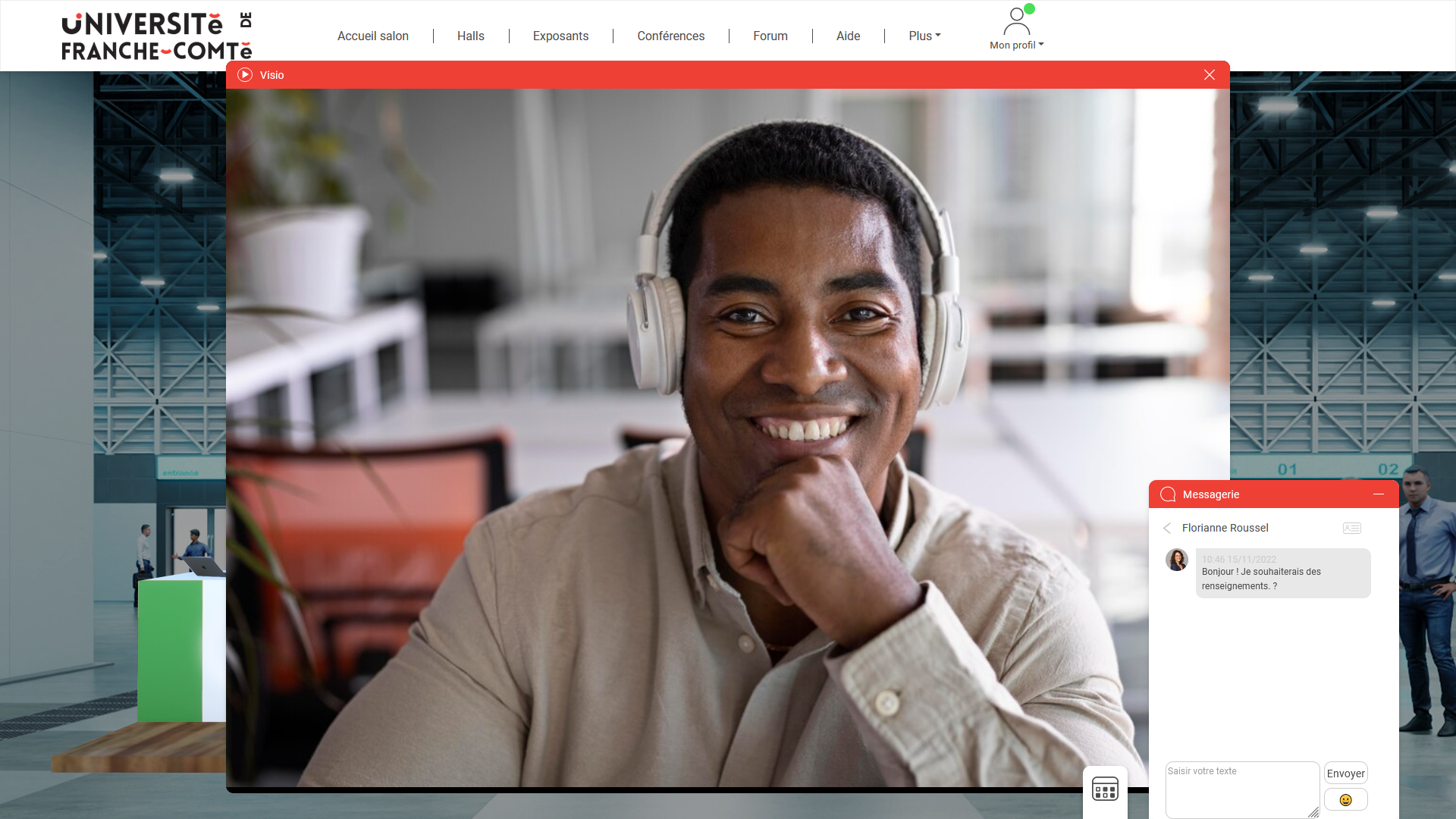
What is Make An Event?
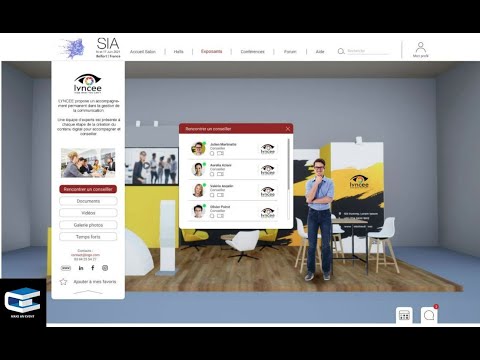
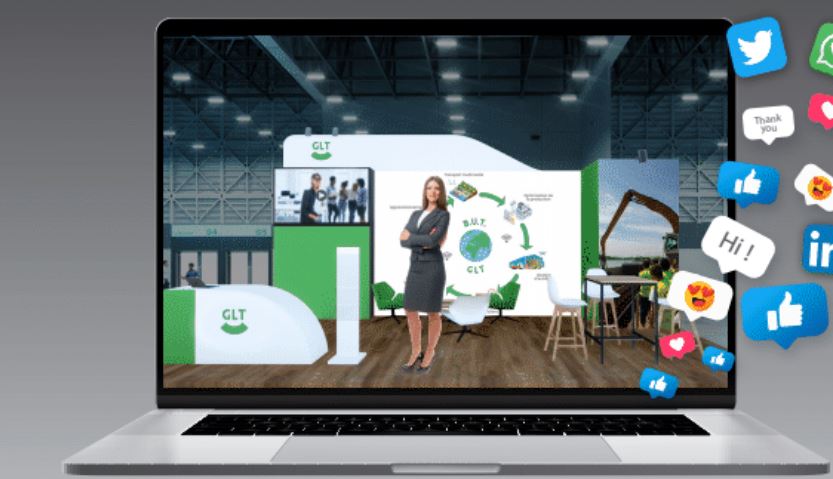
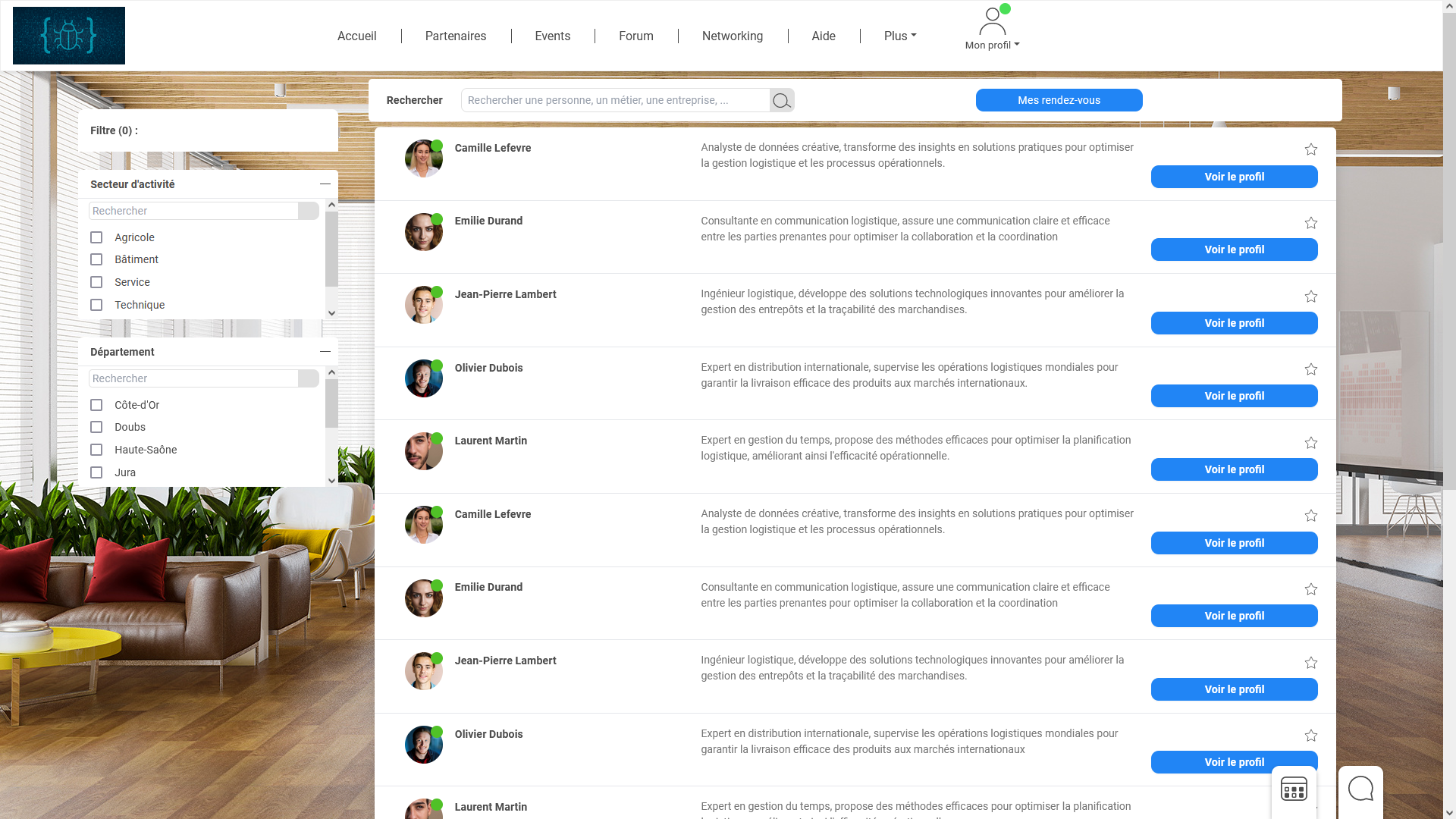
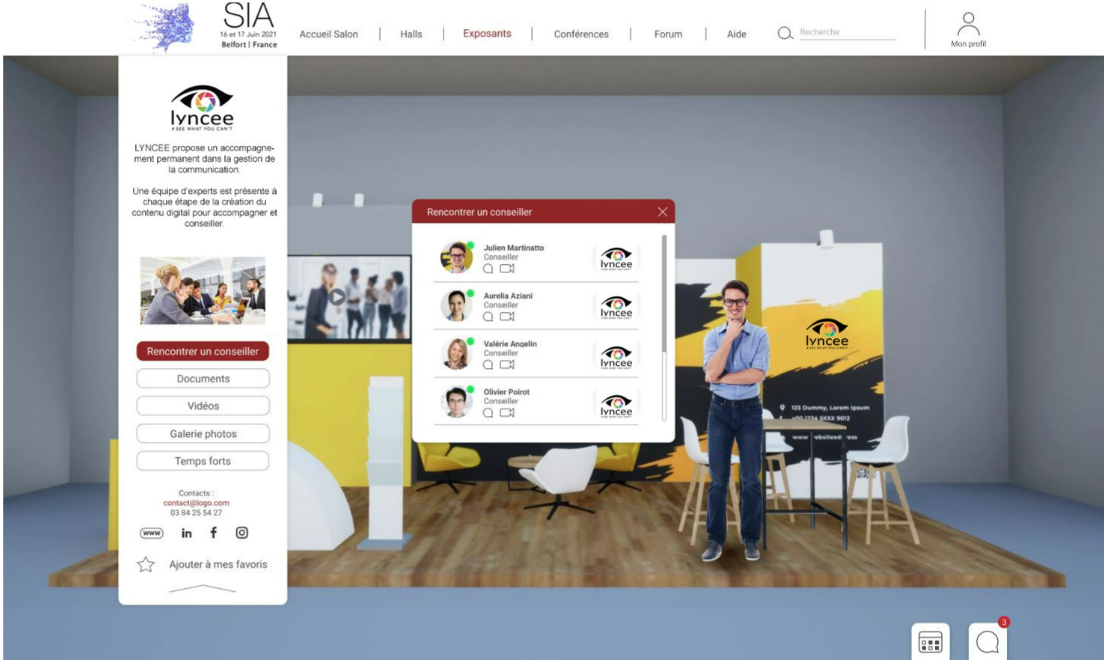
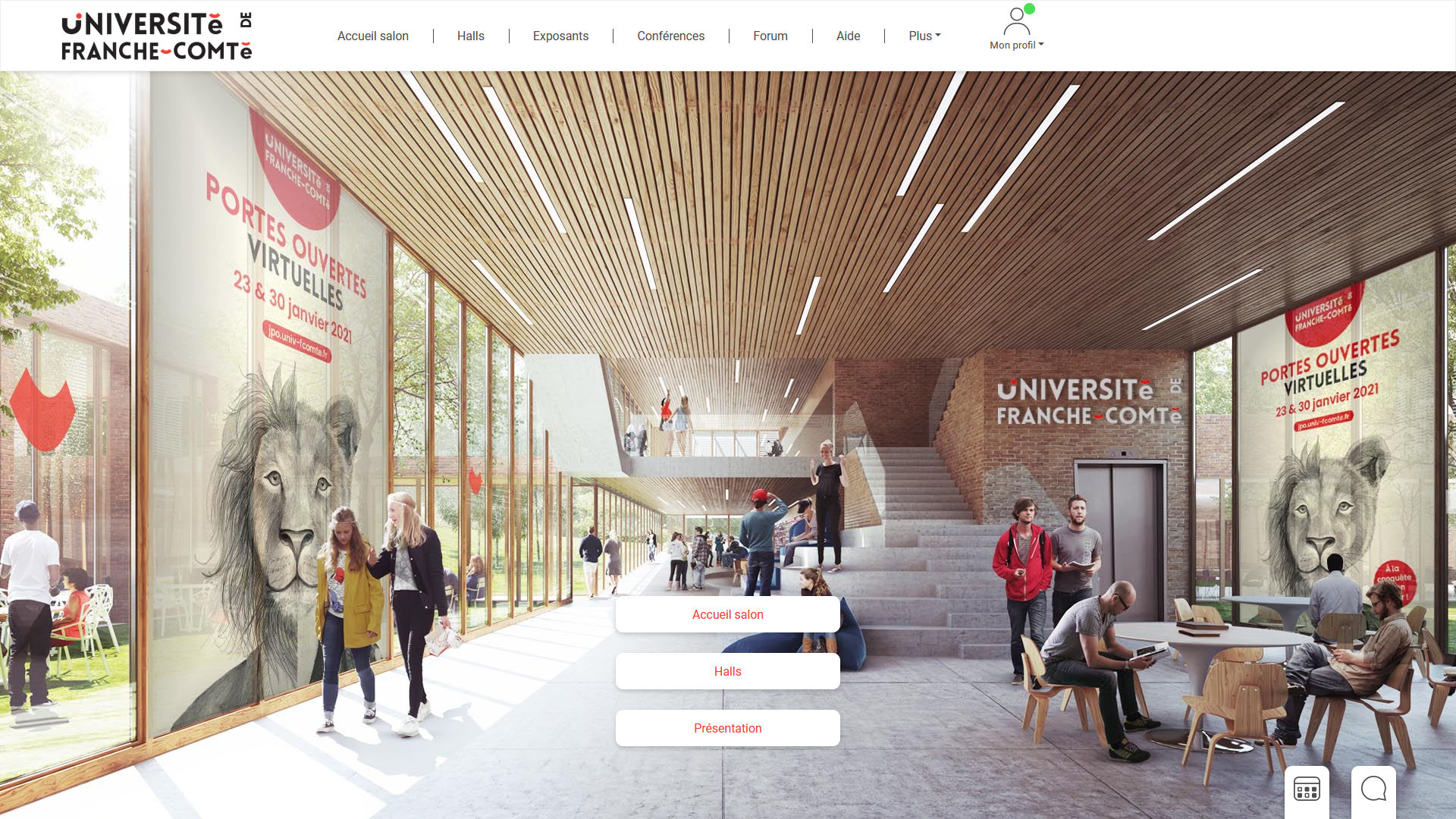
Make An Event is a comprehensive event management platform designed to streamline the entire event planning process. It offers a unified solution encompassing registrations, ticketing, scheduling, networking, and analytics. Key features include calendar management for tracking schedules, customizable forms and templates to tailor event materials, exhibit/vendor management for coordinating participants, and robust reporting/analytics tools to monitor event performance. Additionally, it provides access control to regulate information visibility, ensuring a seamless and efficient event planning experience.
- Centralized platform for complete event management
- Customizable ticketing with photos and videos
- Extensive configuration and branding personalization options
- Intuitive, easy-to-use interface for attendees
- Real-time information access during live events
- Analytics and insights across event lifecycle
Eligibility
Number of Seats/Users: Make An Event offers discounts based on the number of users or seats. A higher volume typically leads to a better discount structure, especially for enterprise-level usage.
Commitment to a Long-Term Contract: Discounts are often provided to companies that commit to using the service for a longer period (e.g., 1-year or 3-year contracts). A longer commitment shows Make An Event that the company is serious and willing to invest in the platform long-term.
No Active Discounts: Companies that are not already receiving other active discounts may have a better chance of qualifying for additional discounts from Make An Event. Make An Event reserves discounts for new customers or those not currently under promotional pricing.
Volume or Usage Commitment: Make An Event offers discounts if you agree to a minimum amount of usage or transaction volume. This could be based on data storage, transactions, or other metrics tied to how much you will use the platform.
Enterprise-Level Negotiation: Companies that qualify as “enterprise” due to their size or complexity (e.g., having large teams, multiple departments, or geographical presence) may be eligible for additional discounts from Make An Event. Such companies are often in a position to negotiate for better pricing.
Early Renewal or Prepayment: Make An Event often offers discounts if you renew early or prepay for the entire contract period. This is a common approach to securing a lower price.

Make An Event - Up to 45% off
Reviews
Here at Spendbase our internal data shows that Make An Event is performing very strongly for teams that need an all‑in‑one, configurable event platform, especially in education and large event settings.
From what Spendbase clients share with us, a few themes stand out:
1. Strengths that consistently come up
- High configurability and personalization
- Flexible ticketing setup (pricing, formats, and branding)
- Ability to add photos and videos to enrich event pages
-
Good fit for large events, fairs, and trade shows where customization matters
-
Ease of use and intuitive UX
- Clients describe the platform as simple to navigate for both staff and attendees
- Works well in high‑traffic situations like open days and info sessions
-
Search and filtering help participants quickly find relevant sessions or contacts
-
Support and responsiveness
- The vendor’s team is noted as highly available and quick to respond
- Feature requests and specific needs tend to receive attention in short time frames
- This reduces risk and overhead for teams rolling out the tool under tight deadlines
2. Pain points and trade‑offs
Our internal data shows that the platform is not perfect, with a few recurring friction points:
- Image handling
- Adapting and resizing photos is seen as clunky
-
This slows down page design for more visually demanding events
-
In‑person vs digital expectations
- Some Spendbase clients still see digital tools as a complement, not a full replacement, for face‑to‑face guidance
- The platform works best when paired with on‑site staff for complex or high‑touch experiences
3. Fit for Spendbase clients from a cost/benefit lens
From a discount and optimization perspective, Make An Event tends to deliver the most value when:
- You run recurring events (open days, conferences, fairs) where configurability pays off over time
- You need centralized management of registration, ticketing, and information discovery
- Your team can tolerate minor UX issues around media handling in exchange for strong support and flexibility
In short, our internal data shows that Spendbase clients see Make An Event as a highly capable, intuitive platform with strong support, where the main improvement area is smoother media and design workflows.
See how much you can save on your stack
Pick your team’s tools!
Click to select one or more tools.


What’s your company size?
Just click to select.
What’s your business email?
We'll send you calculations right away
The email is flying to your inbox!
Beyond discounts, you may qualify for up to $100K in AWS credits.

FAQ
1. What types of discounts can I create for my event?
You can create flat or percentage-based discounts, applicable to specific tickets or entire events.
2. Can I set usage limits for discount codes?
Yes, you can restrict the number of times a discount code can be used.
3. Is it possible to apply discounts to specific ticket types?
Yes, discounts can be assigned to specific ticket types or registration options.
4. Can I offer group discounts for multiple attendees?
Yes, group discounts are available for attendees registering together.
5. How do I track the performance of my discount codes?
You can generate reports to monitor the usage and effectiveness of your discount codes.
6. Are there any restrictions on combining multiple discounts?
Typically, only one discount code can be applied per order; combining multiple discounts is usually not allowed.
7. Can I set expiration dates for my discount codes?
Yes, you can specify start and end dates for your discount codes to control their validity period.
8. Do you offer special pricing for non-profit organizations?
Yes, special pricing is available for non-profits; please contact us for more details.
Related discounts

Zoom Events and Webinars
Event Booking Software
Up to 15% off

Now Book It
Event Booking Software
Up to 50% off

Event Dispatch
Event Booking Software
Up to 30% off

RSVPify
Event Booking Software
Up to 20% off

GolfStatus
Event Booking Software
Up to 25% off

Envelope
Event Booking Software
Up to 25% off
Software cost optimization
Make An Event savings in five steps
Let’s estimate your potential savings and see how you can scale your cloud infrastructure.
One call. No cost. No commitments


meet vendor relationship EXPERTS
Our customers save millions with us



Save on Make An Event
It’s time to shrink your bill
Let our SaaS cost optimization experts check what deals you can get and how much you can save on your corporate subscriptions
See how you can:
- Learn about pricing benchmarks and discounts
- Present potential savings by vendor to your team
- Meet your SaaS and cloud cost optimization goals
Get Make An Event discount
We’ll email you back within 1 business day