











TripWorks Discount - Up to 35% off
TripWorks maximizes conversions, boosts revenues and provide the advanced features required by growth-focused event companies.
Get discountCategory
Event Booking Software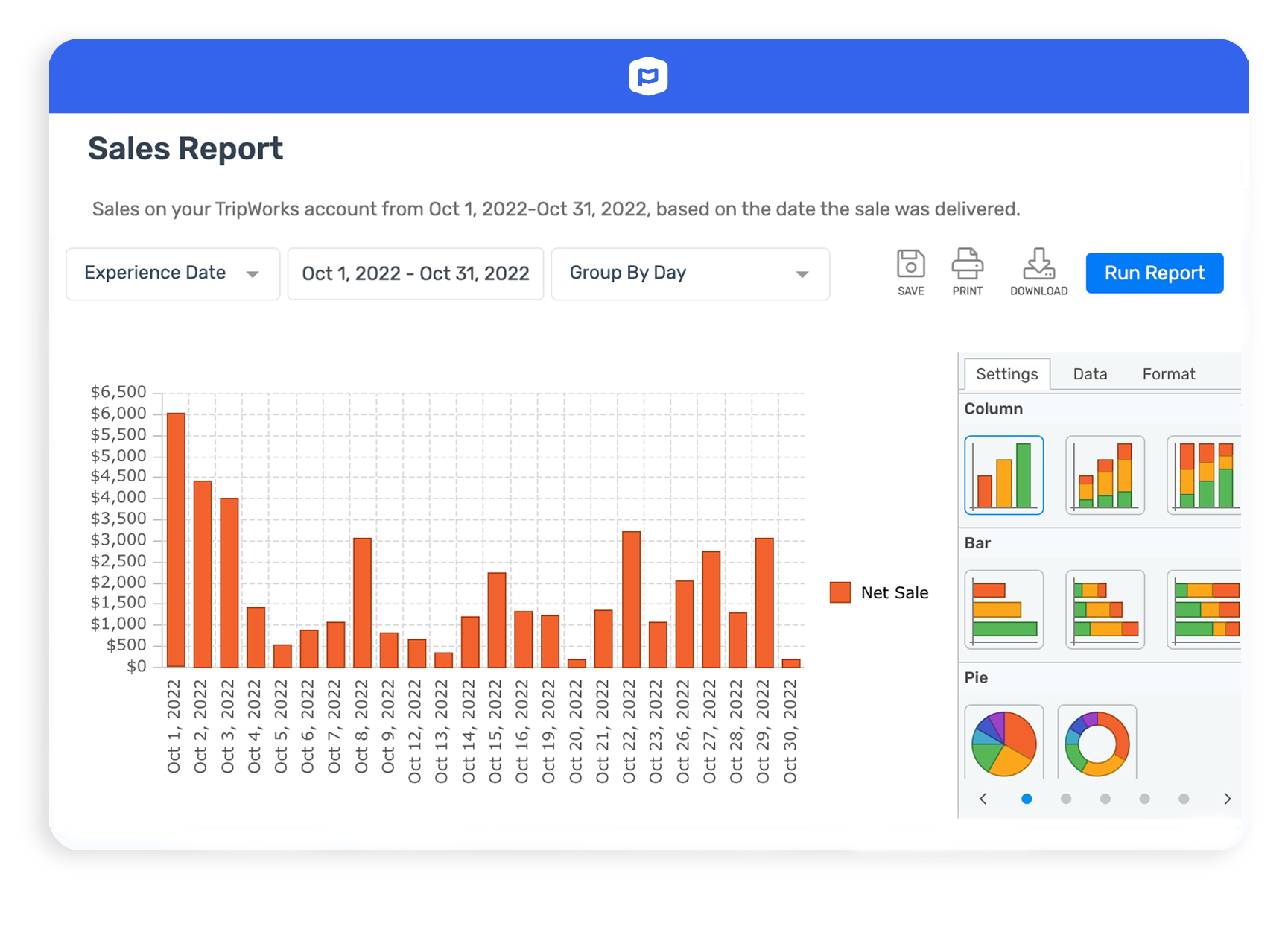
What is TripWorks?
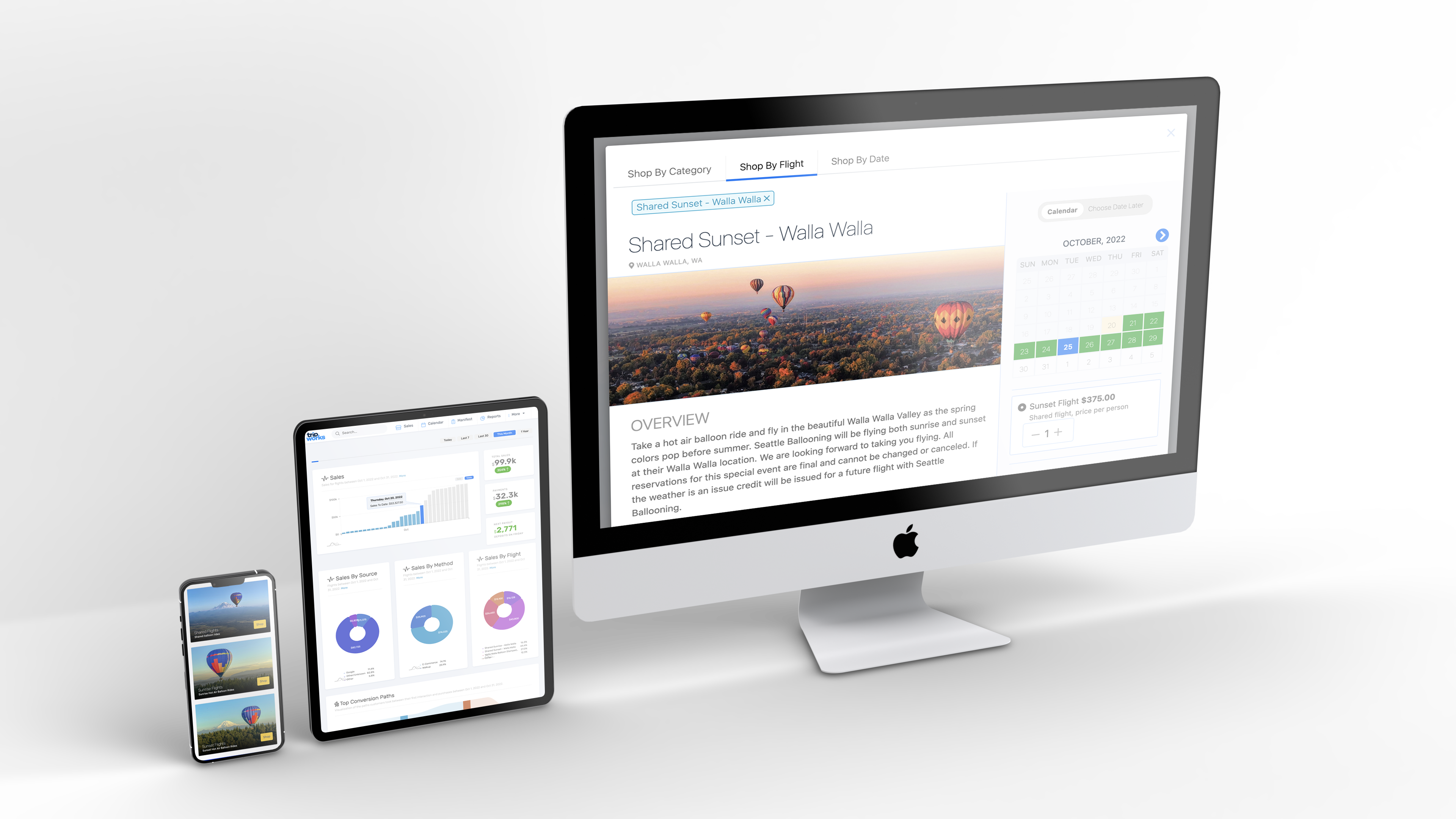
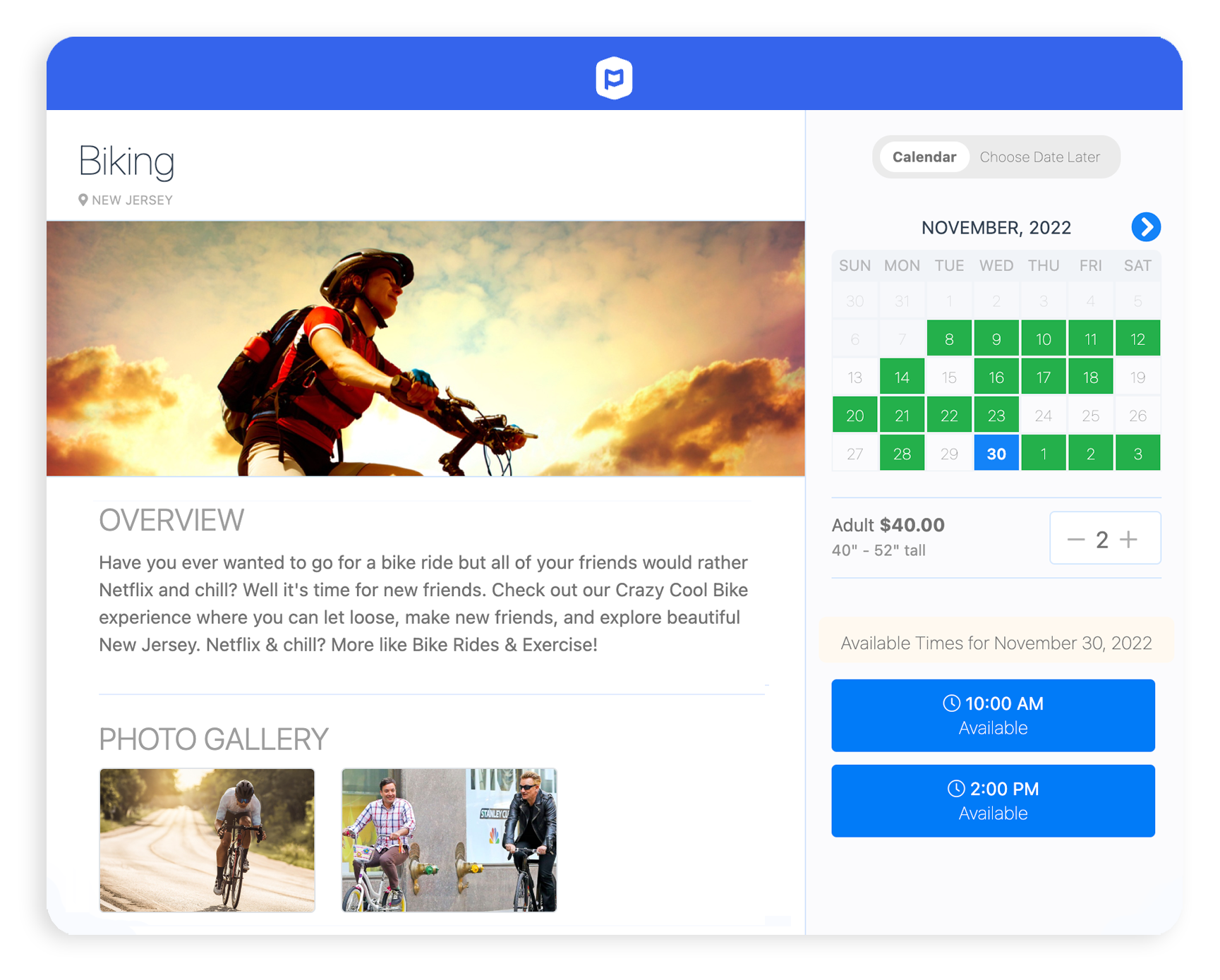
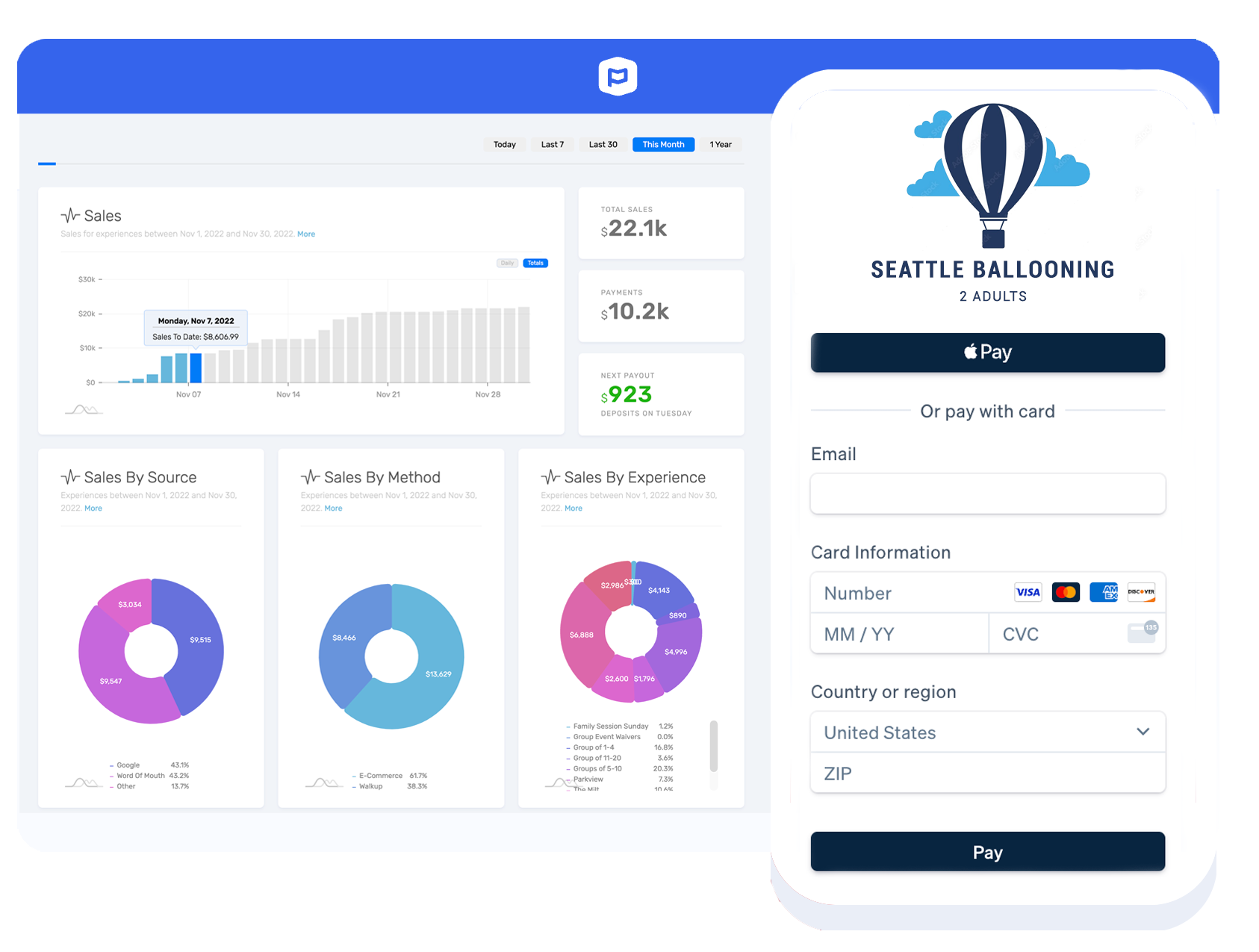
TripWorks is a comprehensive booking platform designed for tour, activity, and attraction operators to enhance conversions and revenue. Its key features include online booking, payment processing, calendar management, reservations management, and activities booking. The platform also offers advanced digital marketing integrations, digital waivers, gift cards, resource management, abandoned cart recovery, fast payouts, support for Apple Pay and Google Pay, QR codes, point-of-sale capabilities, and connections to over 40 OTA channels such as Viator, GetYourGuide, and Expedia. These tools collectively streamline operations and improve customer engagement.
- All-in-one reservation and resource management
- Self-service rescheduling and booking modifications
- Powerful reporting on channels and revenue
- Integrated payments, tipping, and upselling tools
- Automated marketing: abandoned carts, promos, communications
- Highly responsive, dedicated customer support team
Eligibility
Number of Seats/Users: TripWorks offers discounts based on the number of users or seats. A higher volume typically leads to a better discount structure, especially for enterprise-level usage.
Commitment to a Long-Term Contract: Discounts are often provided to companies that commit to using the service for a longer period (e.g., 1-year or 3-year contracts). A longer commitment shows TripWorks that the company is serious and willing to invest in the platform long-term.
No Active Discounts: Companies that are not already receiving other active discounts may have a better chance of qualifying for additional discounts from TripWorks. TripWorks reserves discounts for new customers or those not currently under promotional pricing.
Volume or Usage Commitment: TripWorks offers discounts if you agree to a minimum amount of usage or transaction volume. This could be based on data storage, transactions, or other metrics tied to how much you will use the platform.
Enterprise-Level Negotiation: Companies that qualify as “enterprise” due to their size or complexity (e.g., having large teams, multiple departments, or geographical presence) may be eligible for additional discounts from TripWorks. Such companies are often in a position to negotiate for better pricing.
Early Renewal or Prepayment: TripWorks often offers discounts if you renew early or prepay for the entire contract period. This is a common approach to securing a lower price.

TripWorks - Up to 35% off
Reviews
Here at Spendbase our internal data shows that TripWorks performs very strongly for tour and activity businesses that care about revenue growth and operational efficiency, with a few clear areas to watch from a cost and support standpoint.
Key strengths Spendbase clients highlight
1) Revenue & conversion impact
– Many clients explicitly report:
– Higher ticket values and more upsells
– Stronger tip volumes (one case: tips per tour more than doubled)
– More recovered “abandoned carts” and draft purchases
– Self‑service rescheduling and smooth booking flows reduce friction, which tends to improve conversion and repeat bookings.
2) Ease of use & onboarding
– Most teams learned the “first 20%” of the platform quickly and could operate day‑to‑day without heavy training.
– Mobile access and simple schedule controls (open/close availability quickly) are big wins for small and seasonal teams.
3) Customer support & partnership
– Our data shows unusually high satisfaction with:
– Dedicated account managers
– Fast responses and willingness to jump on calls
– Openness to build custom or suggested features over time
– This is especially valued by operators with complex resources (large equipment fleets, weather‑dependent tours, multiple resellers).
4) Functional highlights that drive value
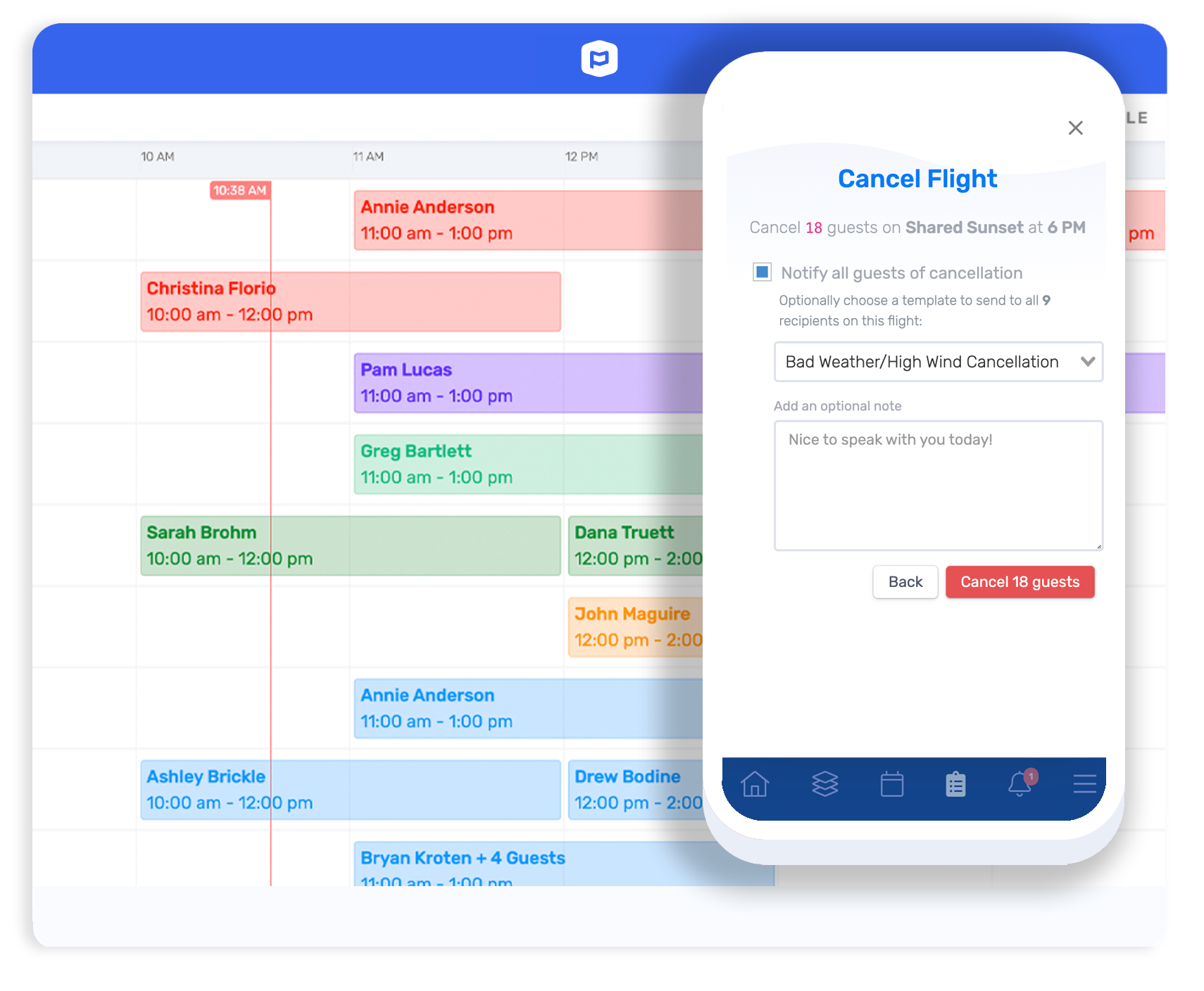
– Self‑serve rescheduling for weather‑impacted tours
– Strong resource management for large inventories
– Integrated payments, email/SMS comms, review collection
– Multi‑language booking now available (including Spanish)
Main pain points and cost-related flags
1) Feature gaps / pace of development
– Some clients feel certain features (POS, availability options, phone app, waitlist) are not yet as polished as they’d like.
– New UI introduced extra scrolling for some workflows.
2) Support consistency
– While top‑tier support is common, a few clients note:
– Longer waits or script‑like answers from some agents
– Slower resolution on more complex issues or weekends
3) Fees & payment processing
– Several comments call out:
– Booking/processing fees feeling high to end customers
– Extra cost or friction when trying to use external payment processors
– From a Spendbase perspective, this is the main area to benchmark and negotiate:
– Card processing rate
– Any extra percentage for using third‑party gateways
– Pass‑through vs absorbed booking fees, and impact on conversion
Summary for Spendbase clients
TripWorks is a strong fit for operators prioritizing revenue lift, modern UX, and close vendor collaboration. When we help clients evaluate or renegotiate, we focus heavily on the fee structure and processing terms, while preserving the features and support that are clearly driving growth.
See how much you can save on your stack
Pick your team’s tools!
Click to select one or more tools.


What’s your company size?
Just click to select.
What’s your business email?
We'll send you calculations right away
The email is flying to your inbox!
Beyond discounts, you may qualify for up to $100K in AWS credits.

FAQ
1. How do I create an offer code in TripWorks?
Navigate to More > Discover More > Offer Codes, then select 'Create' to set up your offer code.
2. Can I limit offer codes to specific activities?
Yes, you can assign offer codes to particular activities during the setup process.
3. Is it possible to restrict offer codes to certain dates?
Absolutely, you can define date availabilities and blackouts for each offer code.
4. How do I prevent an offer code from being used online?
During setup, check the 'Prevent Online Use' box to restrict online redemption.
5. Can offer codes be applied to gift card purchases?
Yes, enable this option in the offer code settings under the 'Gift Cards' section.
6. What happens if an offer code reaches its maximum usage?
The offer code status will change to 'Used,' making it unavailable for further use.
7. How do I set a discount amount for an offer code?
Specify either a dollar amount or percentage discount during the offer code creation.
8. Can I apply an offer code to product purchases?
Yes, enable this option in the offer code settings under the 'Products' section.
Related discounts

Ecopass
Event Booking Software
Up to 50% off

Eventtia
Event Booking Software
Up to 15% off

Timely Event Management
Event Booking Software
Up to 25% off
Beyonk
Event Booking Software
Up to 25% off

Bookingbird
Event Booking Software
Up to 40% off

A2Z Events
Event Booking Software
Up to 50% off
Software cost optimization
TripWorks savings in five steps
Let’s estimate your potential savings and see how you can scale your cloud infrastructure.
One call. No cost. No commitments


meet vendor relationship EXPERTS
Our customers save millions with us



Save on TripWorks
It’s time to shrink your bill
Let our SaaS cost optimization experts check what deals you can get and how much you can save on your corporate subscriptions
See how you can:
- Learn about pricing benchmarks and discounts
- Present potential savings by vendor to your team
- Meet your SaaS and cloud cost optimization goals
Get TripWorks discount
We’ll email you back within 1 business day